What this small reset tool does in refill work
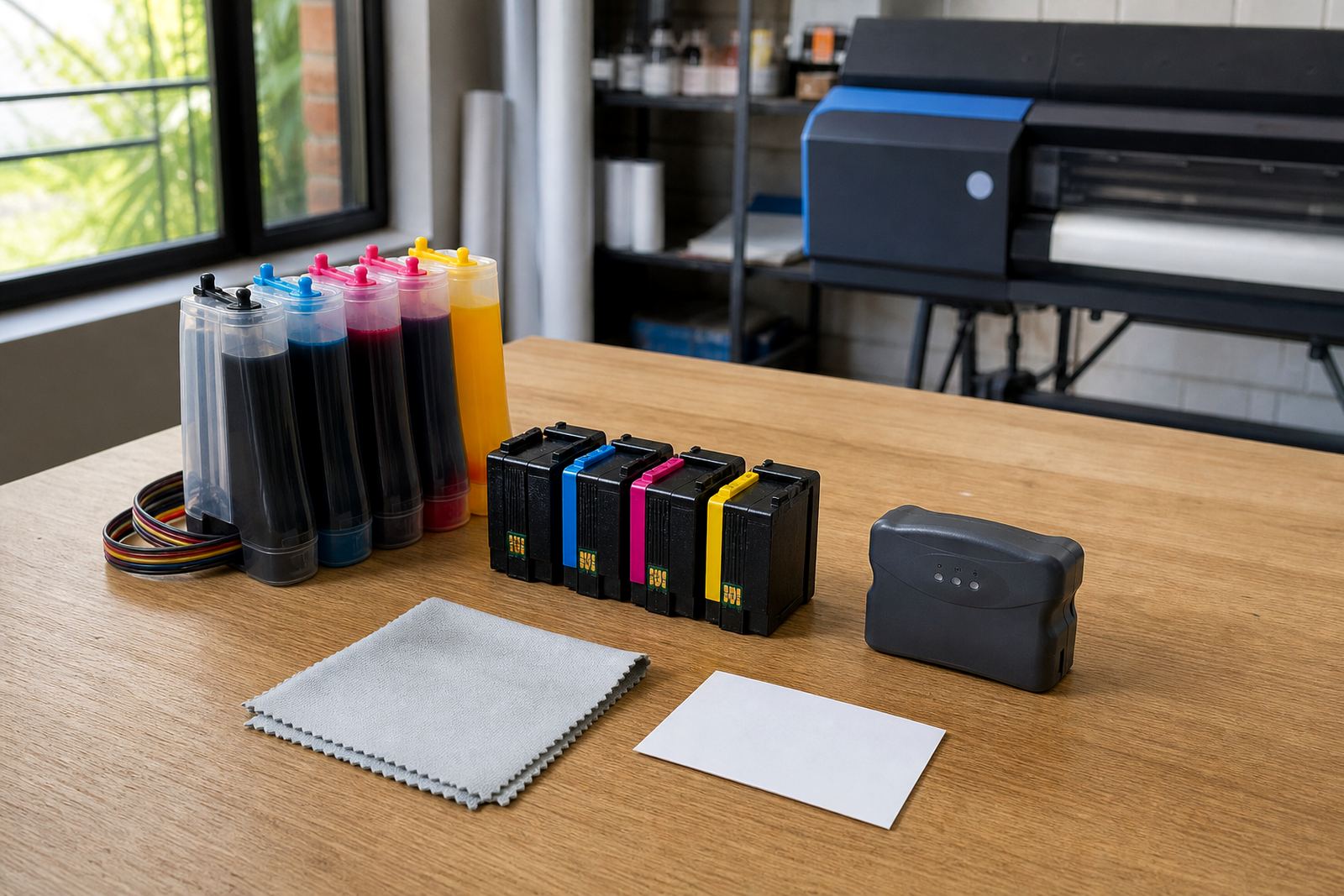
The Basic Chip Resetter is a compact hand tool for cartridges that use a resettable chip or contact strip. In plain terms, it helps return the chip to a ready state after refilling so the printer can read the cartridge as usable again. That matters in offices, design studios and small print rooms where empty cartridges are kept in rotation rather than thrown out after one use.
This is not a repair for a damaged cartridge shell, a broken contact pad or a leaking body. It is part of a clean refill routine, used with the correct ink, a sound cartridge and a printer that accepts the type of chip on the cartridge. If the chip style is not compatible, the resetter will not solve the issue.
- Used on compatible refillable cartridge chips
- Supports repeat use after refilling
- Helps reduce cartridge waste where the body is still serviceable
- Best used with clean contacts and careful handling
Where it fits in Westville, Durban print routines
In Westville and the wider Durban area, many users keep a resetter close to the refill station so cartridges can move from cleaning to filling to chip reset without delay. It is a practical fit for studios handling colour proofs, offices that print internal documents, and small wide-format rooms that keep spare cartridges ready for short notice output.
It also suits remote stock planning. A team in Johannesburg, Pretoria, Cape Town or Pietermaritzburg can keep refilled cartridges moving through courier delivery while staying on top of chip state, cartridge counts and empties returned for reuse or recycling. The tool is small, but it helps avoid the mess of guessing whether a cartridge is actually ready.
Where operators refill often, the resetter forms part of a steady workflow with nozzle checks, printhead care and leak checking. It is most useful where the cartridge family stays consistent and the operator knows the chip position, contact layout and reset method for that model.
Sizes and options that are worth checking
Basic chip resetters are normally sold as compact single-unit tools or small multi-contact versions for common cartridge chip layouts. Some are set up for one cartridge family only, while others suit a wider range of compatible refill cartridges. The key detail is contact alignment, not size in the usual sense, because the chip pads must meet the tool cleanly.
- Single cartridge resetter for one compatible model
- Multi-contact resetter for a broader chip layout
- Contact-style tool for cartridges with exposed pads
- Handheld unit for bench use beside refill kits
Before ordering, it helps to confirm the cartridge model, chip layout, whether the chip is removable, and if the printer family expects a resettable cartridge state or a replacement chip. If the wrong format is used, the cartridge may still show as empty or unrecognised even after refill work.
Fitting and use at the bench
Using the resetter is usually straightforward, but it does need a steady hand. The cartridge contacts must be clean and dry, then aligned correctly against the resetter pins or pads. Pressing at an angle can bend contacts or leave the chip partly reset, which is a nuisance when the cartridge is meant to go straight back into service.
A good routine is to check the cartridge shell first, wipe any ink from the contact area, and only then apply the resetter. If the chip or contacts show wear, the cartridge may still fail even after a reset. In that case the issue sits with the cartridge hardware, not the refill process.
- Align the chip face exactly with the reset points
- Keep the contact area free of wet ink
- Use light, even pressure during reset
- Test the cartridge in the printer after reset
Care, storage and handling between jobs
Keep the tool away from loose ink, dust and static-heavy worktops. In coastal Durban air, humidity can leave residue on contacts faster than many people expect, so a dry cloth and a tidy storage spot make a real difference. The resetter should live beside the refill station, not at the bottom of a drawer with clips, blades and other bench clutter.
If the unit has pins or spring contacts, avoid forcing them and do not use it on dirty cartridges. A light wipe after use is enough for most bench routines. For teams that refill frequently, it helps to keep a log of which cartridge model was reset, which chip type was used and whether the cartridge later passed a nozzle check without further attention.
Details to confirm before you order
Good ordering starts with the cartridge model and chip style, not with guesswork. We ask for the printer family, the cartridge code if it is visible, and whether the cartridge is part of a standard office set, a CISS setup or a wide-format workflow. That keeps the chip resetter matched to the actual hardware on your bench.
It also helps to note whether you are working with dye or pigment ink, because the refill method, cleaning routine and printhead care can differ. If the cartridge has already been refilled, say whether it showed a low-ink warning, a chip error or a blank status. Those details make the workflow easier to match to the right reset method and reduce wasted motion on the bench.
- Printer family and cartridge model
- Chip layout and whether it is removable
- Standard cartridge, refill kit or CISS use
- Dye or pigment ink workflow
- Whether the cartridge showed a chip or status error
Key facts
| Product type | Basic chip resetter for compatible refill cartridges |
|---|---|
| Use case | Clears status memory in supported refill workflows |
| Compatibility | Depends on cartridge model and chip layout |
| Format | Compact bench tool for manual reset use |
| Typical pairing | Refill kits, CISS setup help and printhead care |
| Support areas | Westville, Durban and courier delivery nationwide |