



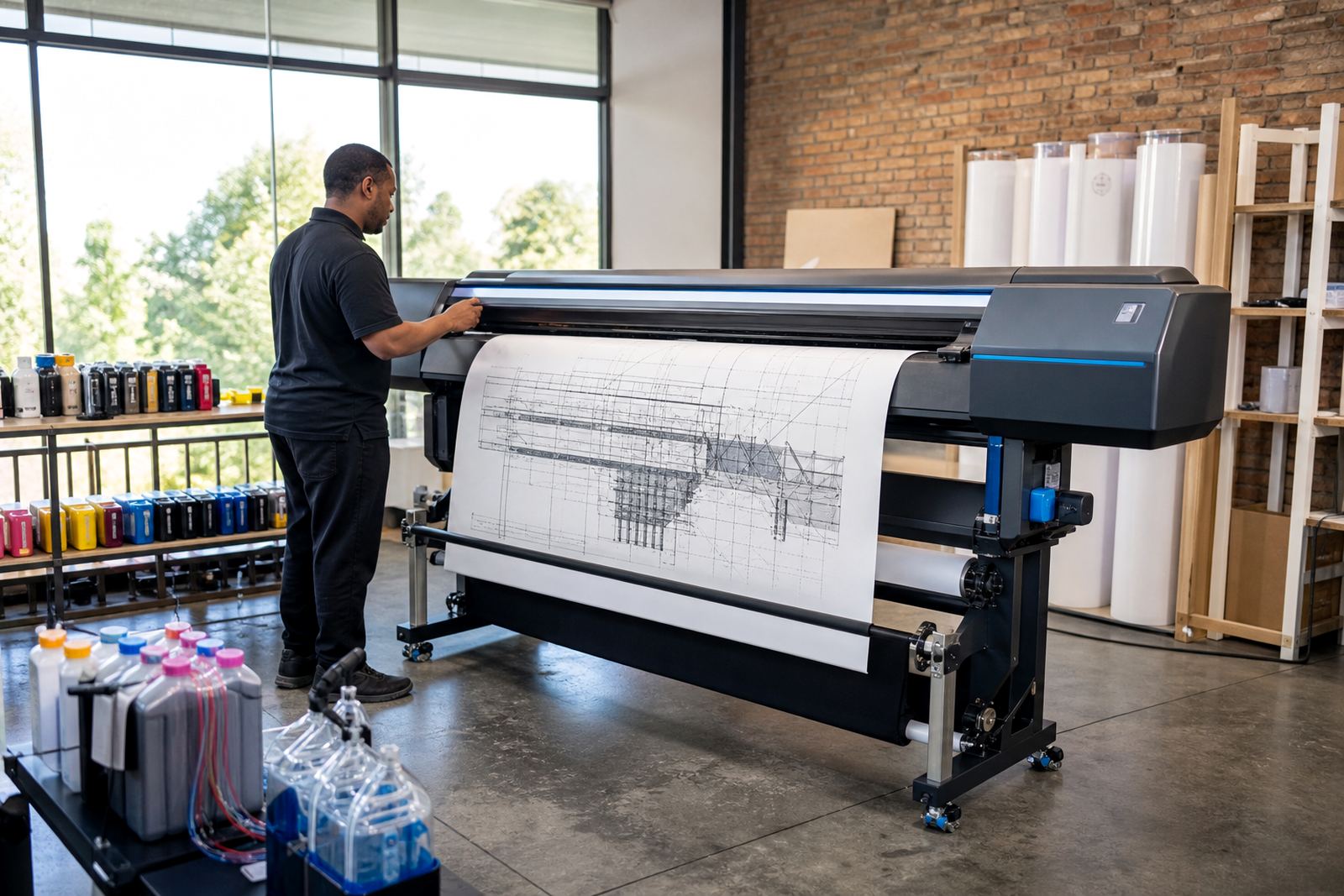
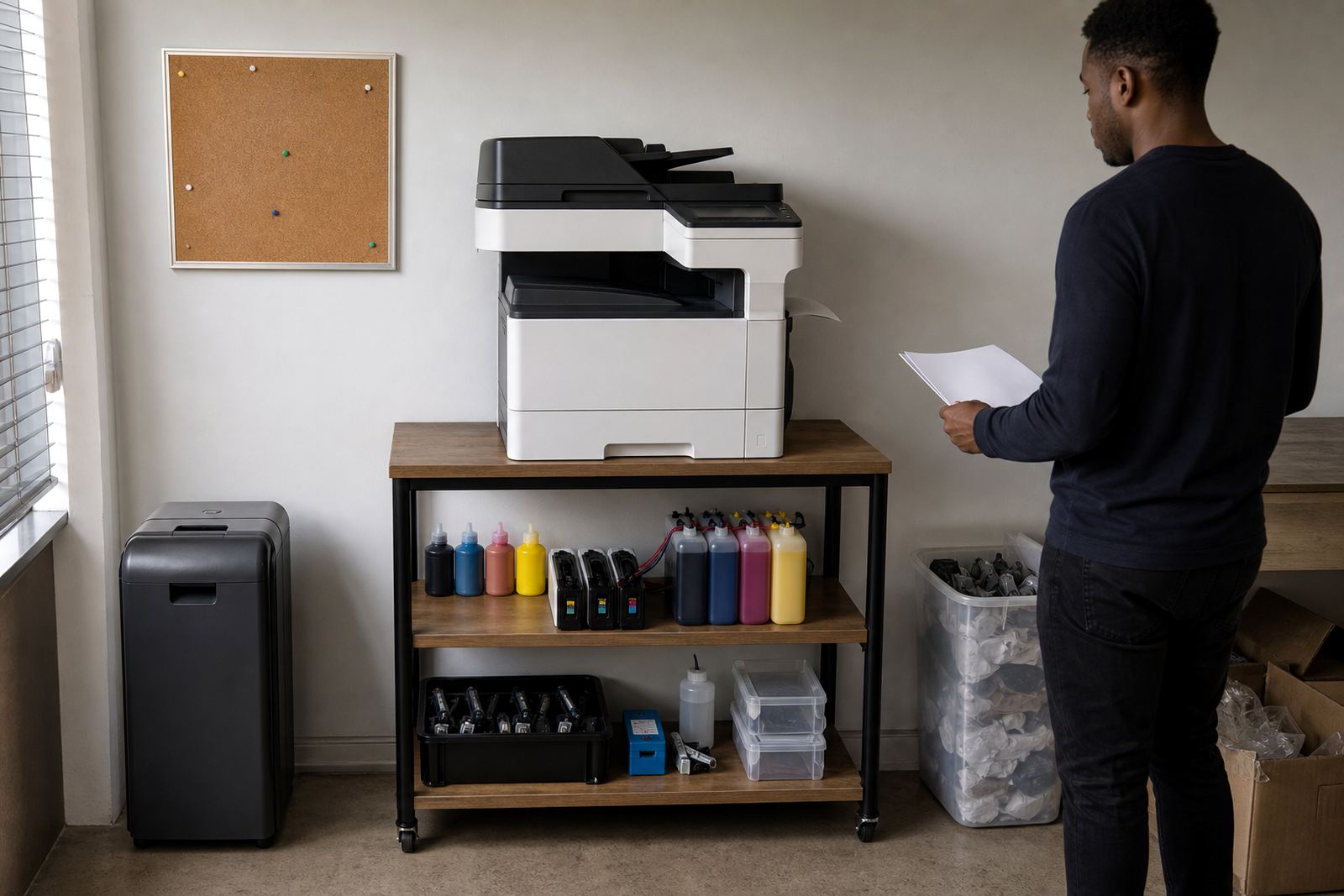
Start with the job your printer is doing
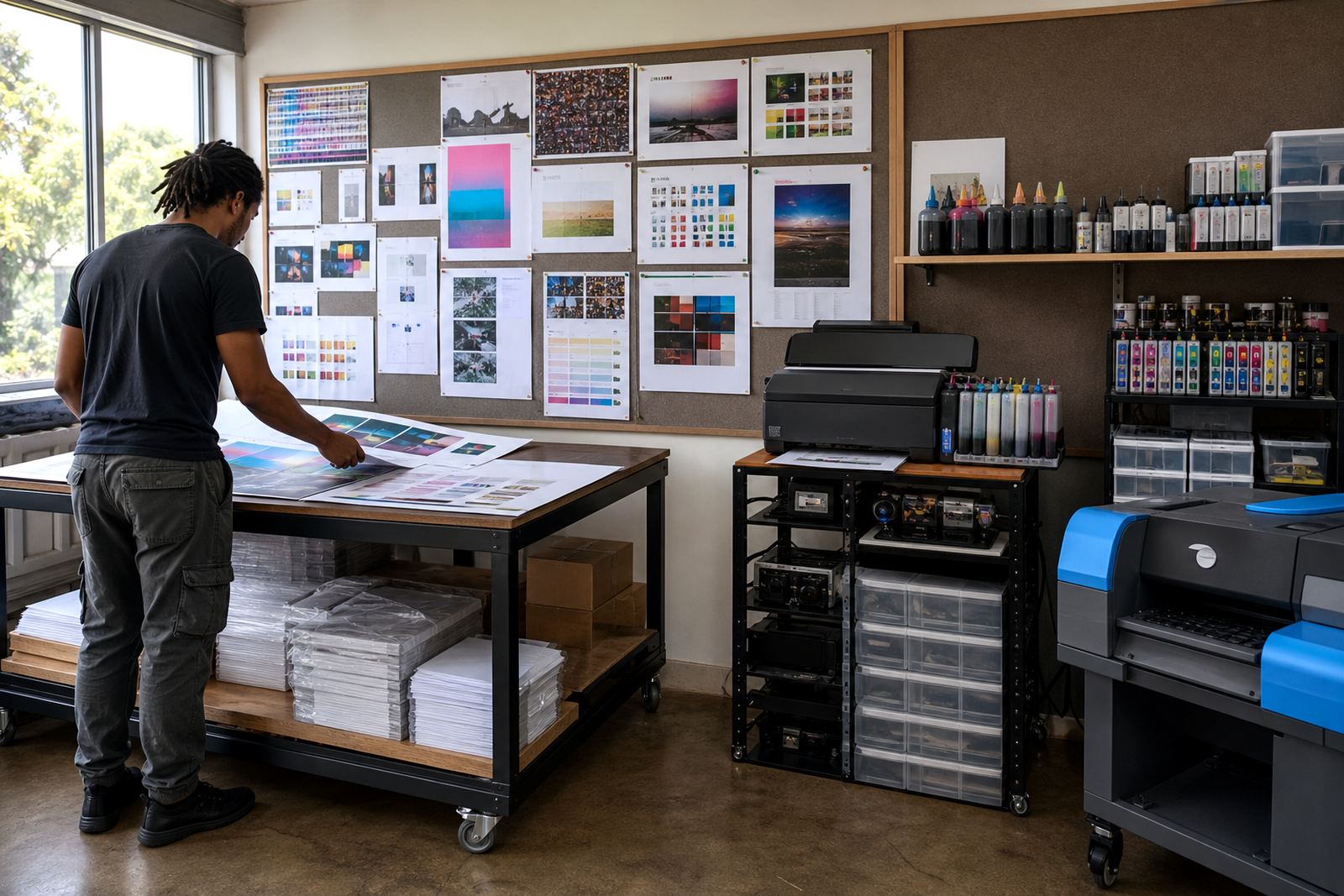
Not every printer carries the same workload, and the right ink choice depends on what leaves the tray each day. Office reports, artwork proofs, photo prints and wide-format sheets all ask for different handling, so these notes help you match the refill method to the way the machine is used.
Some readers need help weighing refurbished cartridges against refill kits, while others want a cleaner routine for colour work, black text or larger-volume printing. If you are comparing options for a shop floor in Westville or a studio in Cape Town, the right starting point is usually the print type first and the cartridge second.
Refurbished cartridges, explained in normal language
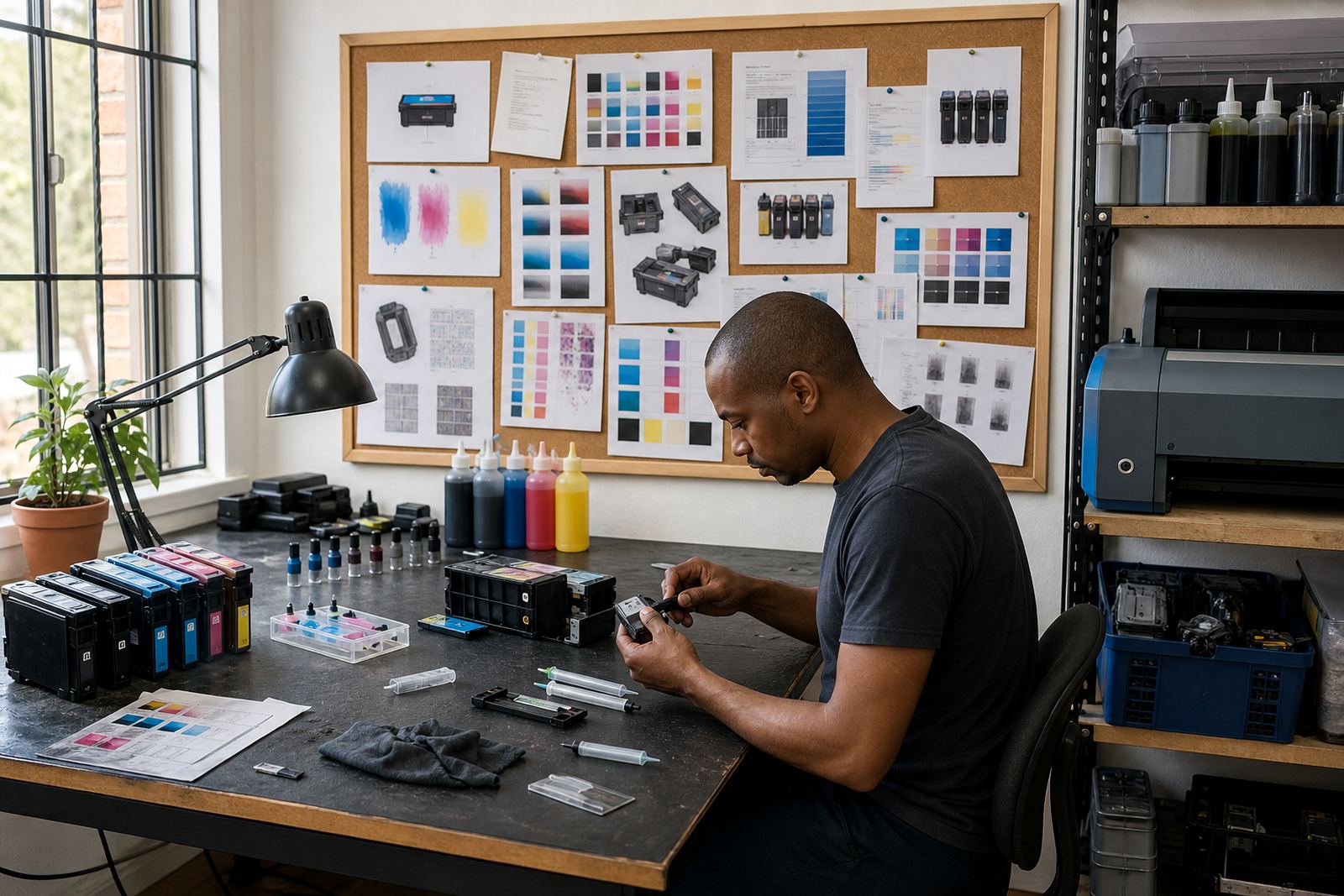
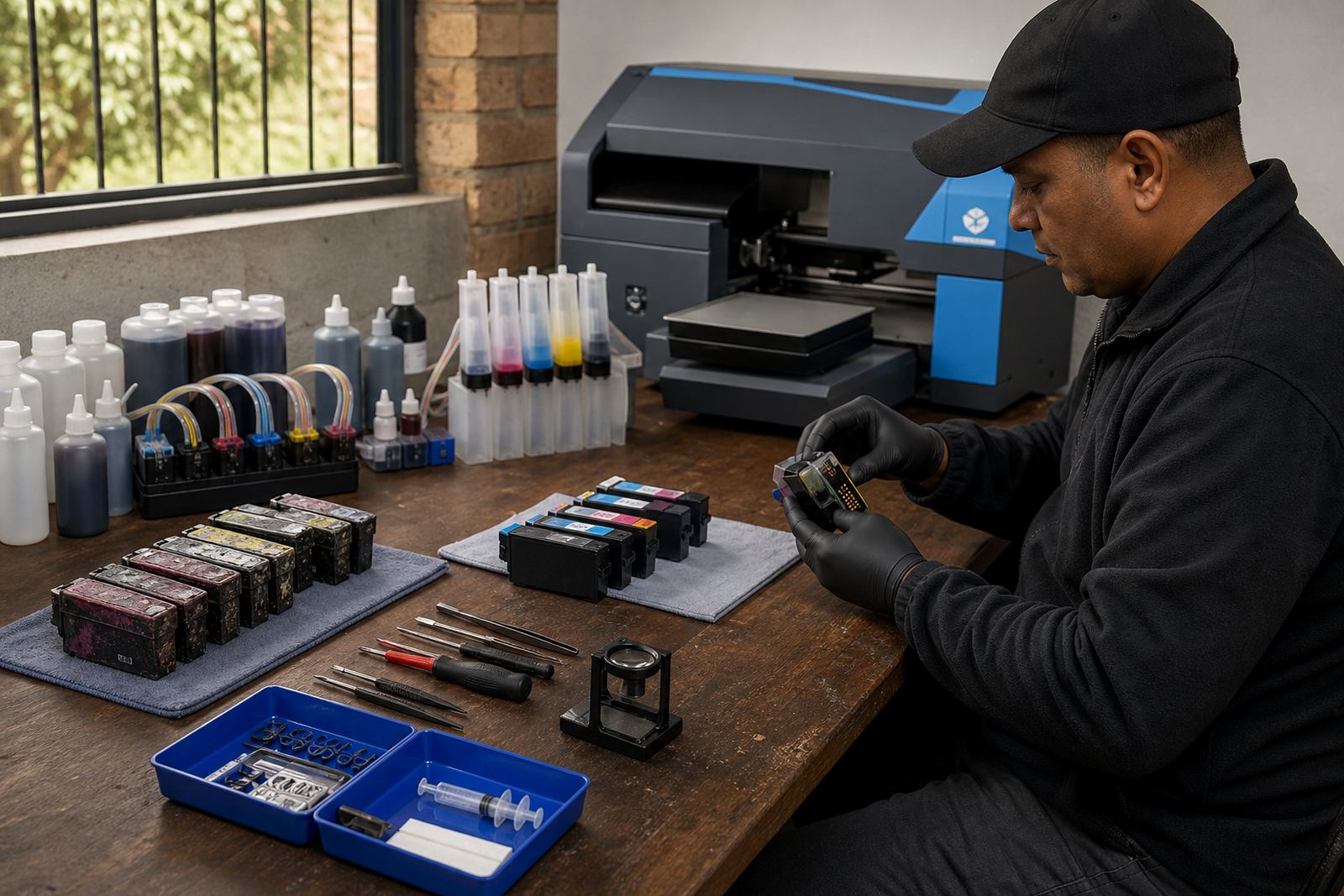
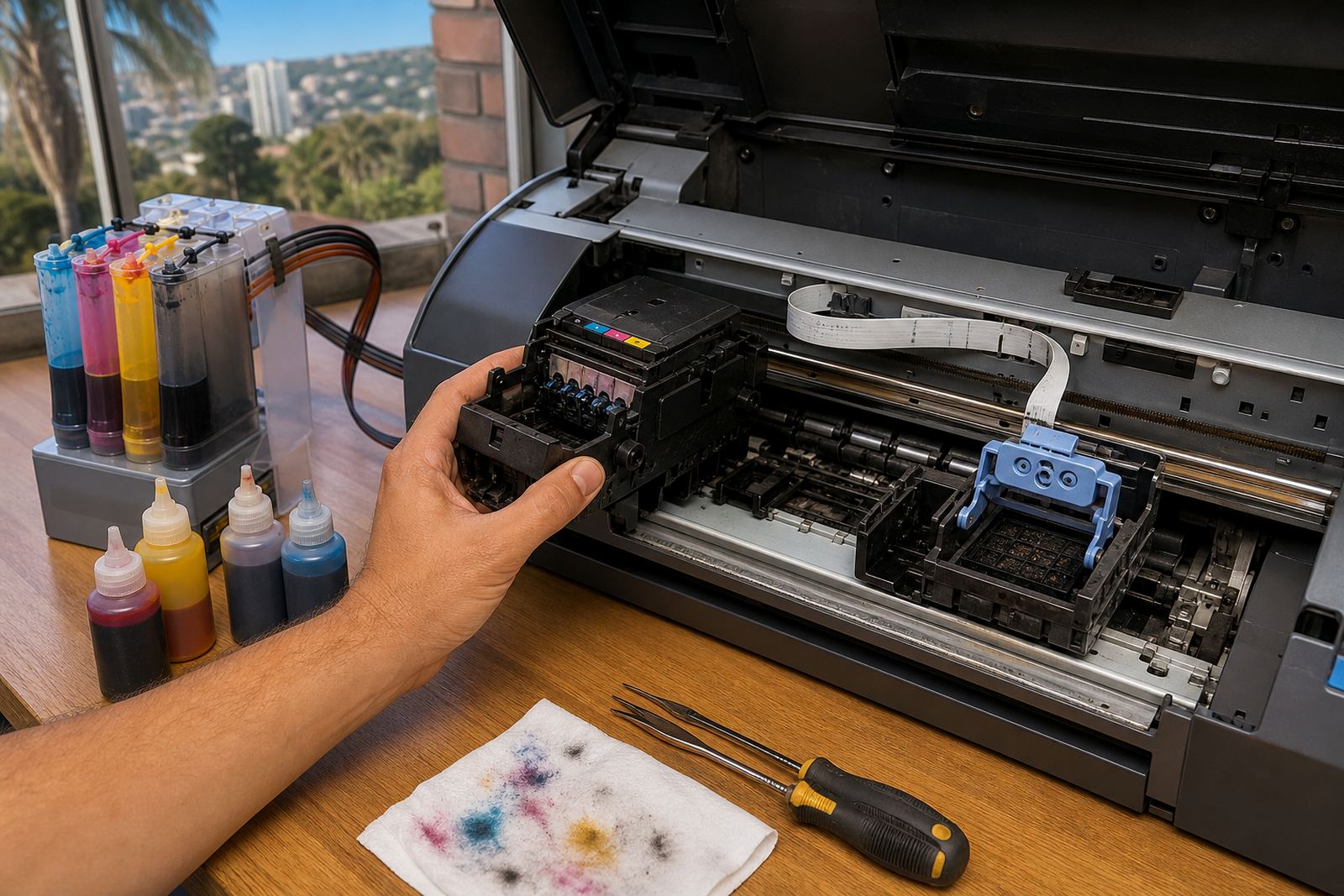
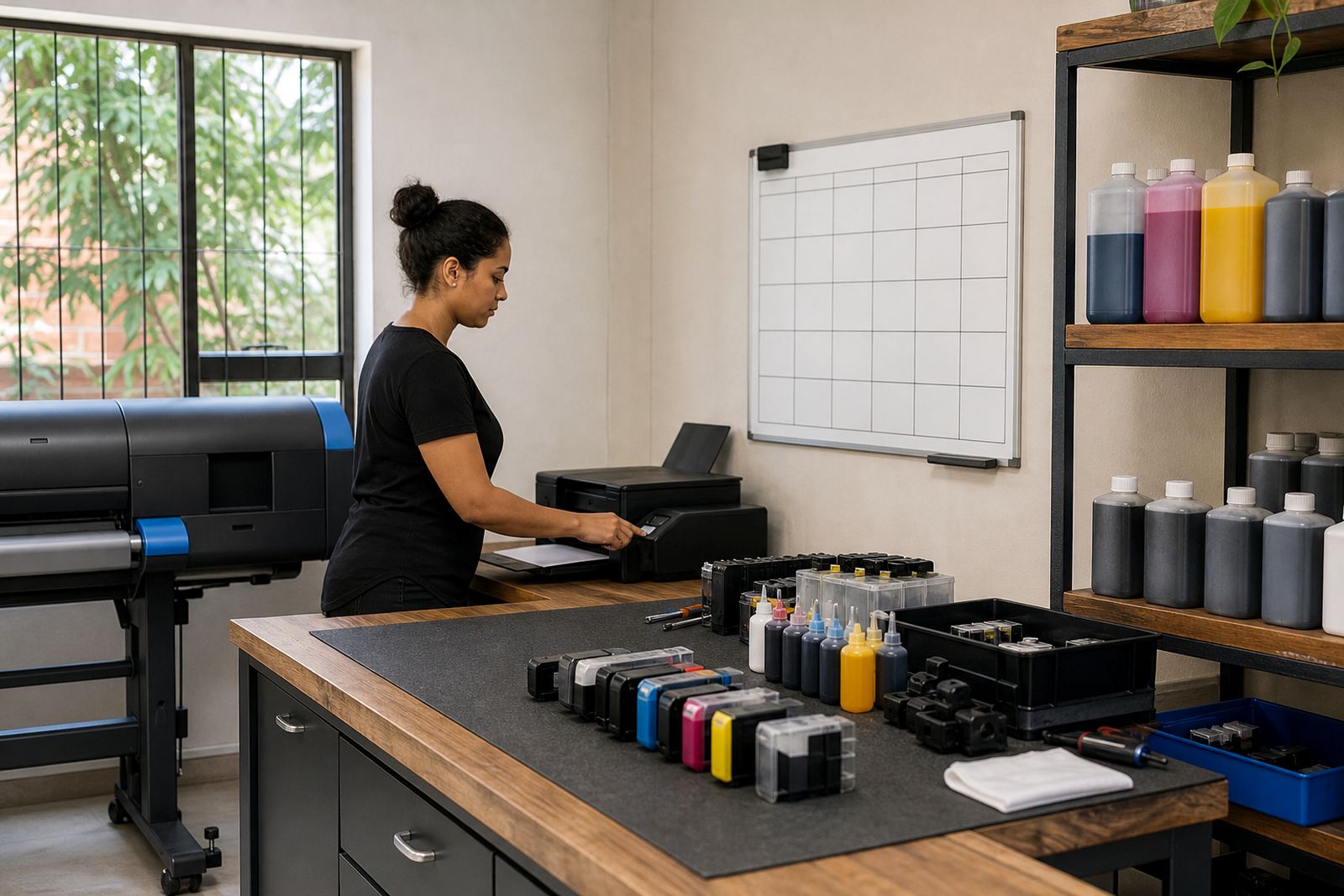
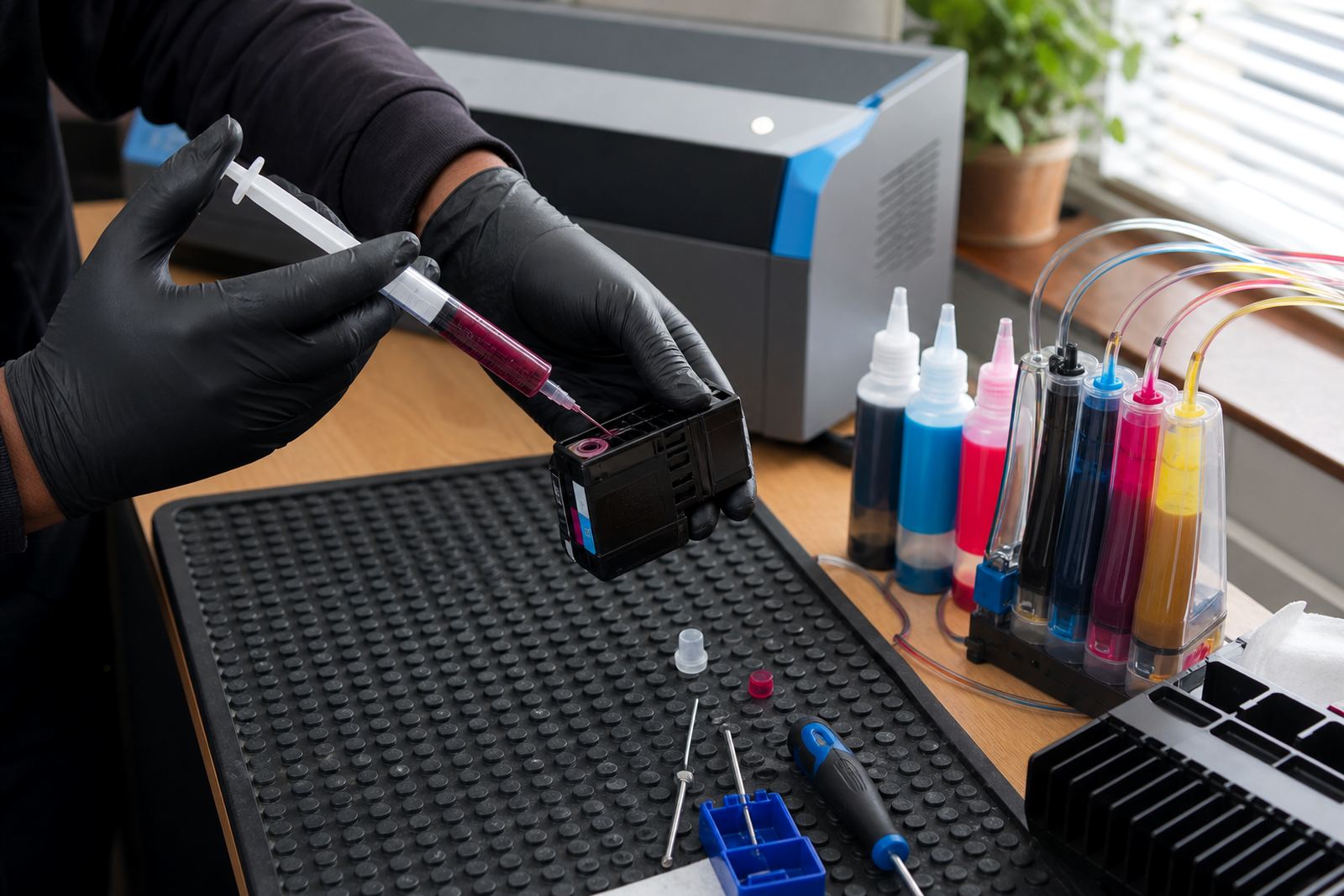
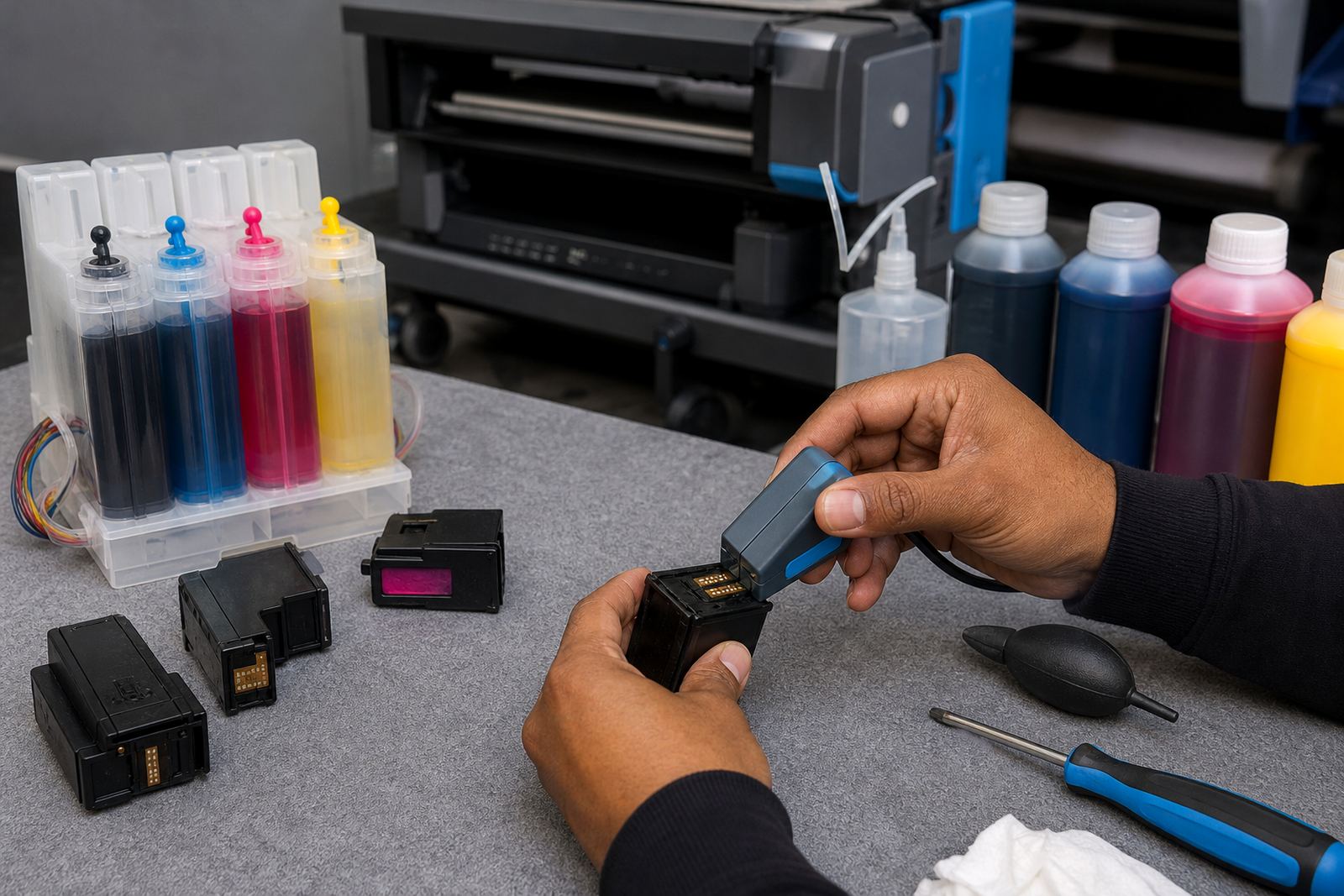
Refurbished cartridges are empty units that have been cleaned, checked and prepared for reuse. The shell is used again, but the ink path, contacts and chip area need proper attention so the printer reads the cartridge correctly and the print stays steady.
- Check for cracked housings, worn seals and dried residue before reuse.
- Handle chips carefully, especially where reset help is needed.
- Keep the cartridge sealed when not in the printer to slow drying.
- Return empties for recycling where possible instead of throwing them out.
A clean cartridge that has been refilled well can give reliable service for routine office pages, though it still needs the same care as any ink system.
Bulk ink systems and the habits that keep them tidy
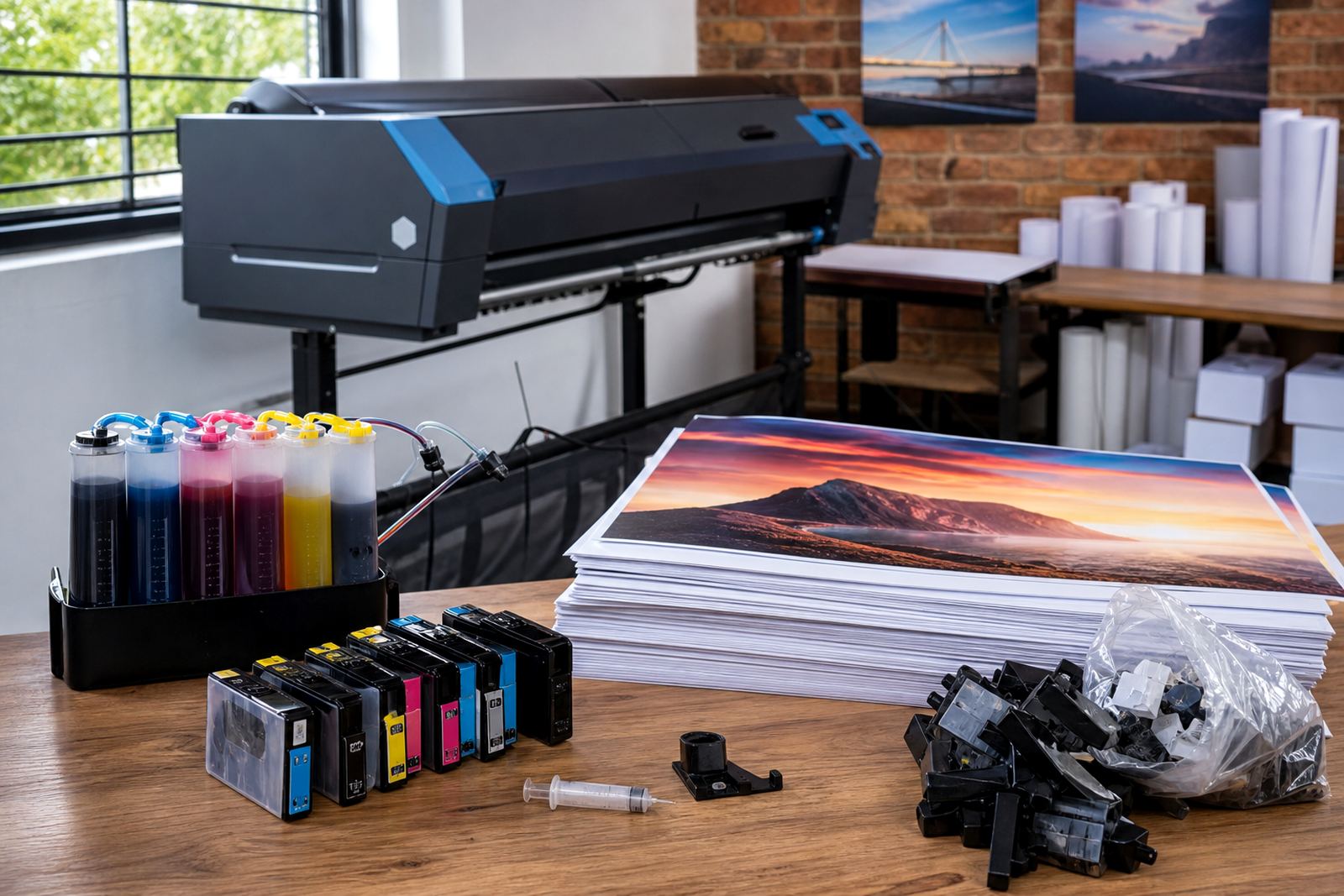
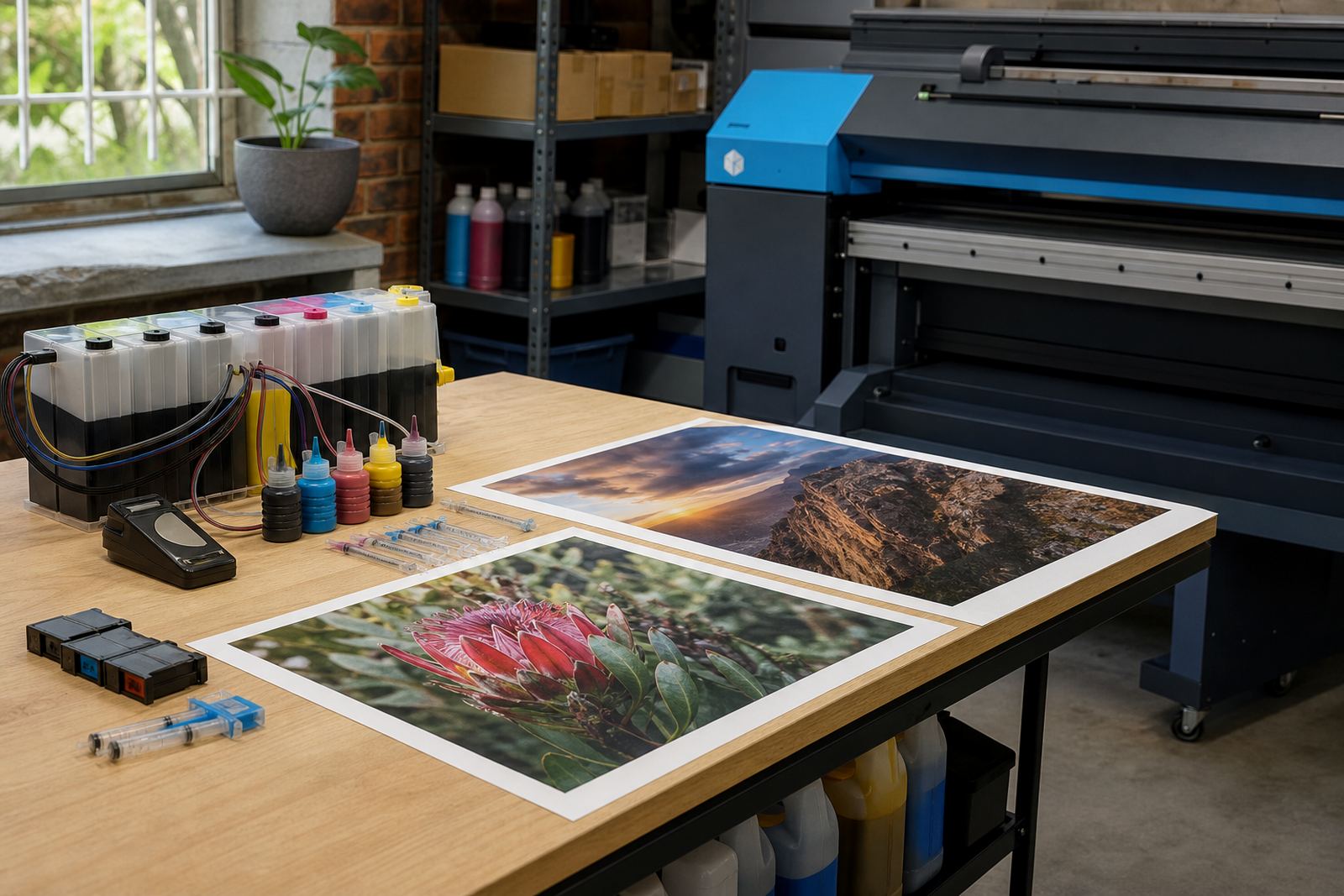
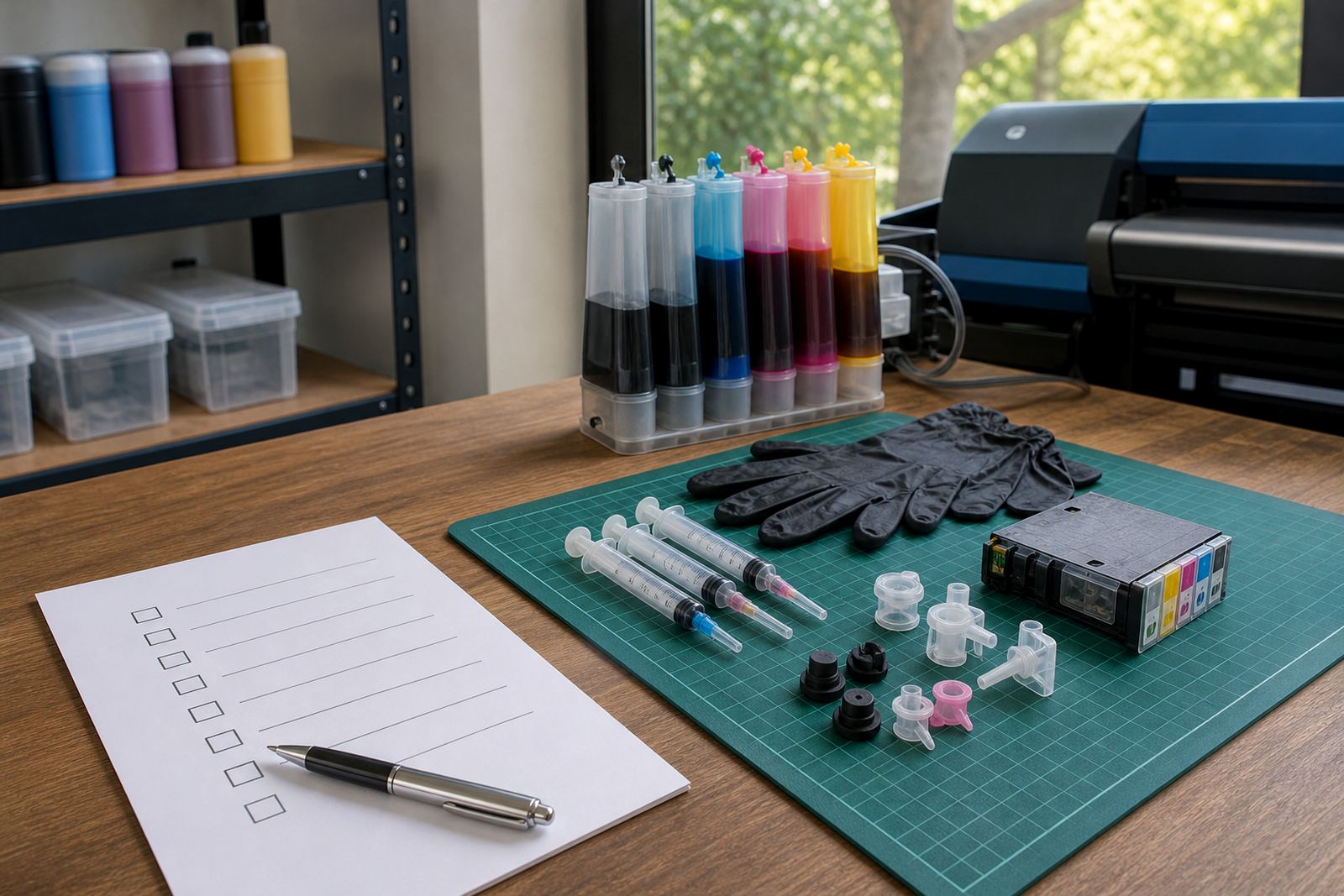
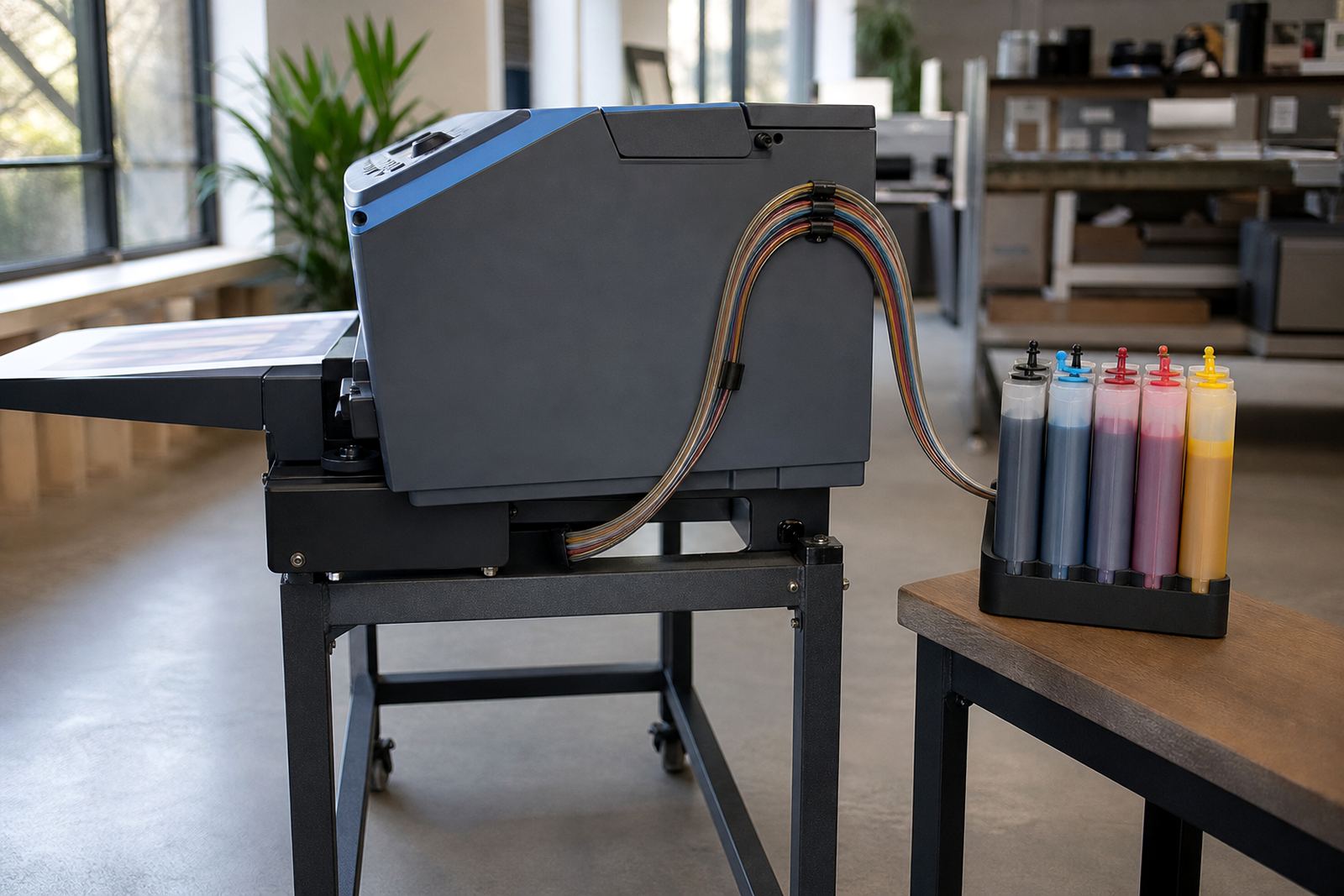
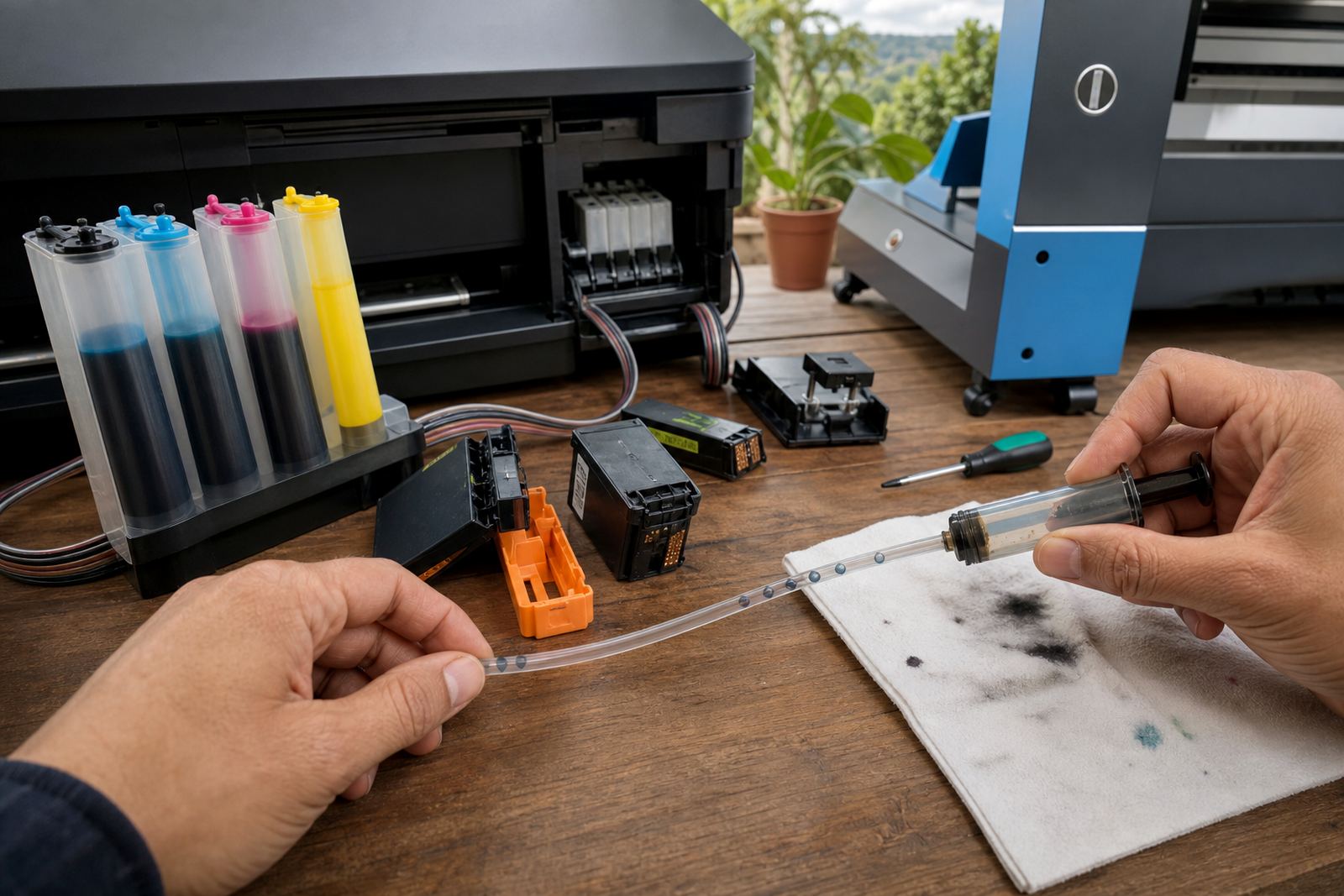
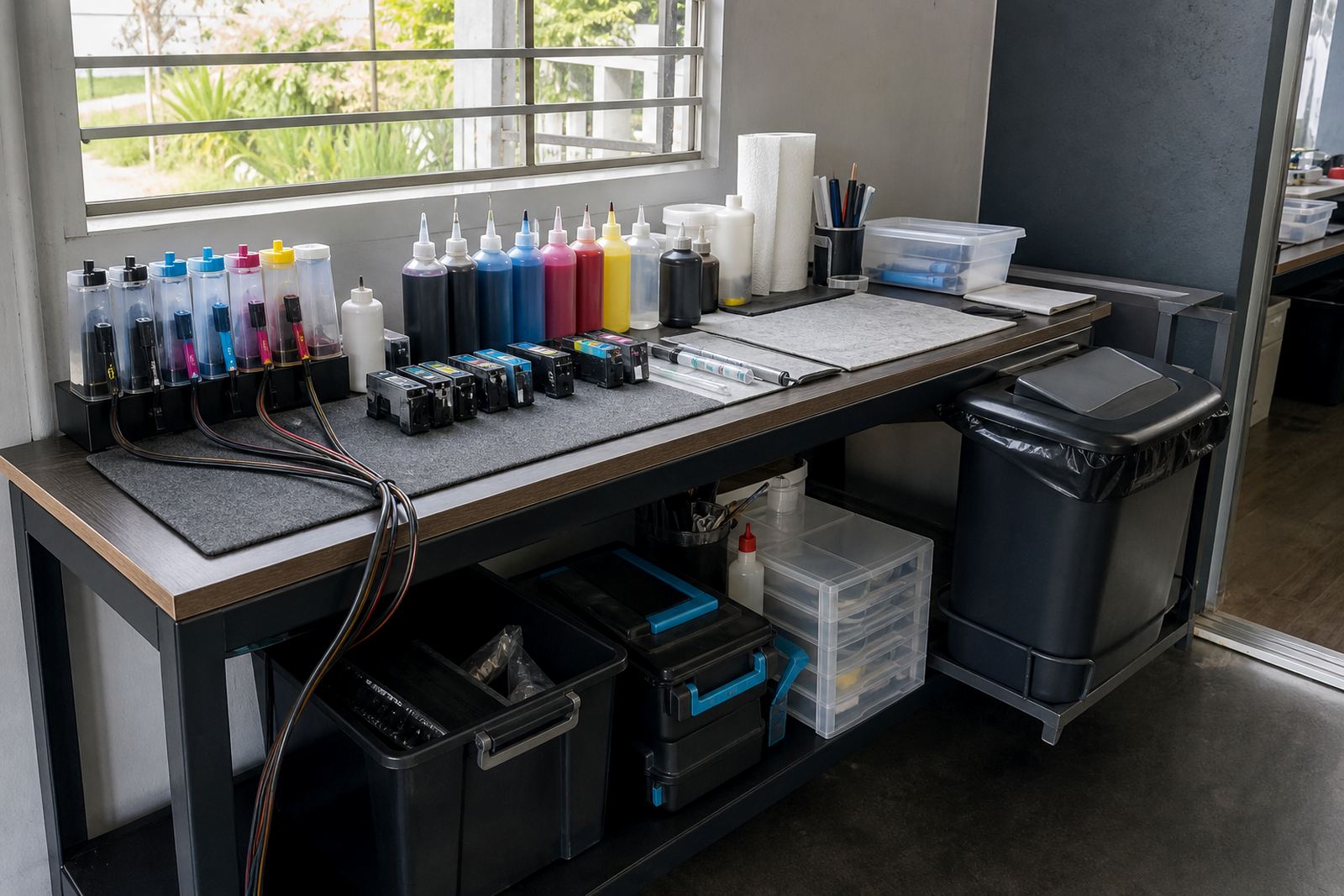
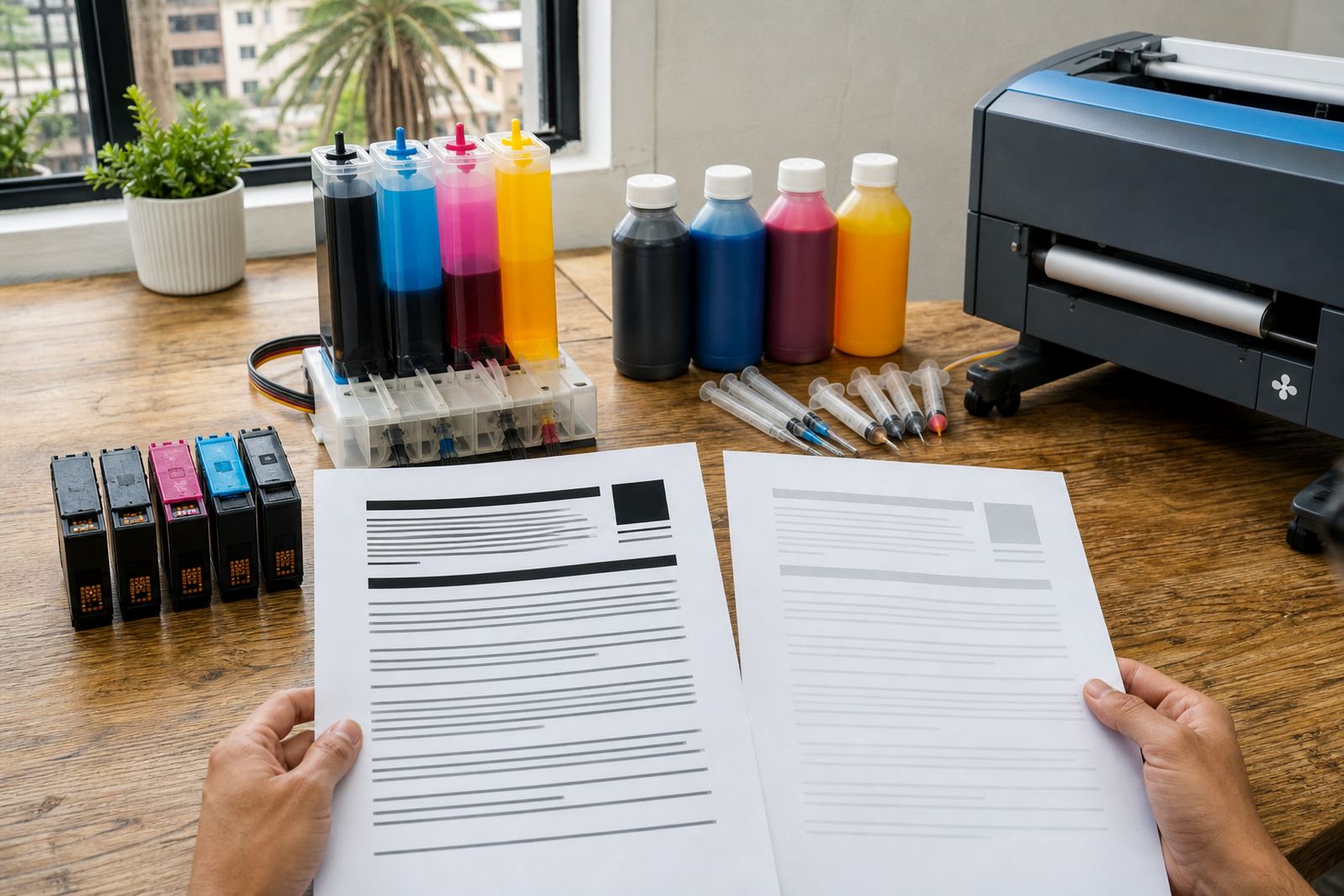
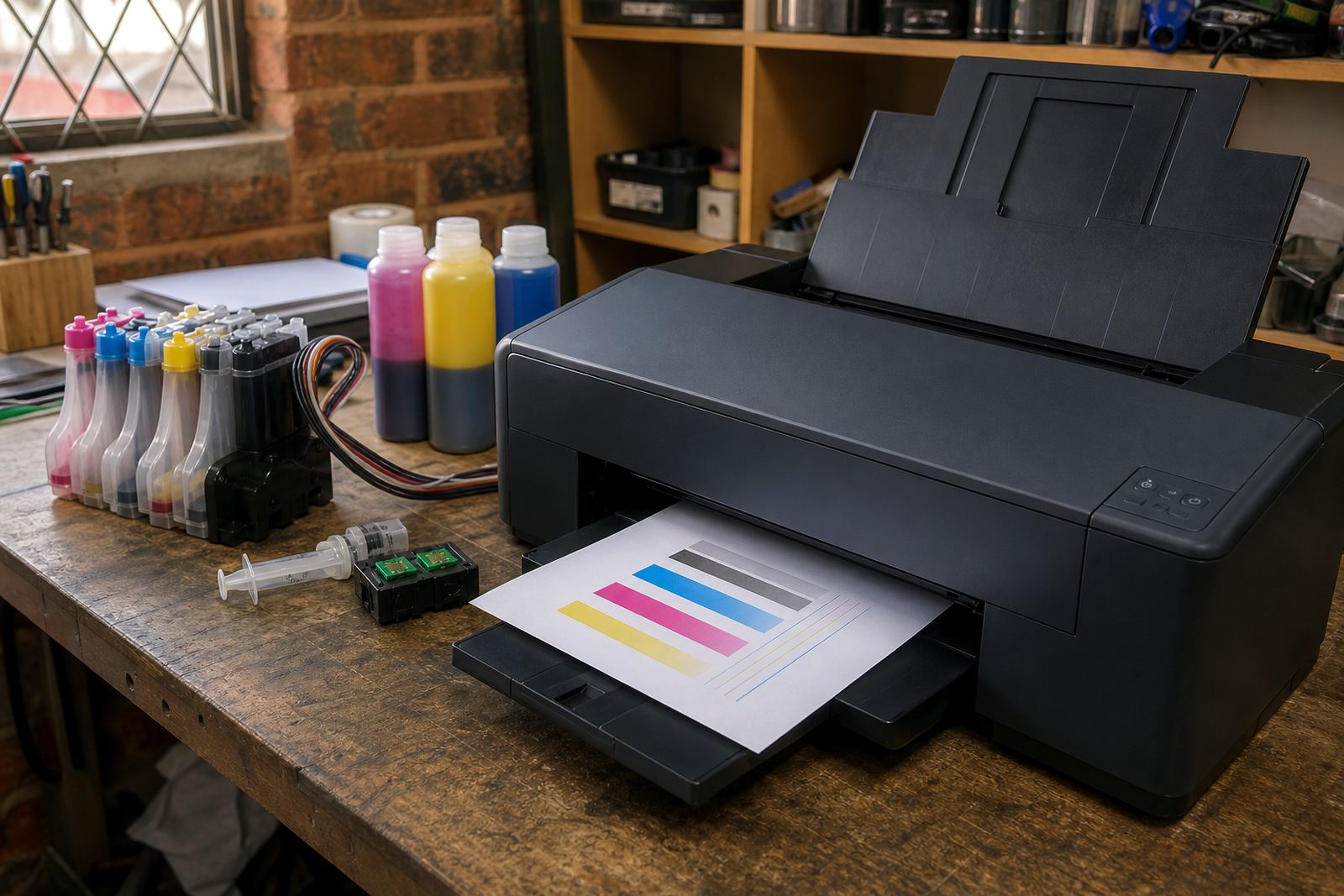
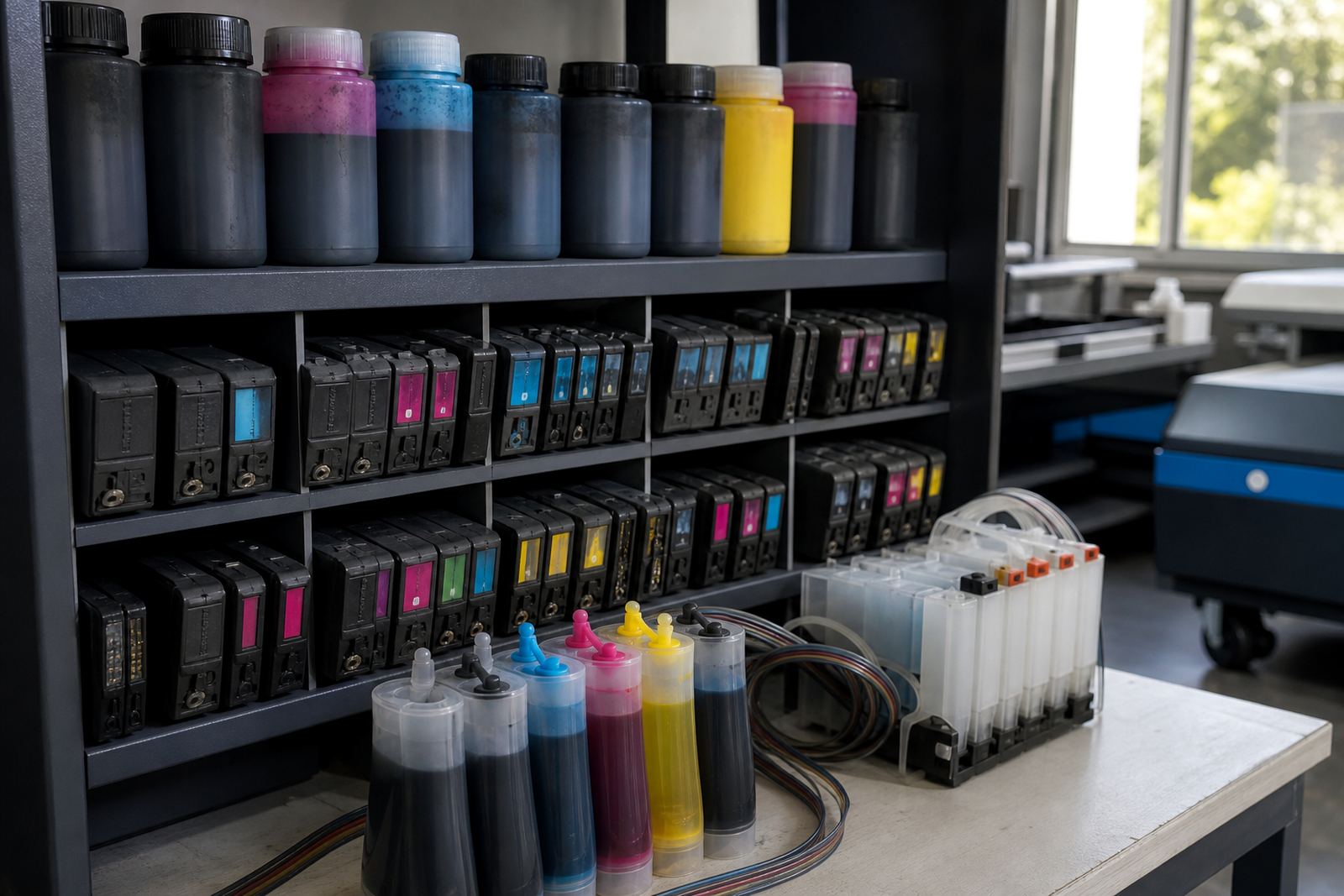
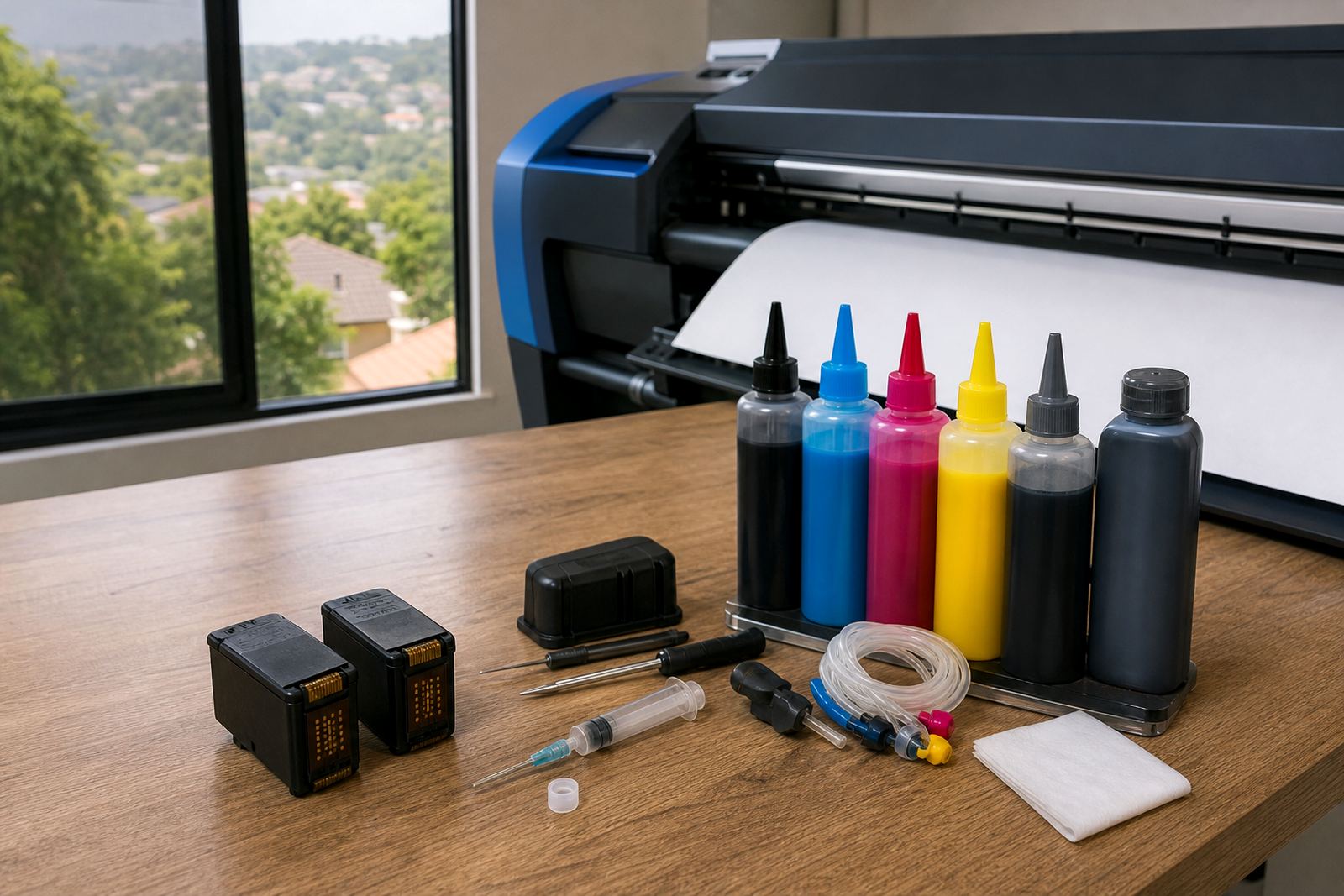
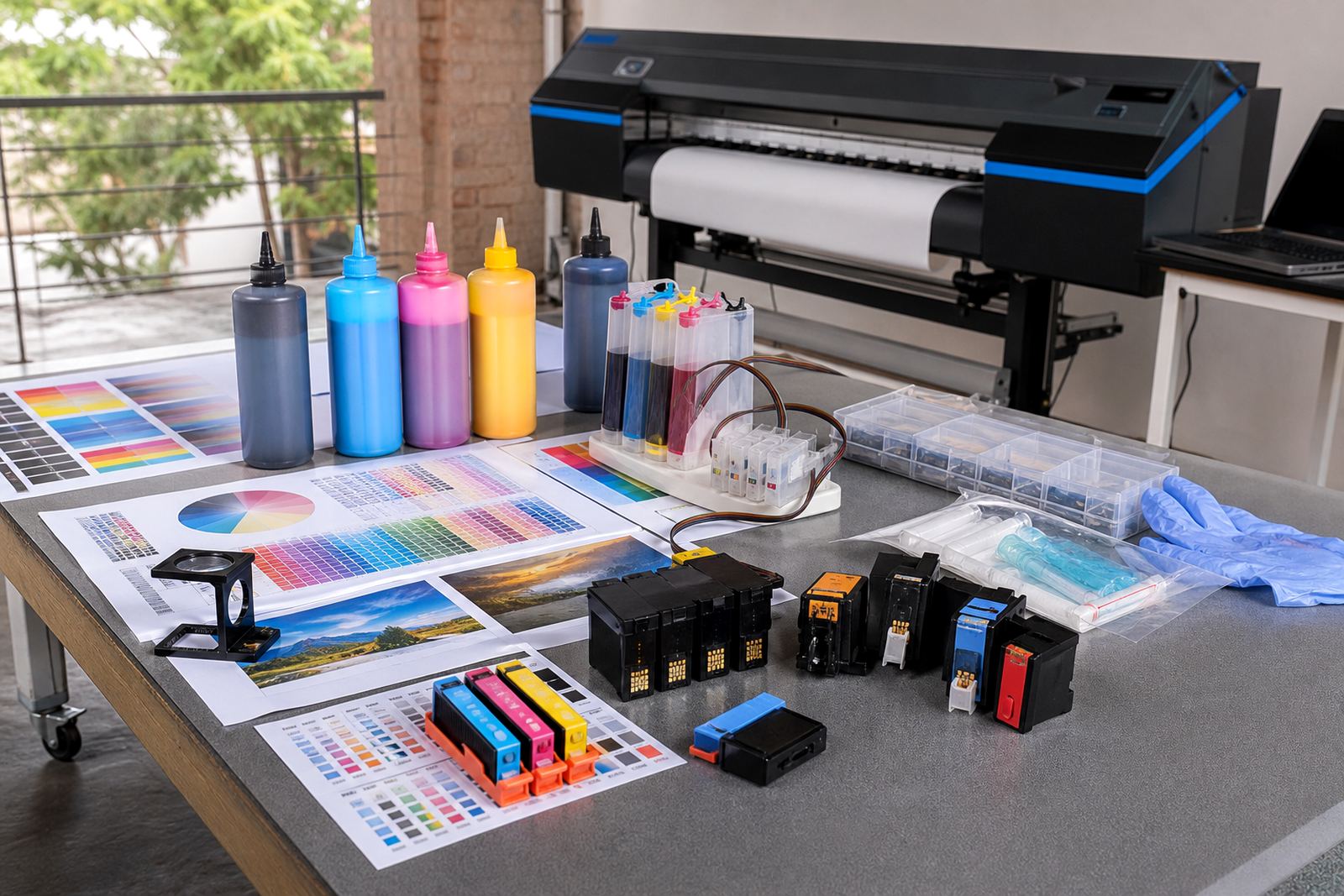
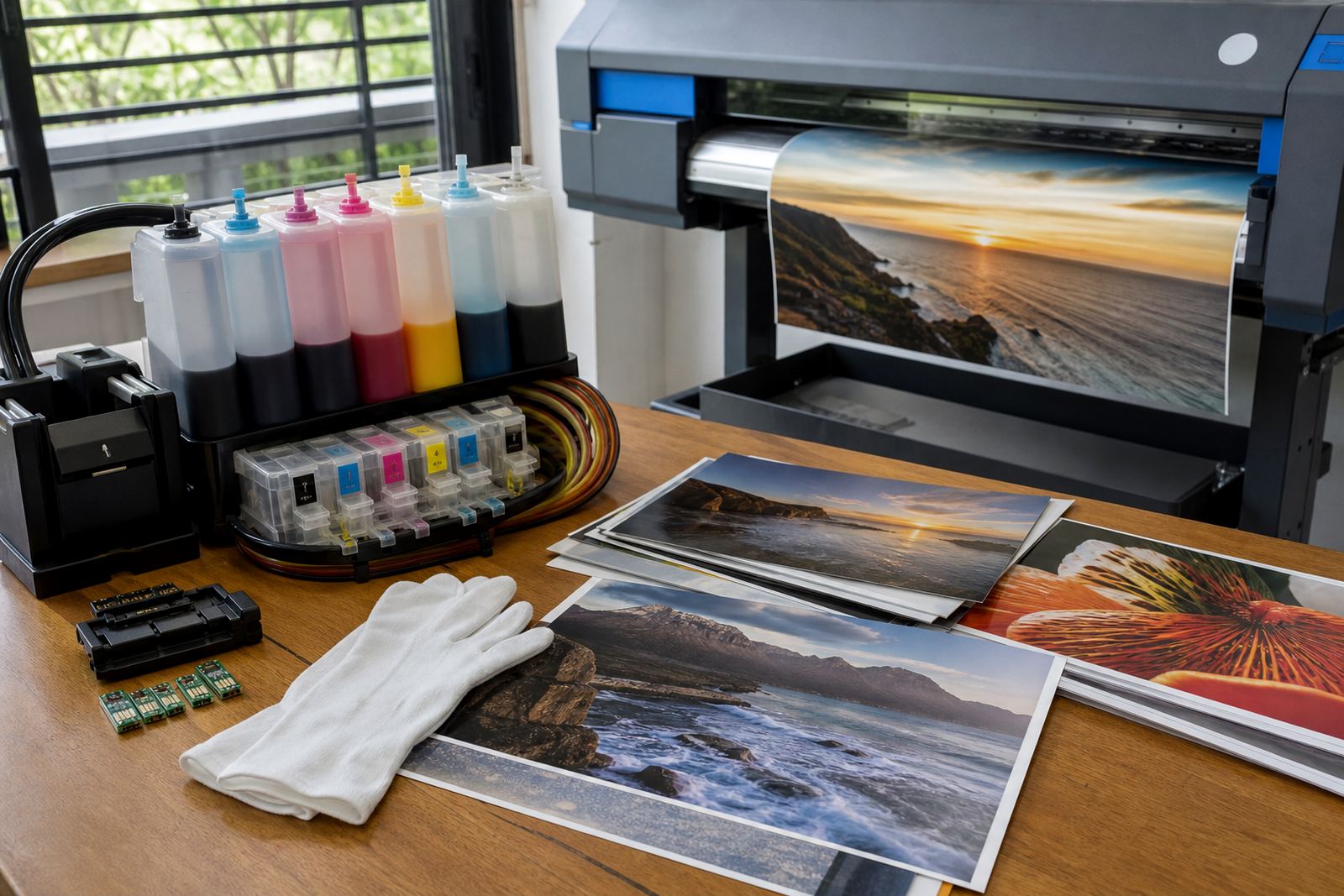
Continuous ink supply systems and refill kits suit higher print volumes because they keep the ink source outside the cartridge body. That setup reduces the number of plastic parts moving through the waste stream, but it also needs patient filling, the right colour matching and tidy hose routing.
Most issues come from rushed top-ups, air in the line, or mixing the wrong ink type into the wrong tank. Dye ink usually suits bright colour work and many office uses, while pigment ink is often preferred where sharper text, stronger water resistance or longer outdoor durability is needed. One mistake here can dull a good job, so the notes aim to keep the choice practical, not complicated.
- Use one ink family per system unless the printer maker allows otherwise.
- Watch the ink level so tanks do not run dry.
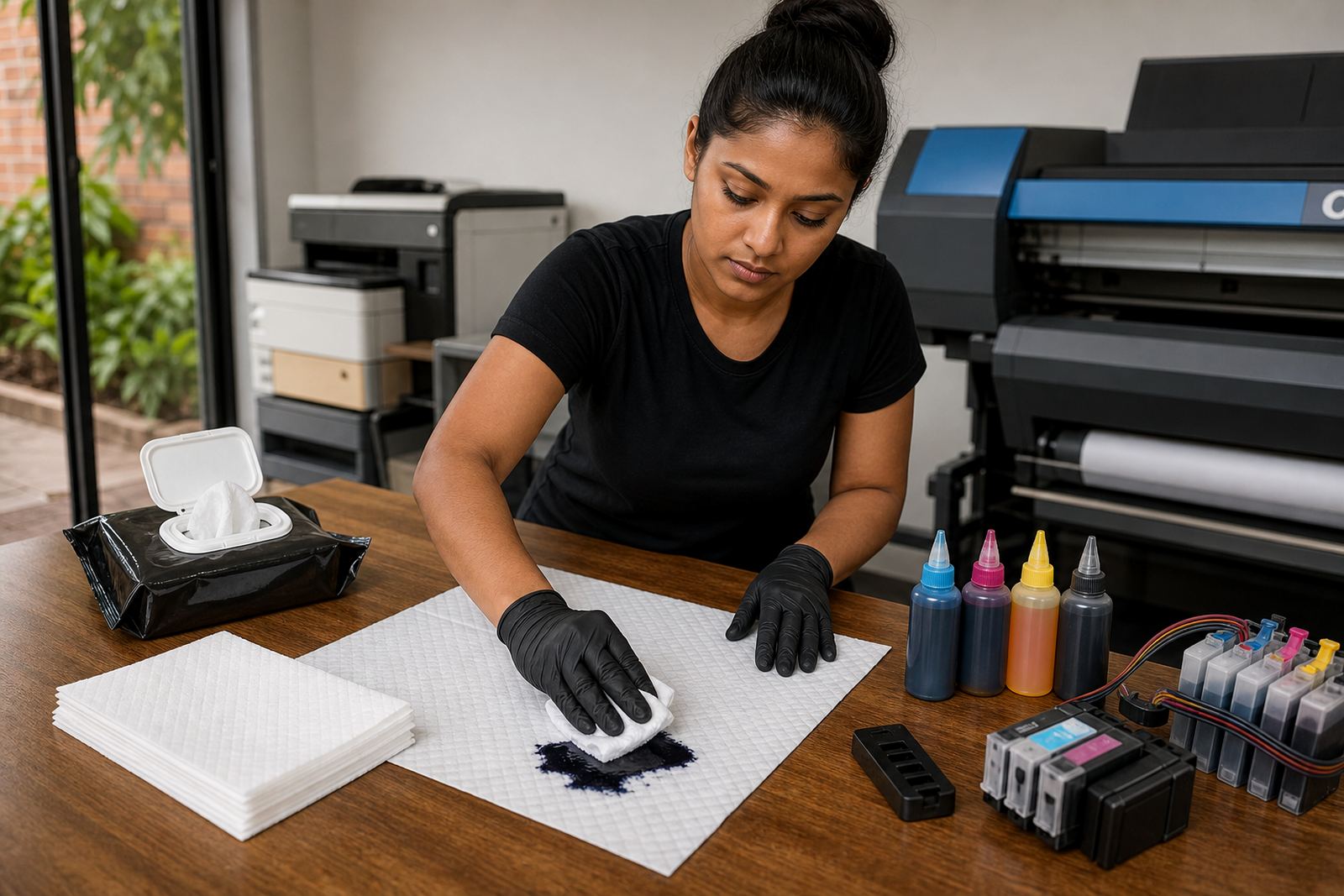
- Keep caps, vents and seals clean after each refill.
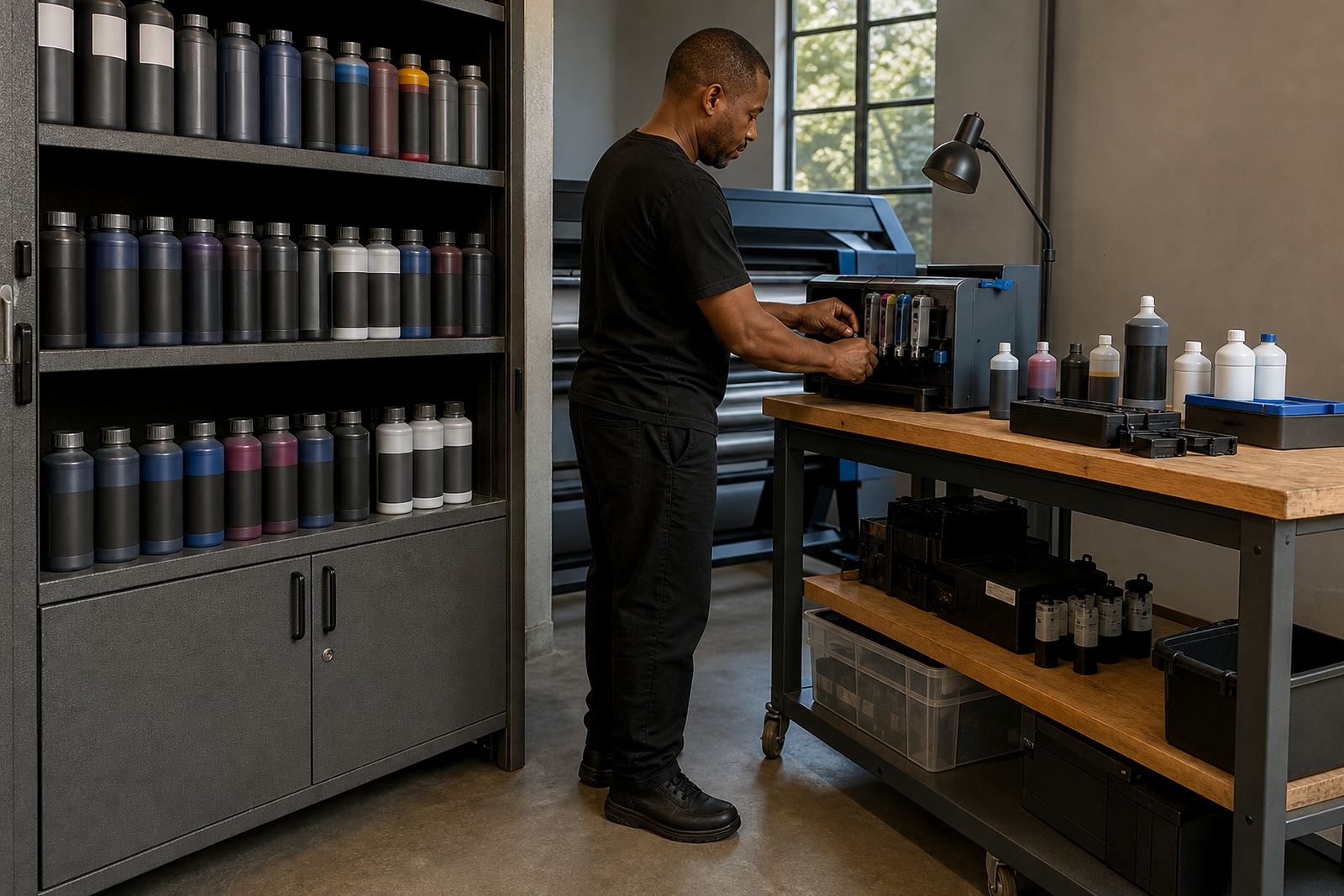
- Store spare ink upright in a cool, dry cupboard.
Printhead care when the nozzles start acting up
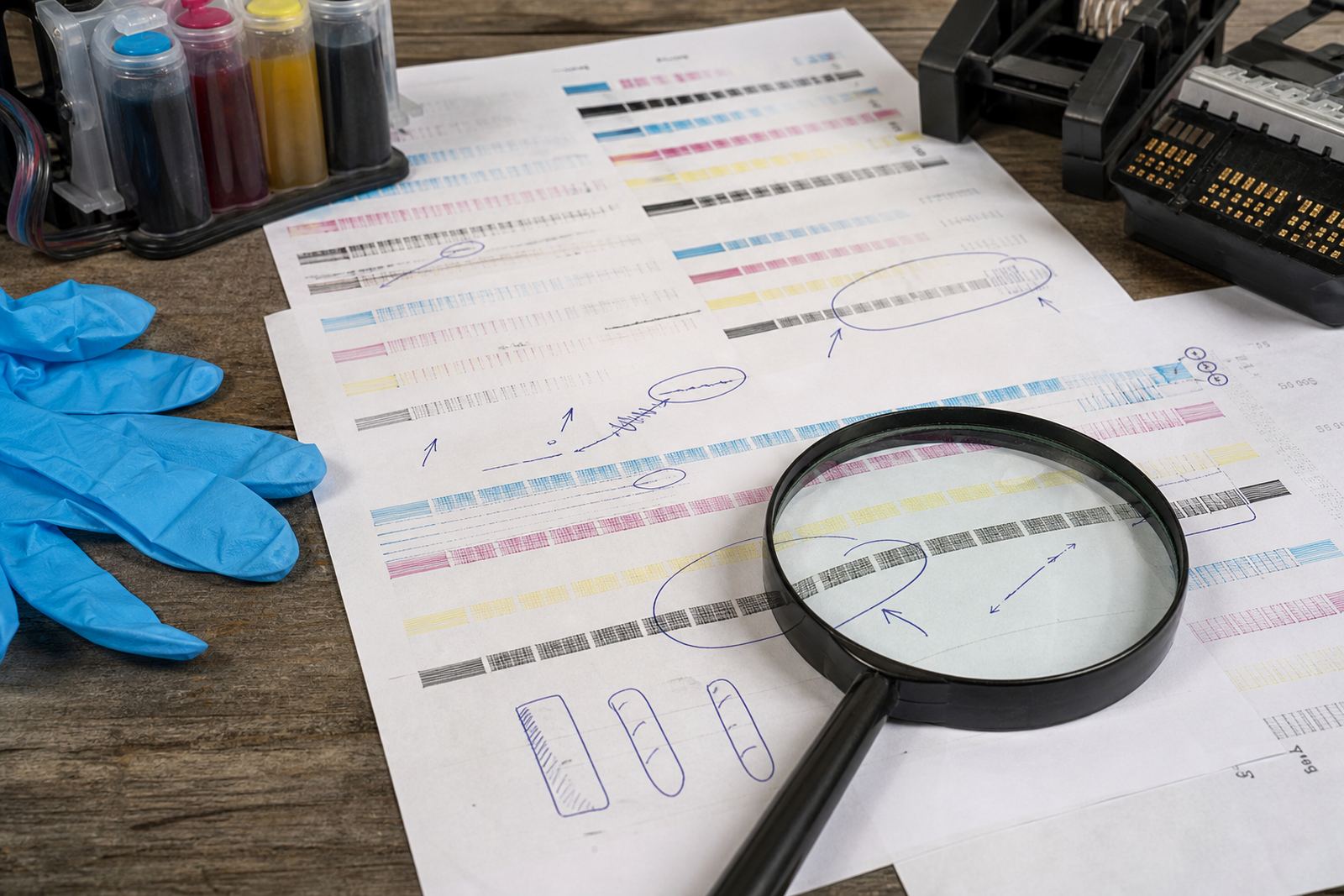
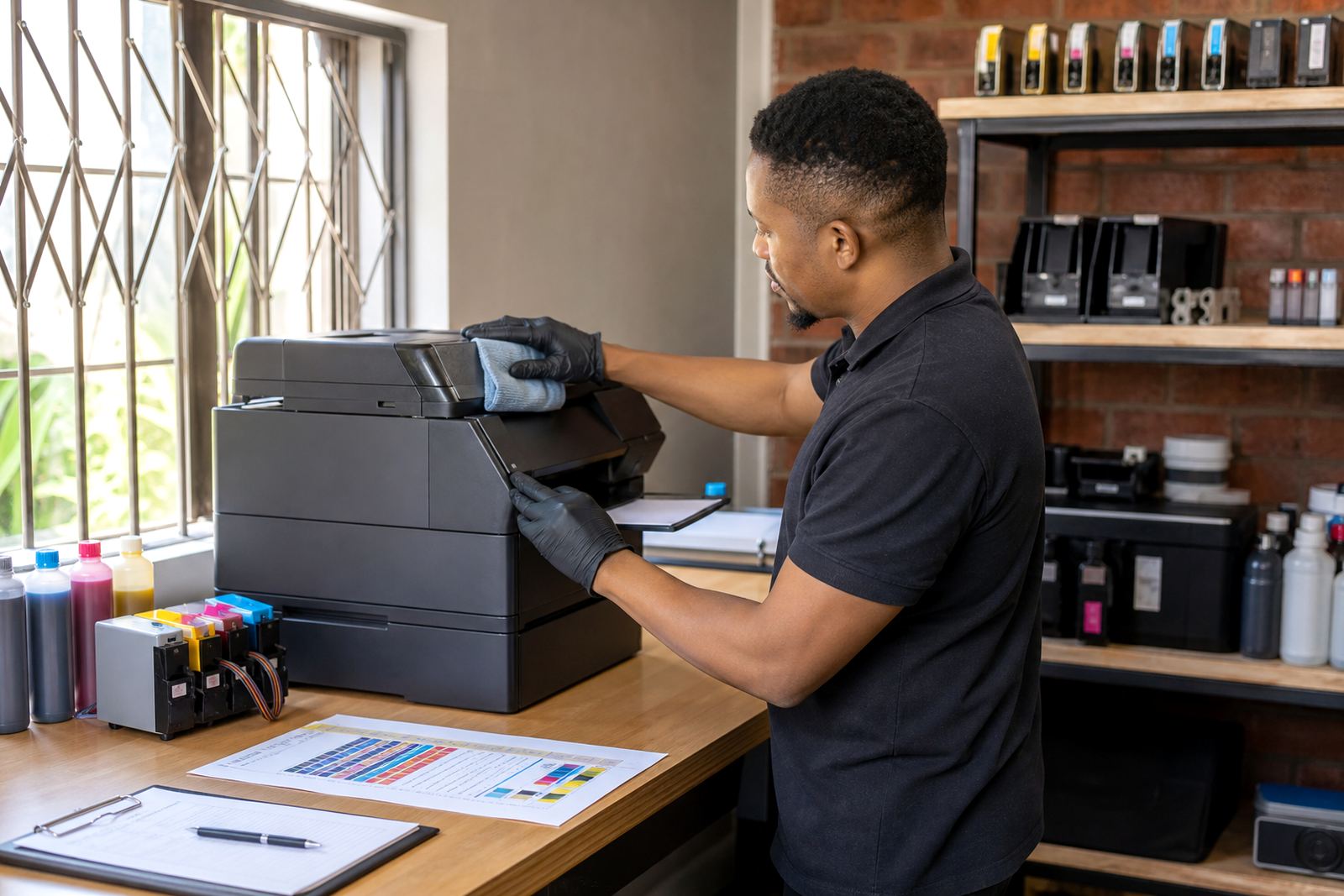
A blocked nozzle is often a maintenance issue before it is a major fault. Faded bands, missing lines or odd colour shifts can come from dried ink, air in the line or a head that has sat unused for too long. These notes cover nozzle checks, basic cleaning habits and sensible print routines that keep the head moving.
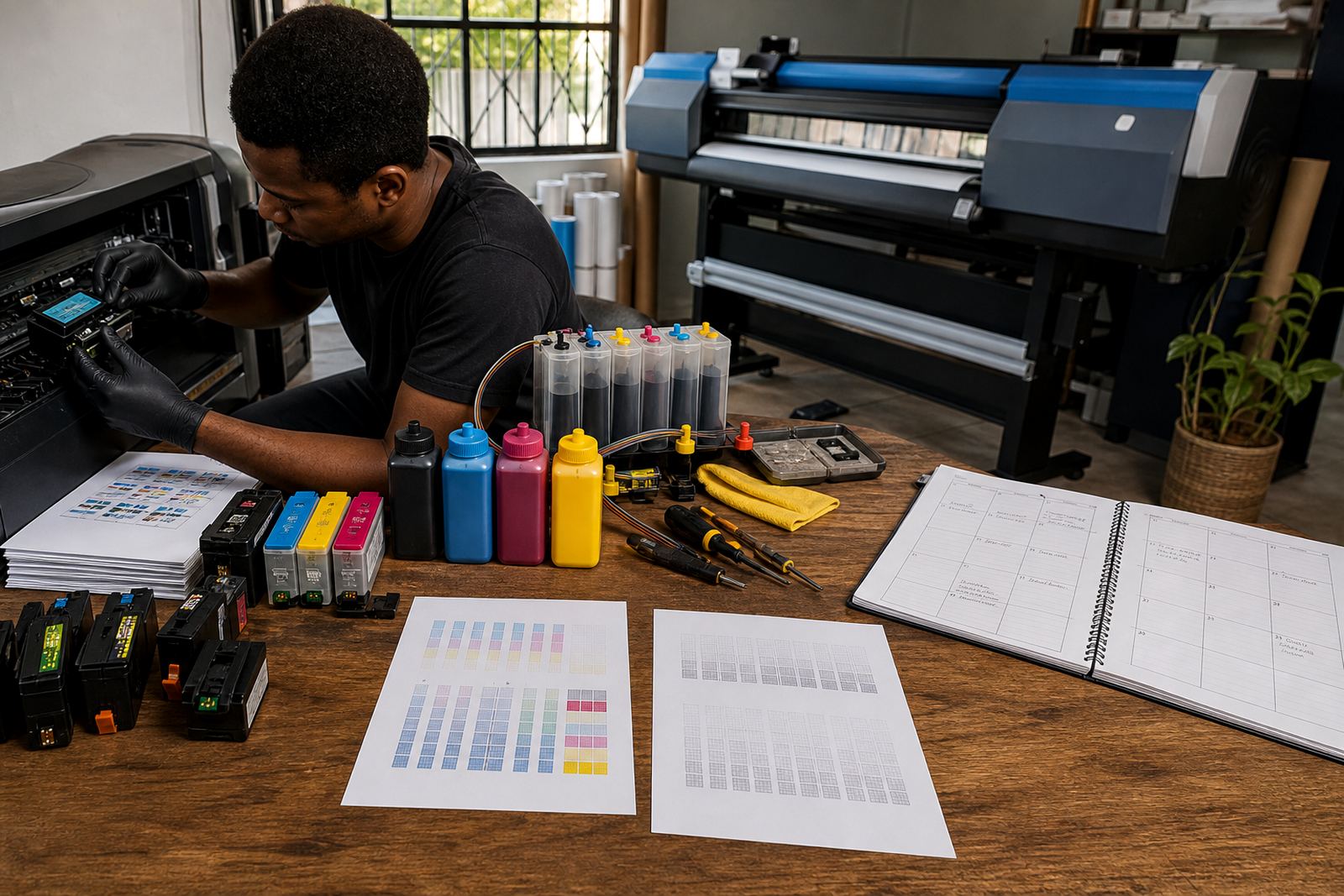
Short test prints help more than long panic runs. A few well-spaced pages can keep ink flowing, while repeated deep cleaning may waste ink and put extra strain on the system. If the output looks uneven after a refill, the issue may be in the cartridge, the ink choice or the head itself, not the paper.
When colour balance is not behaving
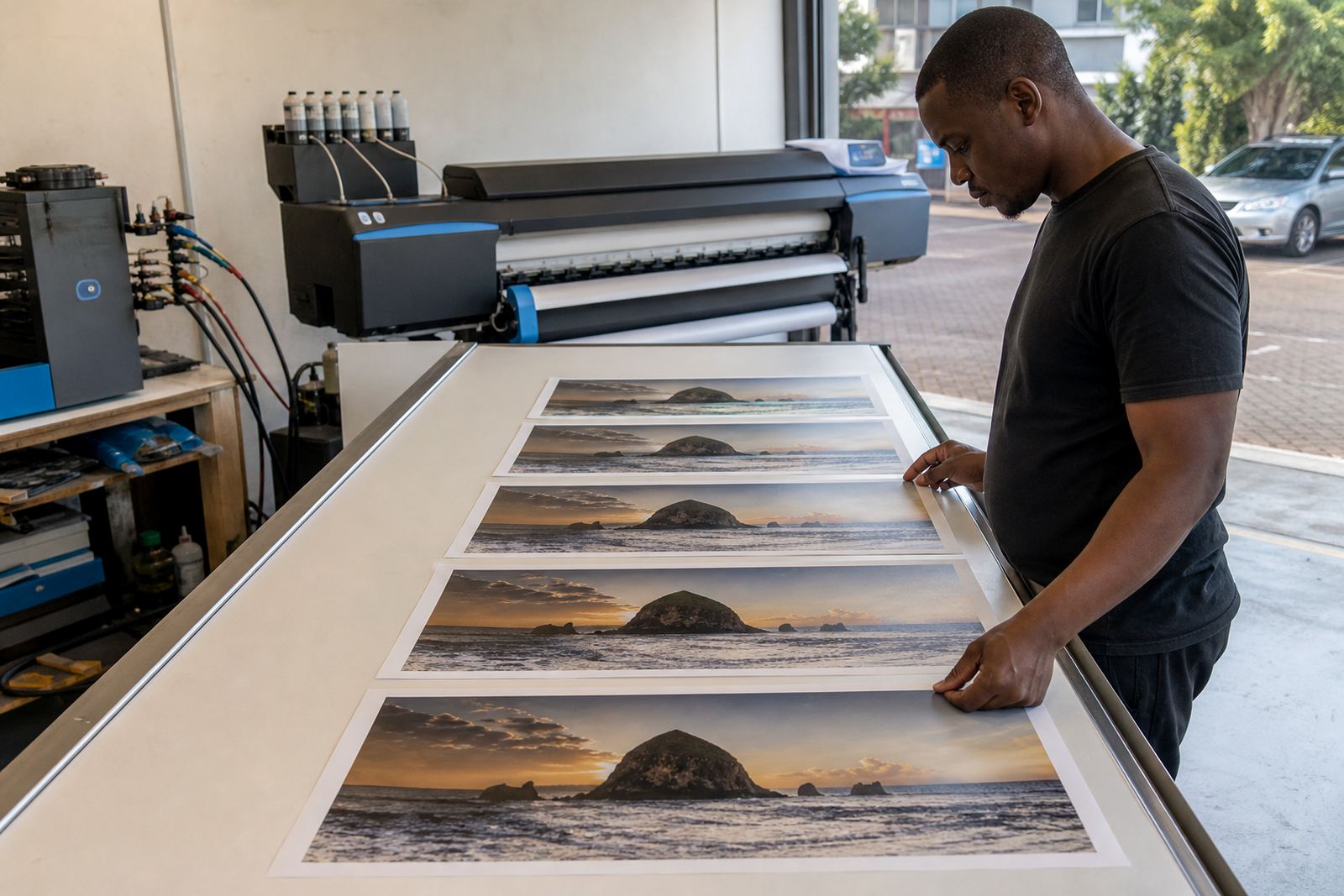
Colour balance help matters most where logos, photos and proof sheets need to look close to expected. A small shift in one colour can make skin tones look flat or a brand panel look muddy, and the cause is not always the printer settings alone.
Our notes cover the usual checks: ink consistency, head alignment, media choice and the age of the refill. In Durban humidity, stored cartridges and paper can behave differently than they do in a drier room, so the storage side matters too. A printer that sees long pauses may need a different routine from one that prints every morning.
- Match paper type to the job instead of using one stock for everything.
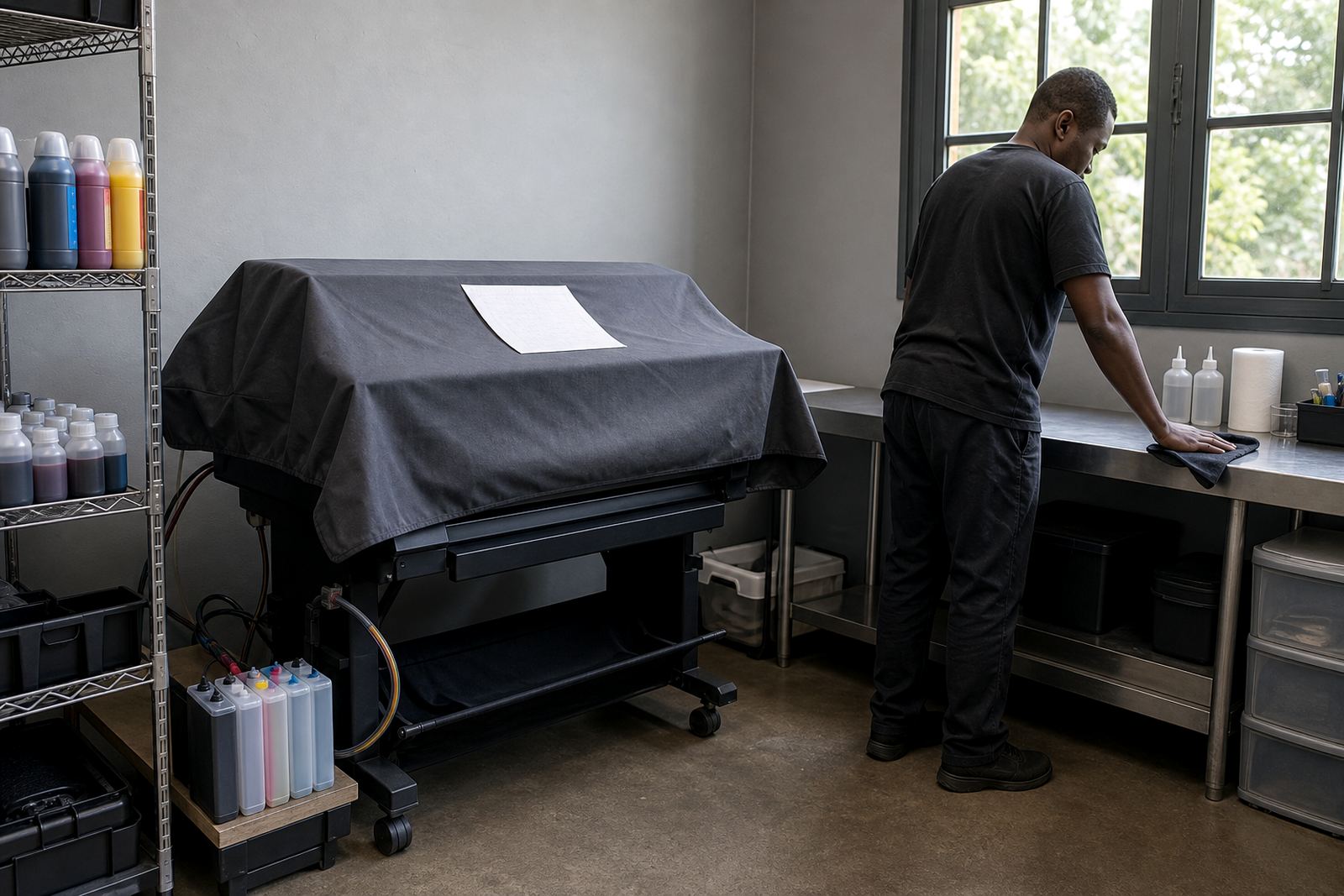
- Keep the printer sealed from dust where possible.
- Compare test prints under the same light each time.
- Swap in fresh ink if the colour has gone thin or muddy.
Empty returns, stock planning and workshop habits
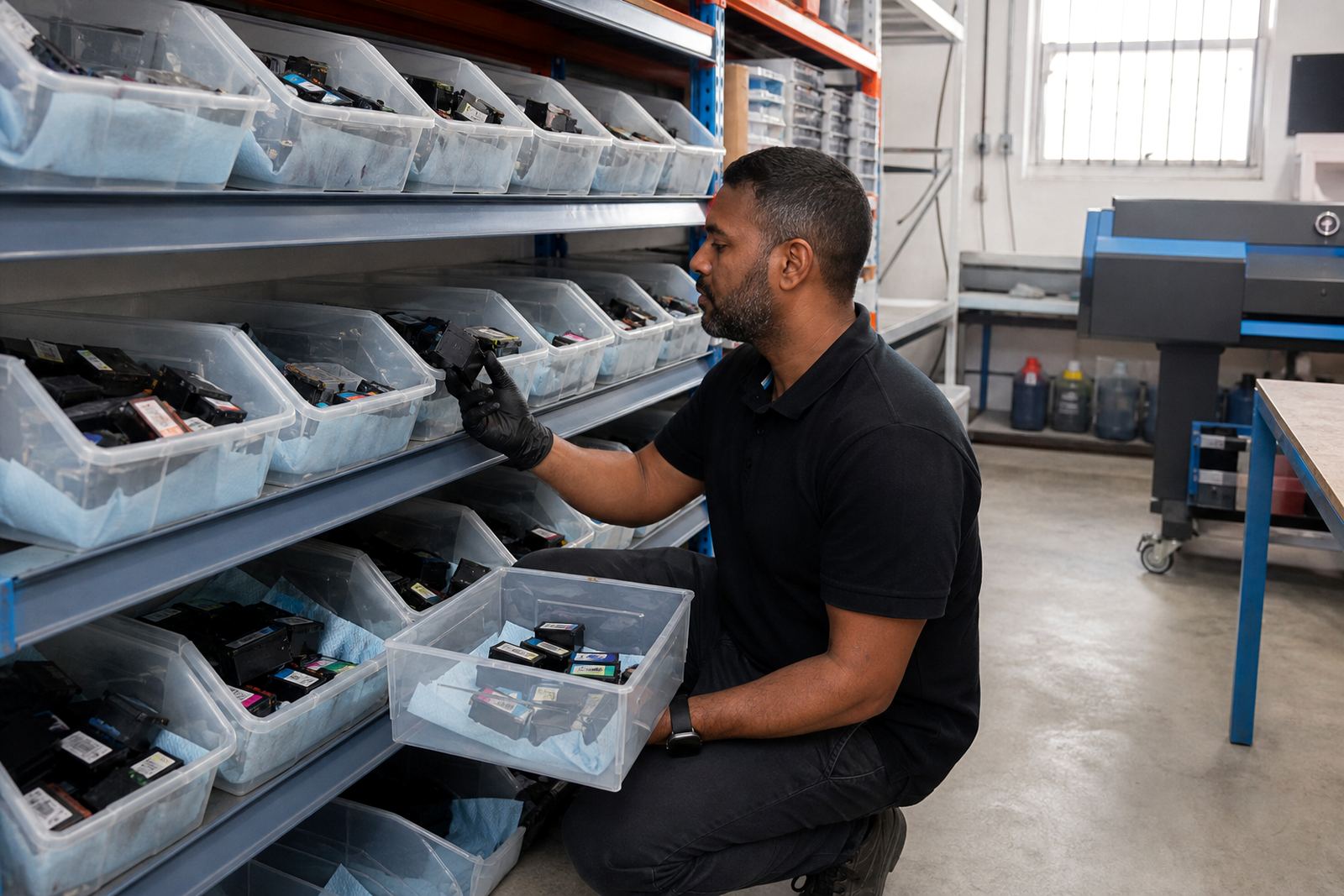
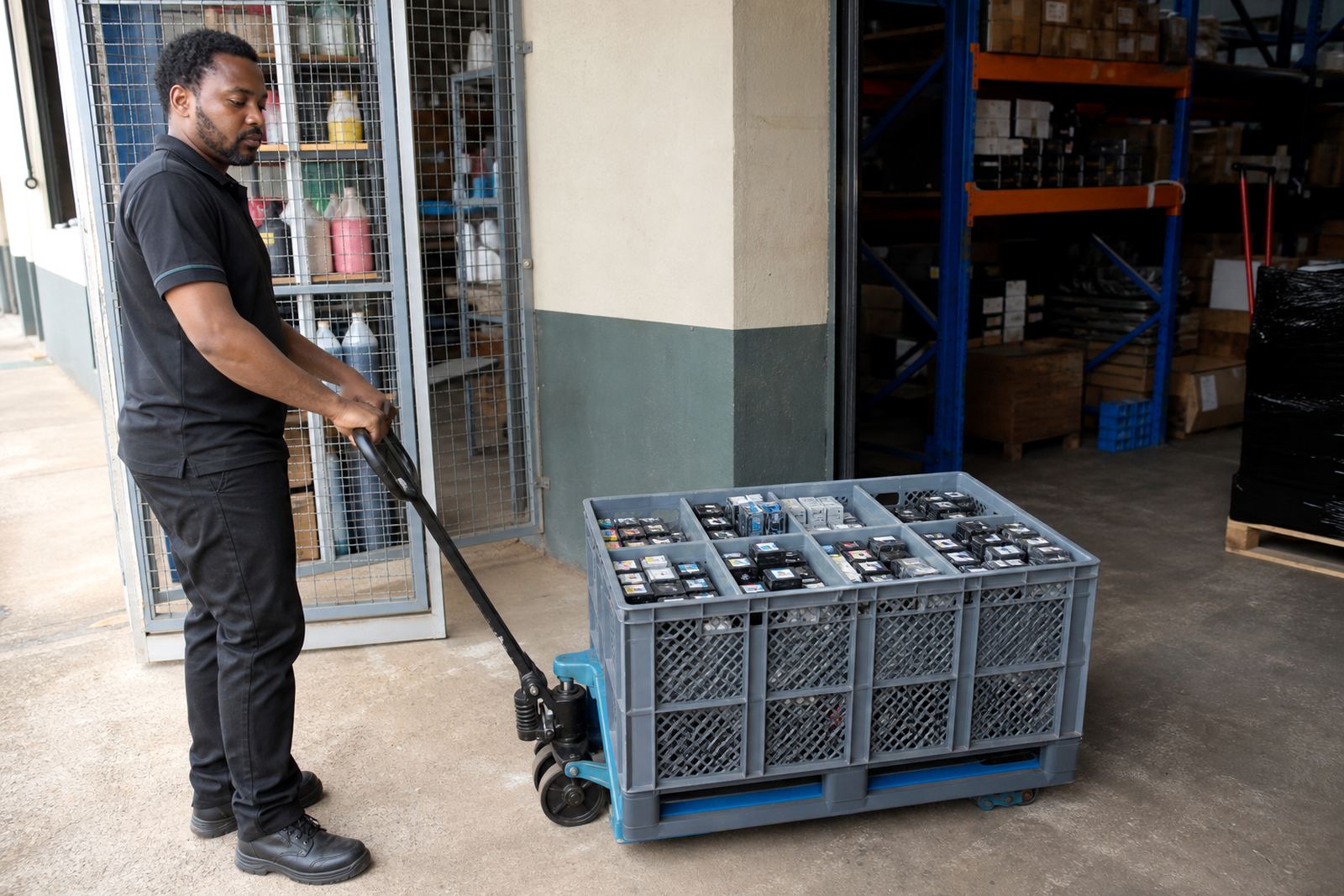
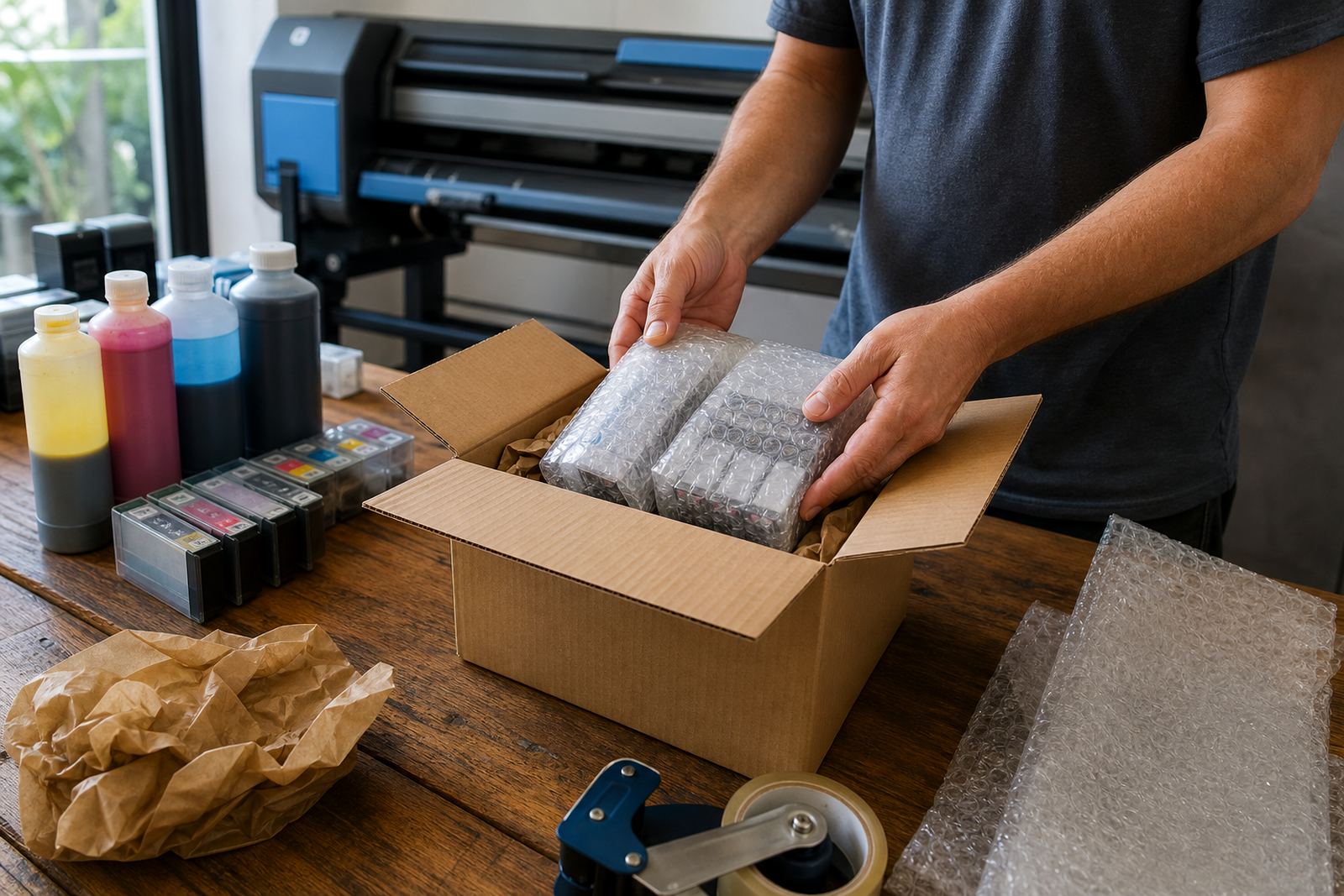
Empty cartridges and used bottles should not be treated as loose waste. A proper return habit helps keep the room cleaner and cuts the number of parts going to landfill. It also gives the refill bench a steadier flow of reusable items, which supports a more orderly workshop.
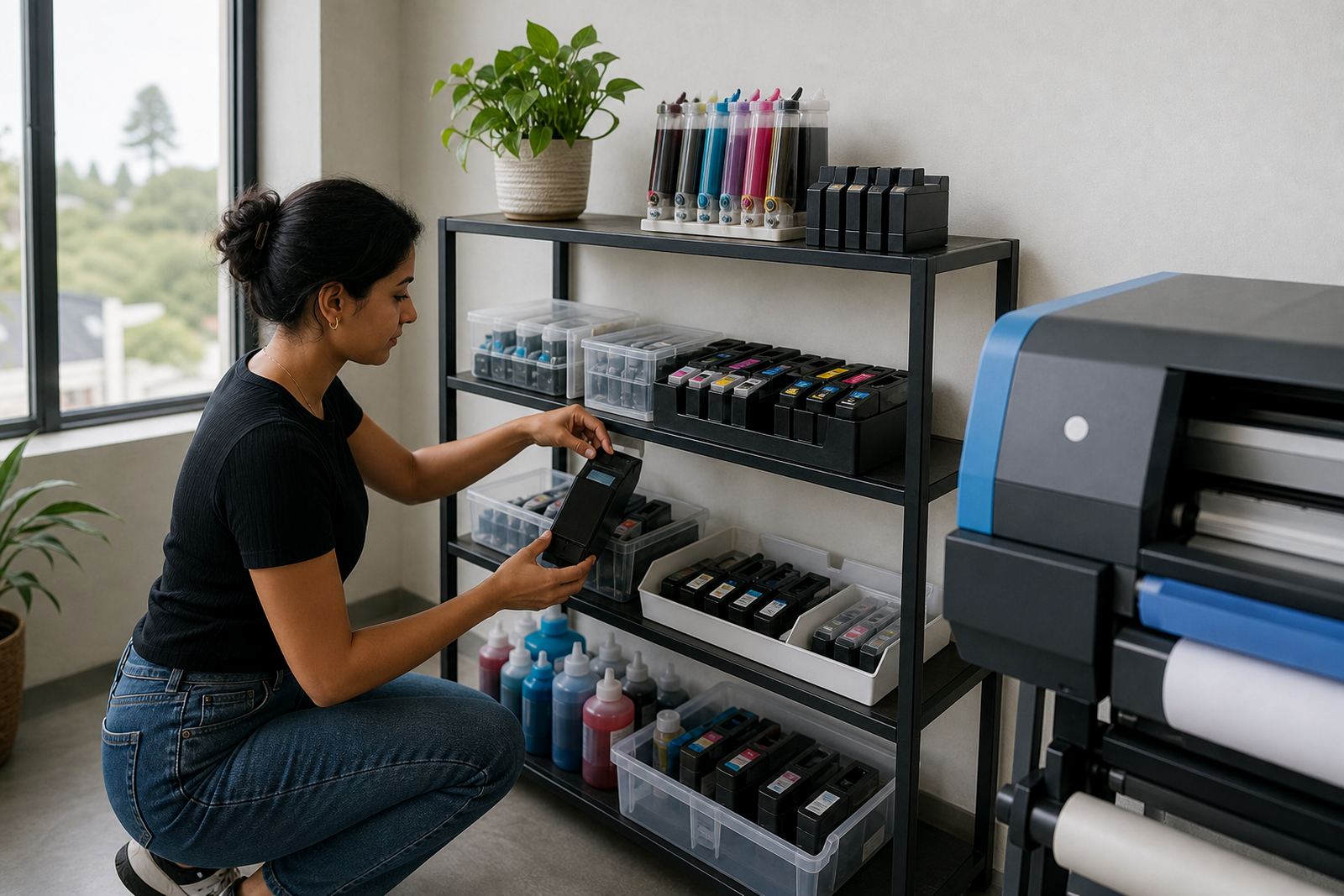
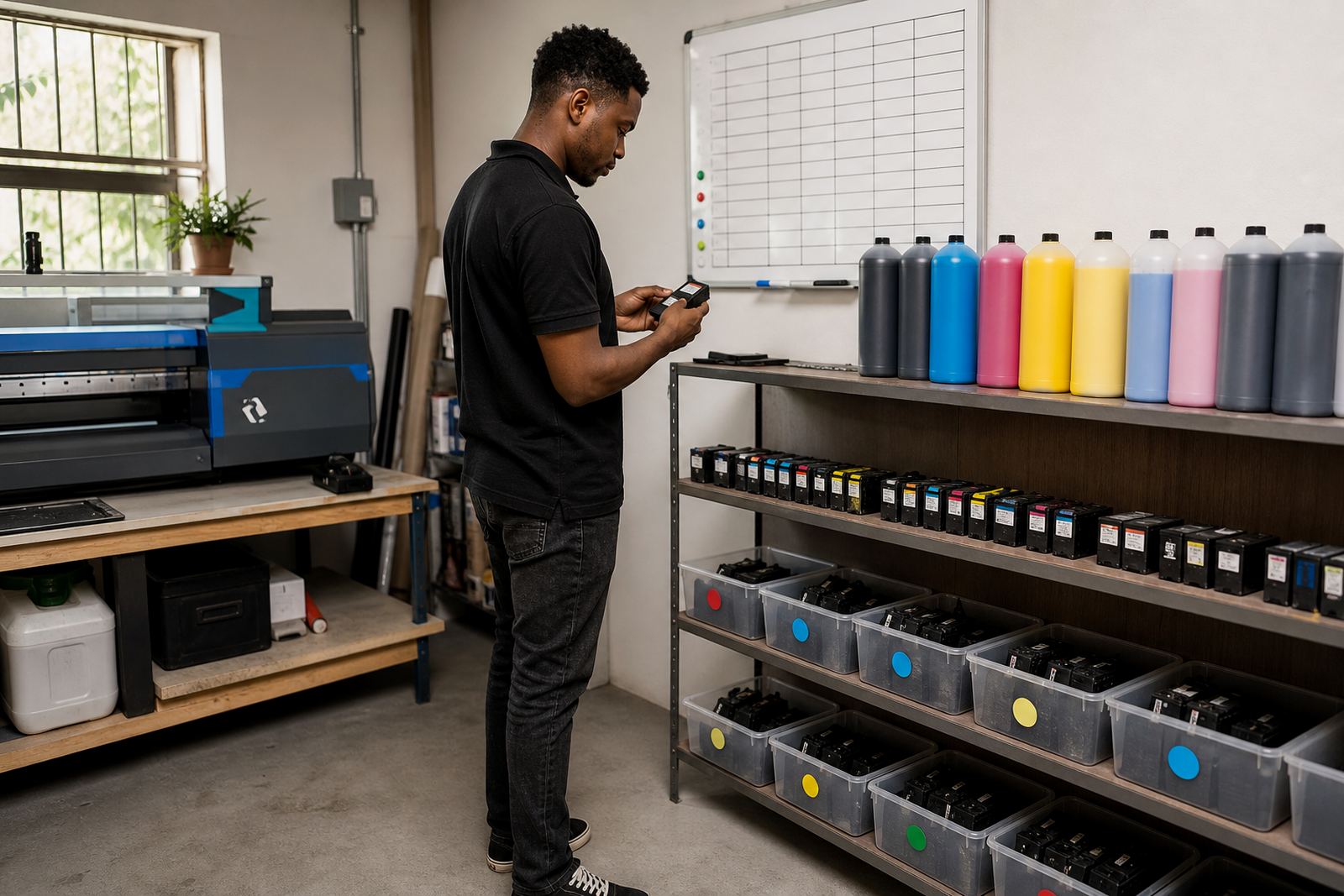
Stock planning helps offices and print shops avoid last minute shortages. If a team in Johannesburg uses the same cartridge family across several machines, it is worth tracking usage before a busy month starts. These notes include practical reminders for operators, from label checks to storage order, so the refill shelf does not become a guessing game.
- Separate empties by cartridge type before collection.
- Keep new stock away from direct sun and warm windows.
- Mark opened bottles clearly so older stock moves first.
- Train operators on basic filling and leak checks.
How the hub is meant to be used
This hub is a working index, not a theory page. Some articles are for people who refill at the bench, others for someone in accounts who wants fewer surprises in the supply cupboard, and some are for a wide-format operator who needs a steadier print habit.
Use the articles to compare cartridge refill advice, CISS setup help, chip reset support, leak checking and remote troubleshooting in one place. The listing cards sit elsewhere on the site, while these notes give you the background needed to choose the right path without guessing.