What this cartridge does in daily print work
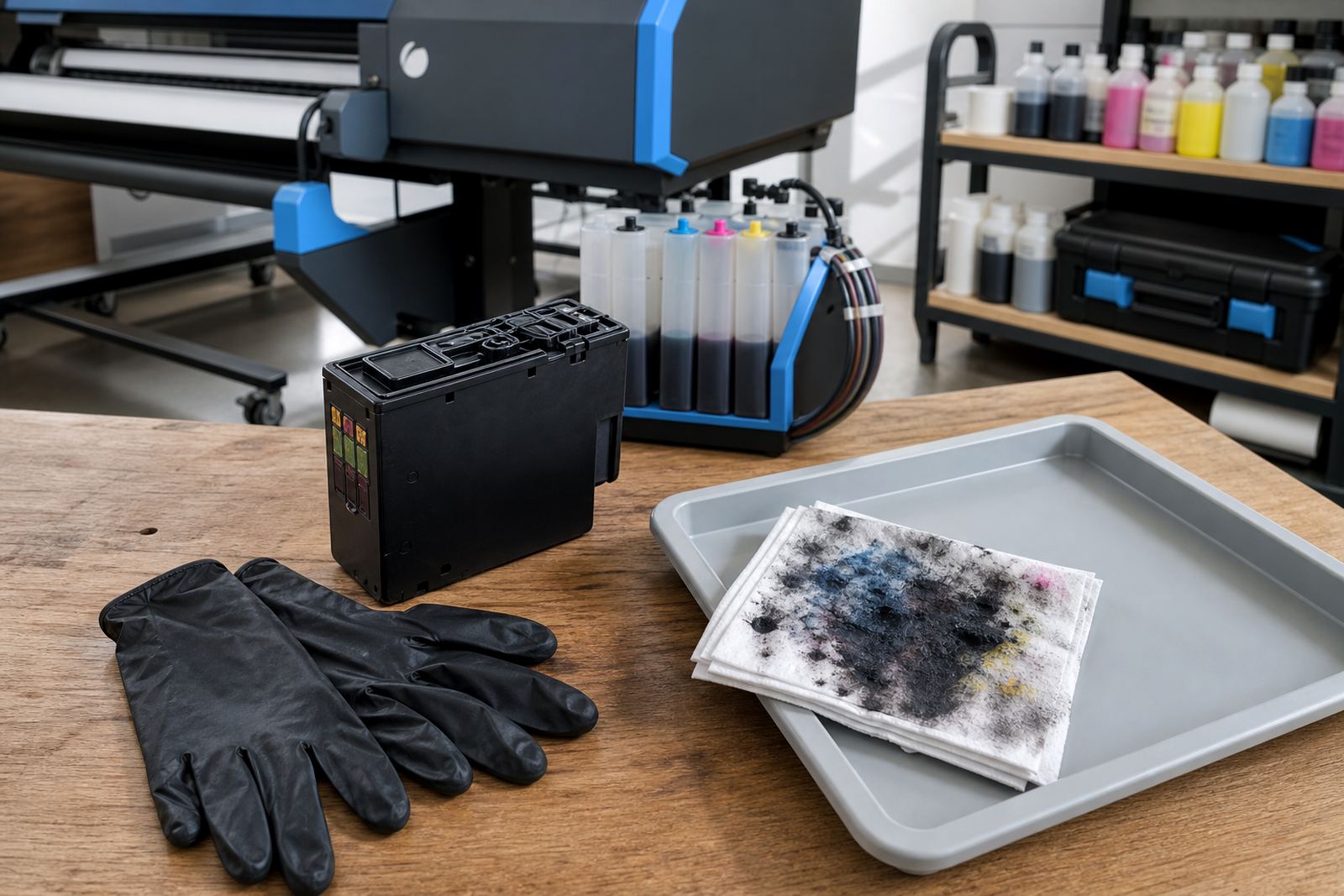
A maintenance cartridge sits in the waste path and holds the ink pulled out during purge cycles, head cleans and other service routines. In a busy office, design studio or wide-format print room, that waste has to go somewhere and this cartridge gives the printer a sealed place to collect it.
On some machines it is a replaceable box or tank, on others it is a compact absorbent unit with a fixed shape. The exact form depends on the printer series, the duty cycle and how the manufacturer designed the maintenance path. Once the cartridge reaches its limit, the printer may stop or start warning messages that affect everyday work.
For shops that run repeated cleaning cycles, especially where pigment ink and heavier coverage are used, the waste load builds quicker than many people expect. A fitted maintenance cartridge helps keep the inside of the printer cleaner and reduces the risk of overflow around the service station.
Sizes, formats and the small details that differ
There is no single universal size. Some units are slim and light, others are longer boxes with a larger absorbent chamber. The shape, latch points and contact layout must suit the printer model exactly, so the code on the old unit matters more than a rough visual match.
- Single-use cartridge units for supported benchtop and office printers
- Larger maintenance boxes for high-volume devices and wide-format systems
- Absorbent waste tanks that need periodic replacement after service cycles
- Model-specific housings with tabs, guides or locking points
- Units used with internal pump cleaning and head flush routines
Some printers use a chip or sensor on the cartridge body to track use, while others read the fill level through the machine itself. If the printer asks for a maintenance part number, that code is the safest starting point. For remote branches and shared machines it helps to keep the exact unit on hand, not a near match.
Where the part suits office, studio and print-room use
This consumable suits machines that run regular maintenance cycles, print dense colour work or handle longer production periods. Offices in Westville, Durban and Pietermaritzburg often use them for everyday document printers, while design studios and photographers use them where inks are swapped or cleaned more often.
Wide-format print shops feel the impact fastest. When a printer lays down heavier ink coverage for posters, drawings, proofs or display work, the waste path fills sooner. A maintenance cartridge is part of the normal service rhythm in those rooms, along with nozzle checks, printhead care and sensible stock planning.
It also suits teams that keep several printers in rotation. If one unit is shared between admin, layout and output work, maintenance parts should be checked with the same care as paper and inks. A missed cartridge change can hold up the machine at the wrong moment and create avoidable downtime.
Fitting and replacement points that matter
Installation is usually a physical fit into the service bay, then a reset or acknowledgement at the printer panel if the model requires it. Some machines guide the cartridge in on rails, others need a latch opened, the old unit removed and the new one seated firmly before the cover closes. If the printer uses a chip, the machine may need to read the new part before normal printing resumes.
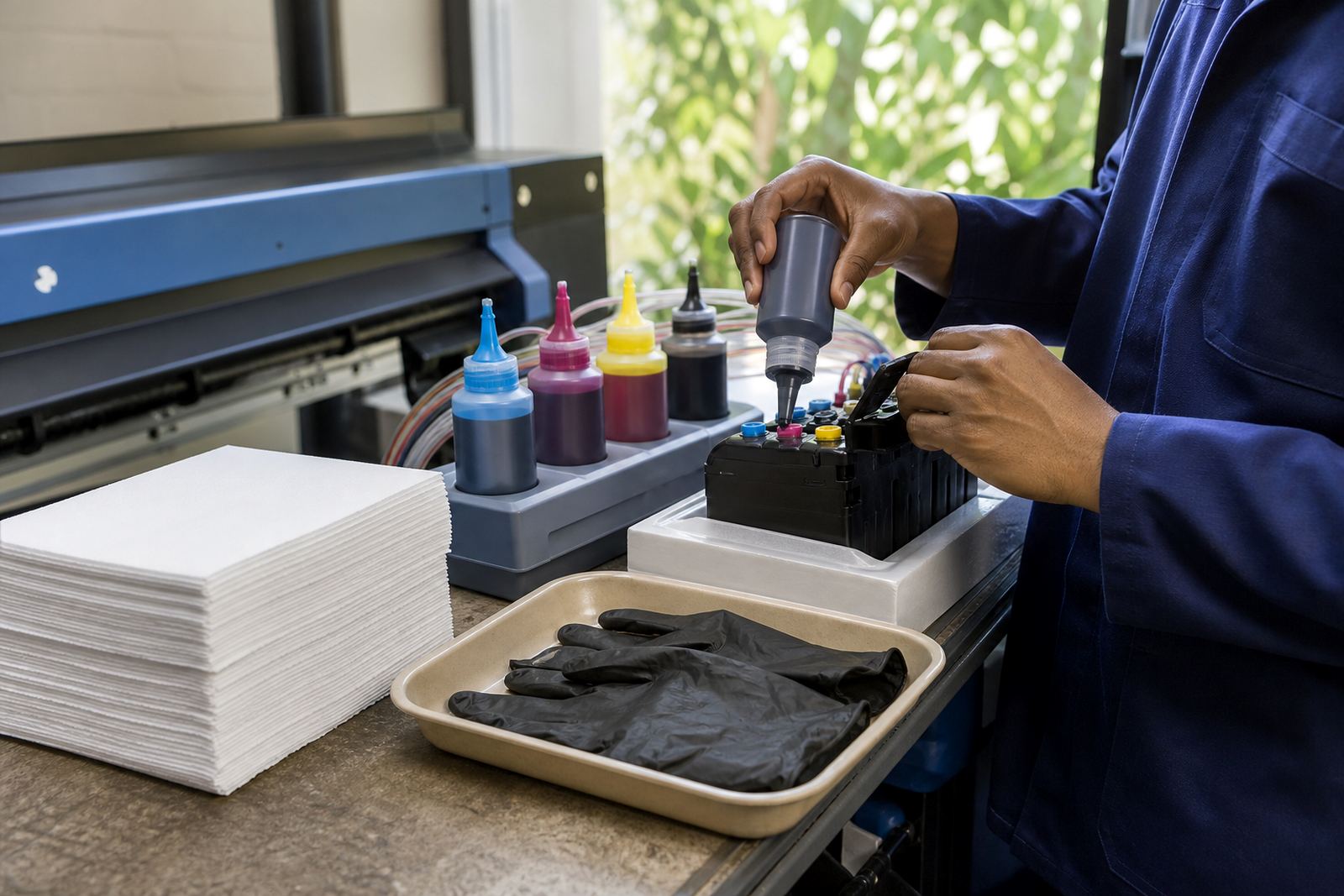
Handle the waste side carefully. Ink can stain trays, hands and nearby surfaces, so the replacement area should be clear before you open the service compartment. If a printer has leaked into the bay, the surrounding parts may need cleaning before the new cartridge goes in. That is one reason many operators keep spare wipes and gloves close to the print station.
- Match the exact model or maintenance part number
- Check whether the printer uses a chip, sensor or manual counter
- Confirm the fitting direction and latch style before opening the bay
- Inspect the waste path for dried ink or overflow marks
- Reset the maintenance count only after the new part is seated properly
Key facts
| Product type | Maintenance cartridge for waste ink collection |
|---|---|
| Use case | Supported printer maintenance routines and cleaning cycles |
| Format | Replaceable waste cartridge, box or absorbent unit |
| Compatibility | Model-specific and part-number specific |
| Typical environment | Offices, design studios, artists and wide-format print shops |
| Service fit | Works with printhead care, nozzle checks and leak checking |