Reset support that fits the refill job
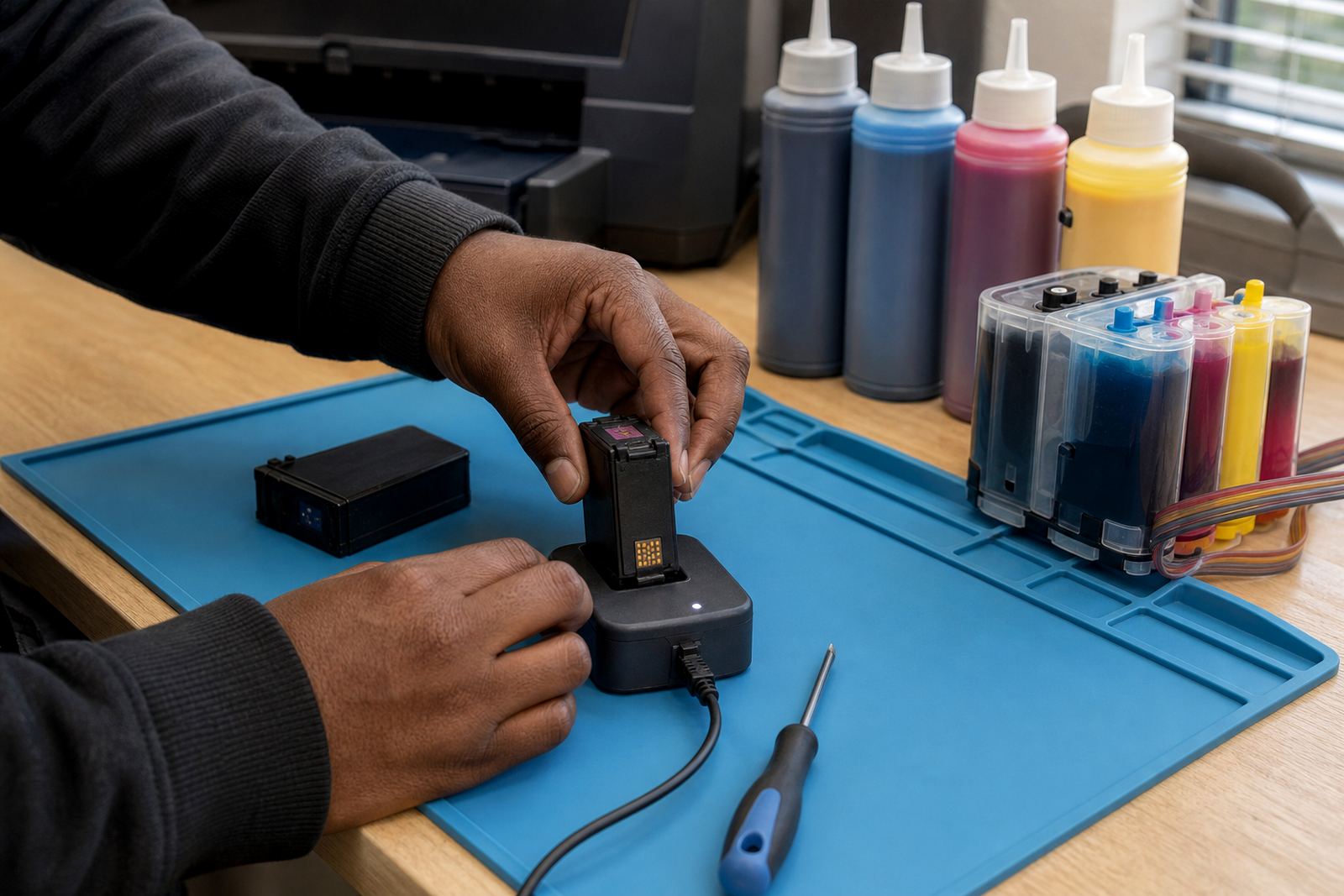
Chip reset help matters when a cartridge or refill setup reports low ink even after topping up, or when a printer wants a fresh cartridge signal before it will carry on. We work with compatible reset tools in general terms, and the aim is to keep the cartridge reading steady enough for normal office, studio or production use.
The support suits refilled cartridges, bulk ink systems and mixed printer rooms where not every unit is used the same way. Some setups need a manual reset after refill, others use an auto-reset chip, and some need both the chip and the printer contacts cleaned before the reading settles properly.
- Compatible reset tool guidance for common refill workflows
- Chip contact cleaning and seating checks
- Print recognition checks after refill or cartridge swap
- General advice for mixed dye and pigment ink use
What the service covers in practice
We start with the cartridge type, the printer model family and the way the ink is being used. A benchtop office printer, a design studio machine and a wide-format unit do not always need the same handling, even when the same general refill principles apply. That is why the first step is to identify whether the chip is resettable, replaceable or better left alone.
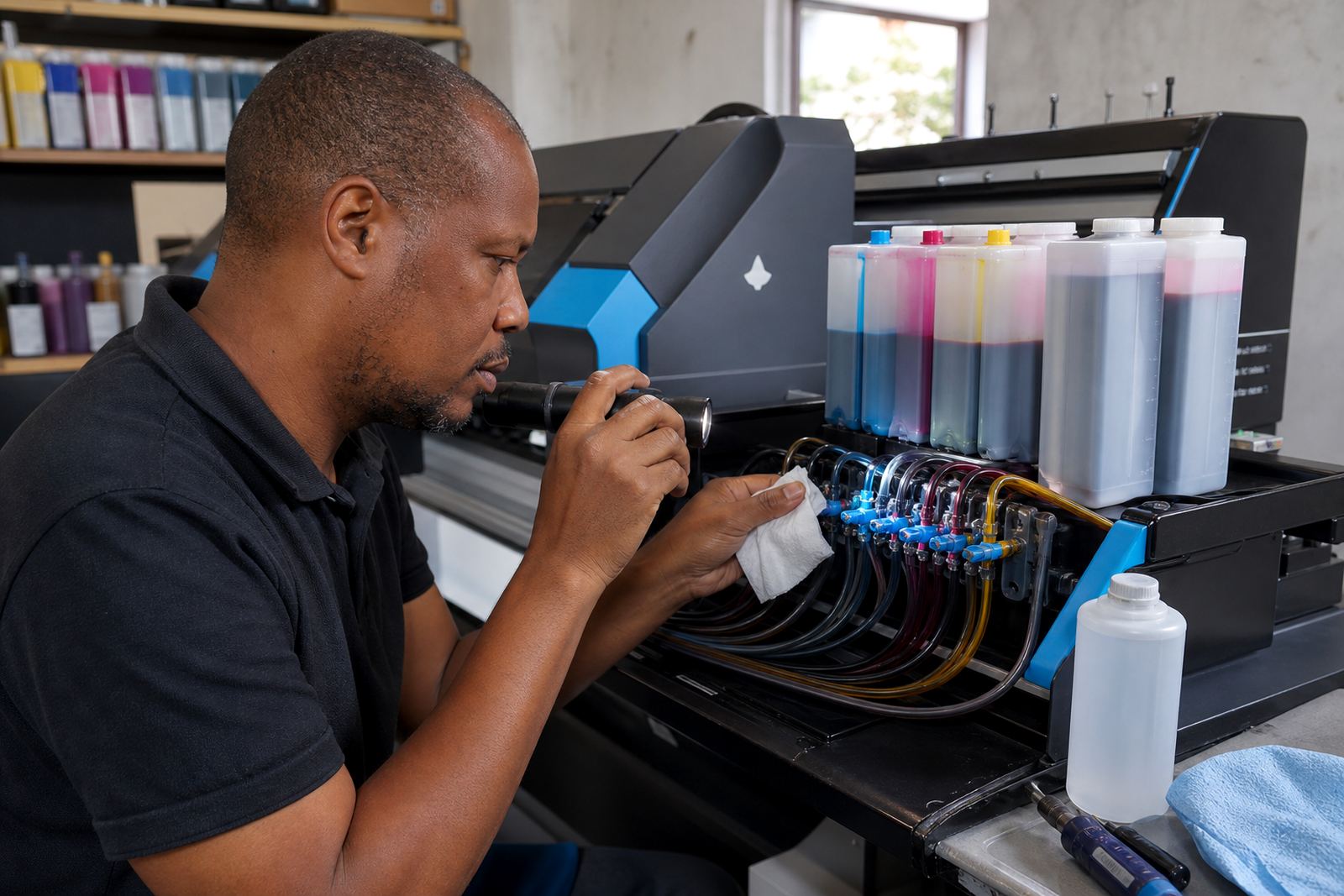
Support can include chip reset help alongside nozzle check support, printhead care, leak checking and ink type guidance. If the cartridge has been refilled several times already, we also look at contact wear, ink contamination around the chip area and whether the cartridge body is still sealing properly.
- Reset guidance for compatible cartridges and refill kits
- Chip and contact inspection before reuse
- Guidance for dye ink and pigment ink handling
- Checks for false low-ink alerts after refill
The steps we follow on a reset job
The process stays practical. First we confirm the cartridge type and whether the printer is reading the chip at all. Then we check the chip face, the contact points and the cartridge fit. If a reset tool is suitable, we use it in line with the cartridge design and the refill method already in use.
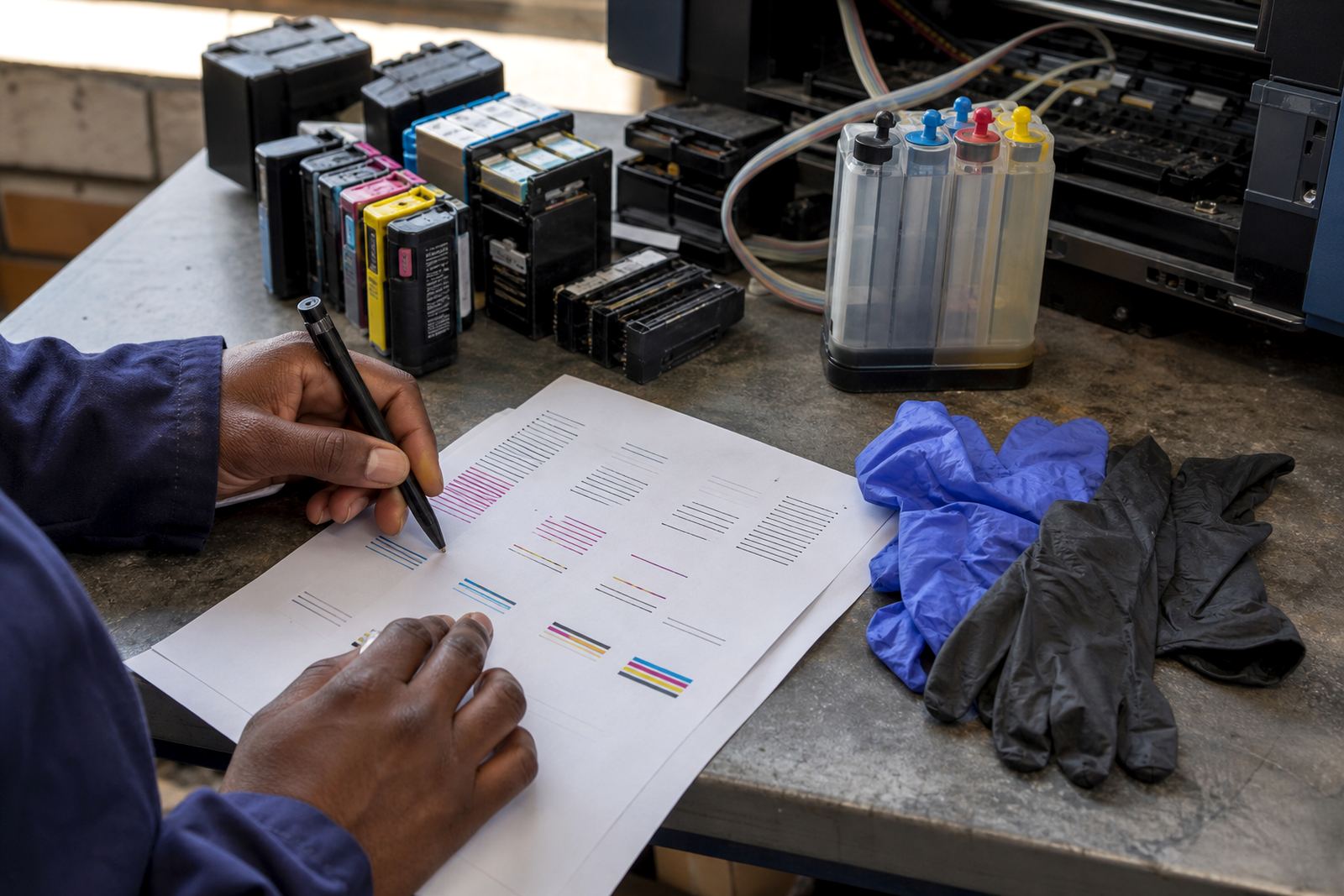
When the cartridge comes back into service, we advise a nozzle check and a short test print so the ink path can be judged before a larger print run. That matters with pigment inks, which can behave differently from dye inks in certain office and artwork setups, and it matters even more where refill routines are done by more than one operator.
- Identify cartridge family and chip type
- Check contacts, seating and visible wear
- Apply reset method where compatible
- Run a print check after refit or refill
InkEx specs for refill-linked chip support
Chip reset help at InkEx is part of the wider refill workflow, not a stand-alone gimmick. It sits alongside empty return handling, refill advice and troubleshooting for printers that depend on a steady cartridge signal.
We keep the support broad enough for office teams and detailed enough for print rooms. That includes help with reset tools in general terms, plus practical advice on cartridge life, chip recognition and when a cartridge is no longer worth pushing further.
- Refurbished cartridge support
- Bulk ink refill system support
- Manual and compatible reset tool guidance
- Contacts, chip and nozzle checks
- Dye and pigment ink handling advice
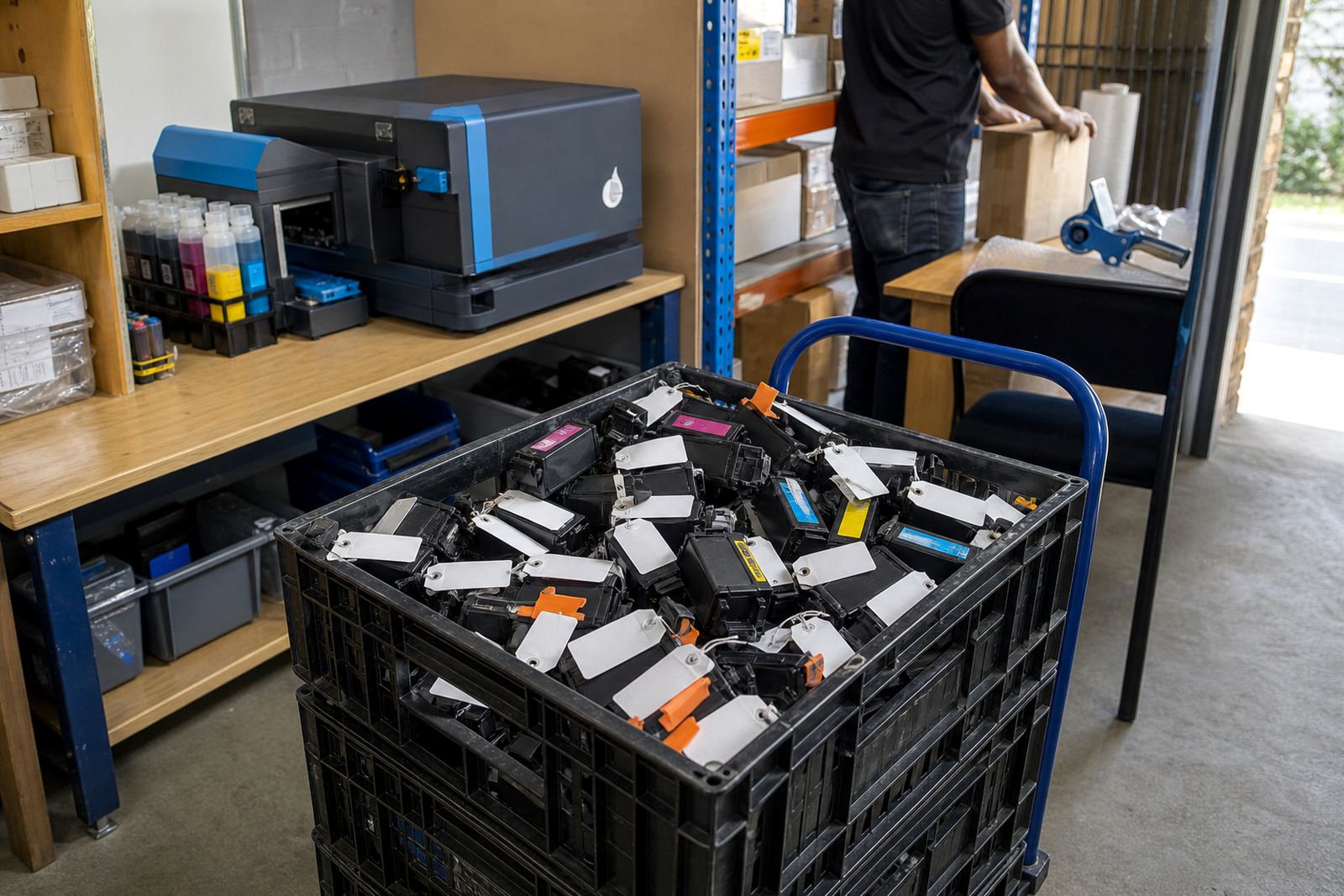
- Empty cartridge return guidance
Pricing that follows the job, not the guess
Pricing is usually shaped by the cartridge type, the number of units involved and whether the job is a one-off reset check or part of a larger refill workflow. A single office cartridge is one thing, but a studio with mixed colours, multiple printers and a few older units needs a different approach.
We keep the pricing approach tied to the work actually being done. If a cartridge only needs reset guidance and a contact check, that is handled differently from a job that includes refill advice, leak checking and printhead care. Courier delivery can be arranged for clients outside Westville, and the same principle applies: the cost follows the work and the route.
- Single cartridge support or batch handling
- Quoted around the cartridge type and service mix
- Courier-friendly for South African deliveries
- Useful for offices, artists and print shops
Aftercare for the next print run
After the reset, the main aim is to keep the cartridge reading clean and the print quality steady. That usually means checking the contact area, storing spare cartridges upright where possible, and avoiding rough handling of the chip face. If the printer starts flagging a cartridge again, it is better to inspect the chip and contacts before forcing another cycle through the machine.
For refill systems, we also look at how the operator is filling, whether the cartridge has been overfilled, and whether the ink type suits the print job. Pigment ink is often chosen for sharper text and certain working documents, while dye ink is often used where colour flow and general photo output matter more. The wrong match can lead to repeated errors or poor print results, so the support does not stop at the reset itself.
- Contact cleaning and careful cartridge handling
- Guidance on safe refill volume and seating
- Print type matching for dye or pigment use
- Advice on when to recycle empties instead of forcing reuse
Key facts
| Service area | Westville, Durban and courier delivery across South Africa |
|---|---|
| Typical use | Refilled cartridges, CISS systems and mixed office print rooms |
| Chip support | Compatible reset tools and contact checks |
| Ink types | Dye ink and pigment ink guidance |
| Related support | Nozzle checks, printhead care and leak checking |
| Empty handling | Return and recycling guidance for spent cartridges |