Start with the pattern on the page
Look at the fault before you touch the machine. Faint cyan across every page points to one sort of problem, while banding in one colour channel often points to a blocked nozzle or air in the ink path. Grey blacks on a page that should look solid can mean a black cartridge is tired, the wrong ink mix is in use, or print settings are pushing the job too light.
If the marks change from page to page, note whether the issue sits on the left side, repeats in stripes, or fades after a few pages. Those details help separate a cartridge fault from a paper feed issue and save a lot of back and forth in the workshop.
Cartridge checks that are worth doing first
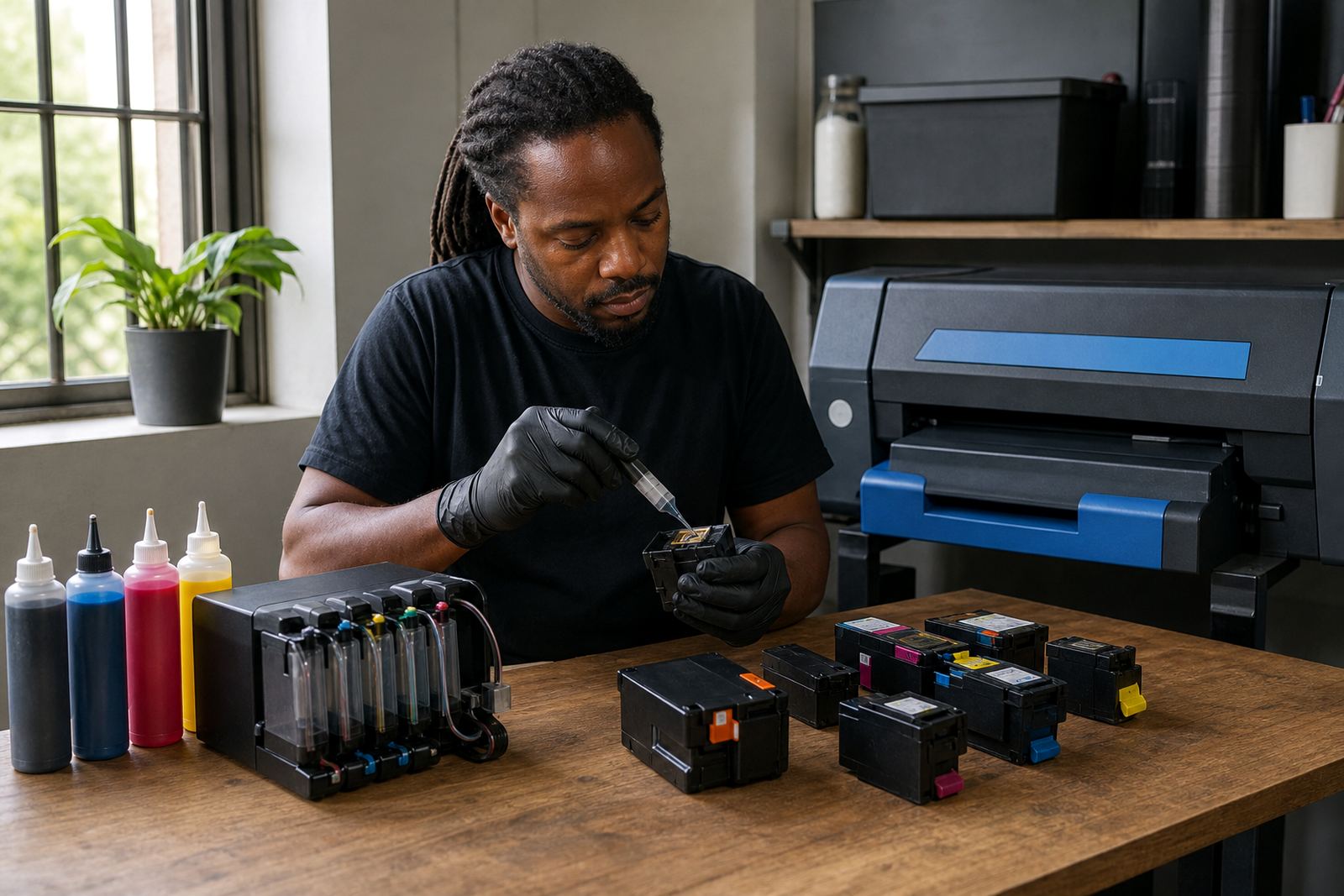
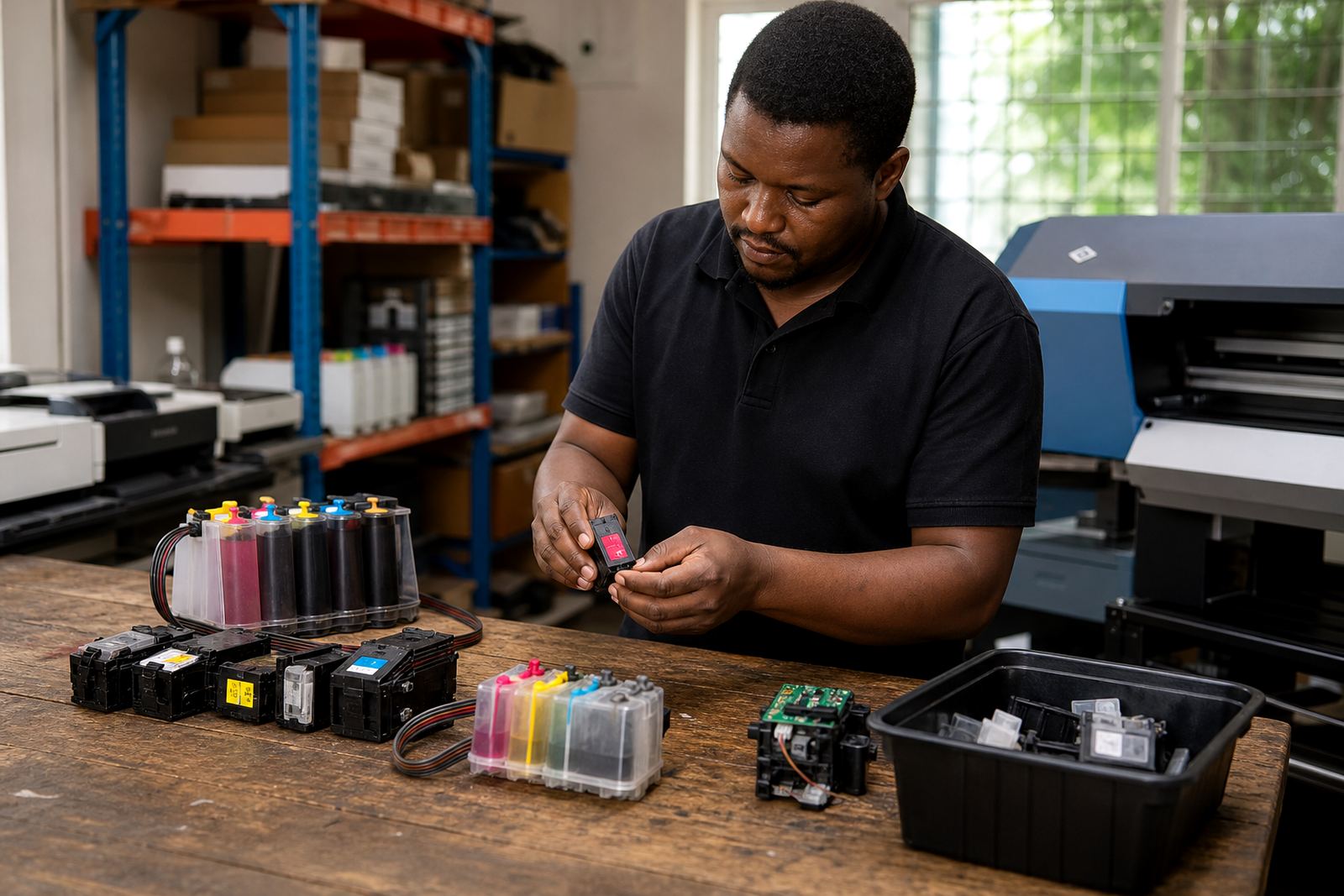
Refurbished cartridges need clean electrical contact and stable ink flow. Remove the cartridge, check for dried ink around the outlet and wipe the contact area with a lint free cloth. Refit it firmly, then print a nozzle check or test page. If the printer reports a cartridge as empty too early, the chip may need a reset or the contact points may need another clean.
- Check that the cartridge seals are still seated correctly.
- Make sure the vent is open where the design allows it.
- Look for cracked housings, leaks, or swollen plastic.
- Confirm the cartridge matches the printer model and colour slot.
A cartridge that has been stored for too long can dry at the outlet. In that case the printer may pull ink unevenly and leave pale patches, especially on long runs.
When a refill system starts to misbehave
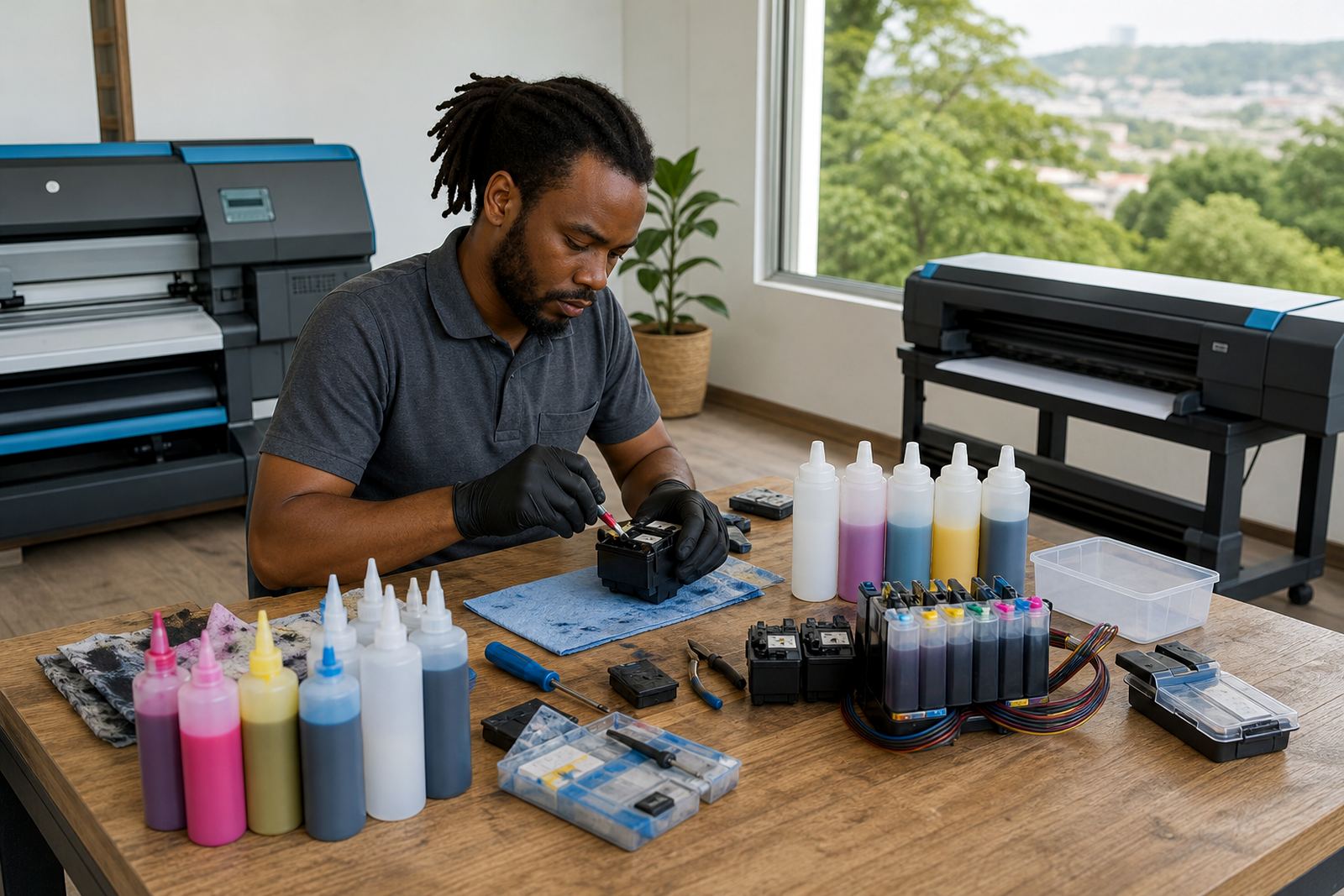
Bulk ink systems and refill kits can work well, but they need tidy tubing, clean reservoirs and the right ink grade for the job. Air bubbles in the line can cause missing lines or sudden fade outs. If the tanks sit lower than the printer carriage or the tubing is kinked, ink may feed in fits and starts.
Check that the reservoir lids are closed correctly and that no line has lifted out of place. Pigment ink is often preferred for sharper text and better water resistance on suitable media, while dye ink can suit brighter colour work and smooth photo output. Mixing the two without planning can leave muddy blacks or colour shift.
- Keep the ink line free of tight bends.
- Do not top up with mixed or unknown ink.
- Prime the system only as far as the maker allows.
- Watch for leaks around joints and cartridge ports.
Missing lines usually need head care, not guesswork
Missing lines in a nozzle check often point to clogged nozzles or an air break in the printhead path. Run the printer’s own cleaning cycle once, then print another nozzle check before repeating it. Too many cleaning cycles can waste ink and heat up the head without fixing the blockage.
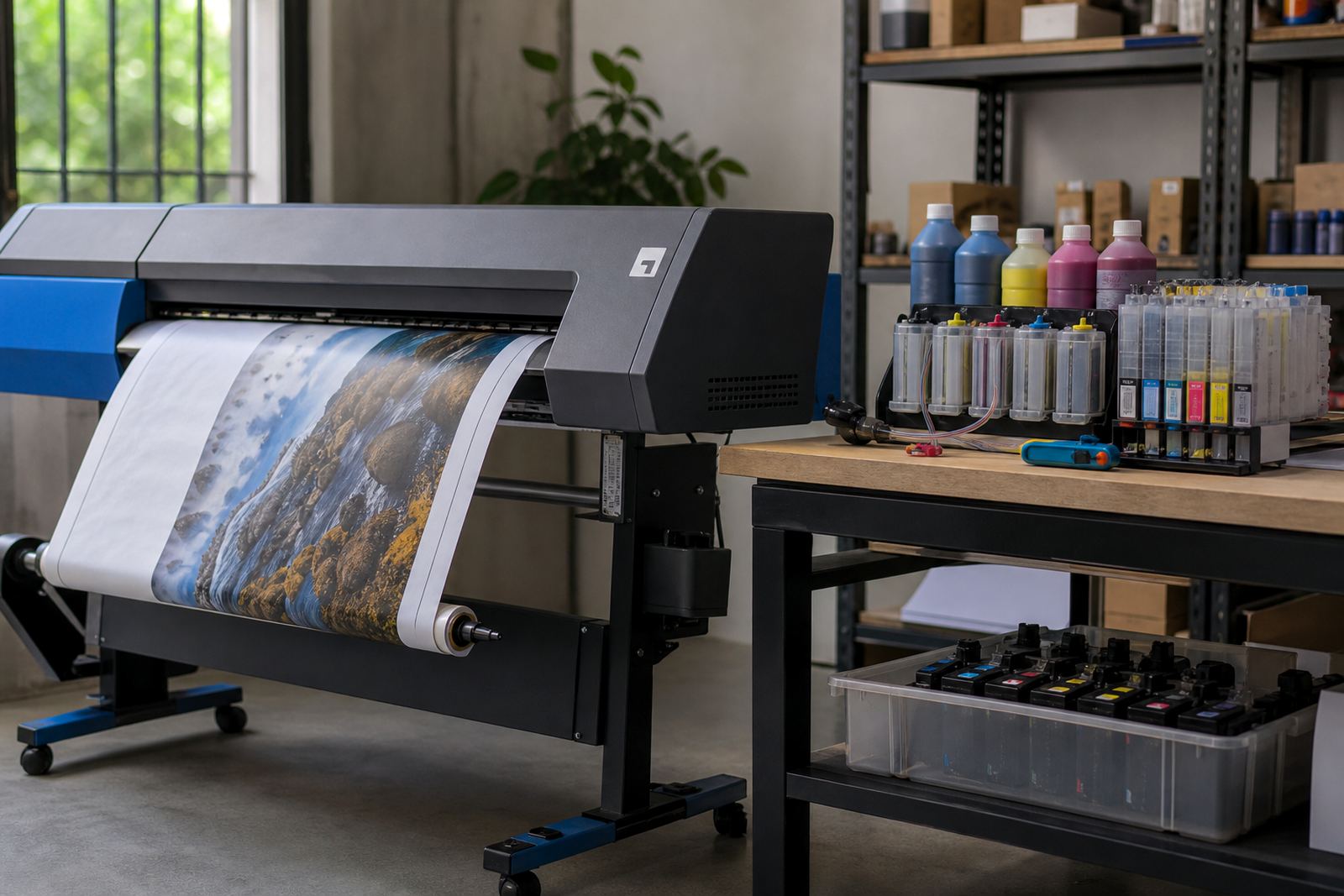
If the printer has been idle, a careful soak or a longer cleaning routine may help, but only where the model supports it. On wide-format units, a printhead that shows one pale strip across the image may need more than a quick flush. Dust, thick ink residue and low humidity in a studio can all make the problem worse.
Grey blacks and dull colour need setting checks too
Some print faults are not hardware faults at all. A file sent in draft mode, the wrong media type, or a colour profile that does not suit the paper can leave blacks looking washed out and reds falling flat. Check the driver settings before you strip the printer apart. A photo job on plain paper settings often looks weak even when the cartridges are fine.
For office work, test a second file from the same machine. For studio work, compare the same image on two paper types. If one print looks sharp and the other looks flat, the issue may sit with the media choice or colour handling rather than the ink itself.
A sensible reset for stubborn faults
If the printer keeps flagging a cartridge after cleaning and reseating, the chip may need resetting in general terms, or the machine may need a proper cartridge recognition check. Keep the contacts dry, avoid forcing the cartridge into the slot, and do not use a resetter on a unit that is visibly cracked or leaking. That only hides the real fault.
Some machines also need a fresh start after long storage. Power down fully, remove the cartridge set, inspect for dried residue, then reinstall one unit at a time. This makes it easier to spot the colour that is causing the trouble.
- Handle chips and contacts with clean hands.
- Replace damaged seals before using the cartridge again.
- Separate true ink faults from paper feed marks.
- Keep empty cartridges for the return programme where possible.
How to protect output on the next run
Once the page is clean, keep the machine in better shape by printing a test page now and then, especially on refill systems that sit unused over a weekend or between jobs. Store spare ink upright, keep dust off the tanks and cartridges, and use the correct ink type for the printer and media. Empty returns help reduce clutter and keep used parts moving back through the right channels.
For offices in Durban, Pietermaritzburg, Johannesburg, Pretoria and Cape Town, the aim is steady output without waste. If weak colour or streaks keep showing up after these checks, our contact form can be used for help with cartridge refill advice, printhead care, colour balance and setup support.