Colour that holds its shape on the table
Studio work is judged on small differences. A warm grey on a layout board, a clean skin tone on a presentation print, or a deep black line on a proof can shift the whole conversation with a client. That is why the ink choice matters as much as the file setup. Refurbished cartridges suit offices and design teams that print in bursts, while bulk ink systems suit studios that run the same machine all week and want lower running costs over time.
For Westville and surrounding Durban workspaces, humidity can matter too. Paper can curl, ink can sit differently on coated sheets, and a printer that has been idle for a few days may need a nozzle check before the first clean proof leaves the tray. The right setup reduces waste, but it still needs sensible handling, especially where colour accuracy is part of the job.
We keep the guidance practical. If a studio uses one machine for layout checks, another for client presentation boards, and a third for A3 office prints, the refill plan should match that mix rather than forcing every printer into the same routine.
Common studio machines and the way they are used
Most design studios work with a small group of printers rather than one large production unit. A benchtop inkjet may handle rough comps, a wider-format machine may handle A3 or A2 boards, and a separate office printer may carry invoices, briefs and admin output. Some teams also print on matte, gloss or heavyweight sheets, which changes how the ink sits and how long it needs to dry.
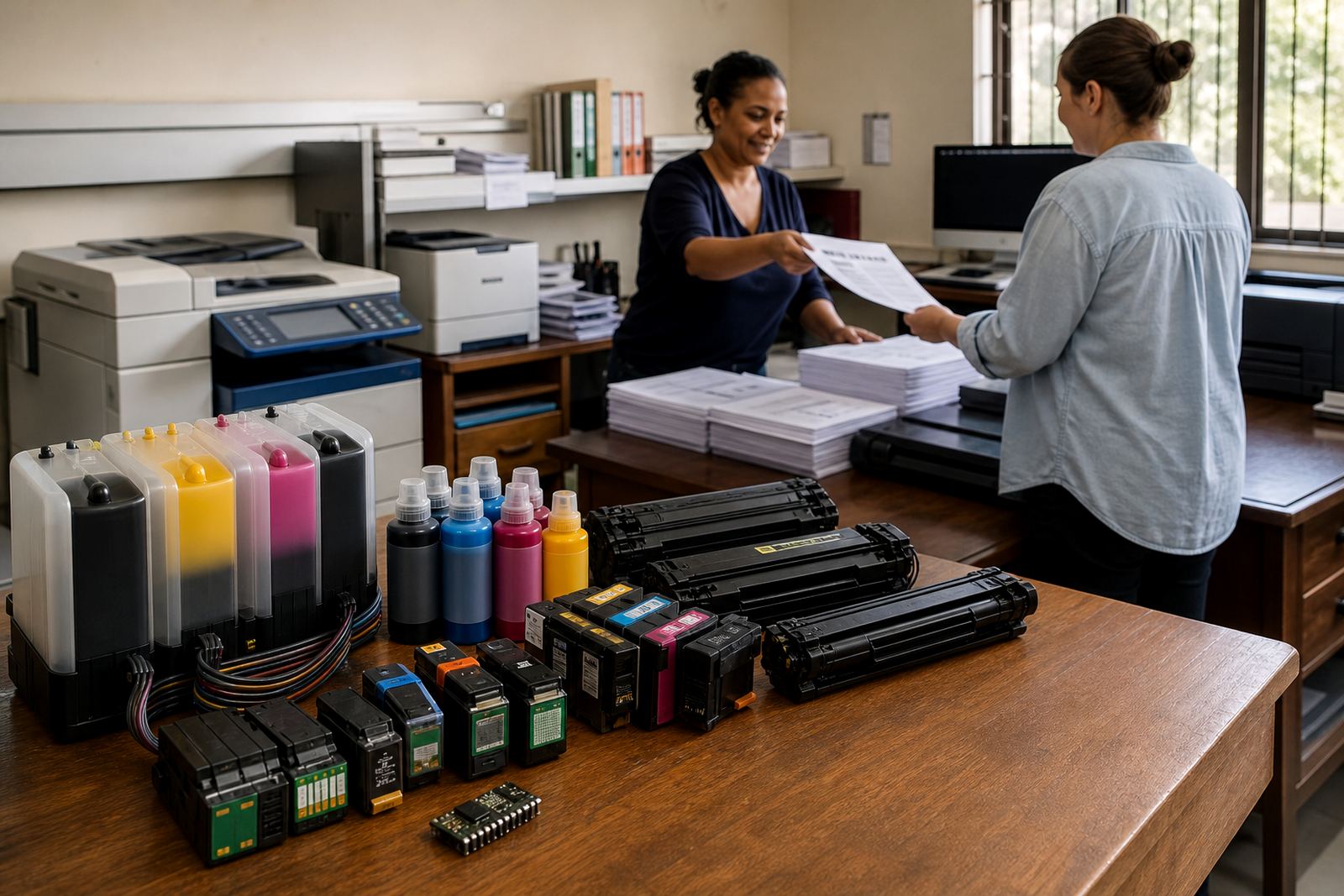
Refurbished cartridges are useful where the printer is moved between tasks and must stay neat at the front office or the studio table. Bulk ink systems are useful where the same model prints every day and the cost per page needs to stay low. Dye inks are often preferred for bright colour work and presentation pages, while pigment inks are often selected where sharper text, stronger water resistance and longer display life matter. The choice depends on the machine, the paper and the final use.
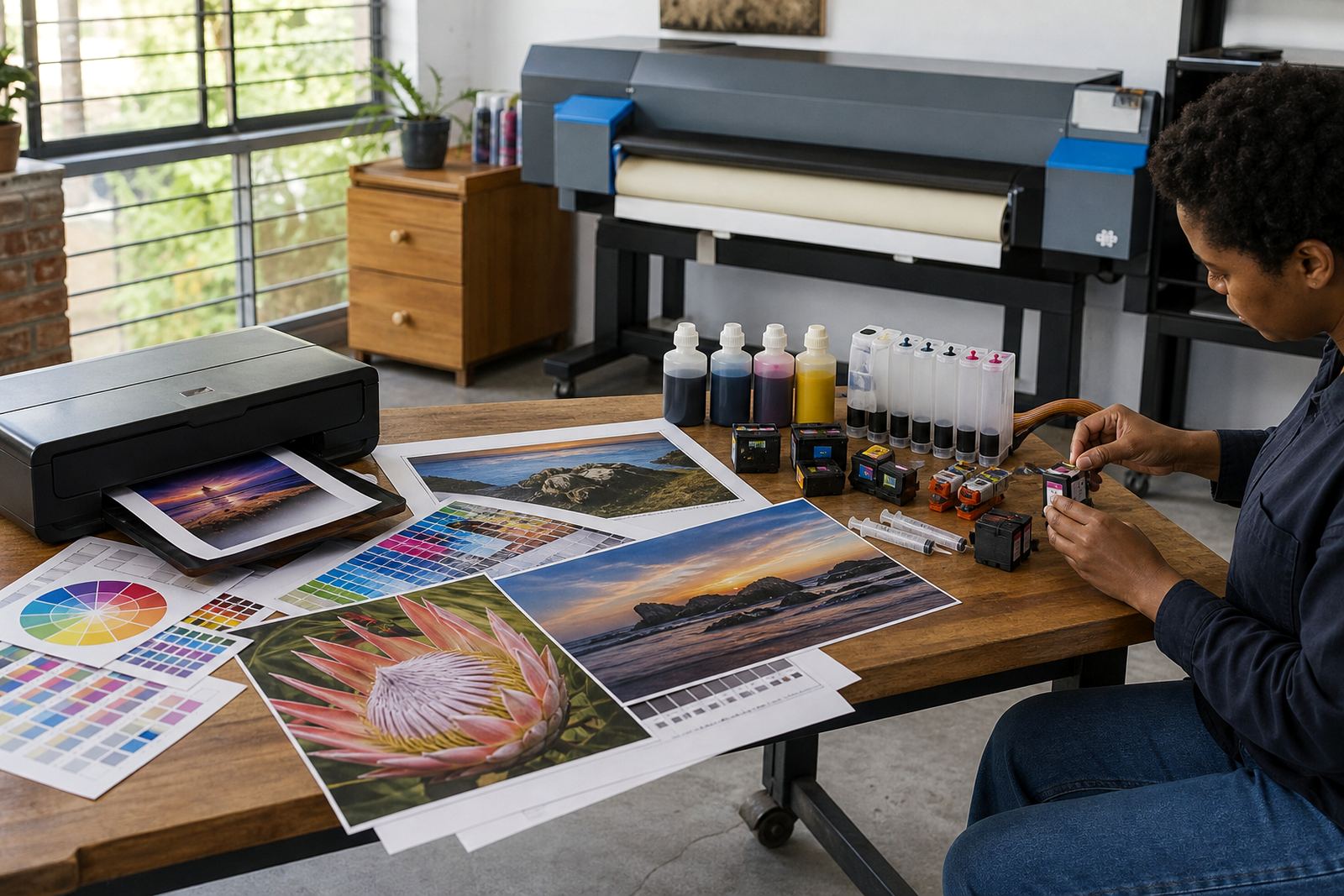
- Proof printers for colour checks and marked-up layouts
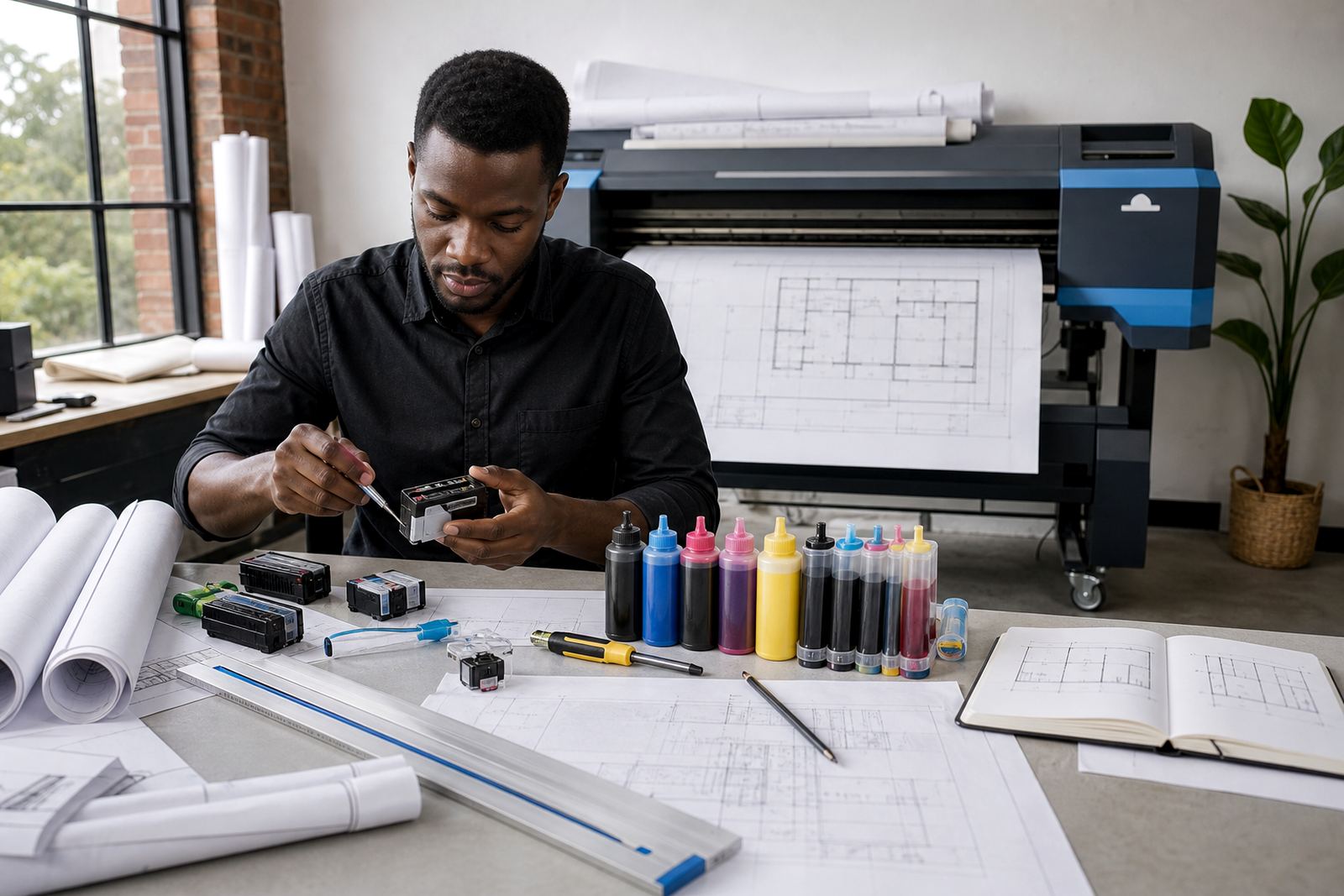
- A3 and wider machines for boards, concept sheets and mock-up sets
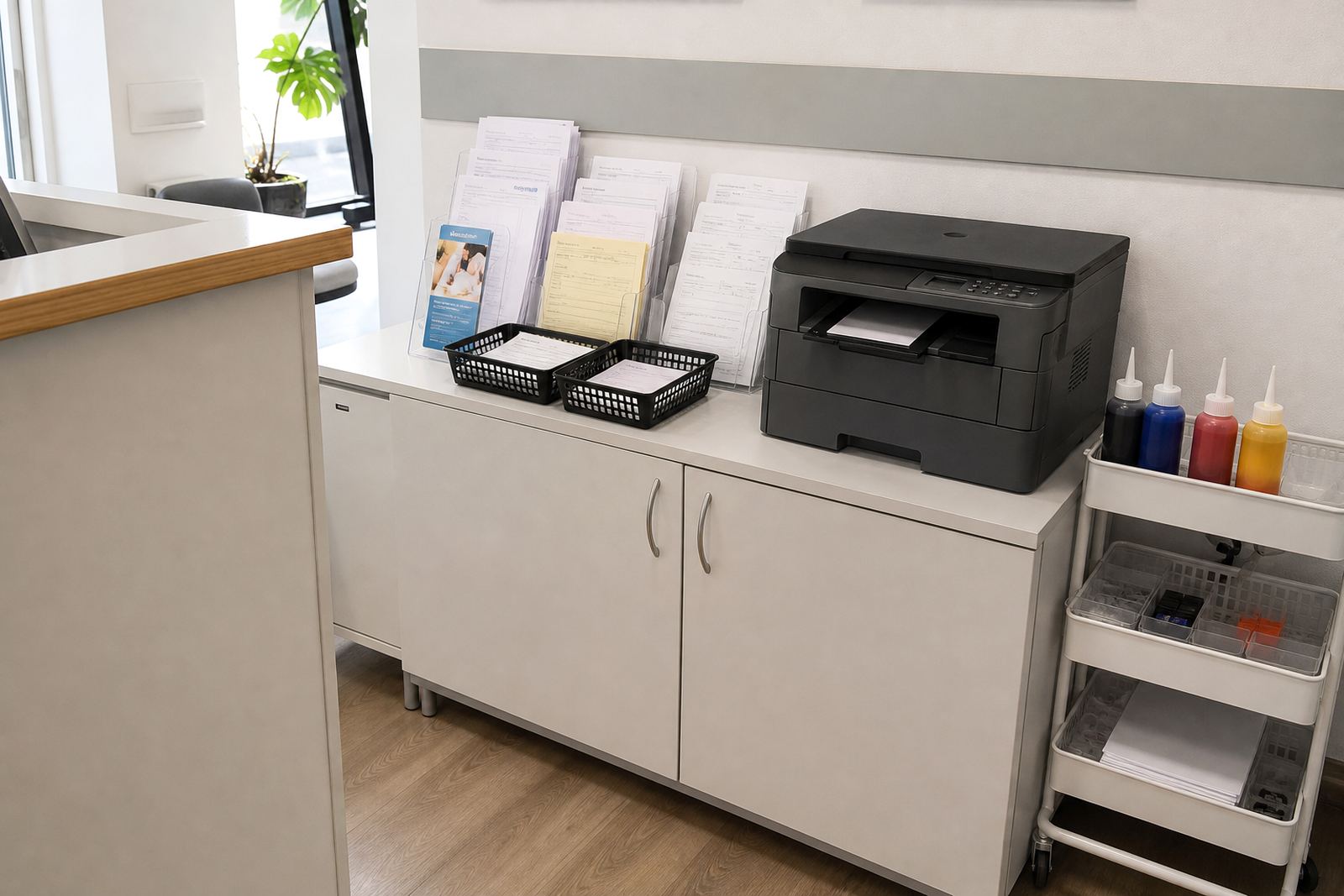
- Office printers for quotes, schedules and admin pages
- Backup units for urgent reprints when a deadline shifts
Layout planning that saves ink and reprints
A studio can waste a surprising amount of ink through layout habits. Heavy full-bleed backgrounds, unnecessary solid panels and repeated test prints all add cost. We often look at the way a team prints draft stages, not just the final page. If the printer is being used for client proofs, it helps to separate the draft setting from the presentation setting, and to keep a clear routine for colour checks before the main print run starts.
When the work includes board mock-ups, the paper size should match the final display as closely as possible. Printing an A3 artwork three times because the trim marks were wrong costs more than choosing the right settings at the start. If the printer uses a continuous ink system, the tank position and tube path should be neat, level and free of sharp bends so the feed stays stable.
We also advise studios to keep one person responsible for refill tracking. That avoids the usual mix-up where one cartridge is half empty, another is already drying, and nobody can remember which set was last cleaned. A small register of installed cartridges, spare bottles and returned empties keeps the rhythm tidy.
The mistakes that make proofs expensive
Design teams usually contact us after a simple pattern has already caused trouble. The printer may have sat unused over a long weekend, the nozzles may have started missing lines, or a cartridge may have been topped up with the wrong ink type. Mixing inks is a common problem because it can shift colour, affect flow and make cleaning harder than it should be.
Another issue is using the printer as if every job needs the same treatment. A grey proof on plain paper does not need the same approach as a presentation board on coated stock. If the machine is left on the wrong setting, the ink load rises and the result can look dull or patchy. Chip resetters can help in general terms on certain refillable setups, but they are only one part of the job. The cartridge body, the sponge condition and the printhead care routine all matter too.
- Filling with the wrong ink type for the printer and paper
- Ignoring nozzle checks before a proofing run
- Leaving cartridges dry for too long between jobs
- Overfilling tanks and causing leaks inside the tray area
- Throwing away empties that could be returned through a collection programme
Refill advice for studios that print in bursts
Some studios print hard for two days and then go quiet for a week. Others print a steady trickle of layouts, marked-up samples and office pages. The refill plan should suit that pattern. For burst use, refurbished cartridges can be easier to keep on hand in a spare set, while bulk ink systems can suit a team that knows its output stays regular. In both cases, printhead care is part of the value. A blocked head turns a neat layout into a repeat print, and repeat prints are expensive.
For colour work, we usually separate the advice into three parts: the ink itself, the paper surface and the printer routine. Dye ink can give lively colour on presentation pages, while pigment ink is often better where crisp detail and durability matter. If a studio switches between both, it needs to understand the limits of each machine and not force one printer to behave like another. That is where remote troubleshooting helps, because the issue is often not the file, it is the way the printer has been managed.
We also handle empty return planning for teams that want fewer loose cartridges in cupboards and less waste in the bin. The empties need a place to go, and a return routine is easier to keep when the storage box is already part of the refill process.
What a studio budget can look like in rand
Budgeting for studio printing is not only about the price of ink. It includes cartridges, refill kits, maintenance, cleaning time and the cost of failed proofs. A small office or design room with light printing may keep its spend modest by using refurbished cartridges and buying only what it uses. A studio with regular presentation boards or wide-format output will usually need a larger working stock, plus a better plan for spare cartridges and maintenance supplies.
As a broad guide, a small studio can often start with a few hundred rand for basic refill items or a single cartridge change, while a more active setup with multiple cartridges, setup help and troubleshooting support may run into the low thousands of rand depending on the machine set and the volume of printing. Wide-format work, pigment ink sets and larger stock holding can move the number higher. The real cost sits in how often the printer is interrupted, not just the purchase itself.
We keep the advice grounded in your actual output. A one-printer studio in Hillcrest will have different needs from a multi-machine office in Johannesburg or Cape Town, and a presentation-heavy team in Durban may need a different ink mix from a layout studio that prints mostly internal checks.
Courier delivery and studio supply across South Africa
InkEx works from Westville, Durban and supports studios across Pietermaritzburg, Johannesburg, Pretoria, Cape Town, Ballito and Hillcrest with courier delivery. That matters when a project is waiting on colour checks or the team cannot afford to let a printer sit idle for long. The order can cover refurbished cartridges, bulk ink refill systems, chip reset help in general terms, empty return planning and operator training where a studio wants a clearer routine at the printer.
Our contact form is the best place to send the printer model, the type of work you print, whether the output is mostly proof sheets or presentation boards, and whether the machine uses a standard cartridge setup or a continuous ink feed. That gives the team enough detail to match the advice to the machine, not to a generic list.
Design work needs clean colour handling and a refill plan that fits the real week in the studio. When the printer is set up properly, the file can do its job and the paper can do the rest.