Where a chip resetter fits in the refill routine
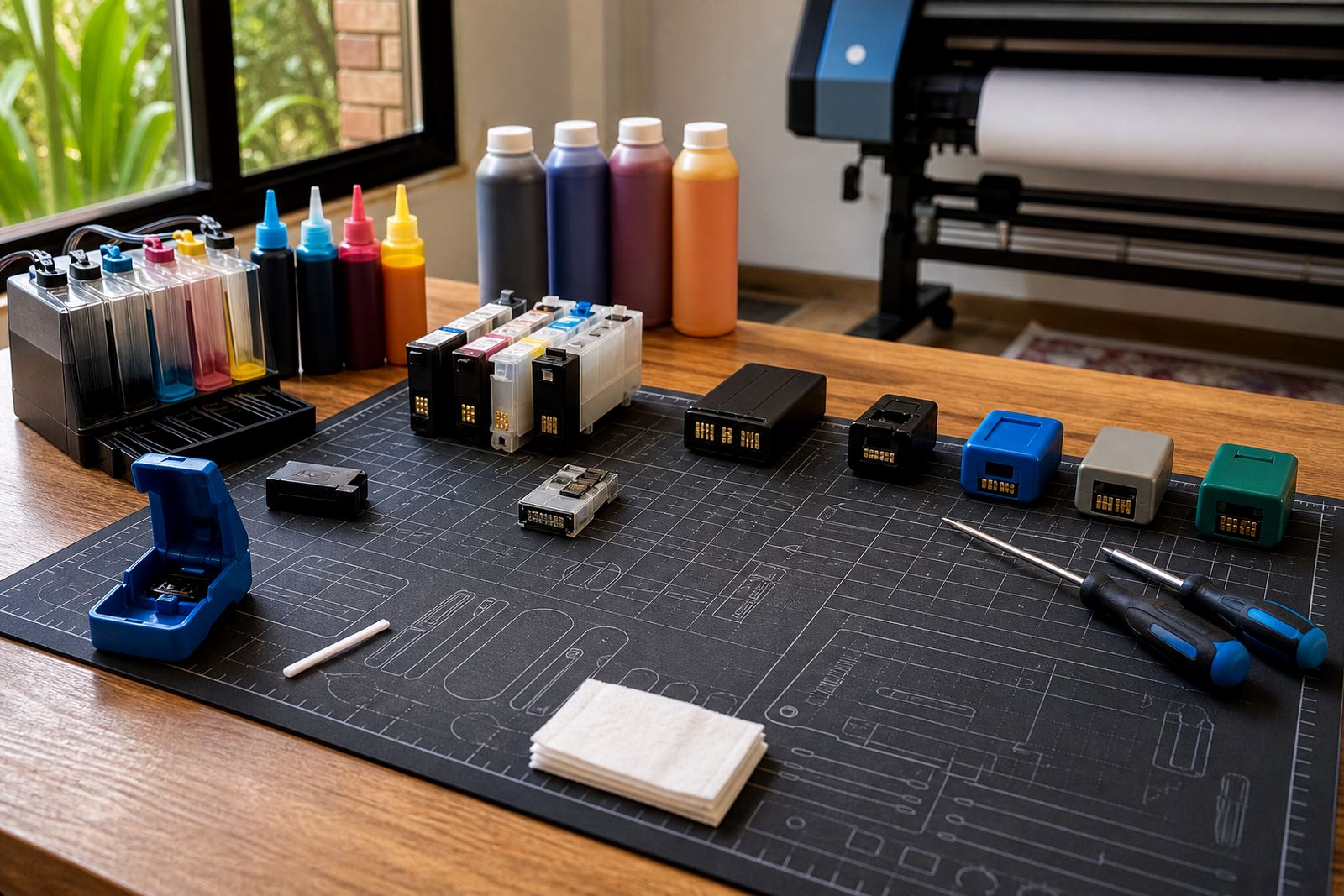
Many modern cartridges use a chip to report ink levels and help the printer track cartridge identity. After a refill, the chip may still read as empty, unaccepted or mismatched even when the tank or sponge now has usable ink inside. In those cases a resetter can help the cartridge present itself again as ready for use.
Not every refill setup needs one. Some cartridges work with chip resetters, some use replacement chips, and some office machines are less tolerant of repeated refilling. The first check is always the cartridge family, then the printer model, then the condition of the contacts on the chip and inside the carriage.
- Use a resetter when the chip still shows empty after a proper refill.
- Check contact points for dried ink, dust or bent pins.
- Match the resetter to the cartridge style, not only the printer brand.
- Keep the cartridge seated properly before testing the chip again.
Signs the chip is the part causing trouble
A cartridge can be full and still refuse to print if the chip is not reading correctly. The machine may flash an empty warning, reject the cartridge, or show a message that the cartridge is not recognised. At times a page prints with missing colour blocks, even though the ink itself is fine, because the printer has stopped trusting the chip reading.
Before reaching for a resetter, check the basics. Make sure the cartridge is the right model, the protective tape has been removed, and the contacts are clean. A chip resetter will not solve a blockage in the printhead or a badly sealed refill hole. It only helps where the chip logic is the problem.
- Empty or incompatible warnings after refilling.
- Intermittent recognition when the cartridge is moved slightly.
- Old chips that have reached their programmed limit.
- Cartridges that work in one slot but not another.
Using a resetter without stressing the cartridge
The process is usually straightforward, but it must be handled with care. Align the chip pads with the resetter pins, hold steady, and wait for the indicator to confirm contact. If the cartridge is angled, or the pins press too hard, the chip can be damaged. A light hand matters more than force.
After the reset, reinstall the cartridge and run a nozzle check or test page. This confirms that the printer sees the cartridge and that ink is travelling properly. If the test pattern is weak, the issue may be trapped air, dried nozzles, or an ink mismatch rather than the chip itself.
- Wipe chip surfaces gently with a dry lint-free cloth.
- Seat the cartridge squarely before applying pressure.
- Confirm the indicator light or signal on the resetter.
- Run a small test print before returning to normal work.
Ink choice, clog risk and the reset question
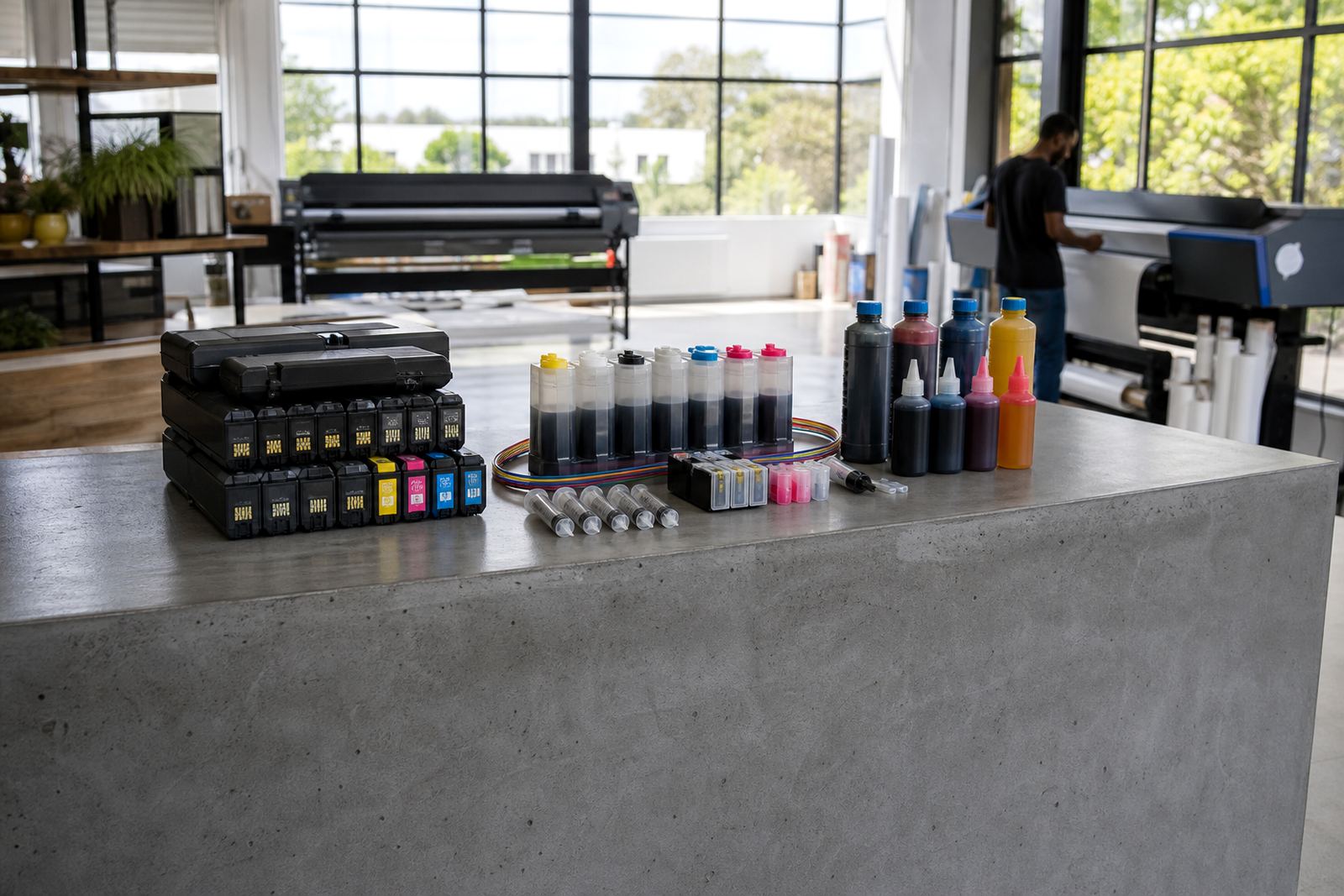
Resetters often appear in systems that use refill kits or continuous ink supply setups. That makes ink choice relevant. Dye ink usually flows well for general office colour work and photo output, while pigment ink is preferred where sharper text and better water resistance matter. The wrong ink choice can thicken in the lines or dry in the head, and no resetter can fix that.
When a system is built around frequent refills, it needs clean handling. If a machine sits unused for long stretches, ink can settle and the nozzles can dry. In that setting, printhead care matters as much as chip management. A cartridge that resets correctly but prints poorly is often pointing to a flow problem, not an electronic one.
- Keep dye and pigment inks separate unless the system is designed for a specific type.
- Store refill bottles upright and tightly closed.
- Inspect tubing and reservoirs for bubbles in CISS setups.
- Use printhead care steps when the print fades or breaks up.
Quick check before you reset and refill
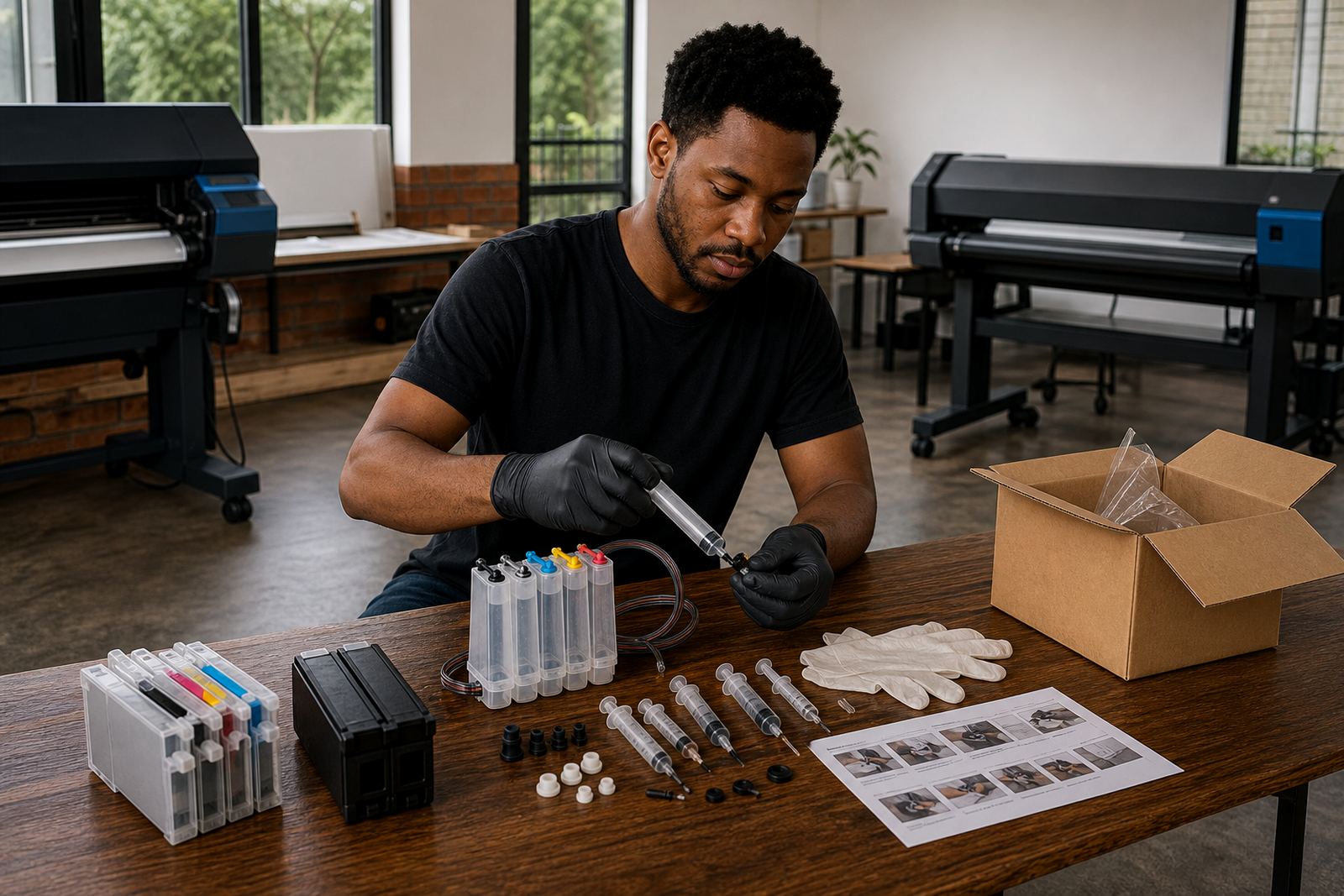
A short checklist saves wasted ink and repeated fiddling. It also helps when several people use the same machine in a studio or office. If the cartridge has been refilled already, confirm that the fill hole is sealed, the sponge is damp not flooded, and the chip area is clean. Then decide whether the resetter is needed at all.
For offices and print rooms in Durban, Johannesburg, Pretoria or Cape Town, the practical test is the same. The machine must recognise the cartridge, the colour must print cleanly, and there must be no leaks around the body. If one of those checks fails, stop and inspect before loading more stock into the tray.
- Right cartridge model and correct chip layout.
- Clean contacts on both cartridge and printer.
- No cracks, loose plugs or stained seams.
- Test print looks even across all colours.
Empty cartridges, returns and keeping a refill cycle tidy
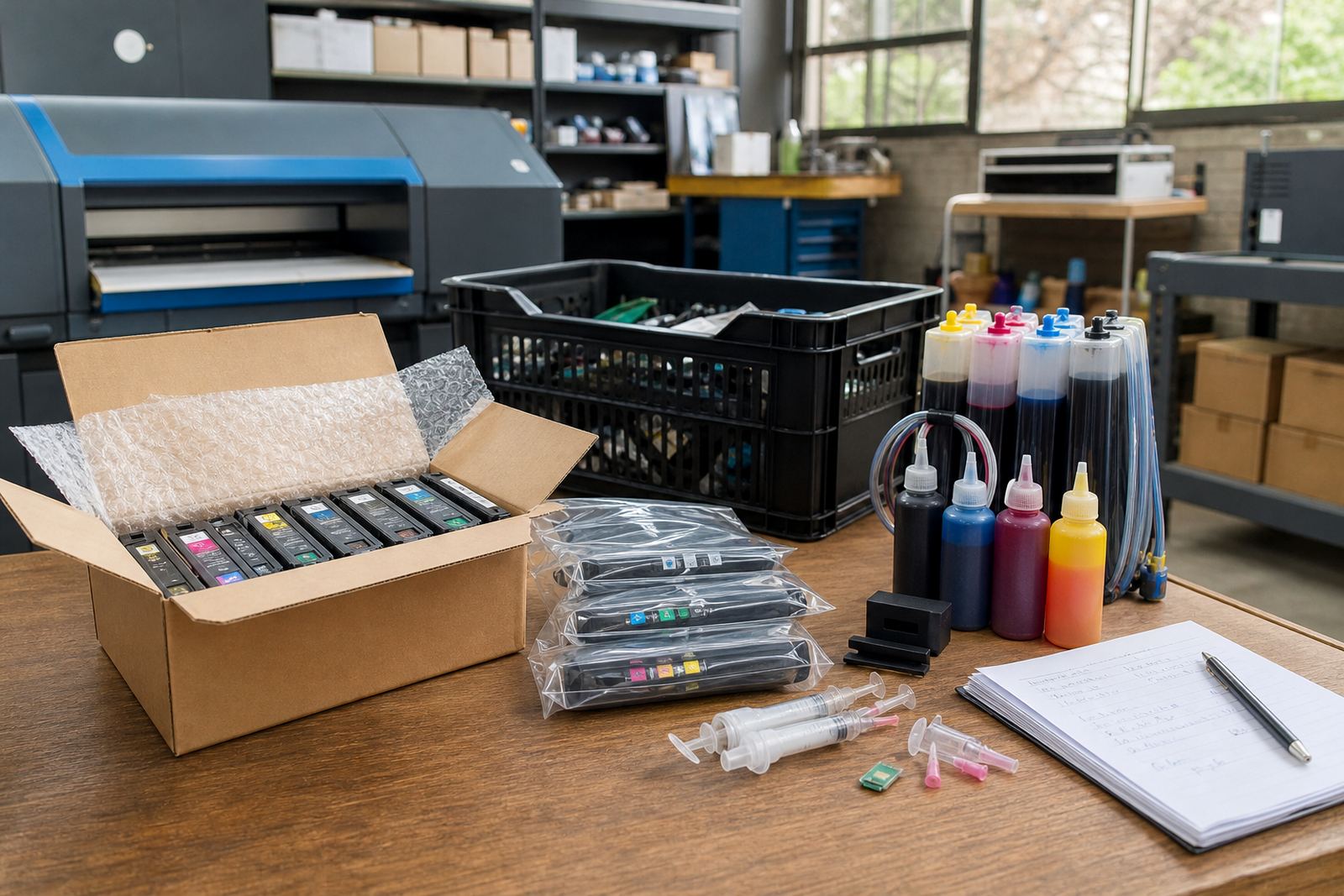
Empty cartridges can be kept out of general waste where a return programme is in place. That helps reduce mess in the store room and keeps usable shells moving through the refill cycle. It also gives teams a clearer view of which cartridges are worth resetting, refilling or setting aside for later inspection.
Good stock planning makes this easier. Keep a separate tray for empties, label cartridges by model, and note which ones needed a reset last time. If the same chip keeps failing, the cartridge body or contact strip may be nearing the end of its useful life. At that point a resetter is only a temporary measure.
- Separate empties from ready stock immediately.
- Record repeated chip faults by cartridge type.
- Keep refill tools dry and covered.
- Recycle only cartridges that are clean and safely drained.