Where pigment ink earns its place
Pigment ink is used in many office and studio setups where documents need to stay legible after handling, filing or light moisture exposure. The colour particles sit on or near the surface of the paper, so lines often look crisp and dark on plain office stock and on many coated media types. In Durban, where humidity can be part of the daily routine, that extra resistance can matter when prints are handled often or stored in warm rooms.
It is not the right answer for every job. Some artwork work needs softer colour blends, and some photo tasks prefer dye ink for brighter saturation on the right media. Pigment makes more sense when text, plans, proofs, labels and working drawings need steadier mark density rather than glossy photo finish.
- Good for office text and forms that move through many hands
- Useful for drawings, diagrams and proof sets with fine detail
- Often preferred where water resistance matters more than bright sheen
- Works well on coated papers when the printer and media match properly
Ink type checks before a refill or swap
Before topping up a cartridge or setting up a refill system, the first step is to confirm what the printer was built to use. Pigment and dye ink should not be mixed casually, and a cartridge that once carried one type should not be treated like a blank container without checking the prior fill history. That small check protects colour output and helps avoid clogging or muddy tones.
Refill work also depends on the state of the printhead path. A printer that has sat unused for a while can show weak lines or banding, and pigment ink may highlight that problem more clearly than dye. A nozzle check gives a useful starting point before any refill advice is followed.
- Confirm whether the printer expects pigment, dye, or a mixed set of channels
- Inspect the cartridge body for cracks, worn seals or dried residue
- Run a nozzle check before refilling if the printer has been idle
- Use the right cleaning method for the ink path, not guesswork
What pigment ink asks of the machine
Pigment ink is thicker than many dye inks, so the printer needs clean nozzles and a healthy ink path to move it properly. If the machine is used in a dusty office near an open window or in a studio where paper fibres build up, the small nozzles can struggle sooner. Regular checks help keep that under control without overworking the printer.
For wide-format printing, the same rule applies across larger cartridges and refill systems. A solid black line on one run can turn patchy on the next if the heads are partly blocked or the ink has been left standing for too long. Printhead care matters more than most people expect, especially when a machine only runs during busy periods.
- Keep the printer on a clean, level surface away from excess dust
- Print a test page at regular intervals if the machine stands idle
- Watch for banding, missing lines or dull patches in solid fills
- Do not force a deep clean every time; match the fix to the fault
Refill systems, chips and daily handling
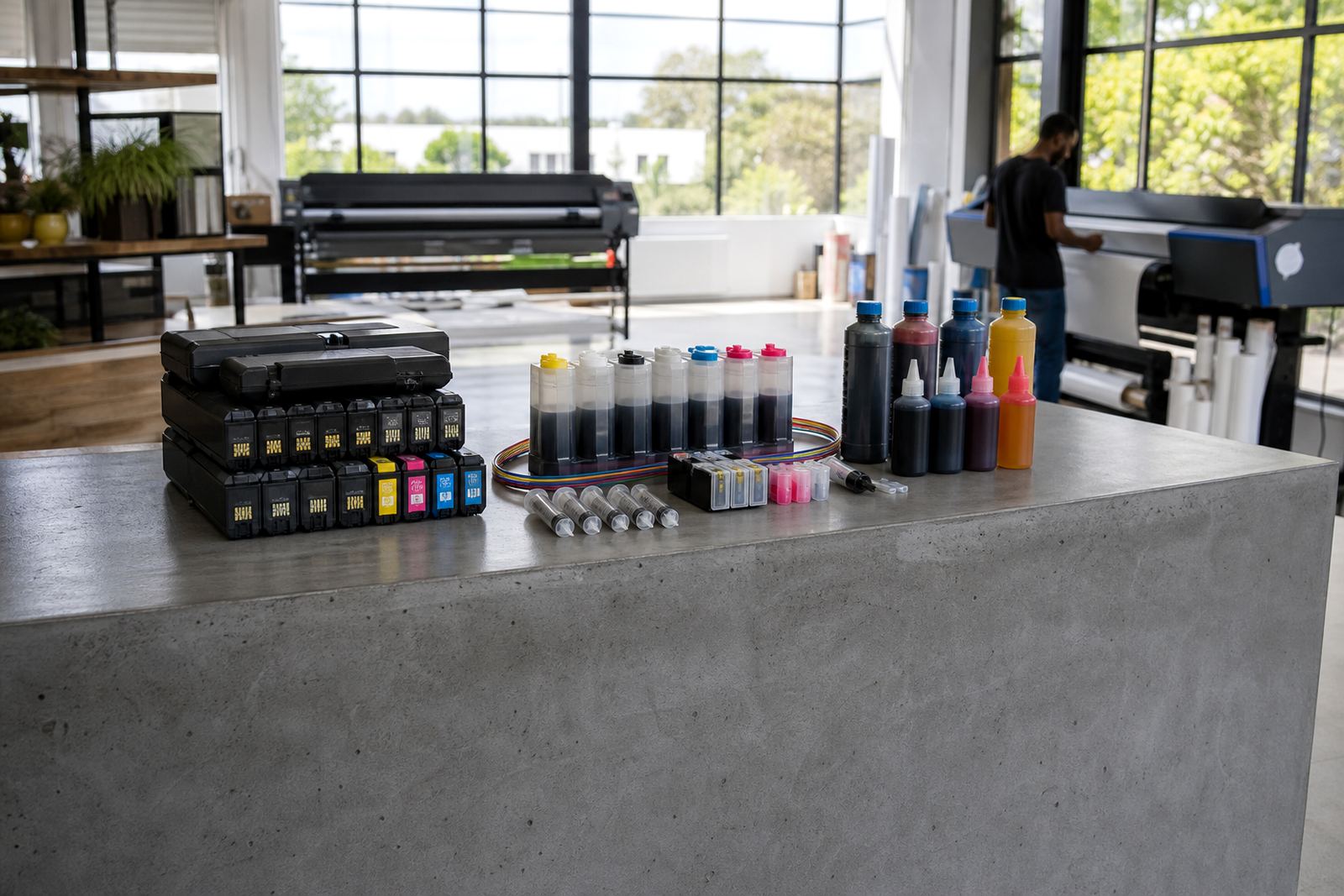
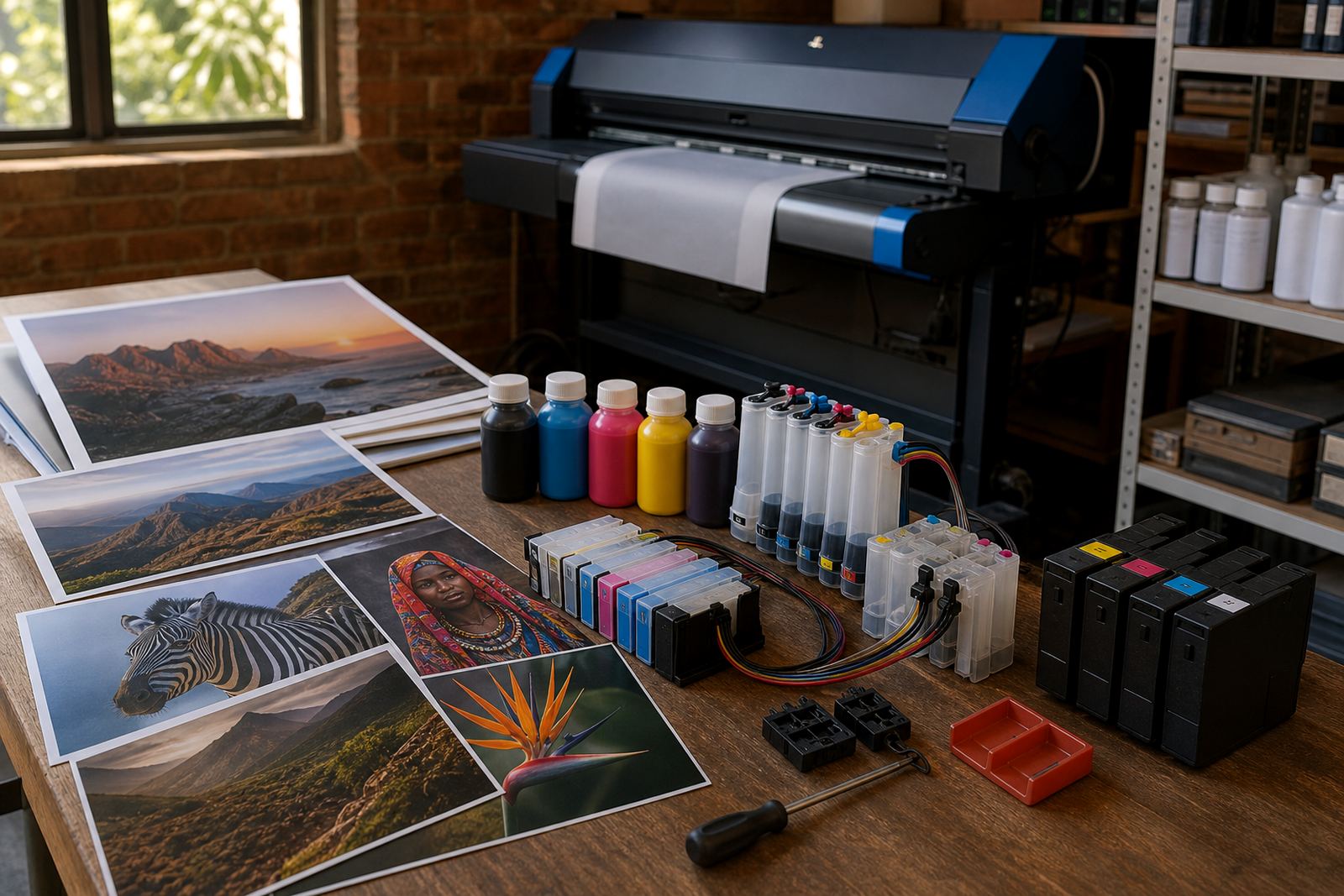
Bulk ink refill systems can lower running waste when the printer is used often and the operator understands the routine. A continuous ink supply system needs clear tubing, steady ink levels and careful priming. If the tubes are kinked or the reservoirs run too low, the machine can pull air and the print will show it straight away.
Some cartridges use chips that track ink status. In those setups, chip reset help may be needed in general terms, not as a cure-all but as part of a controlled refill process. Leak checking matters too. A few drops inside a carriage can stain paper paths and cause messy output long after the first spill.
- Keep refill bottles closed when not in use
- Fill slowly to avoid froth, spills and trapped air
- Check tube routes before moving a refill tank
- Reset or replace status chips only where the cartridge design allows it
- Wipe spills promptly with a lint-free cloth
When dye still has the better fit
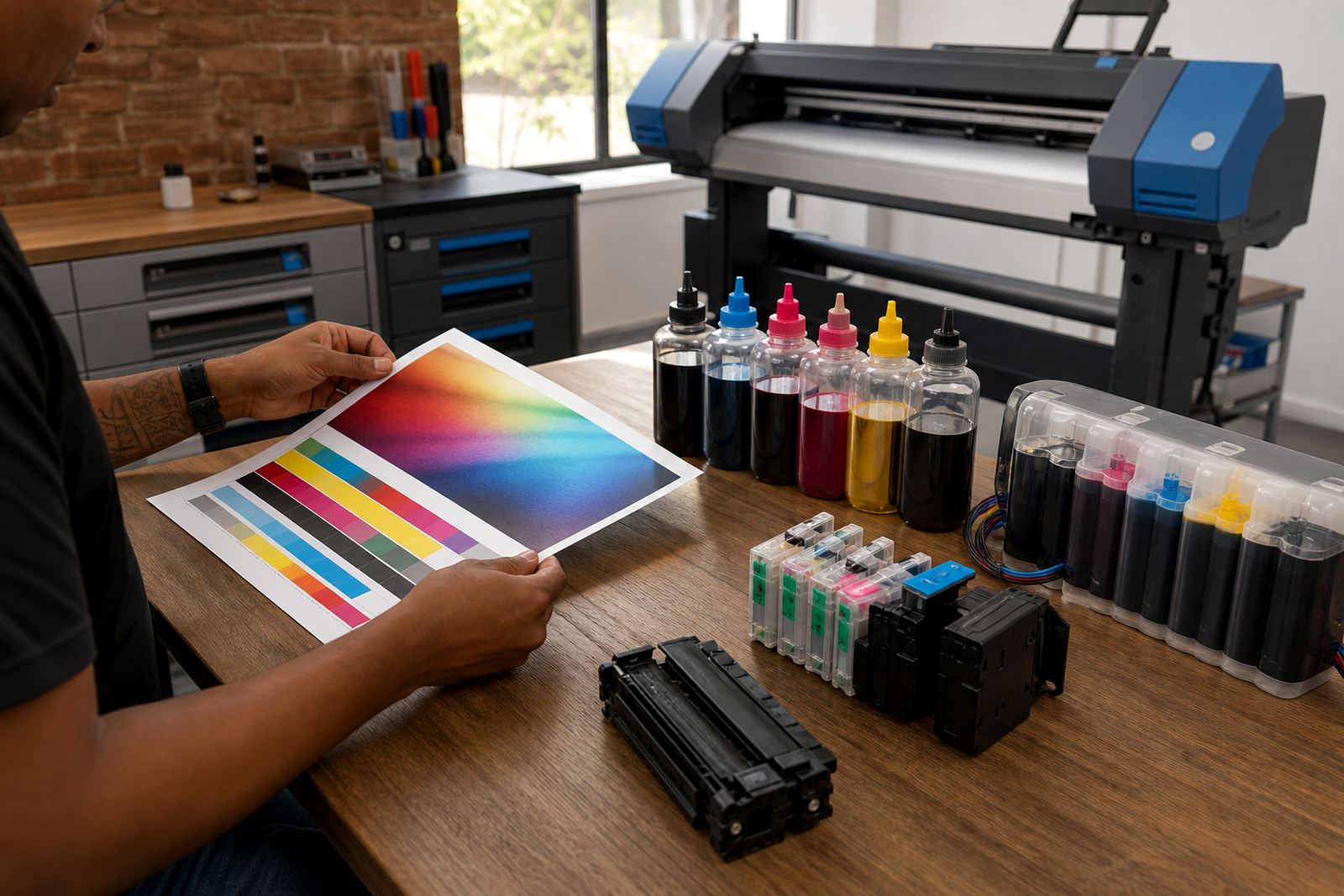
Pigment ink is useful, but dye ink still has a place in many workrooms. If the job is built around vivid colour, photo-style presentation or smooth gradients on the correct paper, dye can be the better fit. That is why colour balance help matters. A print that looks perfect on screen can still look flat if the ink type and media do not line up.
Artists and design studios often move between paper types, so ink type guidance should be tied to the actual output. A proof for a client folder may need tight black text, while a colour comp for a visual board may need a different ink mix. The practical answer is to match the ink to the paper, the work and the handling conditions rather than forcing one standard across every job.
A short checklist for cleaner pigment results
Use this as a working list before placing ink into service or moving a printer into regular use. It is the sort of check that saves time later, especially when several staff members share the same machine.
- Confirm the printer model and the intended ink type
- Check whether the cartridges are refurbished or refill-ready
- Run a nozzle check and a test page
- Inspect seals, vent points and cartridge contacts
- Look for dried ink around the head area
- Keep spare paper and a lint-free cloth near the machine
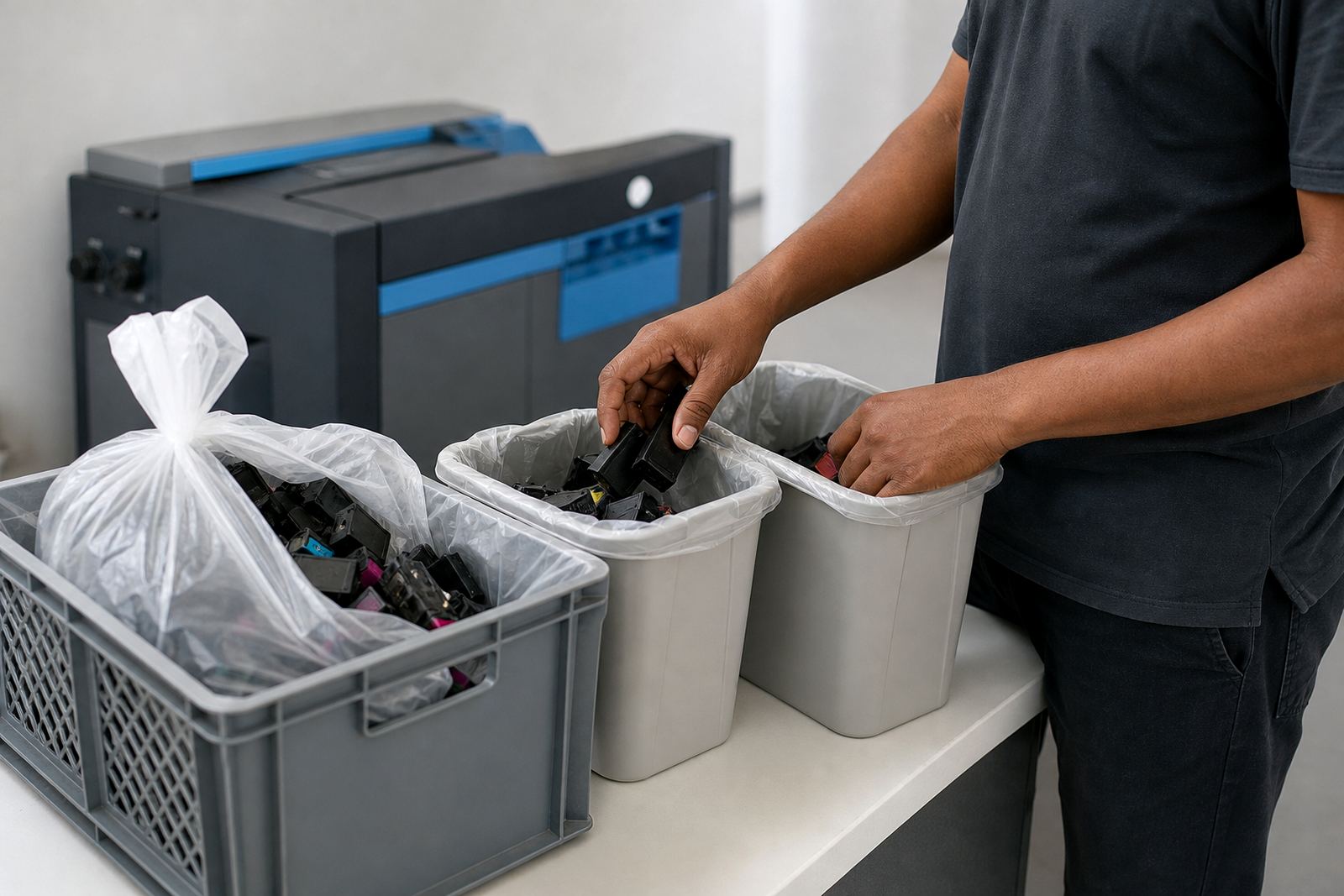
- Set a routine for recycling empties or returning them for recovery
For offices in Westville, Durban and for courier deliveries to Pietermaritzburg, Johannesburg, Pretoria, Cape Town and other South African towns, the same principle holds: match the ink to the work, then keep the machine clean enough to carry it. A careful setup now often avoids a messy afternoon later, and that is usually the part people want to skip.