Start with the ink path, not the printer shell
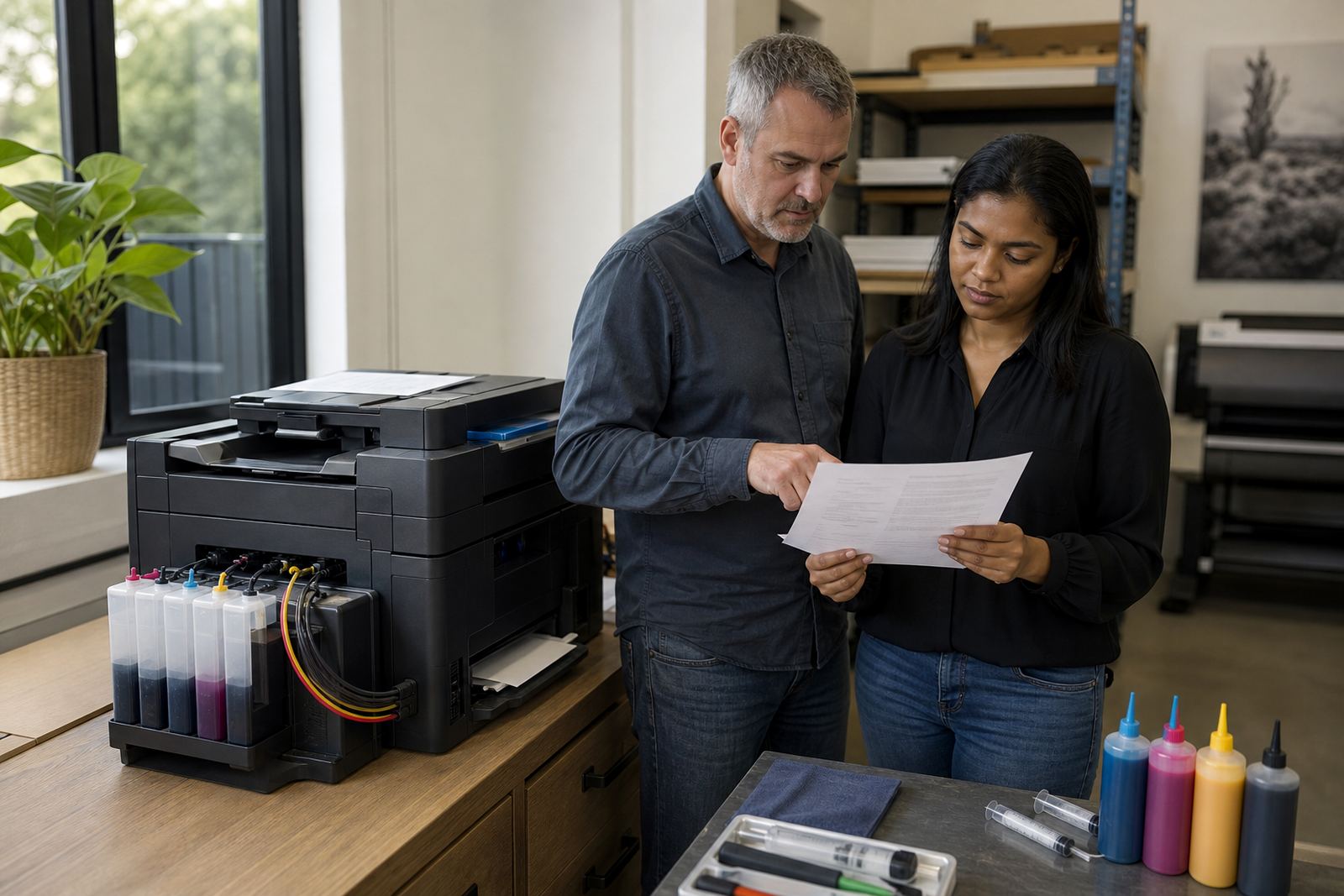
Most printhead trouble starts long before the first streak appears. Air in the line, a loose cartridge seal, old ink sitting in the chamber or the wrong ink type can all show up as missing nozzles, faded bands or patchy colour. If you run refillable cartridges or a continuous ink supply system, treat the ink path as a working part of the machine, not a one-time setup. The cleaner the path, the less time you spend clearing clogs or wasting test pages.
Keep the system upright, store spare bottles with caps tight and wipe away any dust before opening a refill port. If a cartridge has been handled often, check the outlet and vent area for dried ink. Small bits of grit can travel into the printhead and make the problem look larger than it is. In Durban humidity, a cap that is not seated well can also let moisture collect around the outlet, which changes how the ink flows.
A weekly nozzle check routine that tells the truth
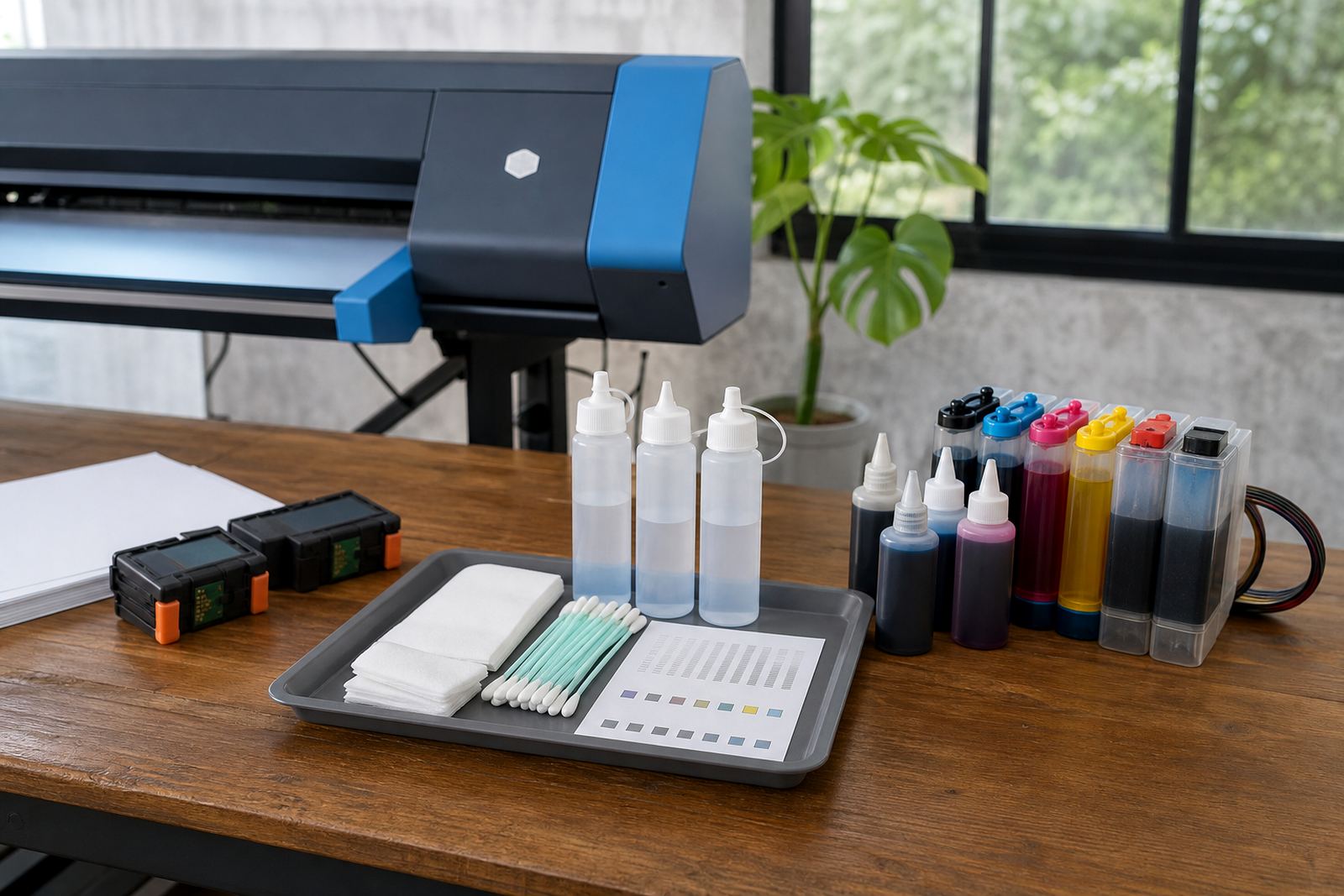
A nozzle check is the quickest way to see whether the printhead is firing evenly. Run it before a busy day, after a long pause, or when a job shows thin lines and colour shifts. Do not wait for a full page of failures. Early checks use less ink and give you a clearer picture of what is happening inside the head.
- Print a nozzle pattern on plain paper and look for missing lines, broken blocks or fuzzy edges.
- Check each colour separately, not only the combined image.
- If one colour is weak, inspect that cartridge or tank for air, low ink or a poor seal.
- Use a cleaning cycle only when the pattern shows a fault, not as a routine habit.
- After cleaning, print another test so you can see whether the fault changed.
For studios and offices, keep a simple log. Date the test, note the fault and record whether the issue was on one colour or all of them. That record makes repeat problems easier to trace, especially when several people use the same machine.
Choose the right ink body and the right colour job
Ink type matters. Dye ink usually gives bright colour and smooth blends on presentation work, photo sheets and short-run office graphics. Pigment ink is better for sharper text, better water resistance and documents that need a tougher finish. The wrong choice can leave you with blocked nozzles, soft black text or colour that does not sit right on the page.
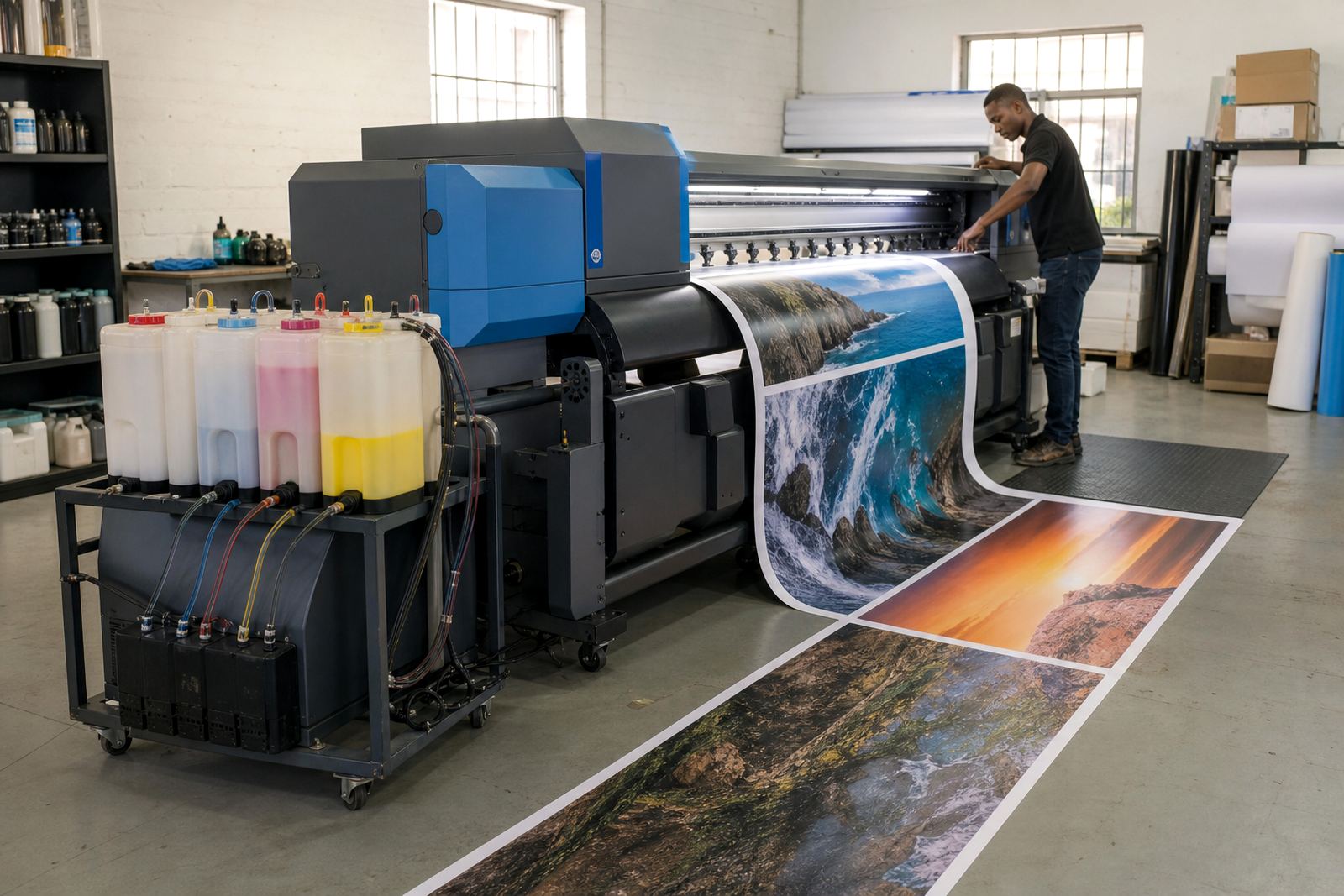
For wide-format print shops, the paper and the job matter just as much as the ink. Coated media, poster stock and proofing paper all behave differently. A fine-line drawing on coated paper may need a different setup from a banner draft on matte stock. If you swap between print types often, label the ink set and keep the notes close to the machine. It saves confusion when several operators share the same printer.
Refill habits that protect the head and the seals
Refilling should be neat, steady and unhurried. Overfilling cartridges can cause leaks, while underfilling invites air into the feed. Use the correct fill port, keep towels nearby and close the cartridge firmly once the refill is done. If the cartridge uses a chip resetter, handle it gently and follow the general reset steps for that cartridge type, as poor alignment can confuse the printer and block normal recognition.
- Shake ink bottles lightly only when the ink type allows it.
- Never force a nozzle or vent open with a sharp tool.
- Wipe the cartridge body before reseating it in the carriage.
- Check for drips under the printer after every refill.
- Keep the printhead parked properly before switching off the machine.
If a cartridge has sat idle for a while, inspect the outlet for dried residue. A small seal problem often looks like a full blockage at first. Cleaning the connection point and checking the vent can solve more than people expect.
Leak checks and colour balance without guesswork
Leaks do not always show up as puddles. A slow seep can leave smudges inside the printer, damp patches on tissue or a gradual shift in colour balance. If one colour keeps fading, check the line for bubbles, the cartridge base for cracks and the head for dried edge build-up. Keep an eye on the capping station and any waste pad area too, because overflow there can disturb the printhead seal.
Colour balance is worth watching on mixed jobs. A light cyan fault can change the feel of skin tones and branded artwork, while weak black can make text look grey. If the output drifts after a refill, test the ink again before assuming the printhead is finished. Sometimes the answer is as small as a loose line, a low tank, or a setting that was changed during a previous job.
Empty returns, storage and the shop floor discipline that helps
Empty cartridges and used containers should be sorted, not left in a pile beside the printer. A return programme keeps the work area cleaner and reduces the chance of old residue finding its way back into active stock. Store empties with the openings capped, and keep fresh ink away from direct sun, dust and extreme heat. In coastal air, closed storage matters more than people think.
- Keep refill kits, spare cartridges and label tape in one place.
- Separate active stock from empties and faulty units.
- Record which printer each cartridge belongs to.
- Store wide-format ink upright where possible.
- Check seals before sending cartridges out for reuse or return.
A tidy reset area makes operator training easier too. New staff can follow the sequence without guessing, and experienced staff waste less time searching for the right cartridge or the correct ink bottle. That habit matters in Westville, Durban, and it matters just as much when stock is moving between Pietermaritzburg, Johannesburg, Pretoria and Cape Town.