Small bubbles, bigger clues
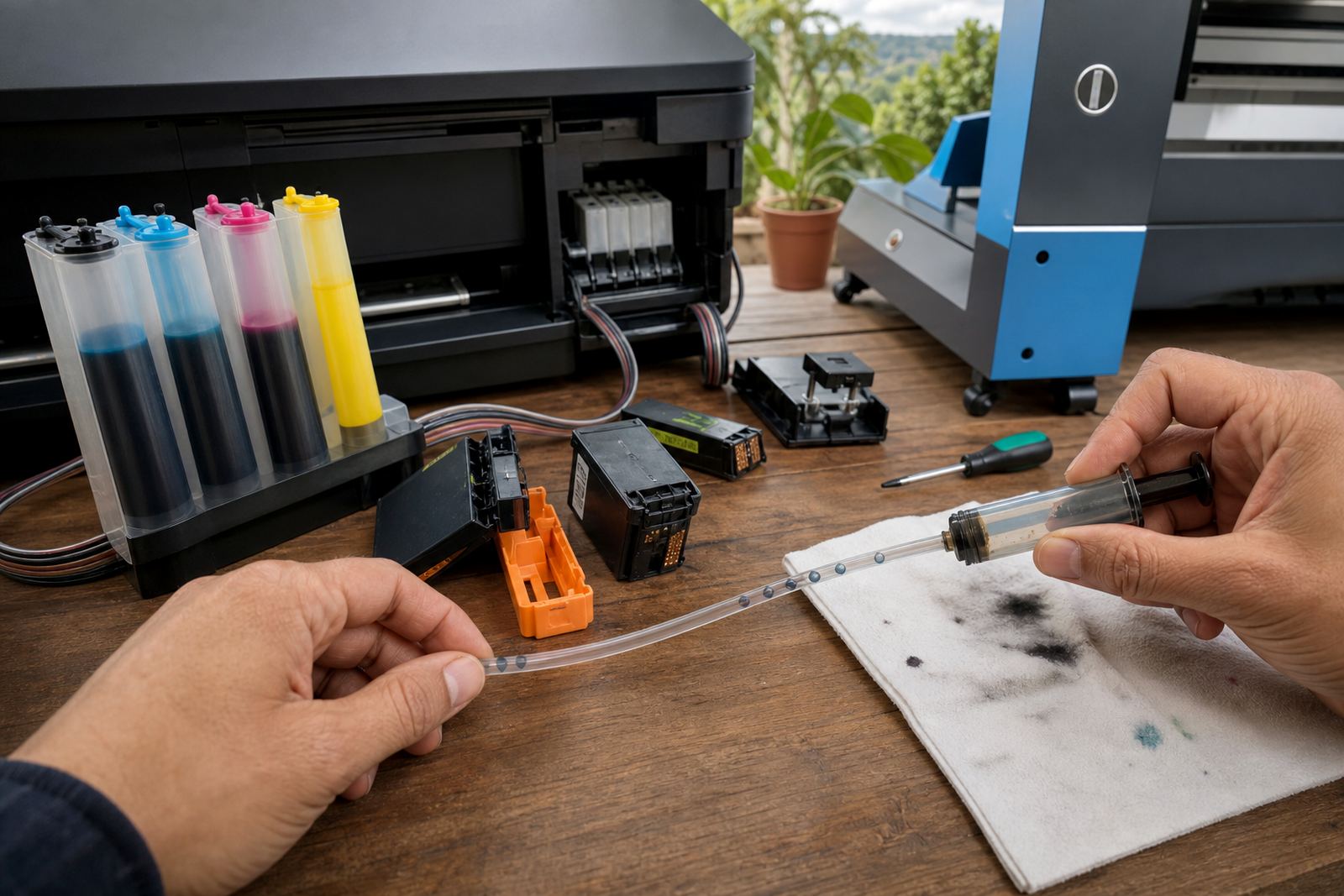
In a continuous ink supply system, the line should stay full and stable. A few tiny bubbles after a refill can clear during priming, but repeated bubbles in the same section usually mean the ink path is pulling air somewhere. That can happen at a bottle cap, a loose tube, a worn seal, or a fitting that does not sit square.
When the system is healthy, the ink moves in a steady ribbon. If the line looks broken up, or one colour starts firing lighter than the rest, the printer is telling you that the supply is not consistent. In Durban’s humidity, and in offices that sit closed over weekends, a small leak can show itself faster than people expect.
What the bubbles usually point to
Air does not enter the line by magic. It enters because the system is drawing it in from somewhere, or because the ink level has dropped far enough for the line to lose proper feed. On some setups the problem starts after a refill that was rushed, especially when the bottle was not seated correctly or the tubing was kinked during handling.
- Low ink in the reservoir can let the line pull air.
- A cracked tube or loose join can admit air slowly.
- A poor seal at the bottle cap can break the vacuum.
- Old, thickened ink can move unevenly and leave gaps.
- Repeated unclipping of parts can wear the connection points.
If the same bubble keeps returning in one colour, that colour line deserves attention first. Do not keep forcing prints through a line that is drawing air, because the printhead may start missing nozzles and the cleaning cycle then uses more ink than it should.
When to stop and check the system
There is a point where a quick look is enough, and a point where the printer needs a proper inspection. A short string of bubbles after top-up can be part of normal priming. Bubbles that keep moving through the line, or show up again after every test print, mean the fault is still active.
Act sooner if the page shows sudden colour fade, streaking, banding, or a noisy pump during cleaning. That is usually a sign that the machine is trying to draw ink through an interrupted path. In a design studio in Westville or a print room in Johannesburg, those symptoms often show before the line looks completely empty.
- Stop printing if the colour drops sharply.
- Check the bottle level and tube path first.
- Inspect for wet spots around joints and caps.
- Run a nozzle check before repeating full cleaning cycles.
Refill habits that keep air out
Good refill habits matter more than people think. A refill kit should be used with clean hands, a steady surface and enough time to seat each cap or stopper properly. If the bottle is overfilled, tilted badly or opened too soon, air can travel back into the line.
Dye ink and pigment ink behave differently too. Dye flows more freely and is often used for bright office colour, while pigment ink suits sharper text and better water resistance on some media. Mixing the wrong type, or topping up with the wrong grade, can thicken the path and increase the chance of irregular flow. That does not always show up at once, which is why the next few prints matter.
For offices that use a refill setup on a busy floor, a simple habit helps: keep a note of which colour was topped up, then watch that line over the next few jobs. It sounds basic, yet it catches small feed problems before they turn into blocked nozzles.
Printhead care when the line has been starved
Once air has been in the system long enough, the printhead may start firing unevenly. The right response is not to keep hammering it with full cleans. A nozzle check tells you whether the missing lines are improving, holding steady, or getting worse. If the print improves after priming and then fades again, the air problem is still there.
Printhead care is about restraint as much as action. Too many cleaning cycles can waste ink and heat the head unnecessarily. A cautious approach usually works better: check the line, prime the system if needed, then test again before doing anything heavier.
- Use nozzle checks to measure progress.
- Avoid repeating deep cleans without a cause.
- Watch for one colour recovering slower than others.
- Keep cartridges and bottles capped when not in use.
A Westville case with a noisy cyan line
A small studio in Westville called after one colour kept fading halfway through a run of proof sheets. The printer had not failed completely, but the cyan line showed a steady row of bubbles near the cartridge end. The issue turned out to be a loose connection that had worked free during a move between rooms, plus a refill bottle that was not sitting fully square.
After the line was reseated and the tube path checked, the bubbles stopped returning and the nozzle pattern settled down. That job was a reminder that a bulk ink system can look fine from across the room while still losing feed at one tiny point. In practice, that is where most air problems begin, not at the page itself.
Empty cartridges, recycling and the next fill
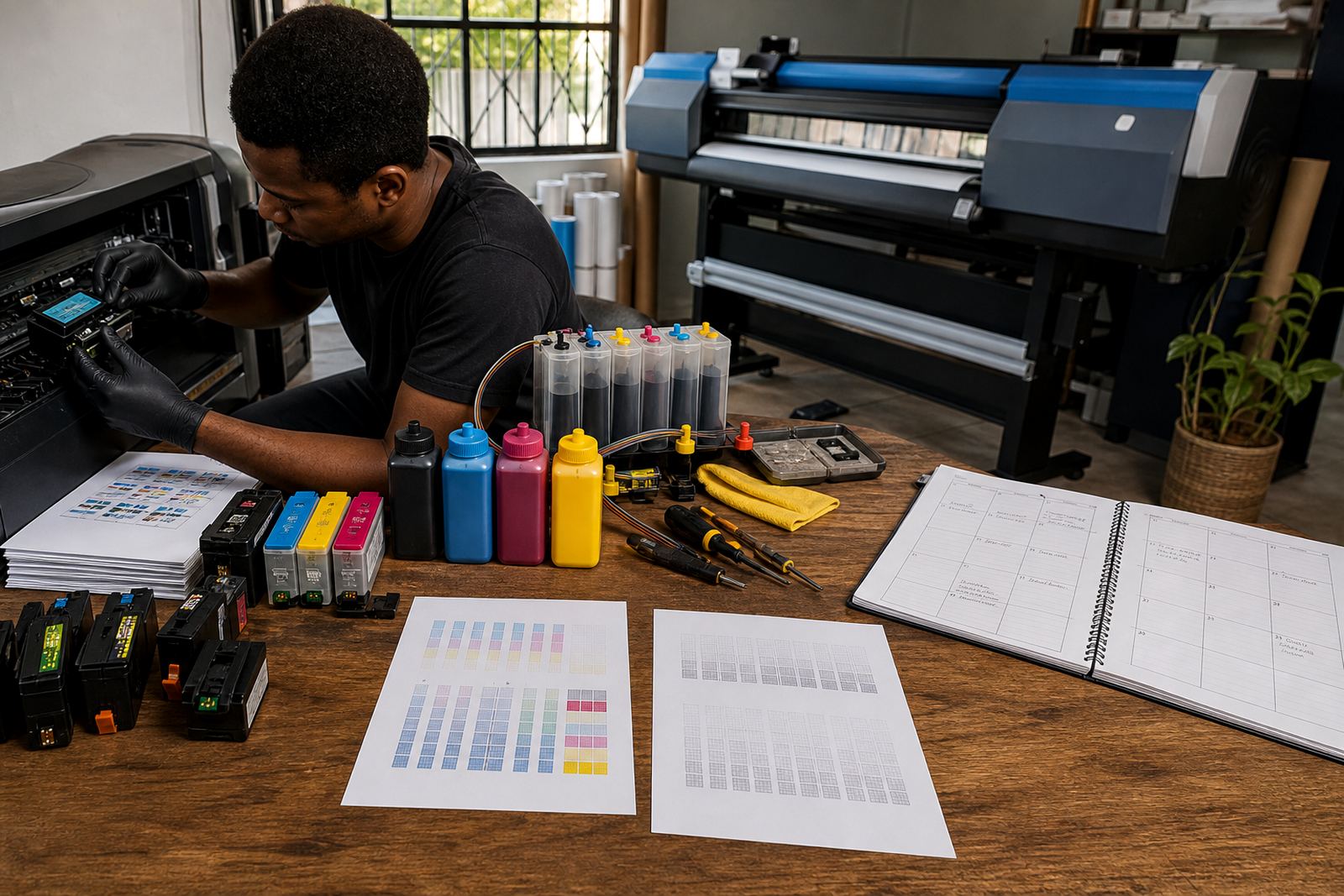
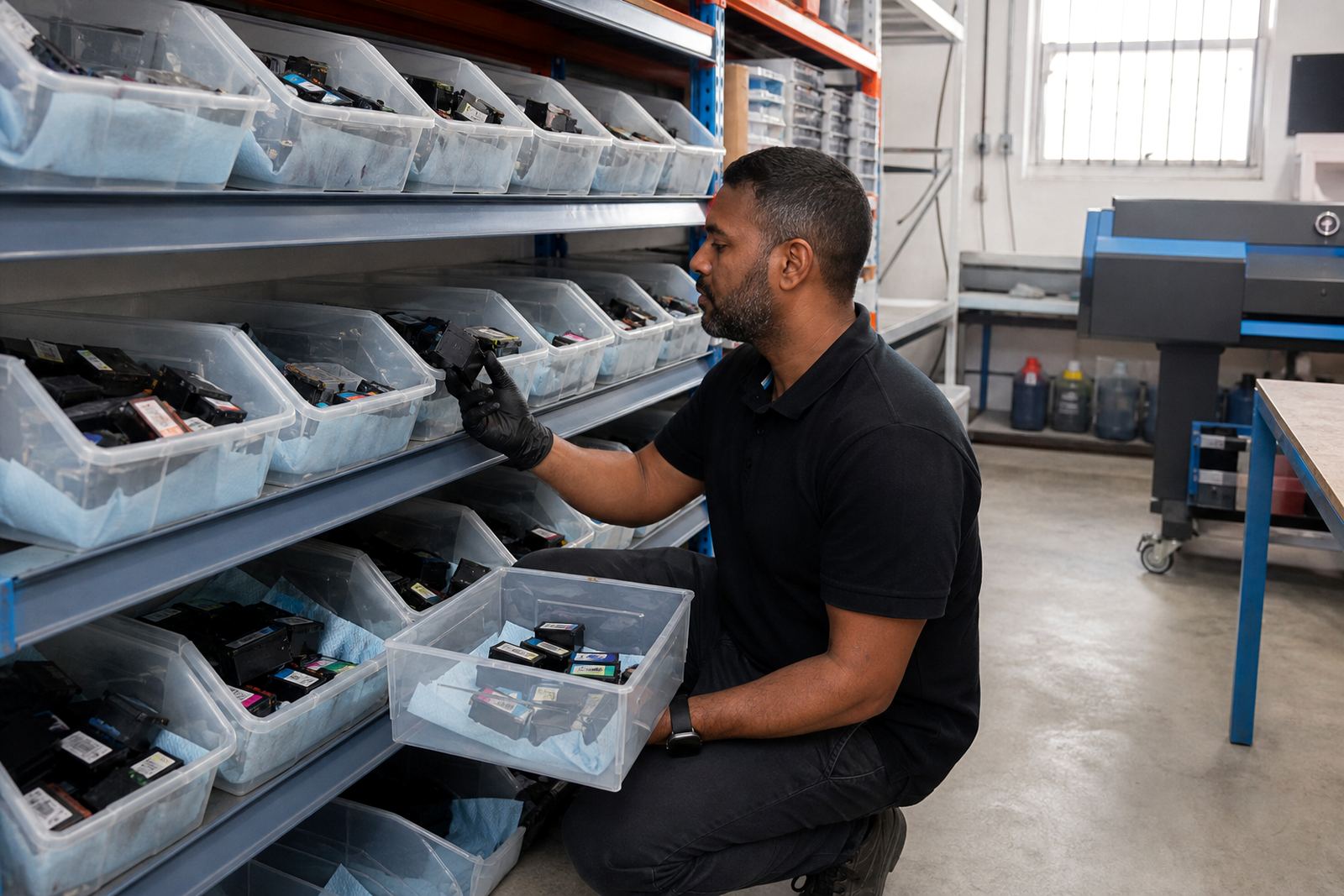
Refurbished cartridges and refill systems work best when empties are handled properly. A cartridge that has been drained, cleaned and checked should be kept sealed until it is ready for reuse. Empty return programmes also help reduce waste, especially in offices that go through a fair amount of black and colour.
If a chip resetter is used in the general sense, it should be part of a clean routine rather than a rescue job after days of broken printing. The real aim is stable supply, cleaner lines and fewer interruptions. When bubbles appear, they are a warning that the system needs attention, not a reason to keep printing through the fault.
For shops in Pietermaritzburg, Cape Town or Pretoria, the practical rule is the same: check the line, confirm the refill path, and act before the printhead starts taking the strain.