Where line work usually goes soft
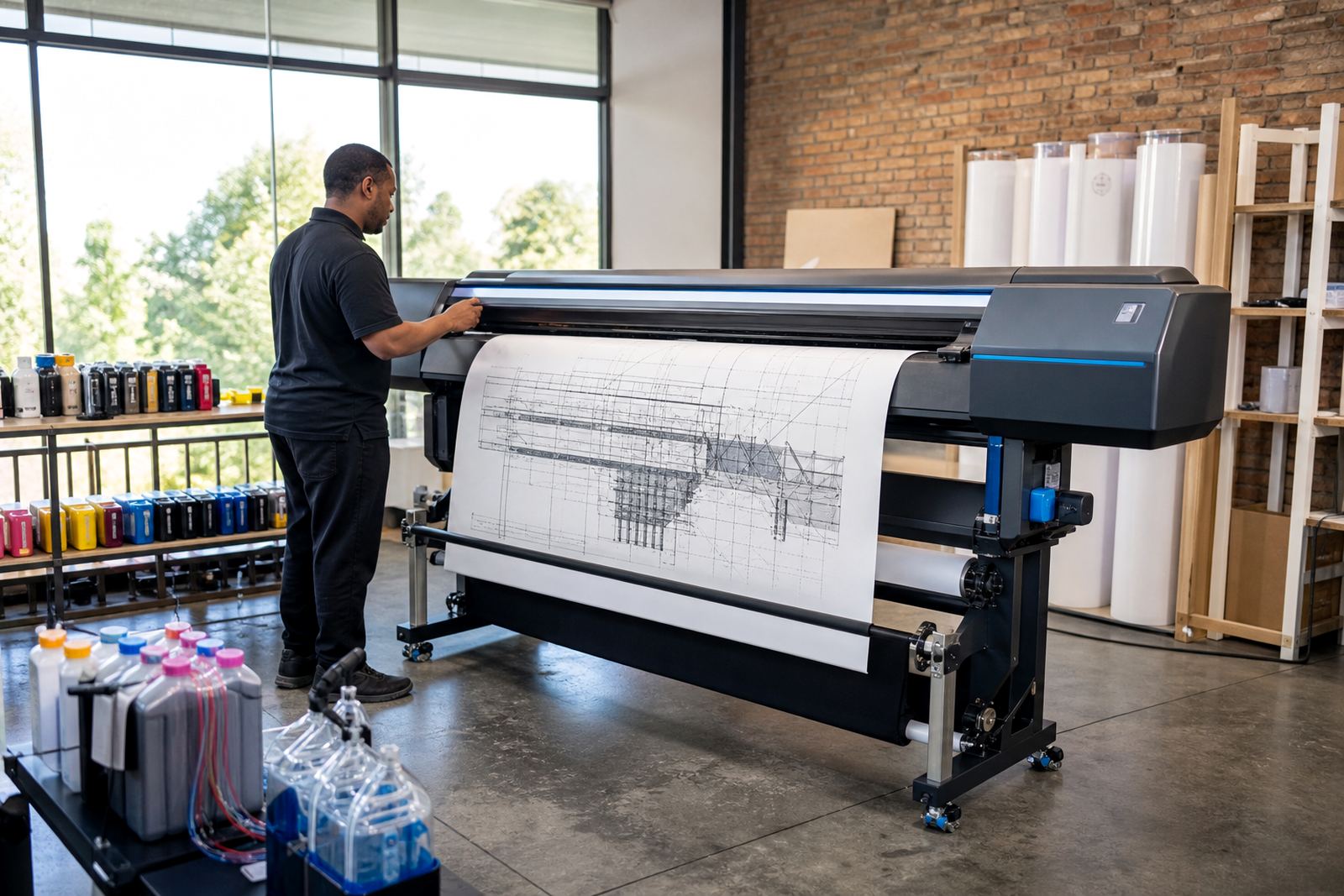
Fine lines lose edge when ink spreads too much into the paper, or when the printer starts dropping tiny strokes from a clogged nozzle. That shows up fast on floor plans, technical sketches and shaded outlines, especially on uncoated stock and cheaper bond papers.
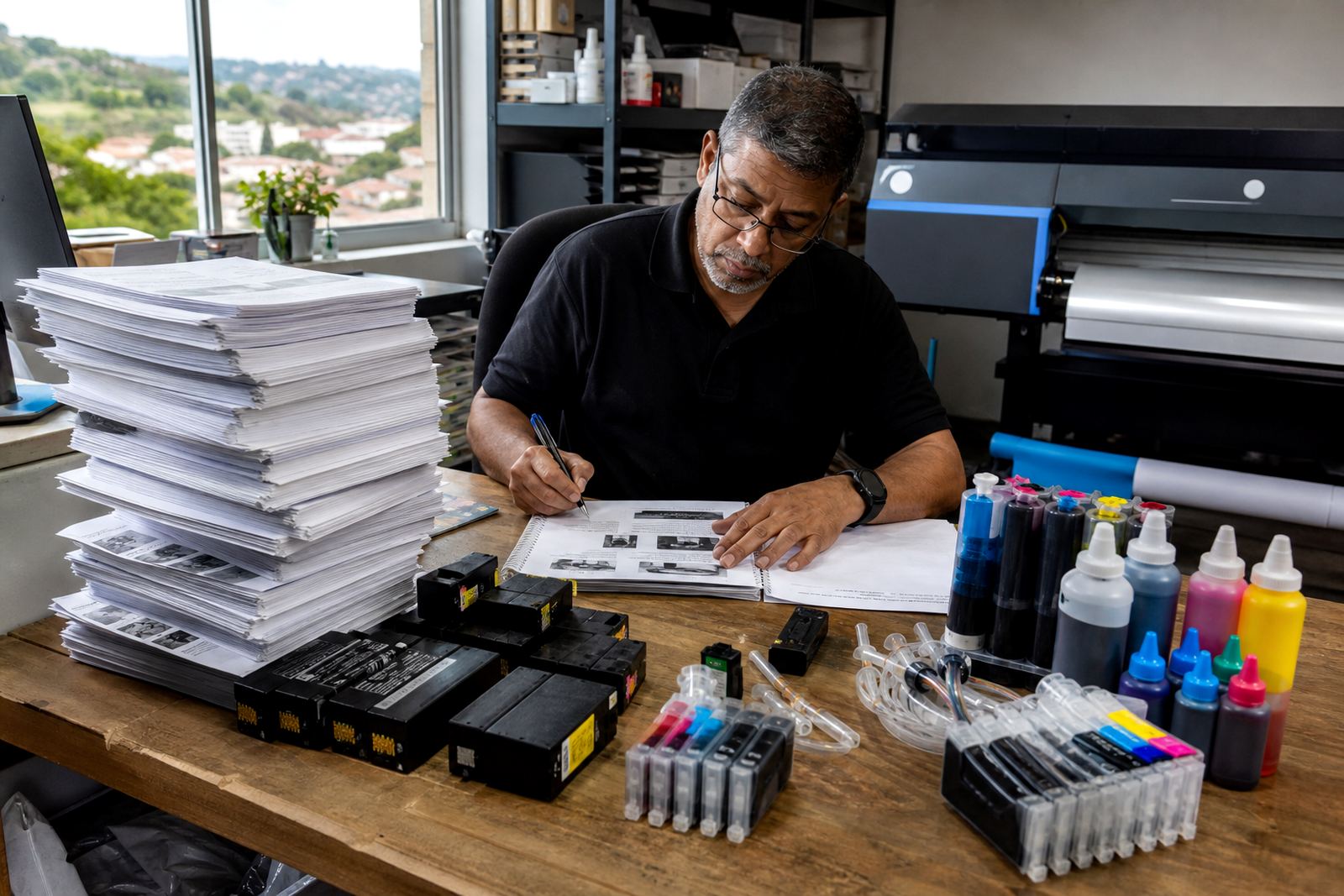
Refurbished cartridges can handle everyday line work well when the chip, seals and nozzles are checked properly. For heavier print loads, a bulk ink system needs the right bottle setup, clean tubes and a careful first fill so the feed stays even.
Pigment or dye for the page you are printing
Ink type affects how crisp the result looks, how fast it dries and how it behaves on the page. Pigment ink usually gives sharper edges and better water resistance on technical work, while dye ink often suits colour graphics, posters and artwork where smooth tone matters more than hard edges.
There is no one answer for every printer. A studio printing layout marks, annotations and presentation boards may use one mix of inks, while a wide-format shop doing line drawings, CAD output and colour renders may need a different balance for each machine.
- Use pigment where line sharpness and durability matter most.
- Use dye where smooth colour and saturation matter more.
- Match the ink to the paper finish, not only the printer model.
Bulk ink systems need tidy habits
A continuous ink supply system can lower running waste, but only when the setup stays neat. Tubes must sit without kinks, bottles must seal cleanly and the printer should be handled gently when moving it around the office or studio.
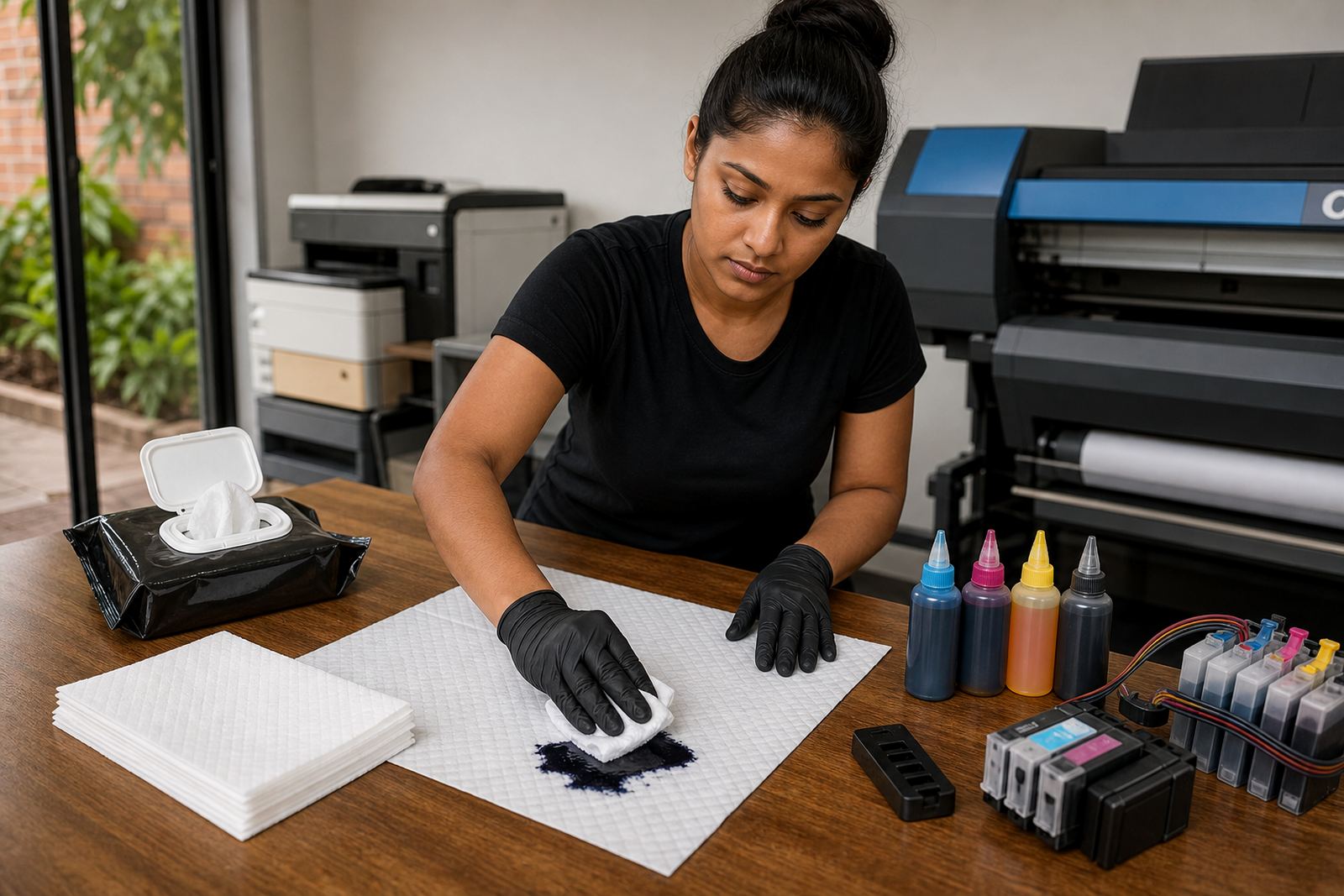
Refill kits also need discipline. Too much handling around an open tank can bring in dust, air bubbles or a slow leak that shows up later as streaks on the print. In Durban’s humid air, caps and seals need extra care because damp storage can upset the ink path and the media as well.
- Keep refill bottles closed when not in use.
- Store spare ink upright and away from dust.
- Check the tubing path before each longer print run.
Printhead care keeps the lines honest
Most line problems start at the nozzle, not the artwork. If a printer sits unused, ink can dry in the head and leave broken segments in ruled tables, wall plans or small text labels. A regular nozzle check shows those gaps before a full run is wasted.
Cleaning cycles help, but they are not a cure for every fault. If a head is overworked or the wrong ink was used, no amount of extra cleaning will fix the underlying issue. That is where practical printhead care matters, with the right cleaning routine and a sensible print schedule for the machine.
Chip resets, empties and the practical side of refills
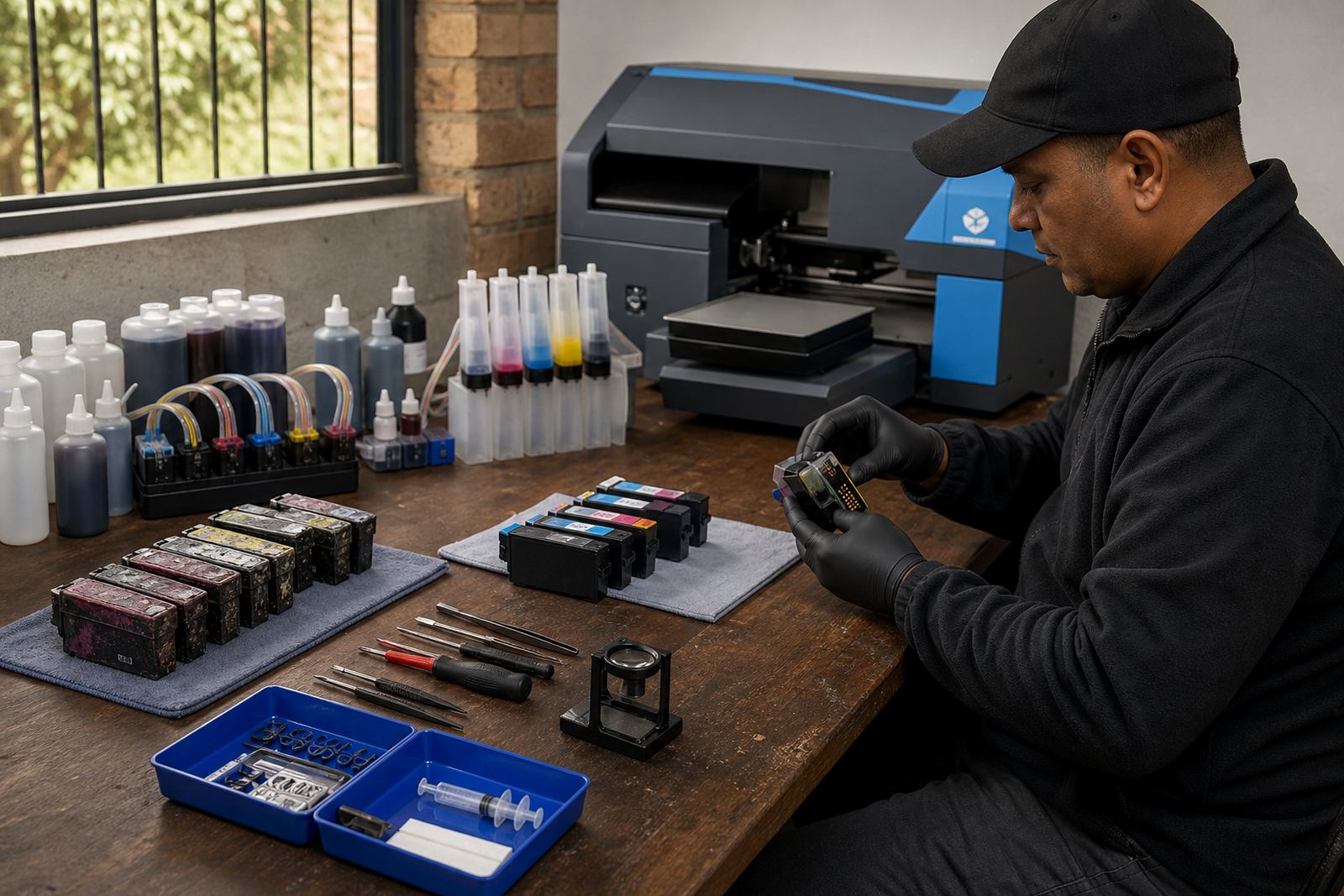
Many refurbished cartridges and refill systems rely on chips to track ink levels. When a chip misreads or locks early, a reset tool may restore the cartridge display so the printer can read it properly again. That process needs care because a poor reset can leave the machine reporting the wrong level or refusing to print.
Empty cartridges should not be treated as waste with no further use. A return programme helps recover shells that can be cleaned, refilled or prepared for recycling. That lowers waste and keeps useful cartridge bodies out of the bin.
- Do not force a cartridge back into the printer if it does not seat cleanly.
- Keep empties in a marked box for return or recycling.
- Watch for chip faults before assuming the cartridge is finished.
A Durban plan room, a Johannesburg print queue
A Westville office sending municipal plan sets to Durban clients often needs sharp black line output more than glossy colour. The same business may also send courier parcels to Pietermaritzburg, Johannesburg, Pretoria and Cape Town, so stock planning matters when a busy week starts using up both black and colour cartridges faster than expected.
In a Hillcrest design studio, one machine may handle presentation boards while another runs draft line proofs. For a wide-format shop, operator training matters just as much as the ink itself, because a small setting change can affect line weight, colour balance and how well a nozzle test passes after a long run.
What to keep close to the printer
Good line output depends on a few habits that are easy to keep. Use the right paper, keep the room clean, check the nozzle pattern before long jobs and avoid leaving a printer idle for too long between runs.
For offices and studios that print technical work through the week, our contact form is the right place to ask for refill advice, leak checking, colour balance help or stock planning support. A practical setup saves ink, but it also saves time spent fixing preventable faults.
- Run a quick nozzle check before each important print batch.
- Keep spare cartridges and ink matched to the machines in use.
- Ask for help early if a line starts breaking or doubling.