Keep the machine active, even on quiet weeks
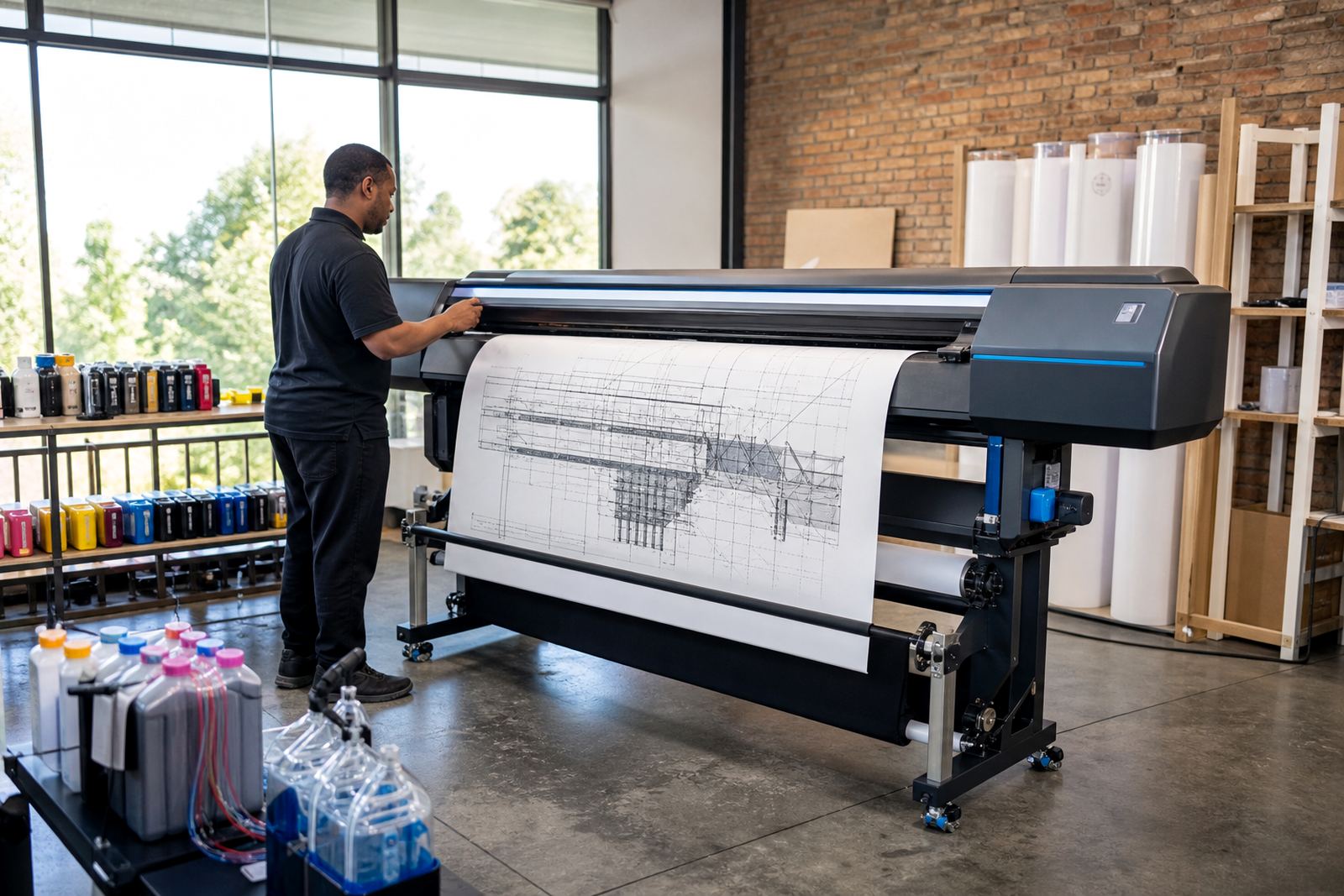
Ink dries fastest when a printer sits untouched. In an office or studio, a short print on each colour path helps move fresh ink through the head and keeps residue from setting in the nozzles. For wide-format machines, that matters even more because the ink channels are larger and more sensitive to drying at the edges.
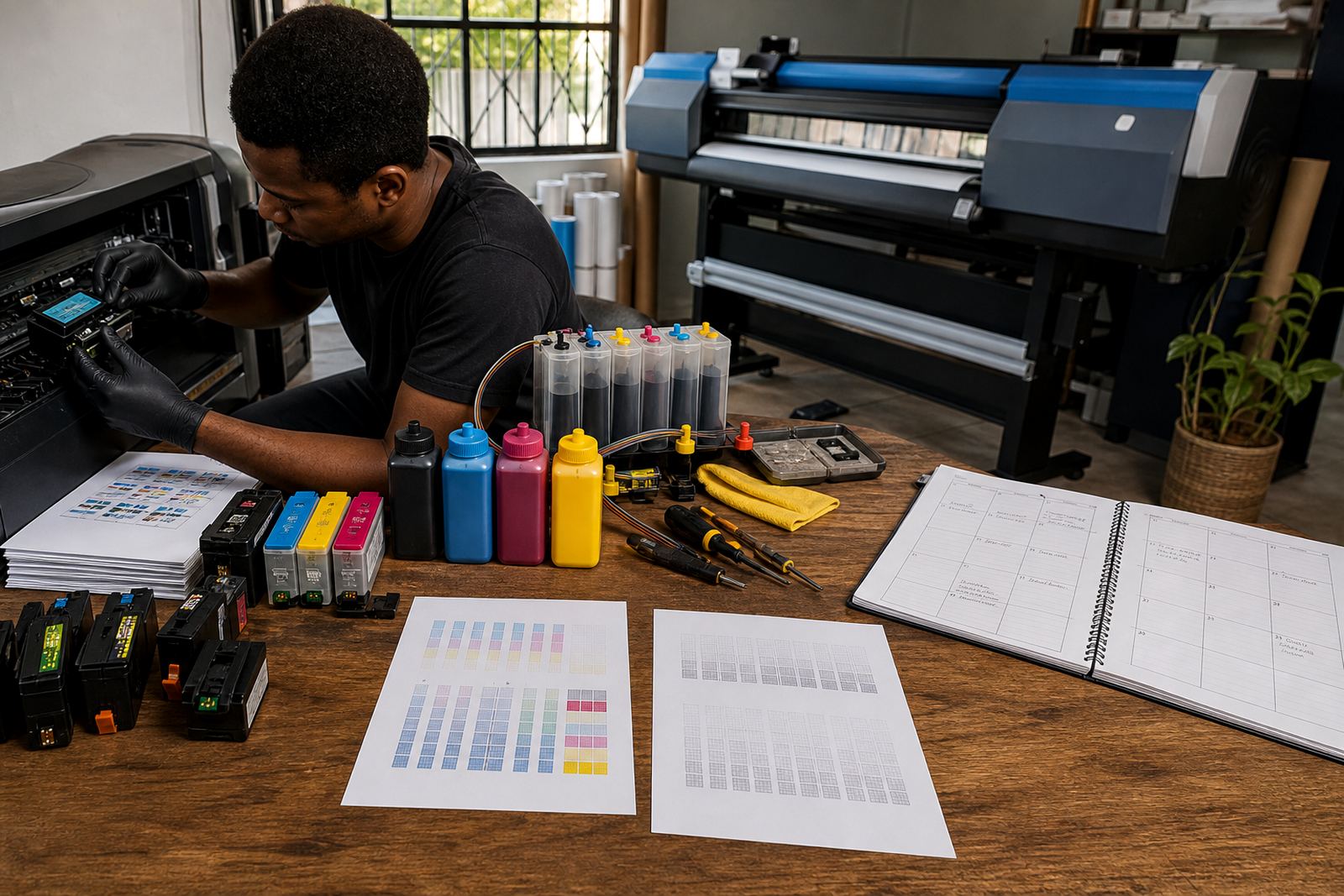
A weekly nozzle check is a practical habit. It shows missing lines before they turn into a full blockage. If the check starts breaking up, use the machine's cleaning routine once, then print a test page again. Repeating cleaning cycles too often can waste ink and add heat where the head does not need it.
- Print a small colour test at regular intervals
- Run a nozzle check before a busy run
- Keep the printer powered in its normal standby mode
- Do not leave open ink paths exposed to dust
Match the ink to the job, not just the cartridge
Dye and pigment ink behave differently. Dye ink is often smoother for bright indoor colour work, while pigment ink is better for sharper text and better resistance on many papers. Using the wrong type for the task can leave deposits in the head or make flushing harder after a changeover.
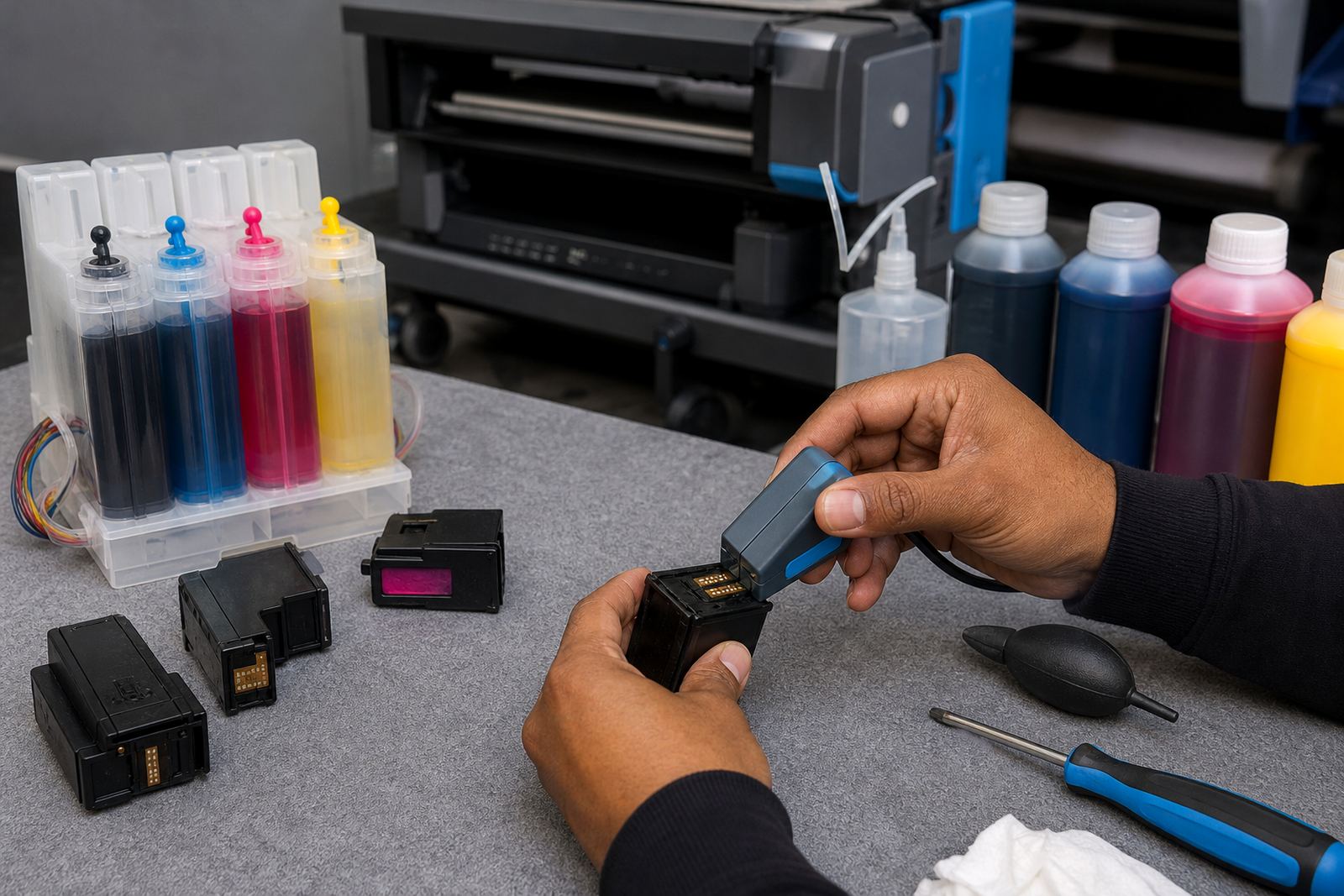
Refurbished cartridges and refill systems need clean handling at every top-up. If a cartridge is refilled with mixed ink types, the fluid can gel or separate, and that puts stress on the nozzles. The same applies when someone changes from one ink family to another without a proper purge. Printhead care starts with keeping the ink path consistent.
- Keep dye and pigment supplies apart
- Label bottles or refill sets clearly
- Do not mix colours inside one chamber
- Flush the line properly before any ink change
Storage matters more than most people expect
Heat, dust and open caps all work against clean printing. In Durban's humid coastal air, moisture can gather around bottles, fittings and cartridge seals if everything is left open on a shelf. In drier inland towns like Johannesburg and Pretoria, dust can settle faster into uncapped refill points and tiny vents.
Keep ink upright, capped and away from direct sun. A drawer, cupboard or sealed storage box is better than a windowsill. When a cartridge or reservoir is removed, cover the entry points straight away. Even a short spell with the cap off can let air into the system and dry the surface inside the nozzle path.
- Store ink in a cool, shaded place
- Close every cap tightly after use
- Keep refill tools clean and dry
- Wipe spills before they reach connectors or sensors
Refill with a calm hand and clean tools
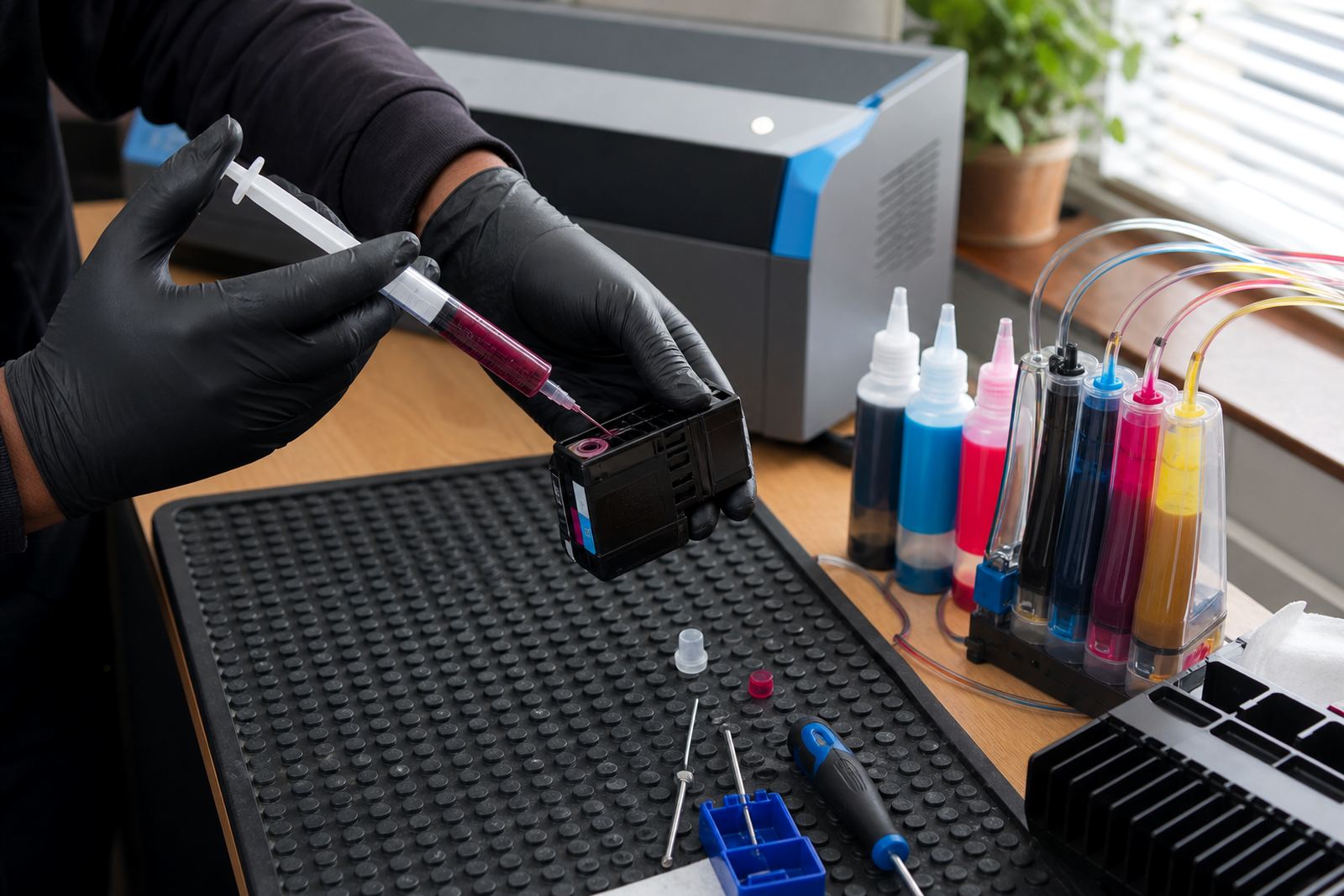
Many clogs begin during a refill, not during printing. A slow, careful fill reduces air bubbles and keeps the chamber from overfilling. If air enters the line, the printer may start missing lines or pushing uneven colour through the head. That is where a chip reset or a guided refill step can help, but only when the underlying fill is done neatly.
Use clean syringes, funnels or refill bottles, and keep each colour separate. Never top up from a bottle that has picked up lint or paper dust. If the cartridge has a sponge or absorbent section, give the ink time to settle before use. A rushed refill usually shows up later as poor flow or a patchy nozzle check.
- Refill slowly and stop before overflow
- Remove air pockets where the design allows it
- Let the cartridge settle before printing
- Keep lint away from openings and seals
Use cleaning cycles with restraint
Cleaning routines help, but they do not fix every blockage. A single standard clean may be enough when a nozzle check shows one or two breaks. If the fault keeps reappearing, the cause may be dried ink, poor storage, blocked vents or a cartridge that is past its usable life. Heavy cleaning can warm the head and waste ink that should be landing on paper.
When a printer skips lines after a period of rest, a controlled clean followed by a test print is usually the right first step. If the image improves but does not fully recover, let the machine rest and test again rather than forcing repeated cycles. That approach protects the printhead and gives a clearer view of whether the problem sits in the ink path or in the cartridge itself.
A Westville office lesson from a wet week
An office in Westville using several benchtop printers and one wider unit ran into repeated breakups on black text after a damp spell. The cartridges had been left partly open during a hectic stock count, and one machine had not printed for nearly two weeks. After the nozzles were checked, the team changed their routine: caps went back on at once, each machine printed a small test twice a week, and refills were handled on a cleaner tray instead of a crowded counter.
The result was not magic, just less drying and fewer air gaps. The team also started keeping empty cartridges aside for return, which reduced clutter and made refill planning easier. For firms in Ballito, Hillcrest, Pietermaritzburg or Cape Town, the same habits usually matter more than the brand badge on the front of the machine.
When support is worth asking for
If clogging keeps returning after good storage, careful refills and a sensible cleaning routine, the issue may sit deeper in the cartridge, the chip contact or the printhead itself. Remote troubleshooting can help narrow it down before more ink is wasted. For refill systems, advice on colour balance, leak checking and stock planning can also prevent the same fault from showing up again next month.
Our team in Westville, Durban supports offices, design studios and wide-format print shops across South Africa with cartridge refill advice, CISS setup help, nozzle check support and printhead care. If your printer is showing faint lines, blocked nozzles or uneven colour, a steadier routine and the right ink path usually make the difference.