When a print leans orange, blue or muddy
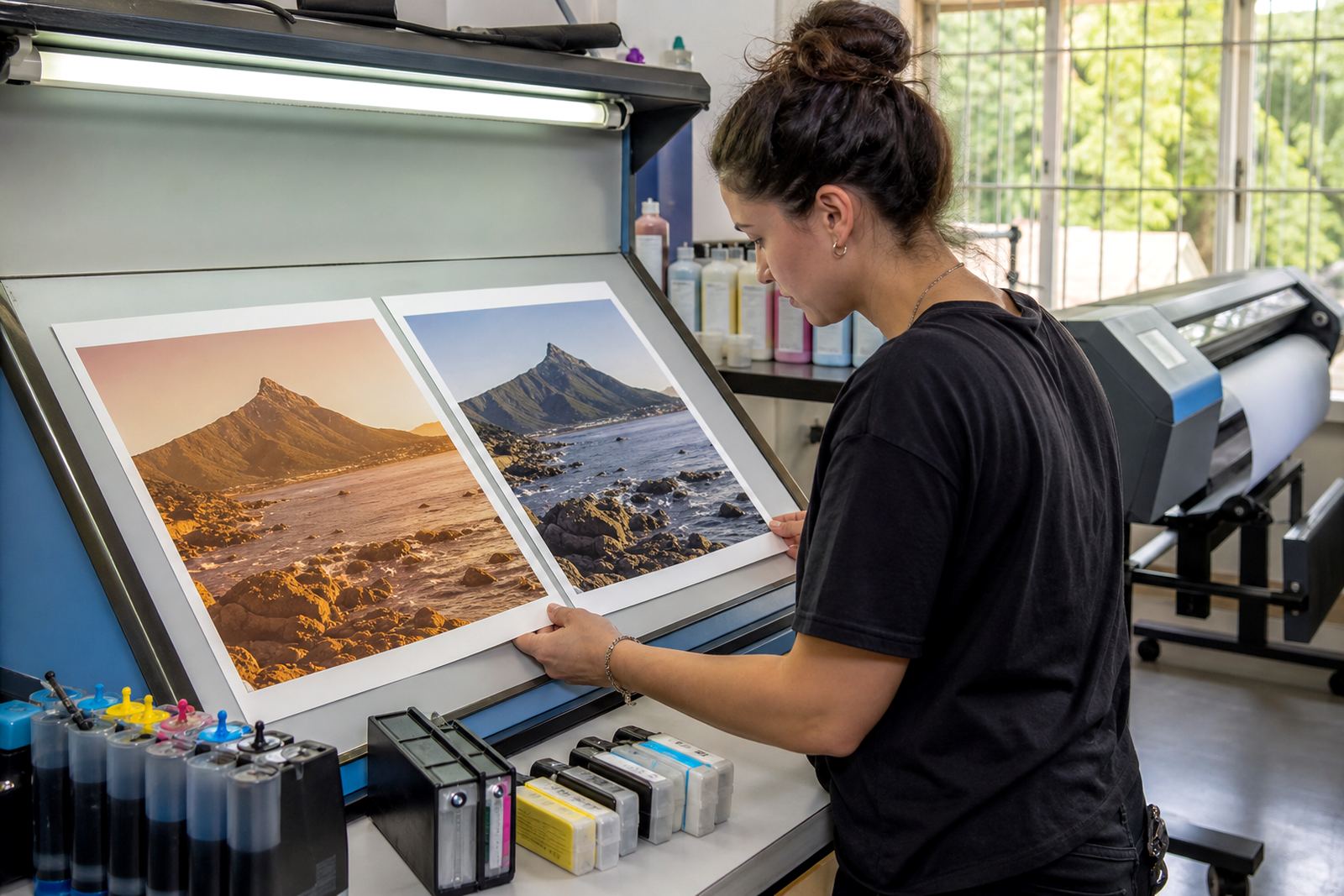
A colour cast is the shift you notice when skin tones look too warm, greys pick up a blue edge, or black text carries a brown tint. It can happen on office pages, artwork proofs and wide-format output, and it often points to a supply or settings issue before it points to the printer itself.
In Westville and across Durban, humidity can also change how paper behaves in storage. Sheets that have absorbed moisture do not always take ink evenly, so a test print on fresh stock can read differently from a stack left open near a window or roller door. That small change is easy to miss and it often sends people looking in the wrong place.
Ink type is usually the first place to look
Dye and pigment ink do not behave the same way on the page. Dye can give brighter colour and a smoother blend on coated stock, while pigment sits closer to the surface and usually holds lines and text with more resistance to smudge. If the wrong ink is loaded for the paper or the job, the colour shift can be obvious.
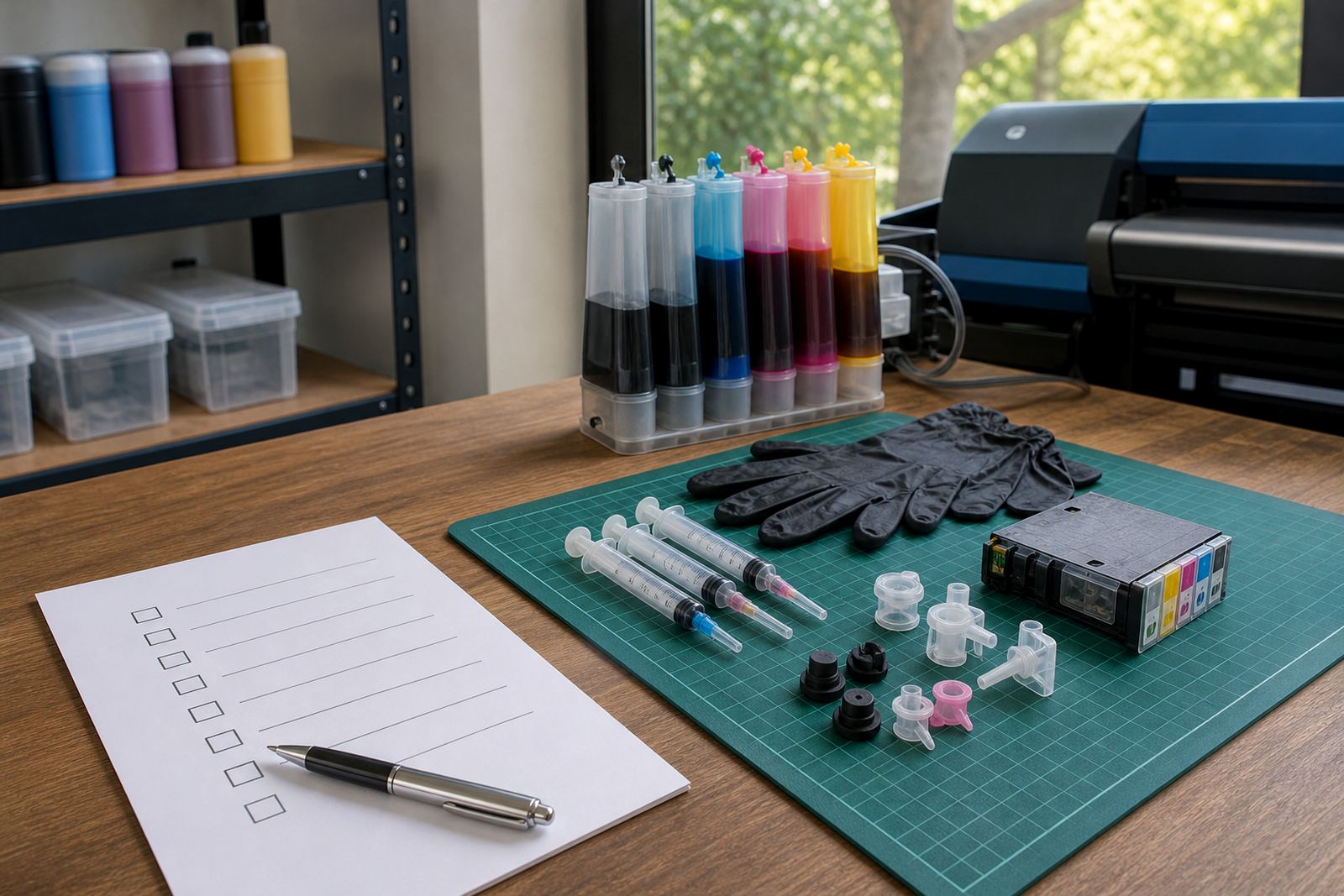
Refilled cartridges also need clean handling. Mixed ink types, poor flushing and low-quality refills can leave traces that change the balance from one cartridge to the next. That is why cartridge refill advice matters before anyone starts blaming the machine.
- Check whether the paper is coated, matte or plain office stock.
- Match dye or pigment ink to the job and the media.
- Watch for old residue in a cartridge that has been refilled more than once.
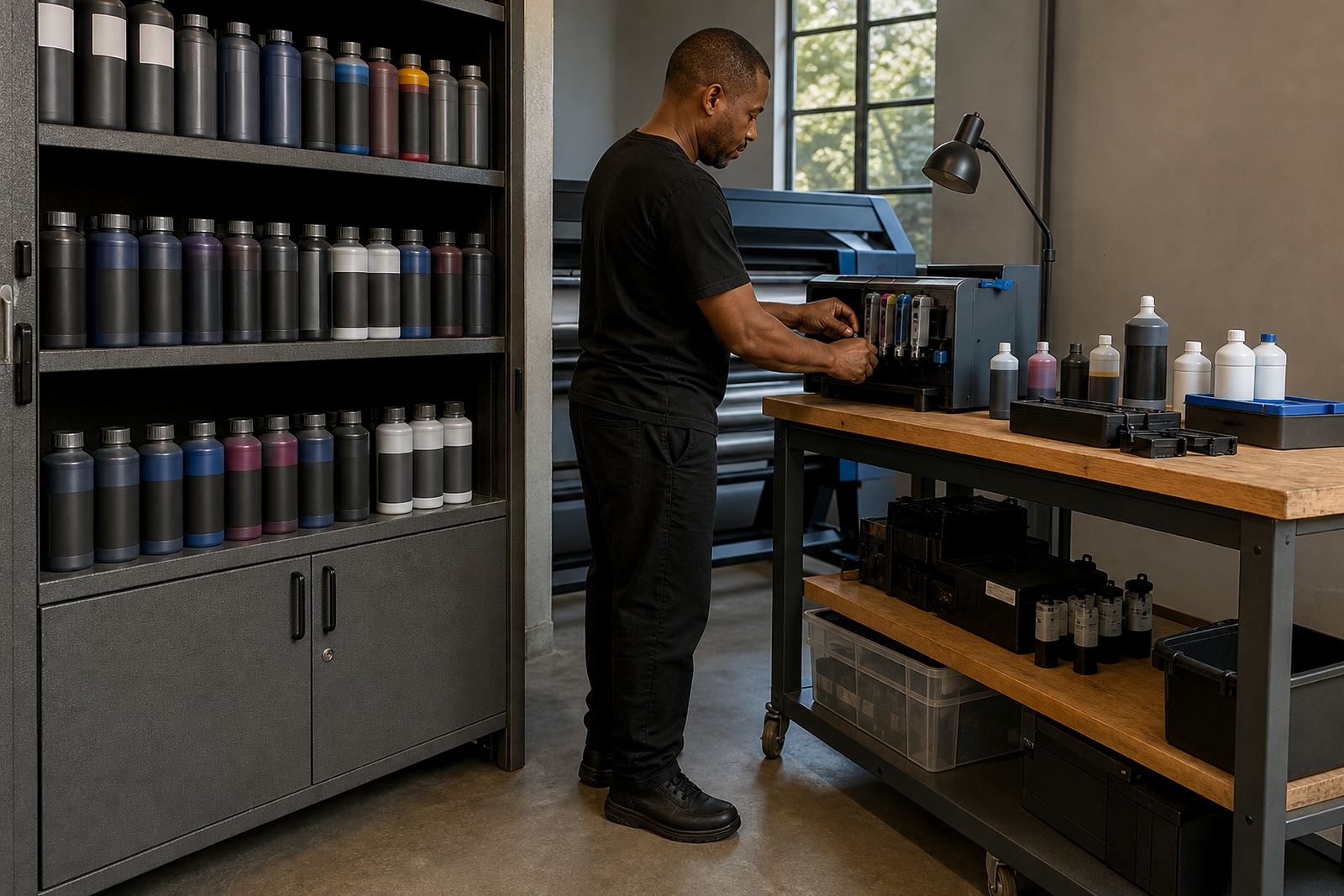
- Keep lids, seals and storage containers clean to limit contamination.
Nozzles, head condition and the colour you see
If one colour channel is partly blocked, the print can lean the wrong way even when the cartridge reads as full. A weak cyan nozzle can leave reds too hot, while a poor magenta pattern can make faces look washed out. A nozzle check is the quickest way to see whether the head is laying down each colour evenly.
Printhead care is not only about cleaning after trouble starts. Regular use, correct shutdown routines and sensible cleaning cycles help keep the channels open. On wide-format equipment, a small blockage can become a visible band or tint shift over a long run, so checking before a deadline saves wasted metres of media.
Settings that quietly change the tint
Driver settings can alter a print even when the cartridges are fine. A colour profile meant for another paper, a draft setting left on, or a manual tweak made for a previous job can all push the result warmer or cooler. When a studio in Pietermaritzburg sends a proof to a client, that sort of mismatch can throw off the whole comparison.
- Make sure the media setting matches the paper in the tray.
- Check colour management in the print driver and the artwork file.
- Confirm that grayscale is not forcing a colour balance shift.
- Revisit any custom setting used for an earlier job.
For artists and design studios, the same file may look different on two papers, so a print that seems wrong on one sheet may be perfectly acceptable on another. That is why test strips matter before a full run.
Chip resets, empty cartridges and refill habits
When a cartridge reports empty too early or refuses to read correctly after a refill, the chip or contact area may be part of the problem. A resetter can help in general terms, but it should be used with care and only where the cartridge type supports it. Poor contact, dust or a bent chip point can also create false readings that look like a colour fault.
Empty return programmes help too, because they keep usable housings in circulation and reduce the pile of mixed plastics heading for general waste. For offices and print shops that go through a lot of ink, returning empties also makes stock control less messy. It keeps the refill cycle clearer and helps operators track which cartridges are worth keeping in service.
A Durban example that starts with paper, not panic
A small studio in Westville may notice that a blue corporate logo is printing with a green edge on coated letterheads. Before replacing the machine, the practical checks are straightforward: inspect the nozzle pattern, confirm the paper type, check the ink mix and compare the current driver settings with the last clean proof. In many cases the answer sits in one of those four places.
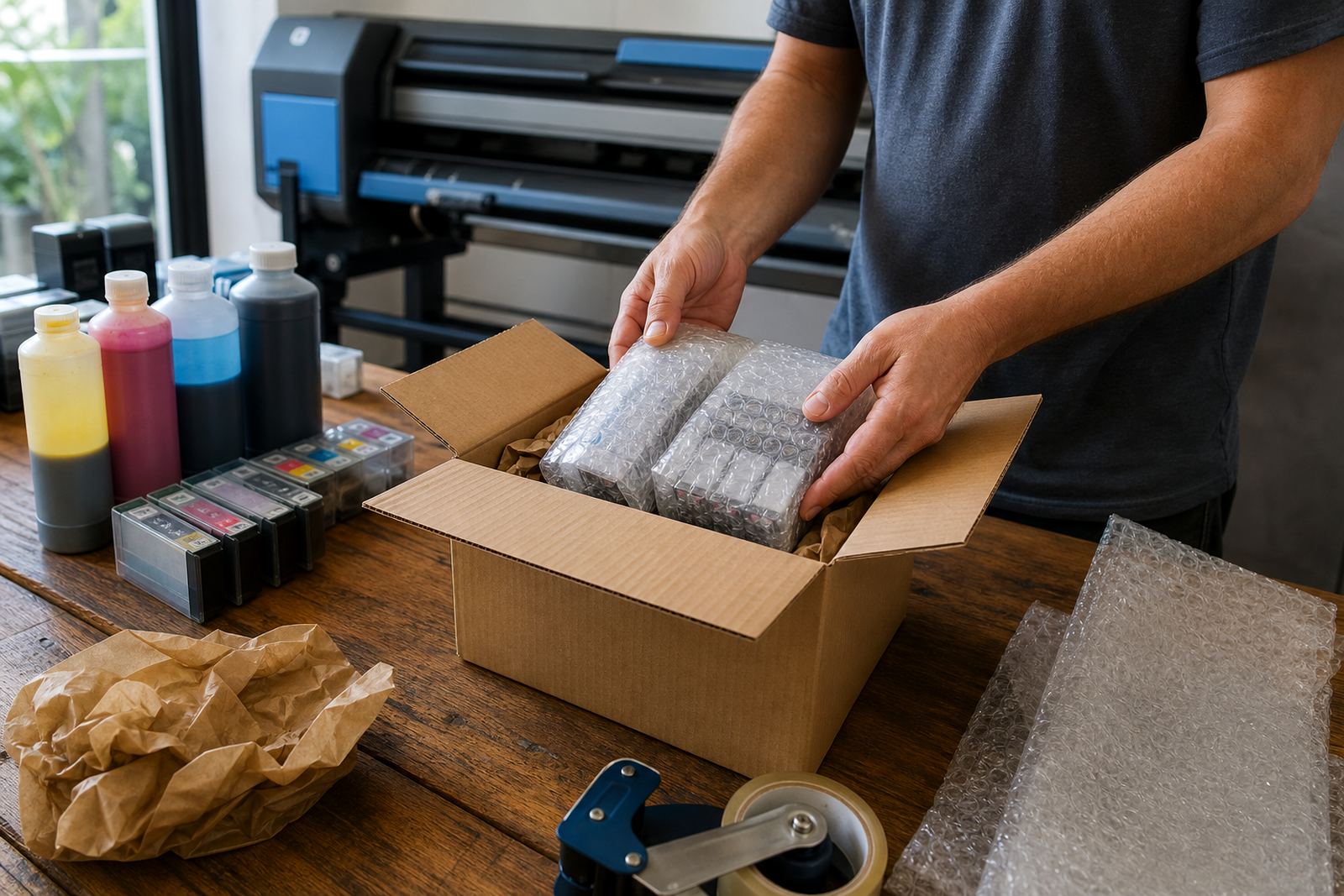
Courier work across Durban, Johannesburg, Pretoria, Cape Town and Ballito also brings its own risk. Cartridges that sit in transit for too long, or packs stored in a hot vehicle, can show odd behaviour when installed. That is why stock planning, leak checking and clear refill advice matter for people who need reliable output without wasting fresh supplies.
A short sequence that keeps colour honest
The first checks should be plain and methodical. If the cast is still there after that, the next step is to narrow the fault to the cartridge, the ink type or the printhead rather than changing everything at once.
- Run a nozzle check and compare each channel.
- Print on fresh paper from a sealed pack.
- Confirm dye or pigment ink for the media in use.
- Check chip contact and cartridge seating.
- Review driver settings, then repeat the test print.
That order saves time and avoids unnecessary waste. It also gives operators a clear path to follow when a warm print or cool cast shows up in the middle of a busy week.