1. Start with the cartridge, not the bottle
Before any refill, look at the cartridge body for cracks, warped plastic and worn seals. If the sponge is collapsed or the vent area is blocked, the refill may not hold properly and ink can seep into the printer tray. A cartridge that has sat dry for too long can also struggle to prime, so the condition of the shell matters as much as the ink inside.
Check the label area and contact points too. Dirty contacts can cause chip errors, while dried ink around the nozzles can make the first test print look worse than it should. Clean the outer surface carefully with a lint-free cloth, not paper towel, because fibres stick to damp ink and make the mess bigger.
- Inspect for cracks, swelling and old leaks
- Wipe contacts and nozzle edges gently
- Make sure the vent opens properly
- Set aside any cartridge that looks physically damaged
2. Match the ink to the job before you fill
Ink choice matters. Dye ink is often preferred for bright colour work and smooth tonal shifts, while pigment ink is valued where sharper text, stronger water resistance and better outdoor handling are needed. The wrong ink type can change colour output and shorten the life of a refill job.
For artists and studios in Durban, the decision may depend on paper type and whether the work will be framed, scanned or handed out for a short-term brief. On wide-format printers the same rule applies, but the stakes are higher because a bad mix can affect more metres of media. Keep one ink family per cartridge set, and do not top up with a different type just because the bottle is nearby.
- Use dye for colour-heavy indoor work where smooth shading helps
- Use pigment for text, signs and jobs that need firmer durability
- Do not mix ink types in one cartridge
- Label each bottle clearly so office staff do not cross-fill by mistake
3. Fill slowly and leave space for the sponge
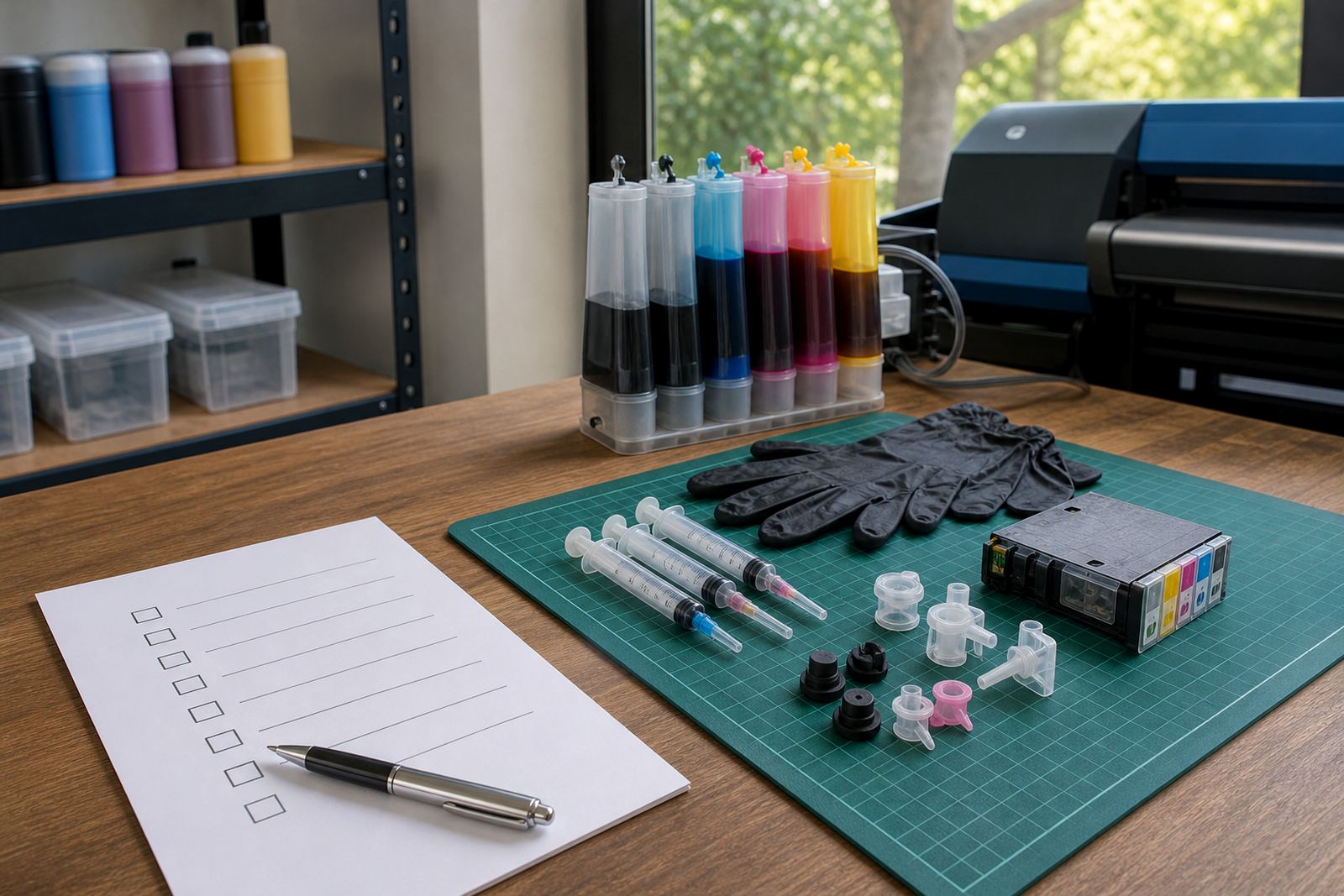
Refilling is cleaner when the ink goes in slowly. A rushed fill can flood the sponge, push air through the chamber and leave ink sitting where it should not. That often leads to drips, uneven flow or a messy first print test. Keep the nozzle of the refill bottle steady and pause often, especially on smaller cartridges.
The sponge needs room to breathe. If it is packed too tightly, ink movement becomes erratic and the cartridge may refuse to print evenly. Stop before the top edge is saturated, then let the cartridge rest upright on a paper towel so the excess can settle. It is a small habit, but it saves a lot of scrap paper later.
- Fill in small stages rather than one hard squeeze
- Stop before the cartridge looks flooded
- Keep the cartridge upright while it settles
- Wipe drips before reinstalling it
4. Reset chips and clear the printer warnings
Many refilled cartridges need the chip status checked before the printer will accept them. Some systems use resetter tools, others rely on the printer reading the cartridge as full again once it is seated properly. The point is not to force the machine, but to make sure it recognises the refill and does not keep flagging an old low-ink warning.
For offices in Johannesburg or Pretoria with several users on one printer, the first warning often causes confusion because someone assumes the cartridge is empty when it is not. Check the display, reseat the cartridge once and confirm the printer is not asking for a different slot. If the warning stays on, the issue may be the chip rather than the ink level.
- Reinsert the cartridge firmly after refilling
- Watch for chip-related warnings on the display
- Use reset tools only where the system allows it
- Record which cartridge was refilled, so the team can track it later
5. Run a nozzle check before normal printing starts
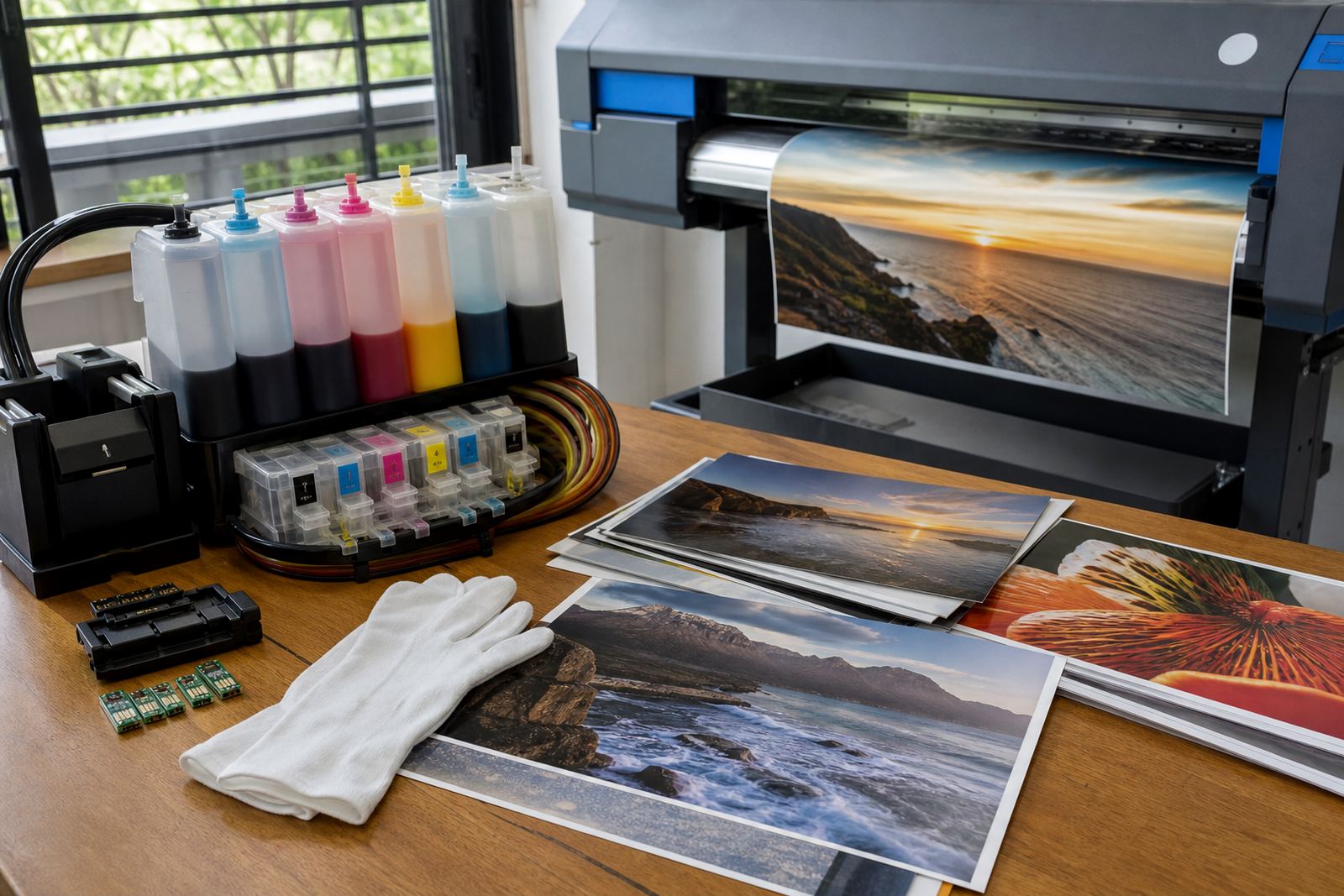
A nozzle check tells you far more than a quick glance at a page. It shows missing lines, blocked channels and colour gaps before the job is started in full. If the pattern is broken, do not keep pushing big print runs through the machine, because that only wastes ink and paper while the fault gets worse.
For a local example, a Westville studio preparing sample boards for a client meeting can save itself a lot of frustration by printing one test page first. If magenta is weak or black breaks up, the issue can often be traced to air in the line, a clogged nozzle or a cartridge that was filled too fast. It is easier to fix at the start than after ten pages are already spoiled.
- Print a nozzle check after every first refill
- Look for missing bands, not just colour tone
- Run a light cleaning cycle only when needed
- Stop production if the pattern still looks uneven
6. Keep empties, spares and stock plans in one place
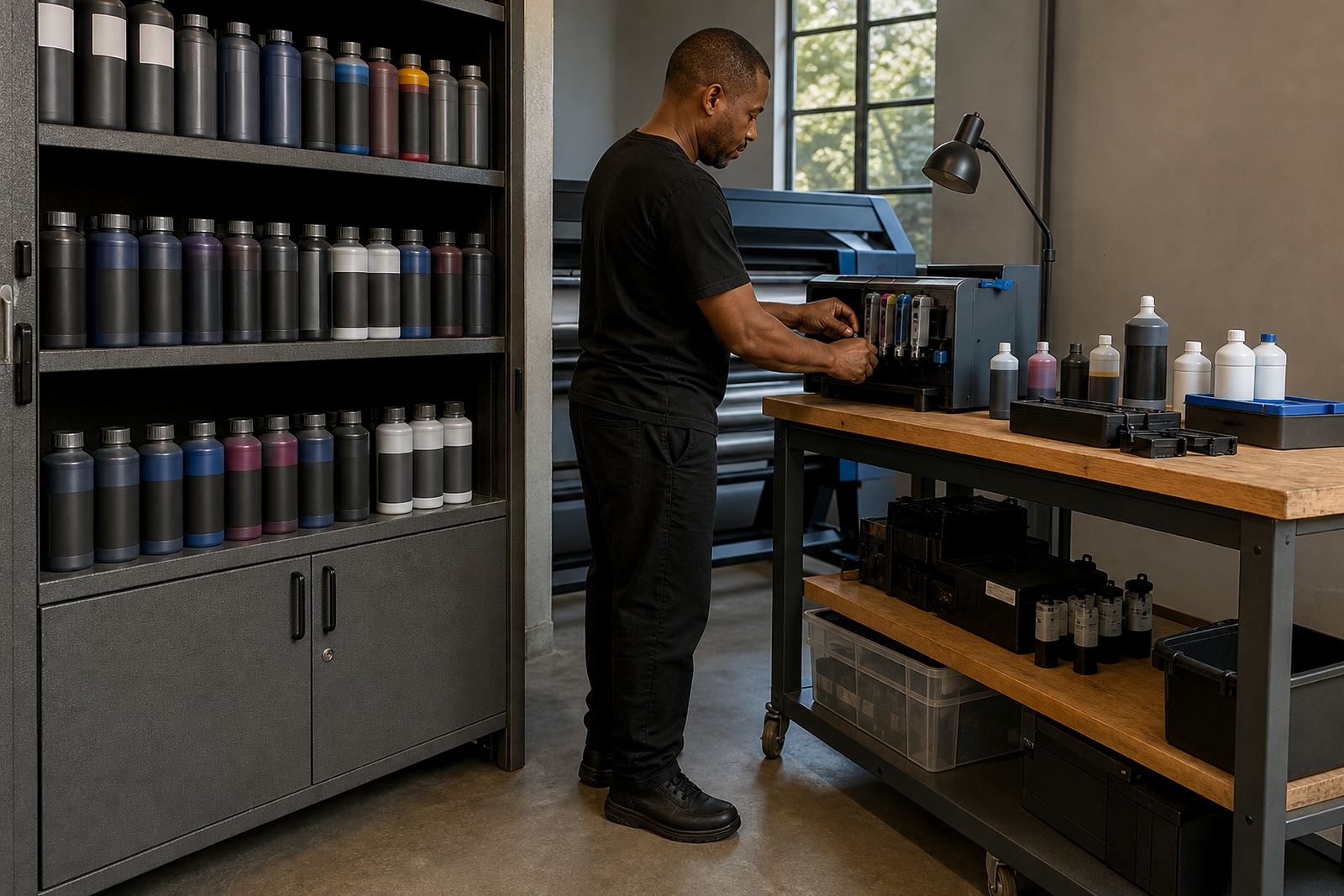
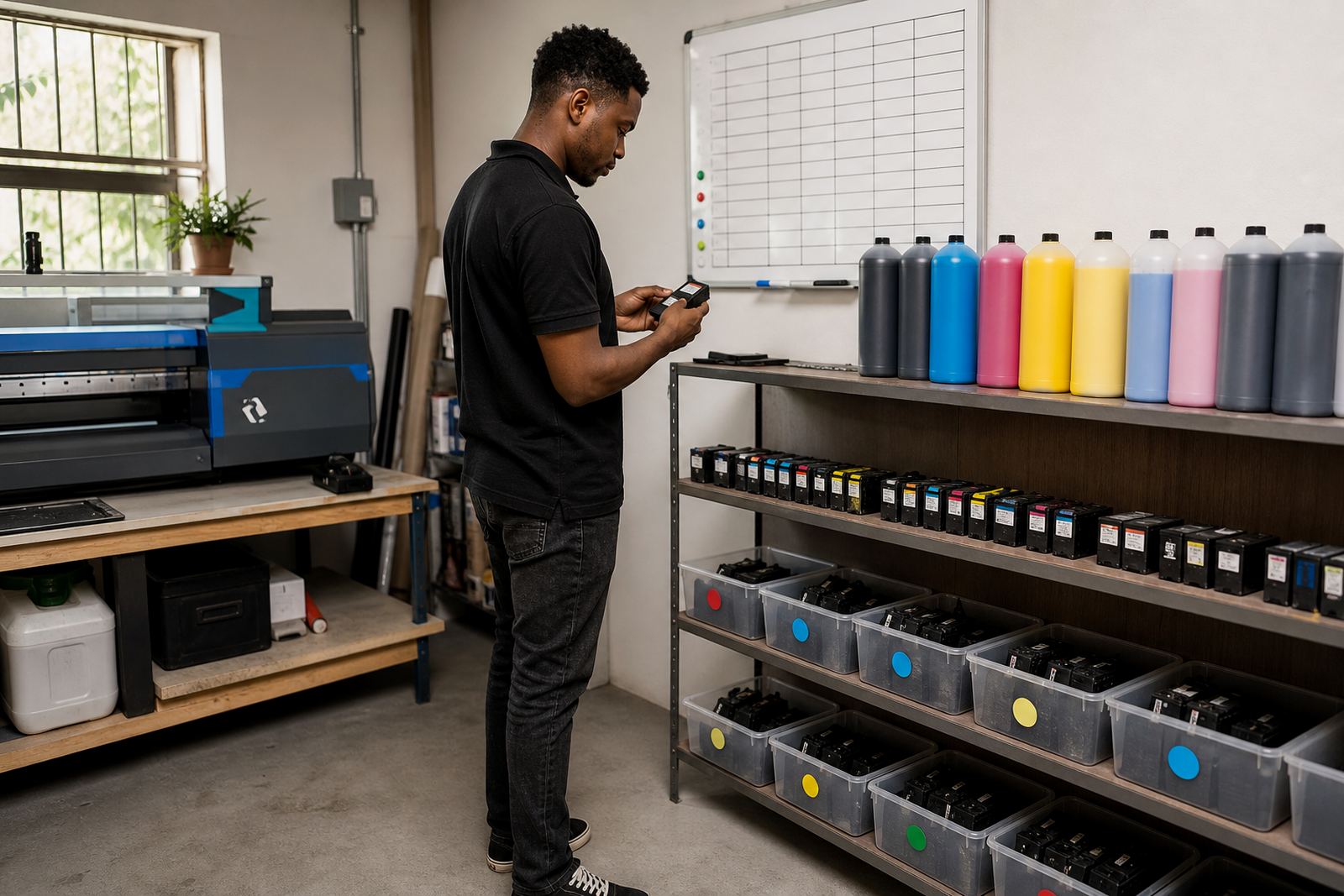
The first refill is easier when the workshop or office has a simple system for empty cartridges, spare bottles and usable stock. Empty cartridges should be kept separate from damaged ones, and both should be sorted away from fresh ink so nobody grabs the wrong item in a hurry. Recycled empties also help reduce waste, which matters when print volumes are steady and the bin fills quickly.
In Ballito, Hillcrest or along the Durban edge, humidity can affect storage if bottles are left open or cartridges are stacked in a hot room. Keep lids tight, store cartridges upright and avoid leaving them in direct sun by a window. A basic shelf plan works better than a pile in a drawer, and it makes the next refill less stressful.
- Separate reusable empties from damaged cartridges
- Store bottles with lids sealed tight
- Keep spares upright and out of direct sun
- Put a small return box in the same room as the printer