Start with one reference print, not memory
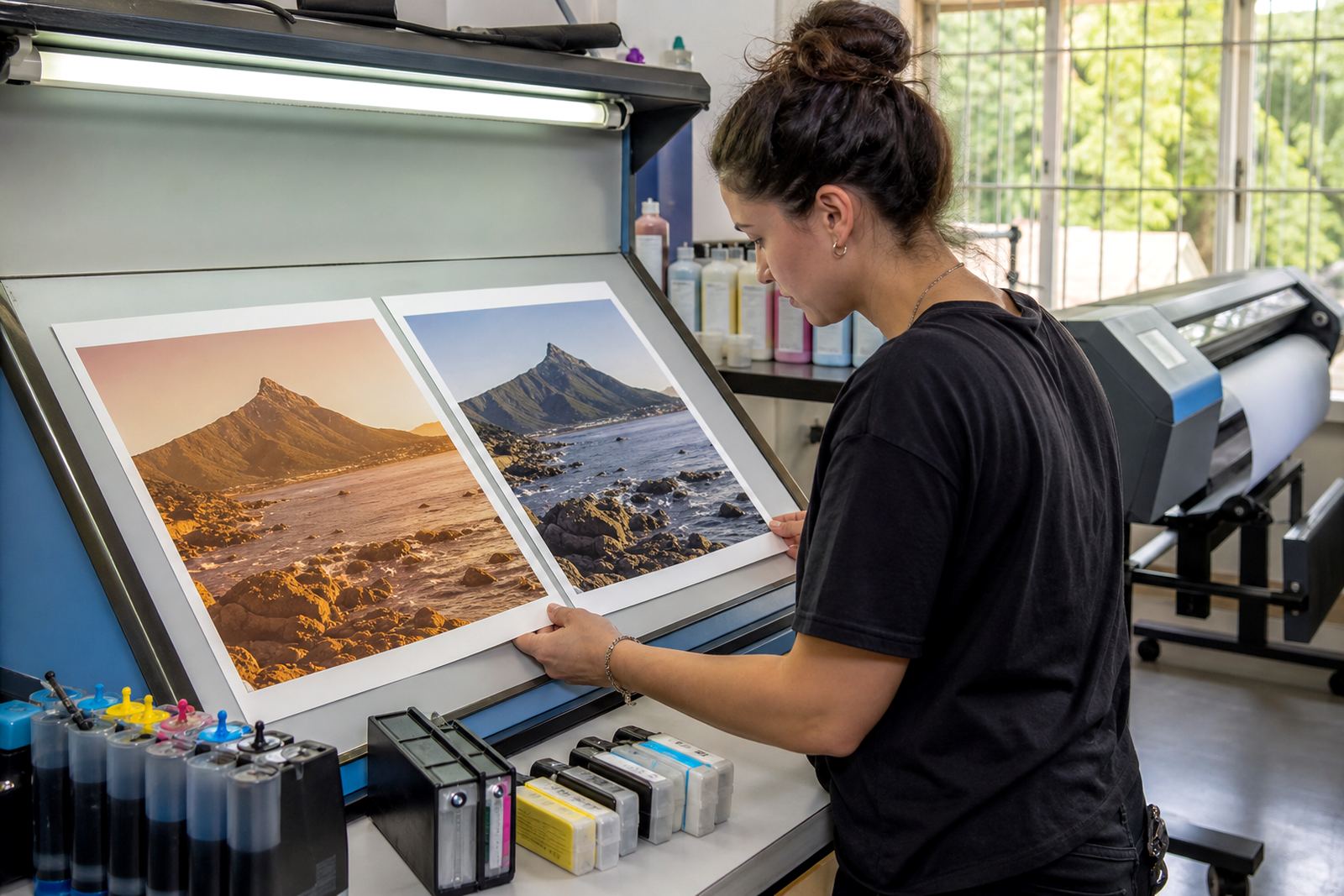
Colour gets easier to manage when every job has a physical reference. Keep one approved print for common work such as logos, skin tones, line art and dark solids, then compare new output against it under the same light. A bright shop window at midday tells a different story from an office corner after 4 pm, so the viewing place matters.
For offices in Westville or Pietermaritzburg, that reference can sit with the same operator notes each month. A small note on paper type, ink set and print mode helps too, because the machine may be fine while the settings have drifted. That is where colour trouble often starts, quietly and without drama.
Match ink type to the job before the first fill
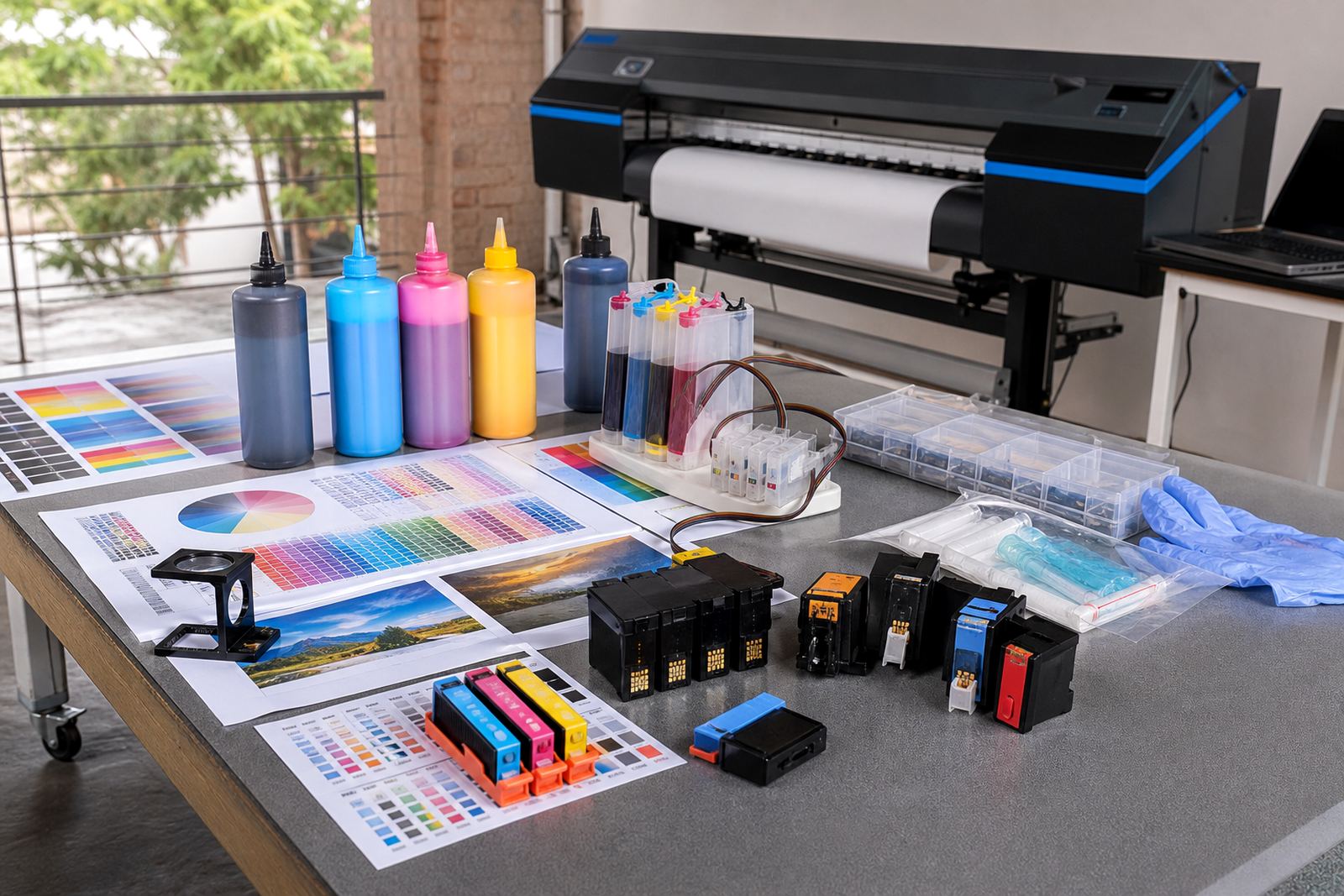
Dye ink and pigment ink behave differently. Dye usually gives richer colour on many coated papers and photo media, while pigment gives stronger durability on some office and production jobs, especially where smudge resistance matters. The wrong match can lead to dull blacks, weak blues or a warmer cast than expected.
When a studio in Durban shifts between proofs, posters and presentation sheets, the team should not treat all ink as the same thing. Cartridge refills and bulk ink systems need the correct formulation for the printer and the media. A tidy workflow here saves time later, because colour correction after printing always uses more ink than getting close in the first pass.
- Use the same ink family for the same print queue
- Keep coated and uncoated papers separate
- Label refill bottles clearly by colour and ink type
- Do not mix leftovers from unknown cartridges
Nozzle health sets the tone for colour stability
Blocked nozzles can make a clean file look patchy or flat. If one colour channel is weak, the result may lean green, magenta or muddy brown even when the image data is fine. Regular nozzle checks help catch this early, especially for wide-format shops that print on demand and cannot afford waste.
Printhead care is not complicated. Run the normal checks the machine asks for, keep dust away from open ink paths and do not leave cartridges sitting dry for long periods. In humid coastal areas like Durban and Ballito, caps, vents and seals need a bit more attention because moisture and airborne dust can both affect the ink path. A nozzle pattern that looks tidy today can drift by next week if the system is ignored.
Set the refill system up for steady flow
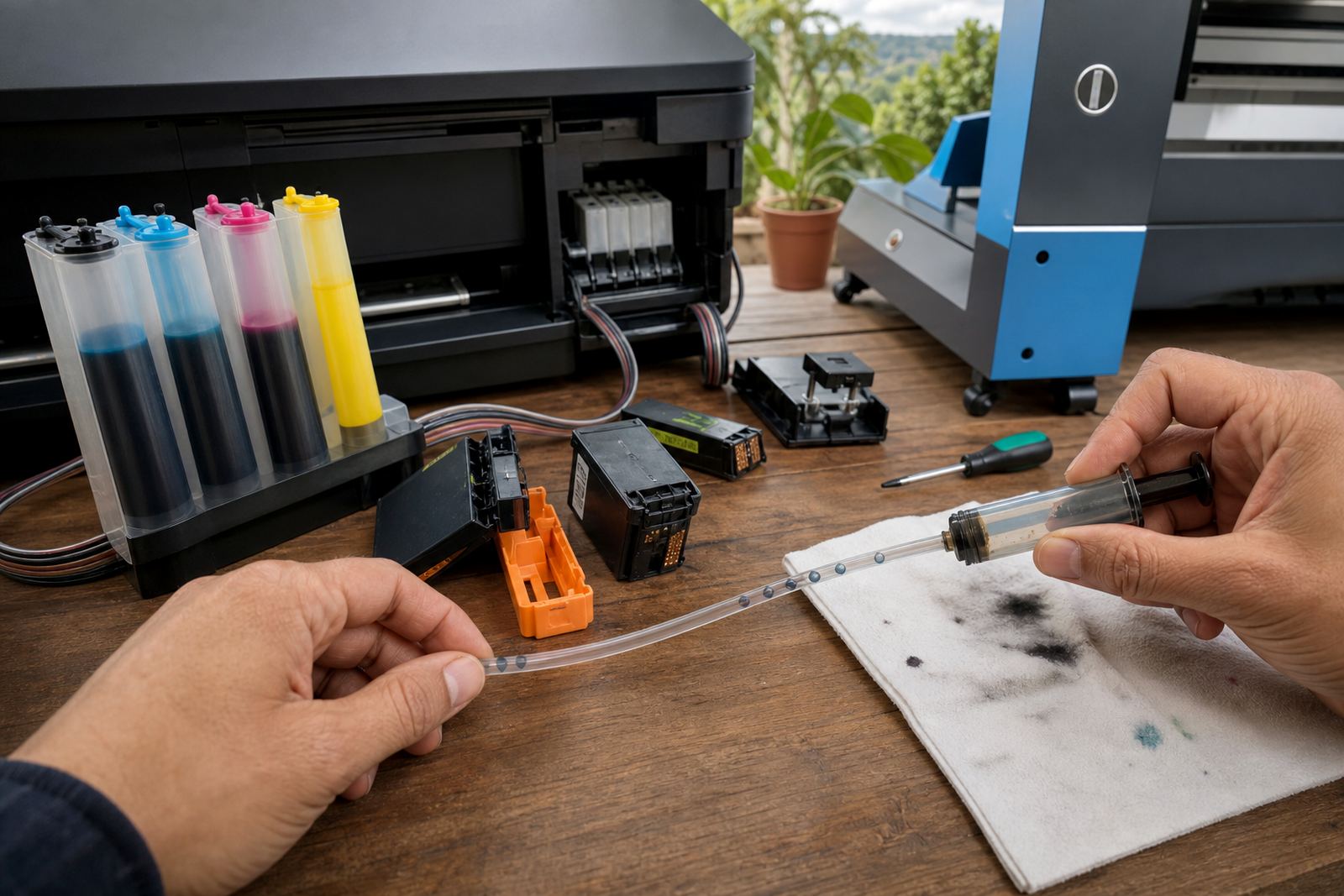
Continuous ink supply systems and refill kits can cut waste, but only when they are installed and handled with care. Tube routing, tank height, venting and chip handling all affect how the printer feeds ink. If the system pulls air, the colour output can become uneven across the page or across a run.
Ayesha in the office may not be the one opening the printer, but she still needs a simple routine for checking levels and watching for leaks. Leak checks should happen around refill points, seals and cartridge edges. If a machine shows repeated recognition errors, chip reset help may be needed in general terms, but the main aim is still the same: stable ink delivery and fewer interruptions.
- Keep tanks level and capped when not in use
- Watch for bubbles in clear tubing
- Wipe spills before they reach rollers or paper paths
- Test one colour at a time after a refill
Paper, humidity and colour balance work together
Ink does not sit alone on a page. Paper absorbency, coating and humidity all change how colour lands and dries. A sheet that looks fine in Johannesburg may print differently in Cape Town if the paper stock or room conditions differ. That is not a fault with the file, it is part of production reality.
Colour balance help starts with small controls. Keep one paper type for a repeat job where possible, and print a short test strip before the full run if the job is new or the media has changed. Light can also fool the eye, so check the print in the same place each time. In a studio with glass frontage, a proof can look cooler in the morning and warmer by afternoon, which leads to pointless adjustments if nobody notices the light shift.
Empty cartridges still belong in the workflow
Empty returns are not just a tidy-up task. When cartridges are collected for recycling or reuse, the team also gets a clearer view of consumption patterns, leak issues and which colours are burning out first. That sort of record helps with stock planning and makes reordering less frantic.
For a print shop in Pretoria or a design studio in Hillcrest, the empty return programme can sit beside normal ordering notes. Keep empties separate by type, seal them if needed and avoid mixing damaged items with reusable ones. Refill advice also works better when the technician can see what has been used, because the wear pattern tells its own story.
- Sort empties as soon as the cartridge is removed
- Keep damaged housings apart from usable returns
- Store return items in a clean dry box
- Record repeated failures on the same colour channel
A Westville example from a busy Durban week
A small studio in Westville might print proofs for a client in Durban, then a banner mock-up for a branch in Johannesburg and a set of marketing sheets for Cape Town. If the work uses different papers and different ink types without a clear note trail, colour drifts from job to job. The fix is rarely dramatic. It is usually a matter of one reference print, one paper choice and one refill routine that the team follows without guessing.
That approach also helps operators learn what is normal for their machine. They can spot a weak cyan, a tired black channel or a slow leak before the whole batch is affected. When the workflow is plain, people stop blaming the printer for every issue and start checking the steps around it. That is where colour steadiness usually lives, in the habits not the hardware.
For offices, artists and wide-format print shops, the goal is not perfect colour every single day. It is a repeatable path that gives close, predictable results and fewer surprises when a job matters.