Bigger sheets need a steadier ink habit
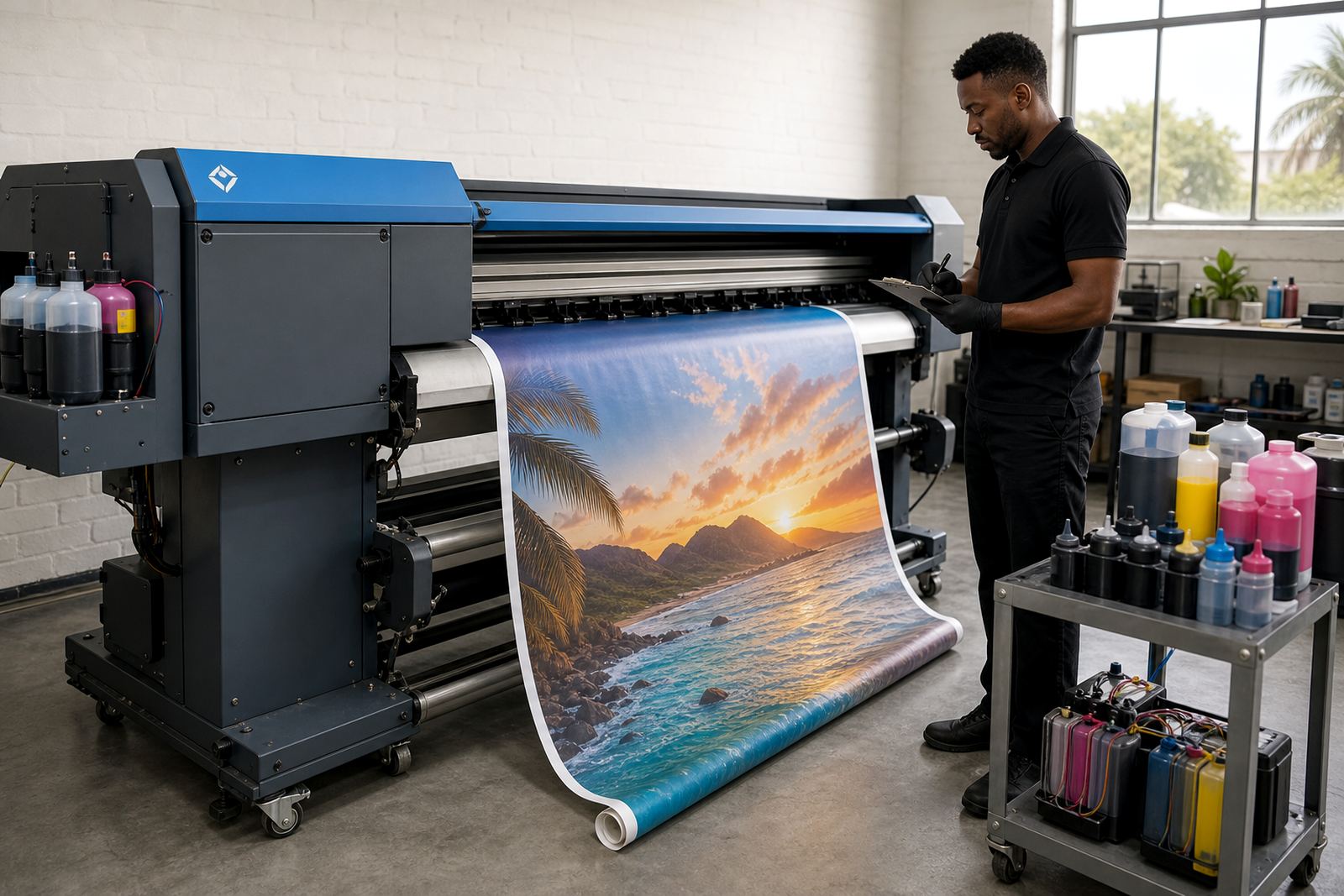
A benchtop printer can get away with short bursts of use and small cartridge swaps. Wide format machines, by contrast, often work through long runs for posters, drawings, signage mock-ups and proof sheets, so the ink path needs to stay consistent from the first print to the last.
That is where the difference shows up. Larger printers usually carry separate channels for each colour, and each channel has to stay clear, filled and matched to the work being produced. If one colour runs low or air enters the line, the result is not just a faint patch. It can show as streaks, banding or a shift in neutral greys that throws off the whole sheet.
- Keep the printer active enough to prevent dried ink in the nozzles.
- Use the correct ink type for the media and the colour job.
- Check line fills before a long print, not after the first pages are wasted.
Dye and pigment ink do not behave the same
Wide format users often move between dye and pigment ink, depending on the finish they need. Dye ink tends to give bright colour on coated paper and presentation stock, while pigment ink is usually preferred when the job needs stronger water resistance, sharper edge definition or better durability on many print media.
Choosing the wrong type can lead to dull colour, weak blacks or a finish that does not suit the client’s board, vinyl or proof material. It also affects how often printhead cleaning is needed. Some inks settle quickly in poor storage conditions, especially in Durban’s humidity, so the storage drum, bottle cap and refill line need clean handling every time.
- Dye ink suits bright presentation work and some proofing jobs.
- Pigment ink is usually a better fit for sharper lines and longer lasting output.
- Mixed or uncertain ink types can cause clogging, colour drift and extra cleaning cycles.
Refill systems are built for volume, not guesswork
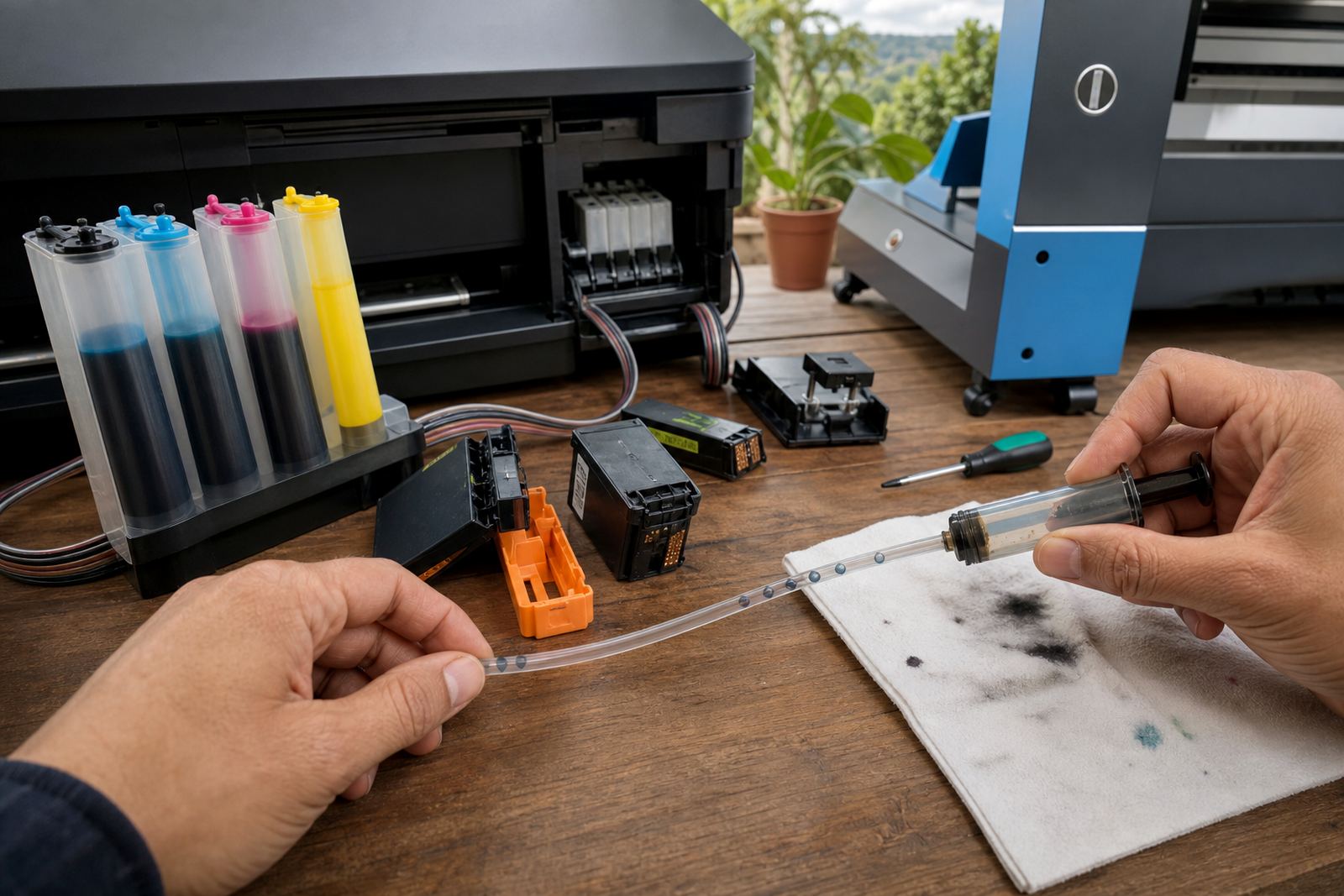
Continuous ink supply systems and refill kits are used to keep larger printers moving without replacing full cartridges each time. The benefit is not only lower waste. It is also better control over how much ink is on hand for repeat jobs, especially in offices and print shops that handle regular artwork, layout proofs and wide signage panels.
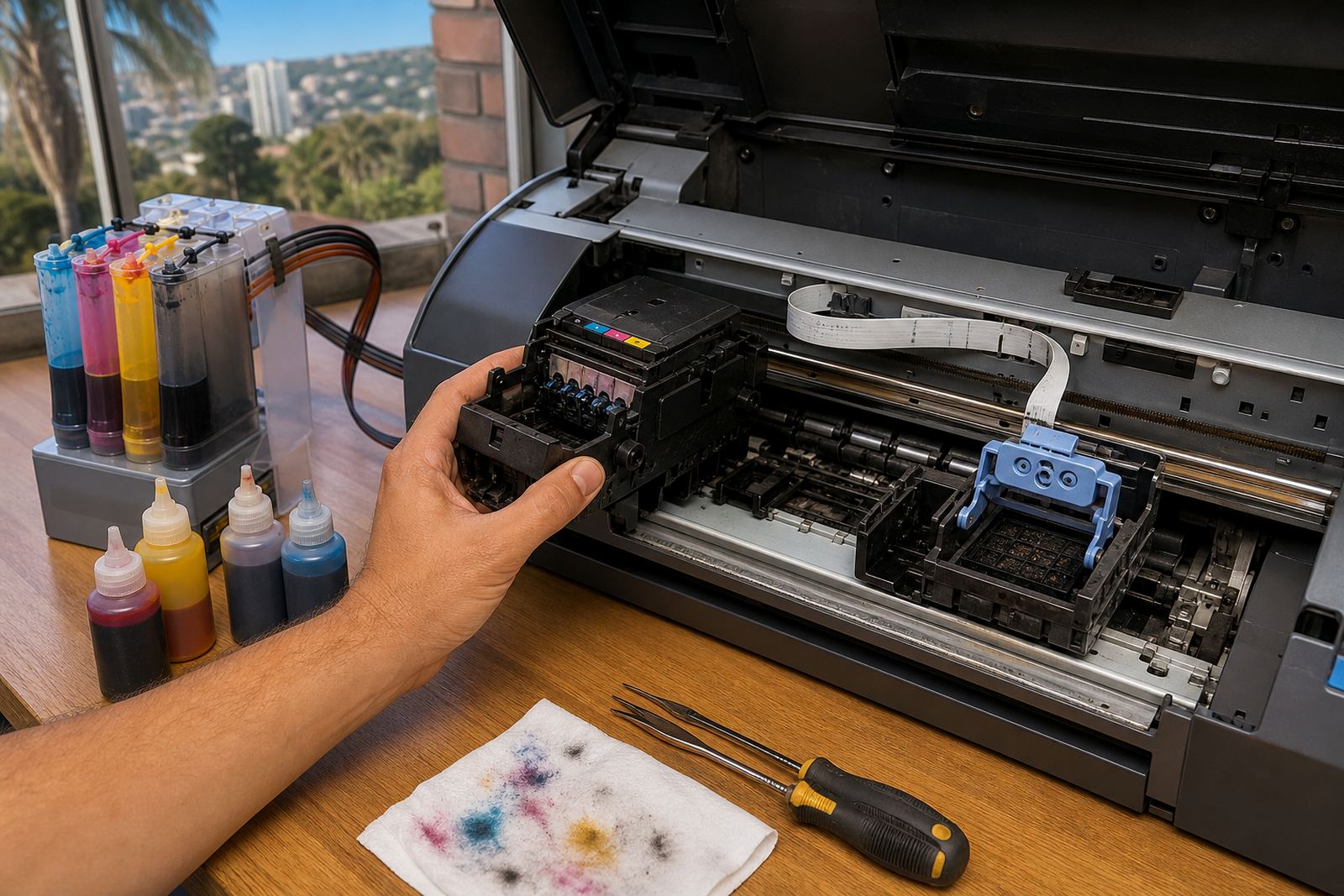
For this type of setup, the tubing, reservoirs and chip reset process all need careful attention. A full tank does not help if a line has trapped air or if the cartridge chip is not reading correctly. Some models use reset tools, others rely on replacement cartridges or electronic recognition systems, so the refill process has to suit the machine rather than force the same method across every unit.
- Check for trapped air after a refill or line change.
- Watch the chip status before starting a long print run.
- Use refill kits that match the printer model and tank layout.
Nozzle checks save metres of paper and ink
Wide format printers should not be left to run blind. A quick nozzle check shows whether all channels are firing properly before a larger sheet goes through. If a nozzle is blocked, the print may still look acceptable on screen, but the final output can waste expensive media and a full ink load.
Printhead care matters here. Light cleaning, proper shutdown routines and good ink flow help prevent blocked nozzles, especially after idle periods or when a machine is used in bursts. The aim is not to over-clean the head, because unnecessary cleaning can empty tanks faster than the actual print work. It is to keep the machine stable enough for the next run.
- Run a nozzle check before a critical job or fresh media change.
- Avoid repeated cleaning unless the test pattern shows a real fault.
- Keep the printer in a space with cleaner air and less dust.
Colour balance matters more on large proof work
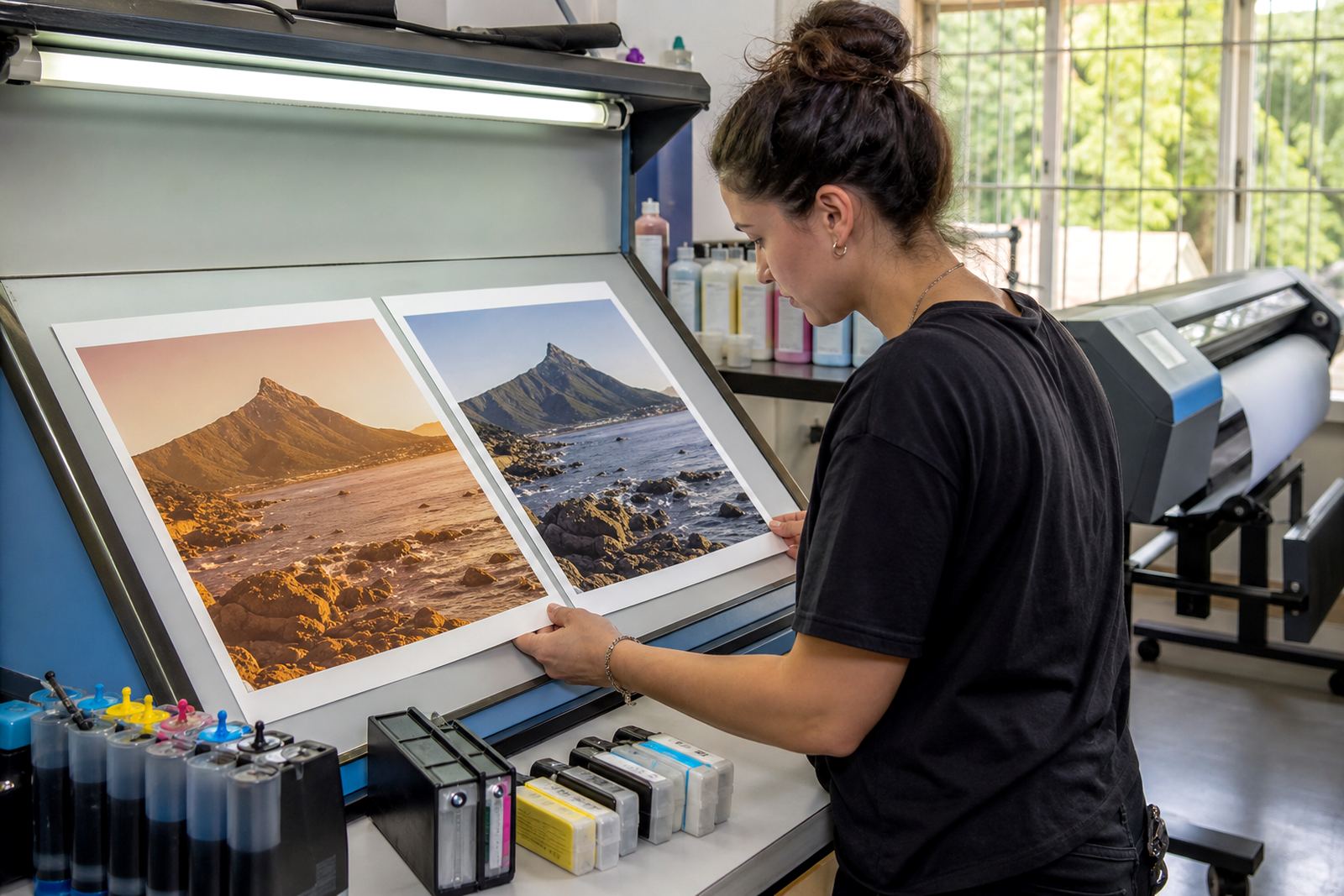
In wide format work, a small colour shift becomes obvious over a full sheet. Greys can lean blue, skin tones can skew warm, and brand colours can wander if one channel is weak. That is why colour balance help is part of everyday ink management, not a luxury add-on.
Office printers often hide small inconsistencies in a page of text. Wide format output does not. Large graphics, gradients and fine line drawings reveal every mismatch between cyan, magenta, yellow and black. If the machine is used for studio proofs or shop displays, the operator needs to spot those shifts early and adjust before the job grows expensive.
- Check grey balance on a test strip before full production.
- Compare fresh output against a known good sample.
- Keep one eye on the ink mix when a colour starts to look flat.
A Westville example from a busy print room
A small print room in Westville might handle office posters, architectural drawings and display panels in the same week. One machine can move from coated paper to vinyl and then to proof sheets for a design studio, which means the ink mix has to stay flexible without losing control.
In that setting, a refill plan works better than waiting until a cartridge is fully empty. The operator can keep spare ink on hand, rotate empties for return and check whether a pigment line needs more care after a stretch of light use. For Durban conditions, sealed storage and clean caps matter because humidity can affect how long an open bottle or line stays stable.
Courier delivery helps when a shop in Durban needs stock in time for a run, but the real saving comes from using the right system for the printer and the job. A well set machine wastes less paper, needs fewer panic cleans and gives more consistent output across long sheets.
A cleaner cycle for empties and refills
Wide format ink use should not end with a bin full of plastic shells. Empty return programmes keep used cartridges and related parts moving back into a controlled cycle, which lowers waste and helps offices and print shops manage stock more neatly. It also makes planning easier when the same printer uses the same channels week after week.
For teams handling frequent output, the routine is straightforward: track usage, keep the right ink type on the shelf, test before a long run and send empties back through the return process. That way the machine stays productive and the shop avoids the waste that comes from last minute swaps, mixed inks or a clogged head at the wrong time.
- Store empties separately from fresh stock.
- Label ink types clearly so channels are not mixed.
- Keep a refill record for each printer in the room.