Start the day with a quick nozzle check
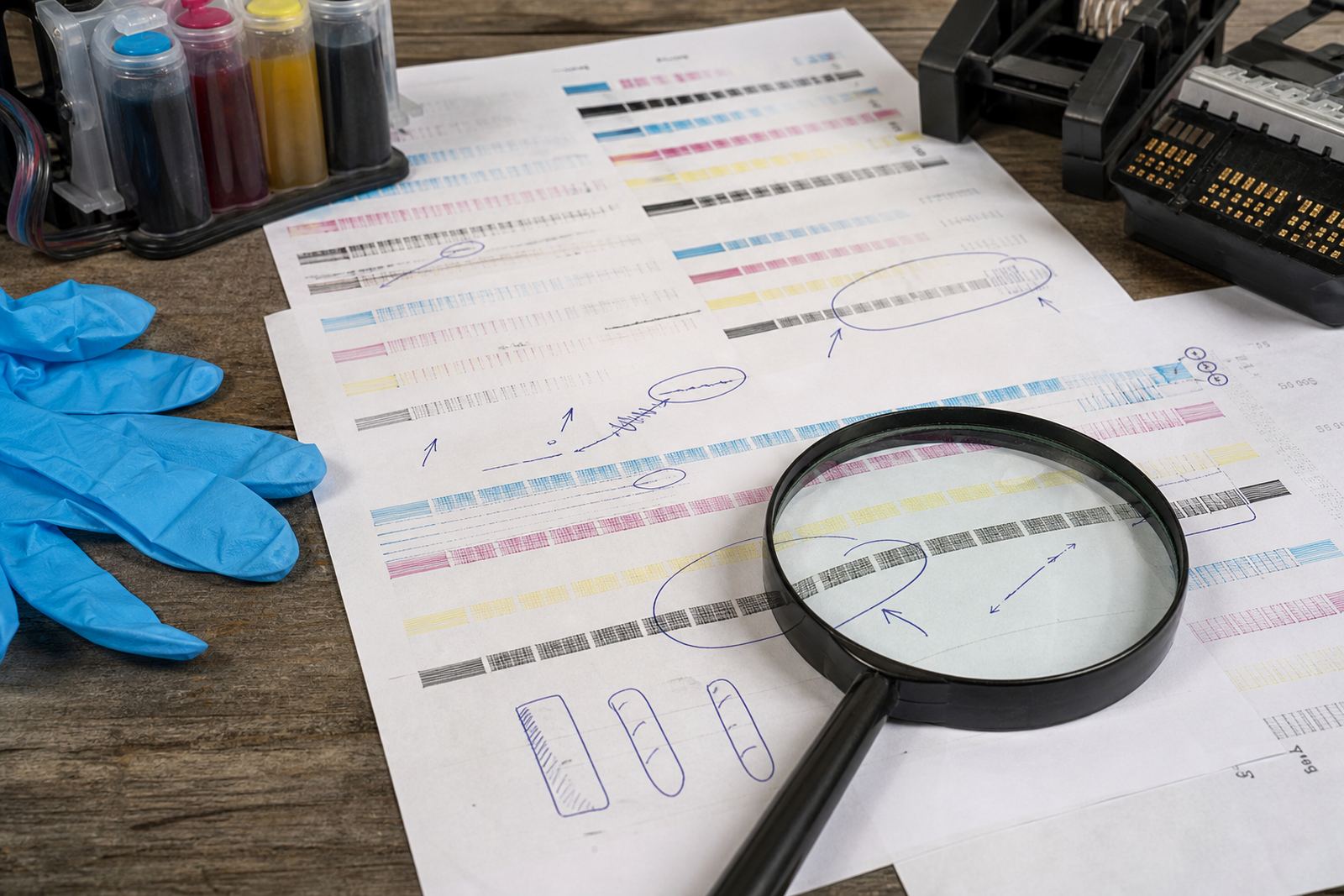
Before the first proper job, print a nozzle check or test pattern. It takes little paper and gives a clear read on missing lines, faint channels and any colour that is not sitting where it should. If you run a benchtop machine with a refill system or refurbished cartridge set, this one page can show whether the heads are clean enough for the day ahead.
In Durban, where humidity and coastal air can sit in the room for hours, ink can behave a bit differently from a dry inland office. That does not mean trouble every day, but it does mean a printhead left idle too long may need a clean line check before a rush job lands on the tray.
Keep the ink path calm and clean
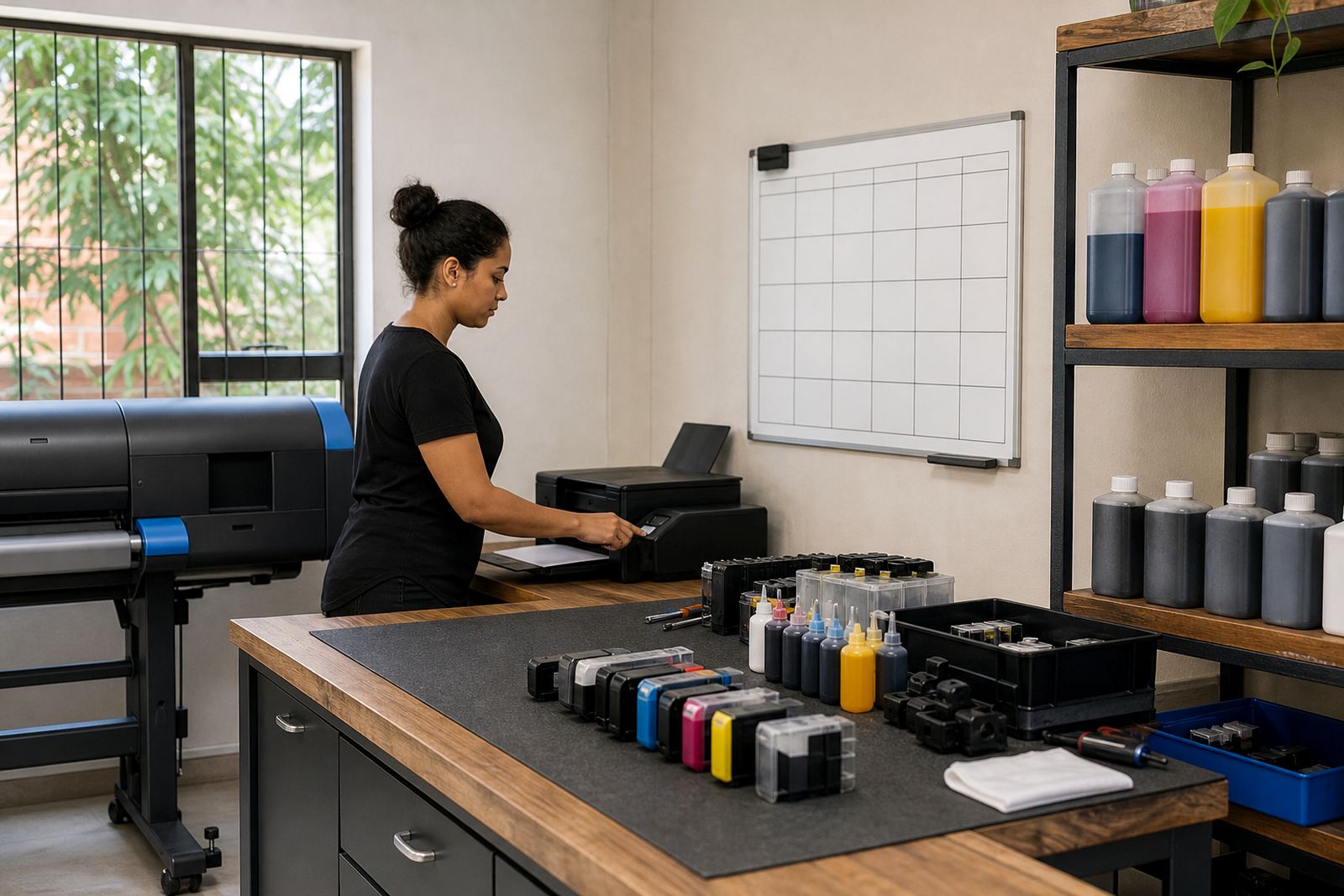
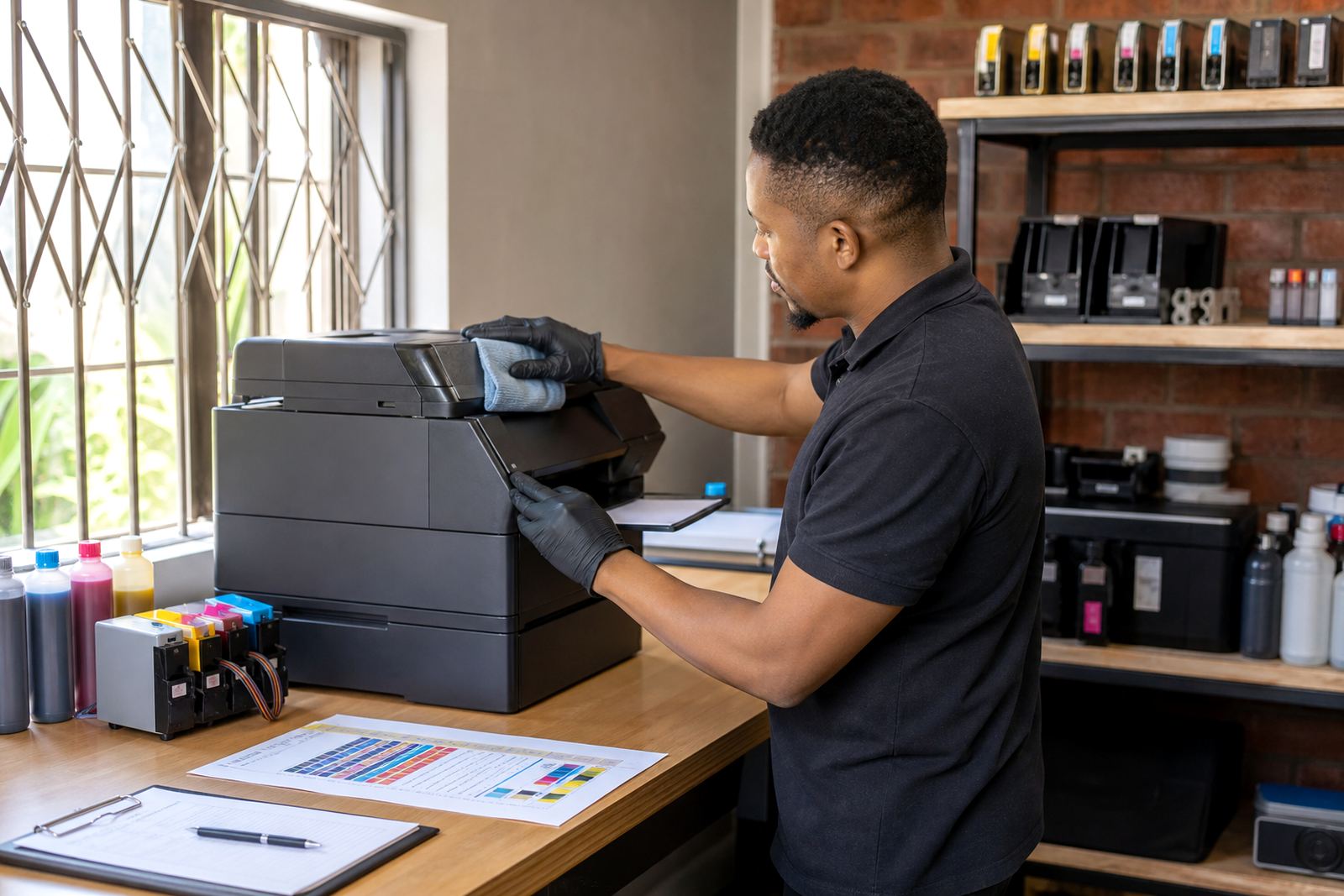
Refill systems work best when the ink path stays tidy. Check that tubes are not kinked, cartridges are seated properly and there is no wet residue around seals or vents. A small leak left on a shelf, or a drip inside the machine, can spoil paper and pull dust into places you do not want it.
- Wipe spilled ink from the exterior before it spreads.
- Look for bubbles in tubing where a system uses external reservoirs.
- Check that caps, plugs and fill points are closed after top-up.
- Keep lids shut when the printer is not in use for long stretches.
If a cartridge has been refilled and the output looks weak, the issue may sit with air in the line, dried nozzles or the chip reading rather than the ink itself.
Match ink type to the work on the tray
Not every page needs the same ink behaviour. Dye ink usually gives bright colour and smooth shading for flyers, proofs and office graphics. Pigment ink is often preferred where sharper text, stronger water resistance and longer image stability matter more. Wide-format rooms that print posters or presentation boards need to keep that difference clear, because mixing the wrong ink type with a machine’s normal workflow can change the finish in a way you only notice after a full run.
A daily routine works better when the team knows which machine carries which ink. Label the unit, note the refill type and keep the usual paper stock close by so operators are not guessing when the phones start ringing and the queue grows.
Watch colour balance before a full run
Colour drift is easier to catch early than after thirty copies. Compare the test print with the previous day’s sheet, then check whether cyan, magenta, yellow or black has shifted. If a design studio is sending proof files across Durban, Pietermaritzburg or Johannesburg, even a small tint change can throw off a client sign-off and waste good paper.
- Compare today’s test with a saved sample from a clean print.
- Check solid fills for banding, fading or uneven edges.
- Use the same paper type for comparisons where possible.
- Make a note if a shift appears after a refill or cartridge swap.
For colour work, the goal is not perfection on every page, but a steady baseline that tells you when something has moved.
Give chips and counters a proper glance
Some refill systems and refurbished cartridges depend on chip readings to track levels or accept a refill. If a cartridge is full but still showing empty, the machine may need a reset tool or a fresh recognition cycle. That should be handled carefully, because forcing the issue can confuse the unit and leave you with a printer that looks ready but refuses the next job.
Keep a simple note of which cartridge was reset, when it was refilled and whether the print quality changed afterwards. That record helps in busy rooms where more than one operator uses the same machine and nobody wants to start from memory at 7am.
Empty cartridges deserve a place in the routine
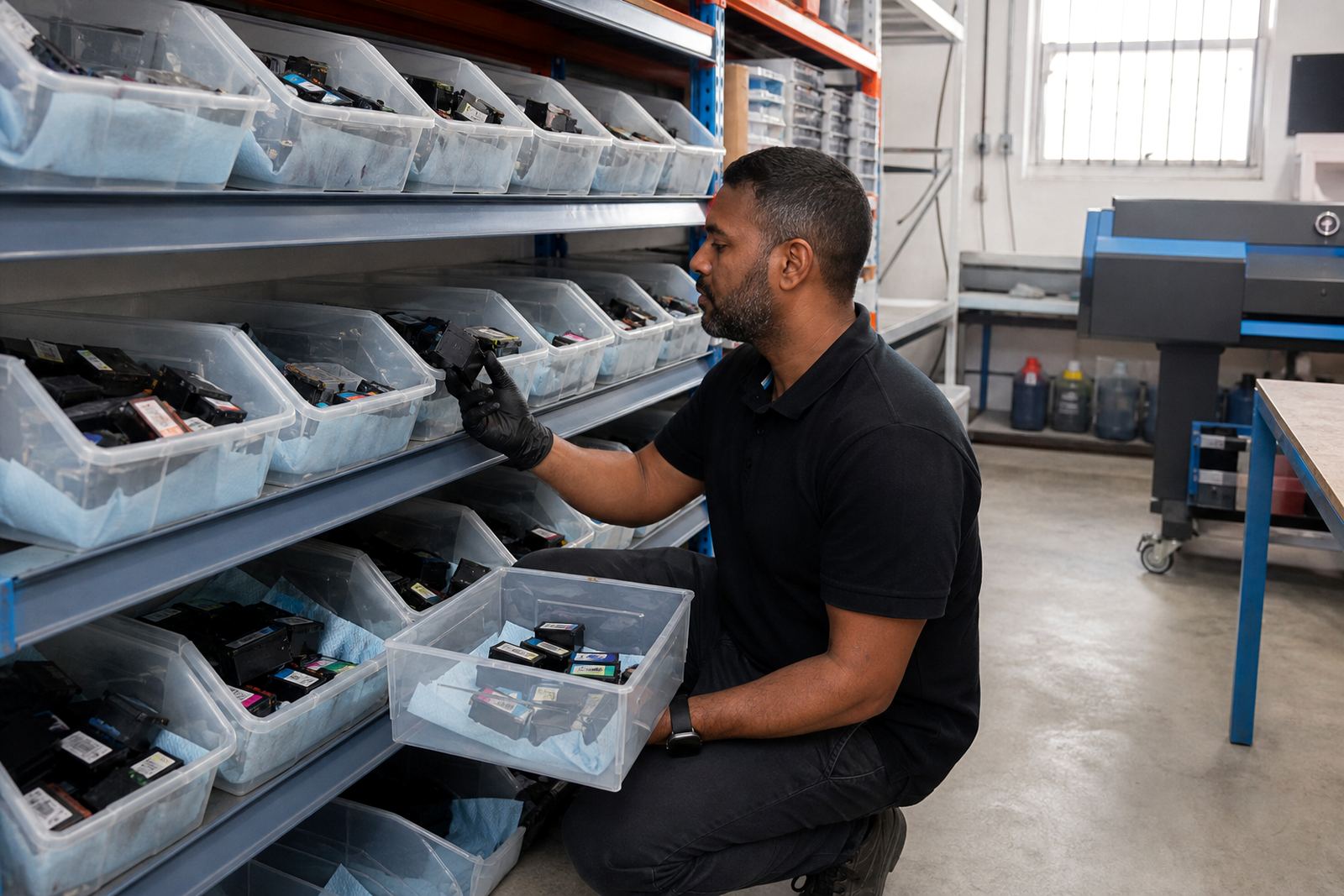
Used empties should not pile up in a corner until they leak or get lost. Set aside a container for returns, keep the lids or plugs with the correct units and sort them by type if you run more than one printer model. Recycling empties is cleaner for the workshop and easier for the team that handles the refill cycle later.
In a Westville office near the coast, a neat return box also keeps ink residue off drawers, cables and paper stacks. It sounds small, but small messes spread fast in a room where printing is part of the day, not an occasional task.
A plain routine for a Durban studio day
A local example helps. A small design studio in Westville may print proofs, client notes and short poster runs through the day. The morning nozzle check catches one faded channel. Midday the operator notices a slight colour shift on a logo proof and pauses before the whole batch goes out. By late afternoon the empty cartridge box is sorted, the refill note is updated and the next day starts from a cleaner place.
That kind of routine does not need drama. It needs repeatable checks, a steady eye and a team that knows when a page is telling them something useful.
- Run a quick test before the first heavy job.
- Keep refill notes beside the printer, not in memory.
- Sort empties before the tray overflows.
- Watch for drift after refill, cleaning or long idle periods.