Read the cartridge before it starts fading on paper
The first clue is not always an empty status bar. A cartridge can still show ink on screen while output turns pale, stripes appear, or one colour starts dropping out on solid fills.
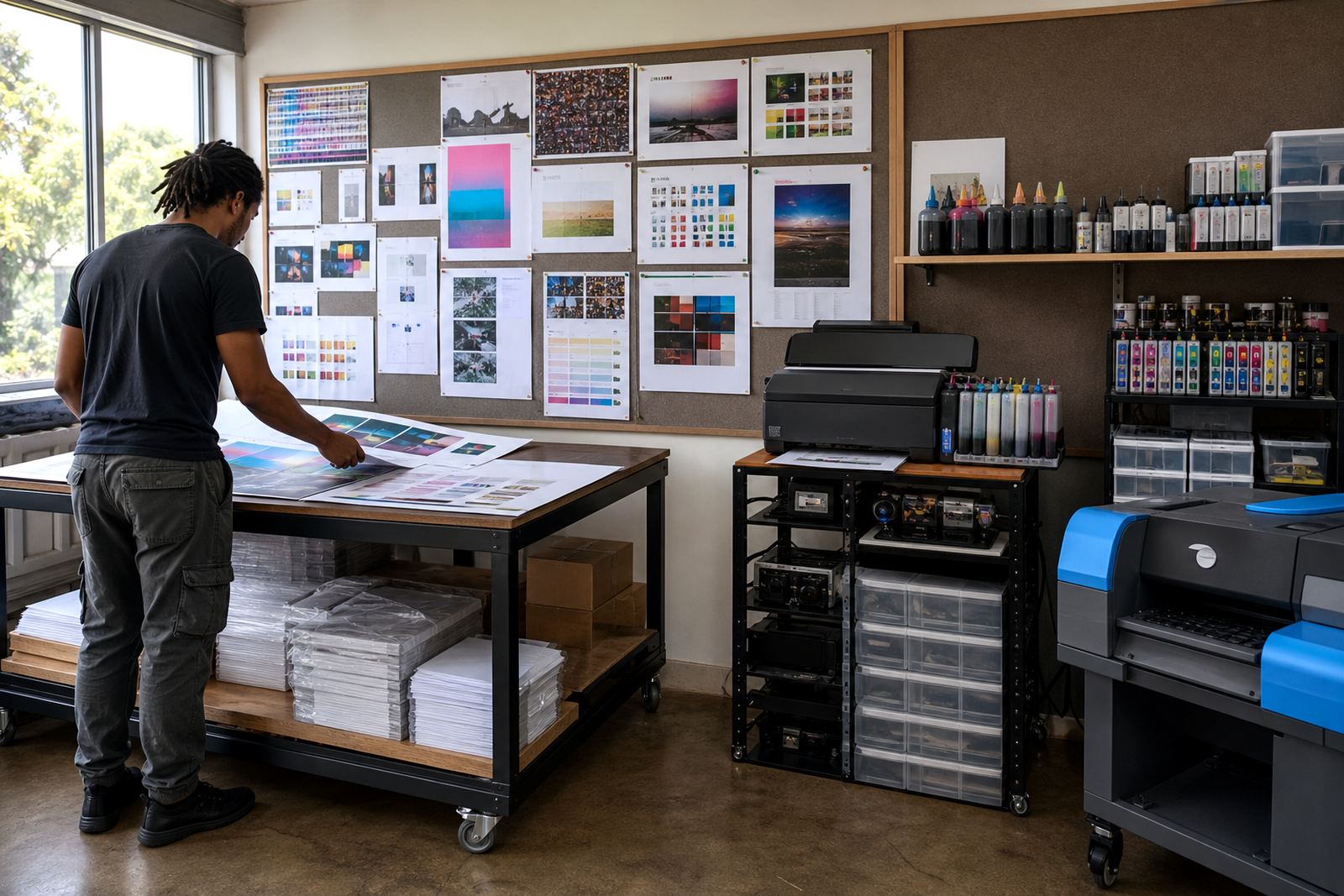
Keep a few printed samples on file for the machines you use most. A clean test page gives you a real comparison when a colour begins to drift, and it makes the next refill decision less guessy.
Set a weekly count that fits the way you print
Stock tracking works better when it follows use, not habit. A busy studio in Westville may go through black ink steadily, while a small office in Pietermaritzburg might only need colour cartridges after reports, scans and occasional slides.
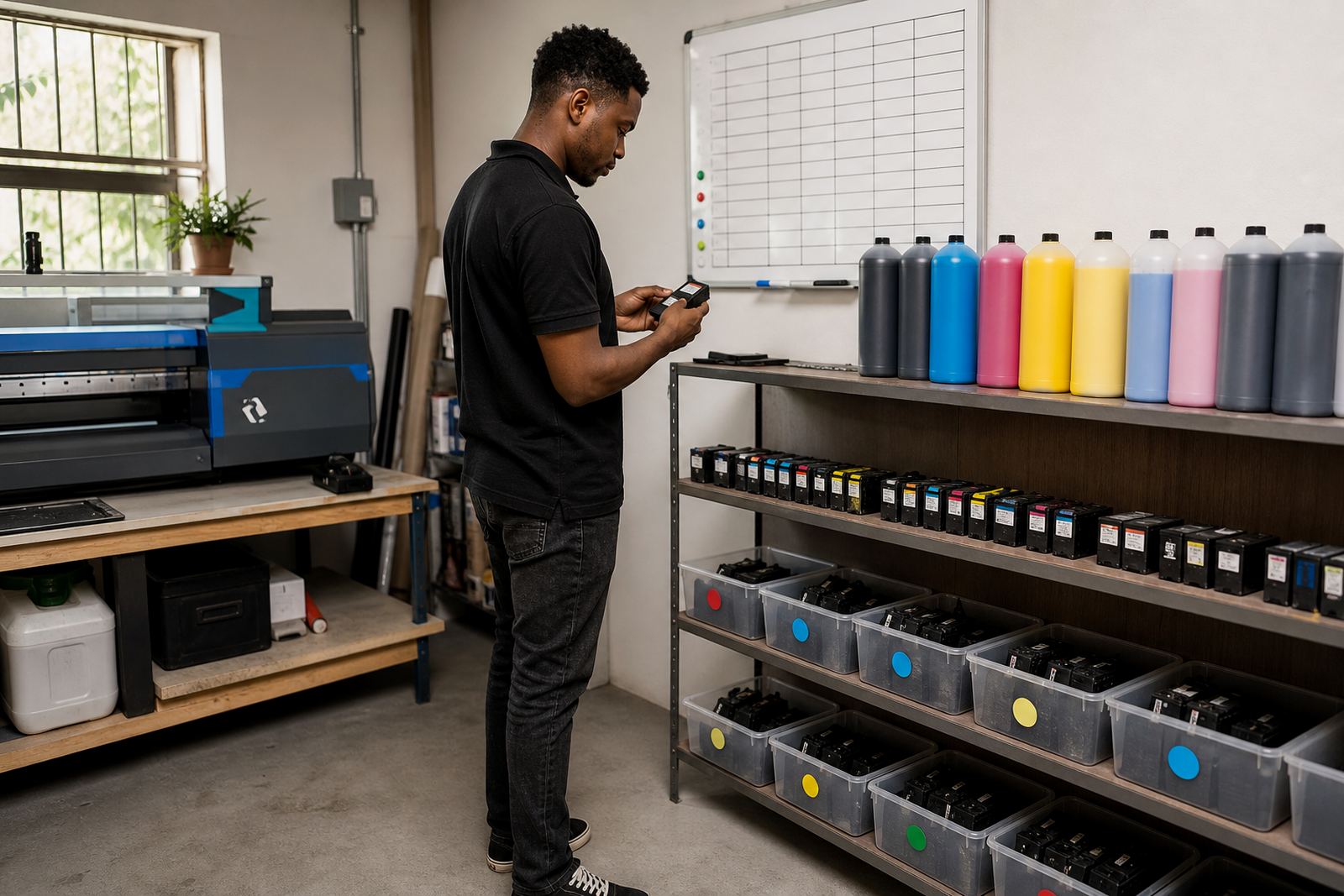
- Note each printer model and the cartridges it takes
- Record the date each cartridge was fitted or refilled
- Mark the page count or job volume where output starts to fade
- Keep a small reserve for the colours you use most
That record does not need fancy software. A spreadsheet or even a paper log near the printer can show patterns after a few weeks, especially where the same machines handle the same work.
Watch the jobs that use ink faster than the rest
Some work drains stock much quicker than casual printing. Wide-format plans, presentation boards, artwork proofs and repeated logo layouts can use more ink in a day than an office uses in a week. Dye ink and pigment ink also behave differently, so the type of work matters.
Pigment ink is often preferred where sharper text and stronger handling are needed, while dye ink is commonly used for bright colour work. The right choice depends on the printer, the media and how the output will be used. A printer that handles both plain paper and coated stock may also need different monitoring habits for each job type.
Keep refill timing close to the actual print run
Refilling too late can pull air into the system and put extra stress on the printhead. Refilling too early fills shelves with stock that sits for months, especially when a team buys based on panic instead of usage.
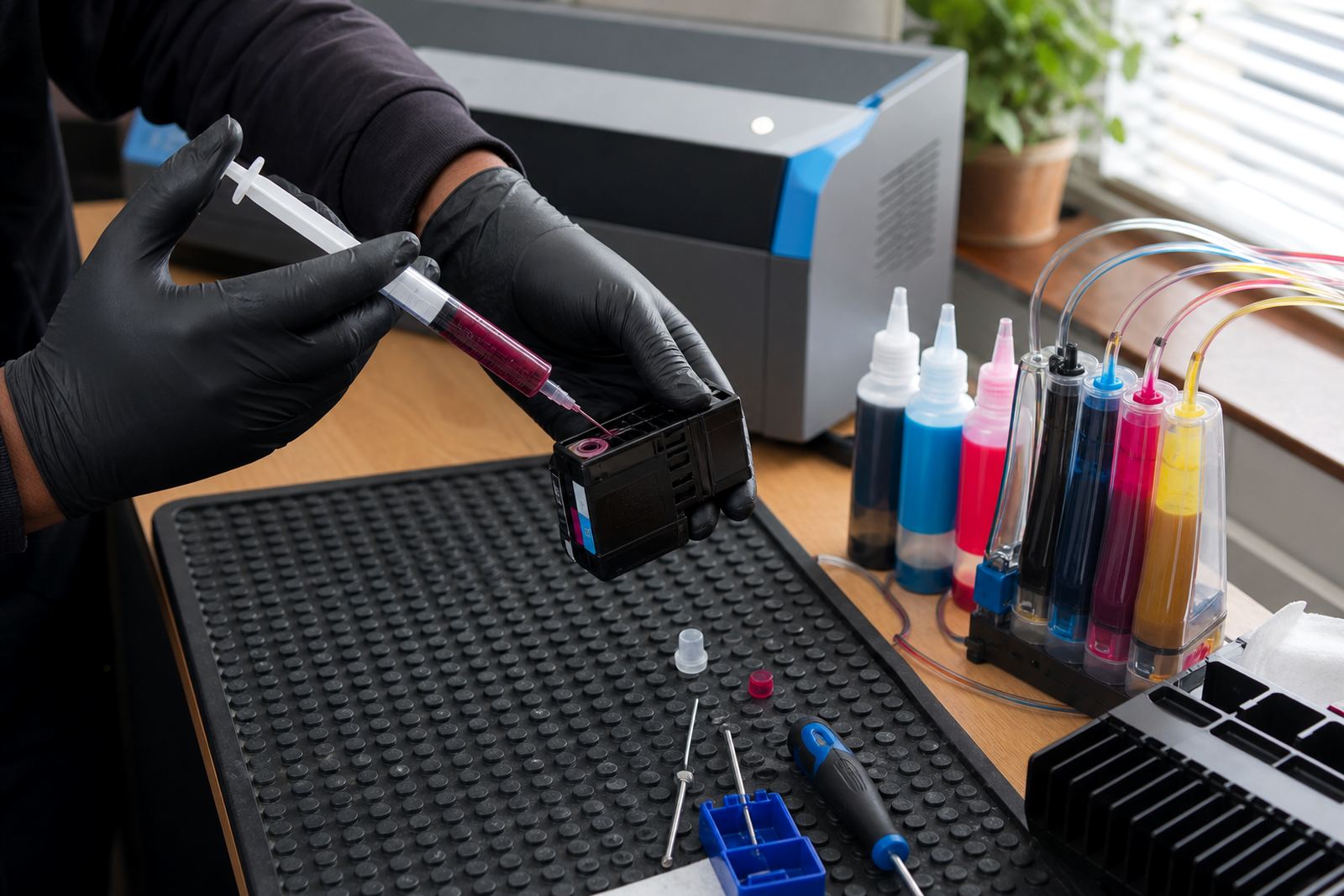
A better approach is to refill when the cartridge or tank reaches a planned low point, then keep one spare set for the next run. That works well for continuous ink supply systems too, where the level in the external tanks can be checked before the reservoir gets too low.
- Top up before a major job starts
- Check tank levels after long print runs
- Replace or clean components that show leaks or air gaps
- Keep spare empties ready for the return programme
Small checks that save a bigger repair later
Nozzle checks, colour balance checks and a quick look at the cartridge contacts can catch a problem early. A blocked nozzle may look like a low-ink issue, while a chip fault can make a full cartridge read as empty. Chip resetters are useful in general terms on some systems, but they must match the cartridge type and be handled with care.
Dust, dried ink and rough handling are common causes of trouble. If a cartridge has been stored in a hot room or a humid coastal office, the seals and vents need extra attention before it goes back into service.
A Durban example with mixed printers and mixed habits
An office in Westville may use one mono laser printer for forms, then a colour ink system for brochures and internal visuals. The first machine may need less frequent attention, while the second machine can eat through colour cartridges far quicker than staff expect. When the team checks usage each Friday, the refill pattern becomes clear and the buying list gets smaller.
That same sort of routine helps branches in Hillcrest, Ballito and Durban central keep stock tidy without filling cupboards with the wrong cartridges. For remote teams in Johannesburg or Cape Town, courier delivery works best when the order list is based on real consumption, not on guesswork from last month.
Empty cartridges still have a place in the cycle
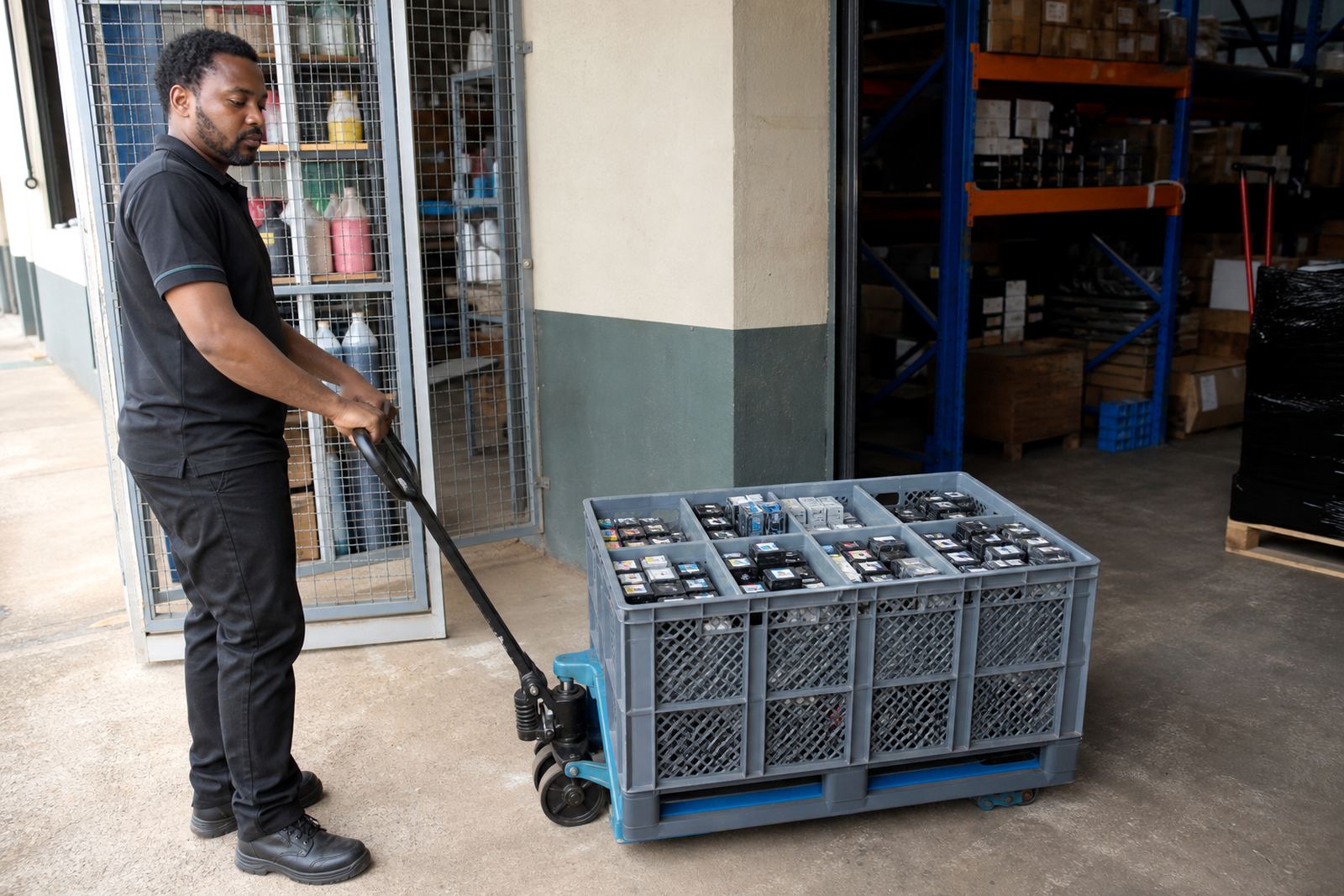
Empty cartridges should not be treated as dead stock. They can often be returned through a recycling or recovery programme, and that keeps plastic and leftover ink out of the bin. It also makes the next refill cycle easier, because the team knows which empties are usable and which ones need to be retired.
Label the empties by model, store them upright, and keep the print openings covered where possible. A tidy return pile makes stock planning cleaner and helps the accounts side match what was used, what was returned and what still needs to be ordered.
Build a refill rhythm that suits the month
The best stock plan is plain enough for everyone to follow. One person records usage, one person checks the shelf level, and one person places the refill order before the last set runs out. That approach suits offices, design studios and print shops alike, because it matches the pace of the work instead of forcing a rigid buying cycle.
In practice, tracking ink levels is about reading the signs early. Fading print, repeated nozzle cleaning and a cartridge shelf that looks thinner than usual are all clues. Once those signs are written down, it becomes much easier to keep the machines supplied and the budget under control.