Paper finish changes the whole read
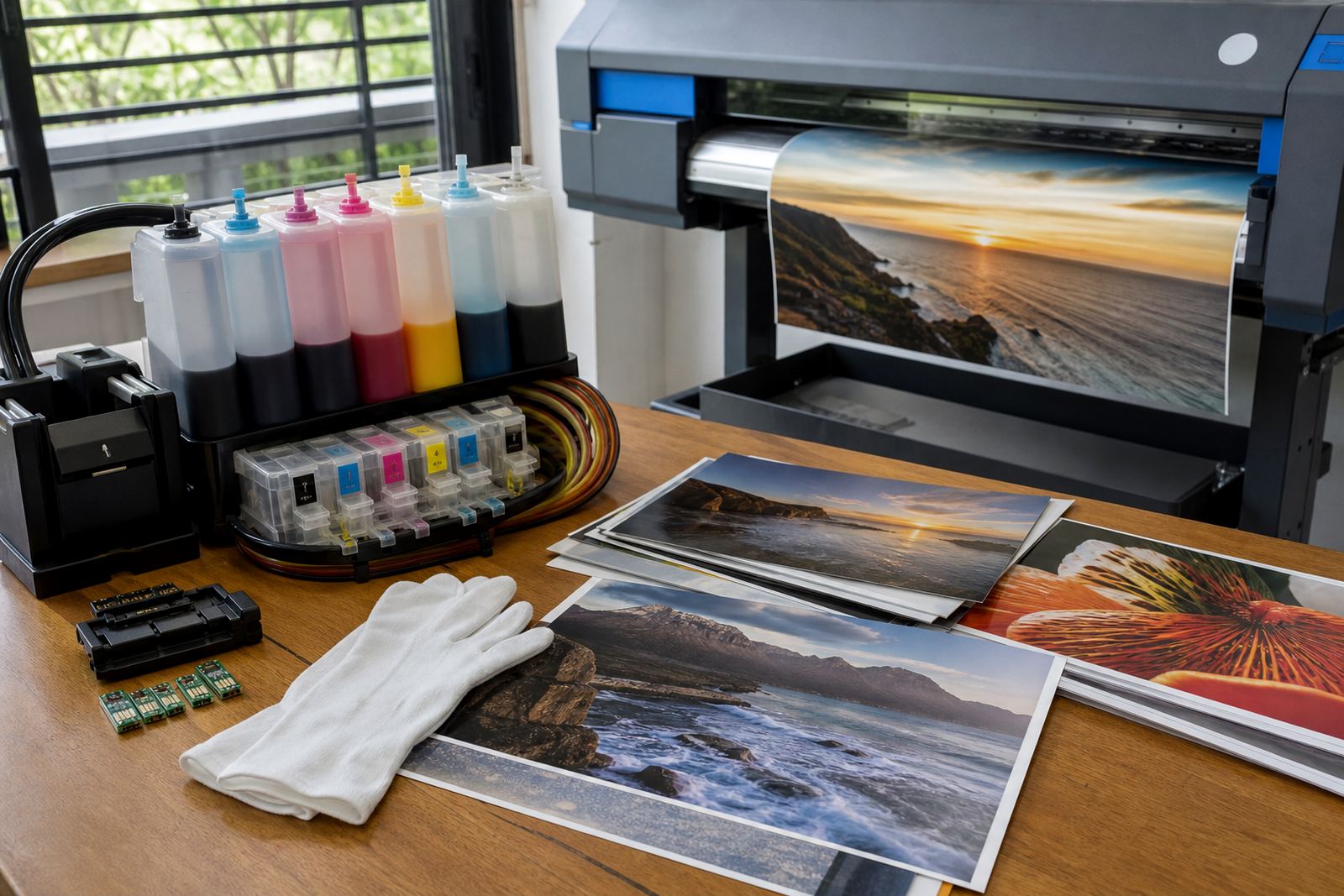
Gloss, satin and matte papers all take ink differently. A glossy sheet can hold richer blacks and brighter colour, but it also shows banding, fingerprints and roller marks more easily. Matte paper softens glare and suits fine art work, yet dark areas may need extra care to stop them looking flat.
When a studio in Westville is printing product shots or exhibition pieces, the paper choice should match the final use, not just the image on screen. A paper that looks rich in a proof may not hold the same depth once it is framed behind glass or viewed under strong indoor lighting.
- Match the paper to the final display, not only the printer profile.
- Allow enough drying time before stacking or trimming sheets.
- Handle glossy sheets with clean hands, marks show fast.
Refill systems need clean ink discipline
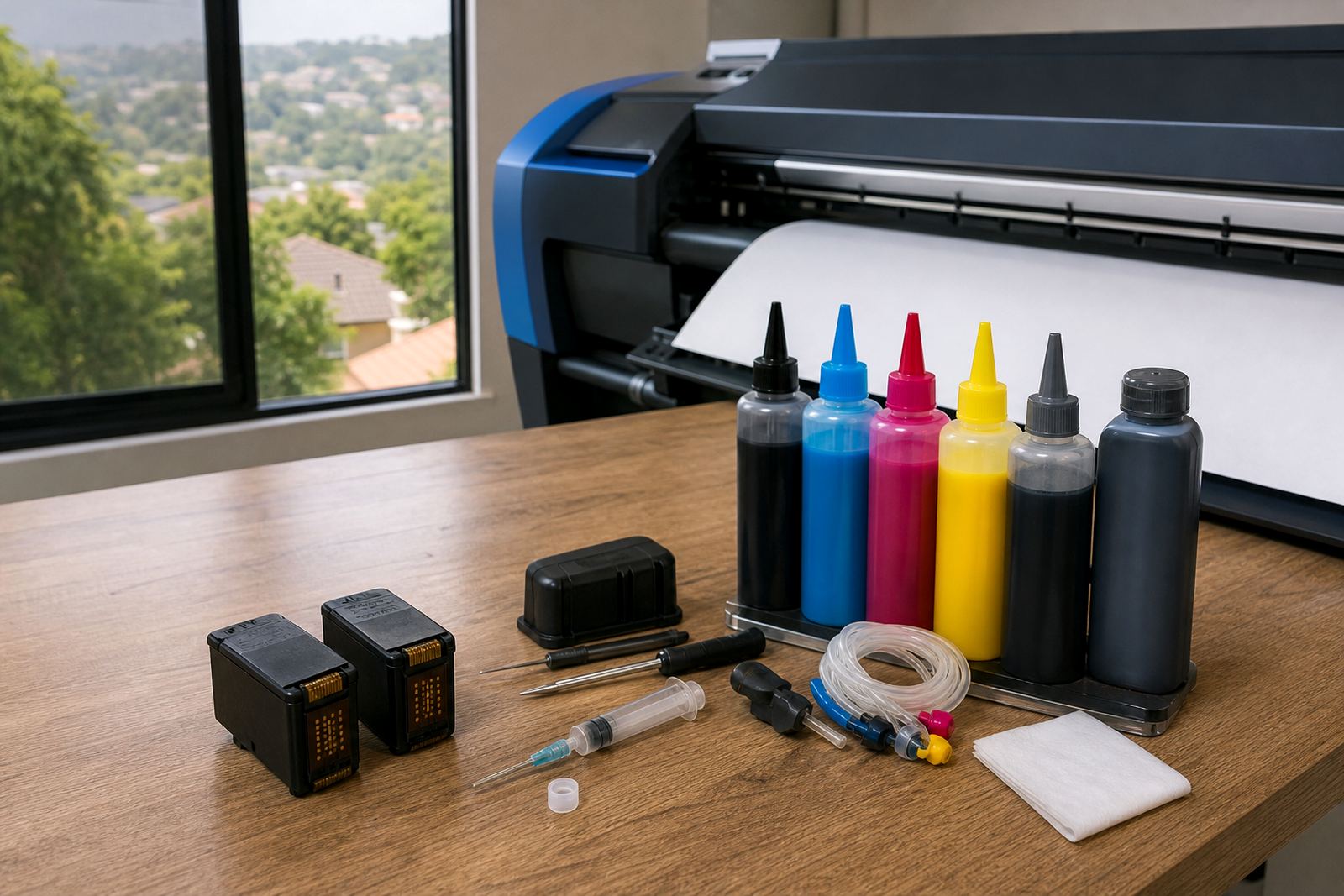
Bulk ink systems and refill kits can lower running costs, but they ask for tidy habits. Mixing dye and pigment ink in the same path can cloud the result, and the wrong ink in a printhead may leave poor line work or clogged nozzles. Keep each ink path clear and labelled, especially where multiple people use the same machine.
For image-rich work, pigment ink can be the better pick on some papers because it often gives better water resistance and steadier dark tones. Dye ink can give strong colour and smooth gradients on coated stock. The choice depends on the paper, the printer model and the finish you want on the page.
- Use one ink type per machine and do not mix bottles.
- Keep refill bottles capped and stored upright.
- Check that the refill port and tubing stay free of dust.
Nozzle checks tell the truth early
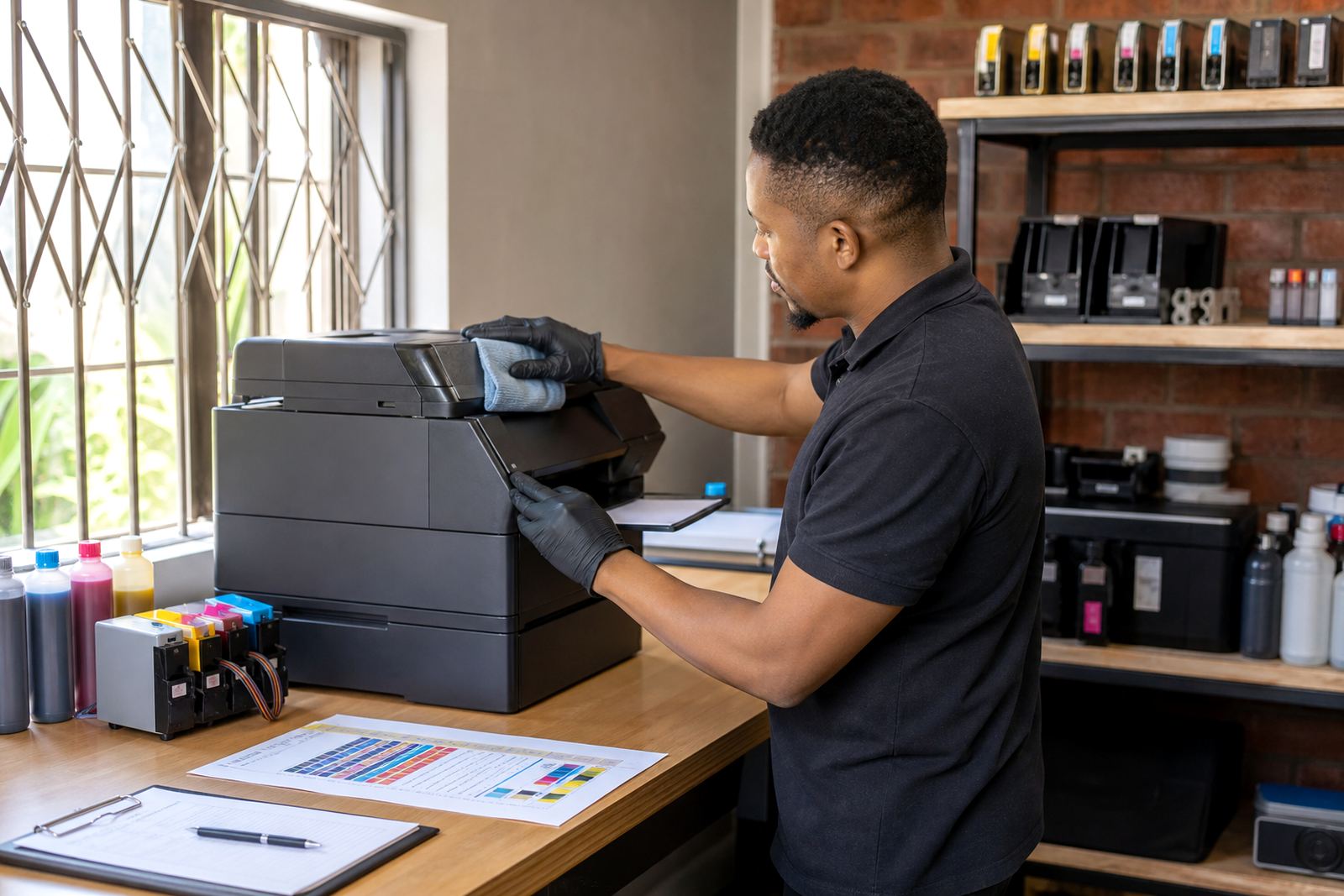
A clean image depends on every nozzle firing in line. One blocked channel can turn a sky patchy or leave skin tones with a green cast. A nozzle check takes little effort, yet it often spots trouble before a long print run wastes paper and ink.
In Durban coastal humidity, dust and damp air can sit differently on equipment than in a dry office inland. That does not mean the system is fragile, only that regular checks matter. A printhead care routine, with light cleaning rather than heavy flushing, usually protects the head better than waiting for a full blockage.
- Run a nozzle check before photo work or proofing.
- Compare the test pattern with the last clean result.
- Use gentle cleaning first, then print another check.
Colour balance is where small faults show
Photo output lives or dies on colour balance. If cyan drifts low, blue shadows can turn dull. If magenta is weak, faces lose warmth. A slightly off black channel can leave greys with a brown or green note that only shows once the print is on a wall.
For studios in Johannesburg or Pretoria, the practical fix is not guesswork. Keep a reference print, use the same paper batch where possible, and test a small strip after any refill, head clean or chip reset. The aim is not perfection in theory, just a repeatable result that holds across a job.
Some teams keep a basic reference sheet for skin tones, dark neutrals and saturated reds. That sheet makes it easier to spot when the machine has moved away from the last good setting.
Chip resets, cartridge handling and empty returns
Many refill systems need chip resetters or chip management in general terms so the printer reads the cartridge correctly. That part should be treated as part of the routine, not a trick. If the chip is not seated well, or the cartridge is not filled cleanly, the machine can misread ink levels and interrupt a long print run.
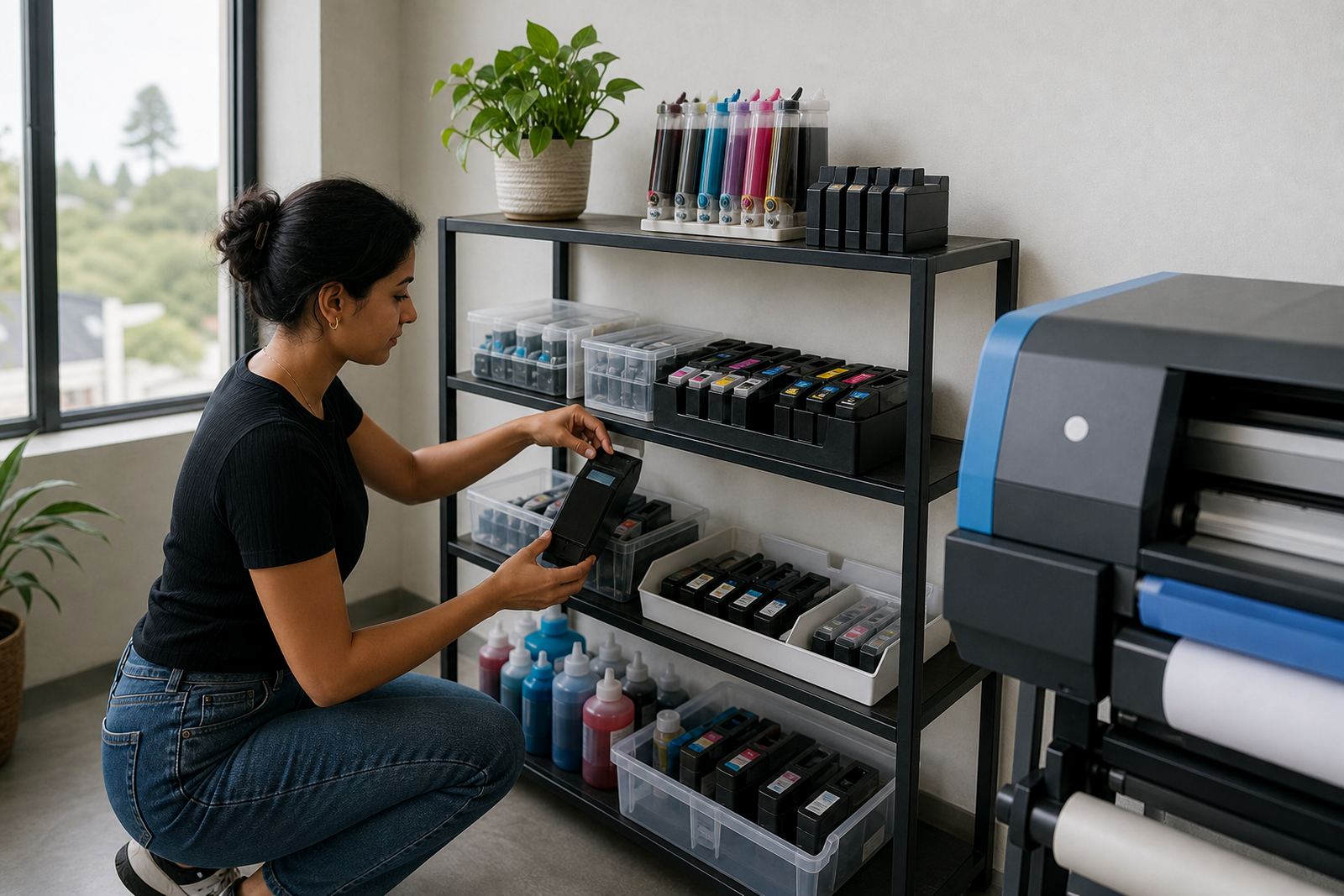
Empty cartridges are worth keeping in circulation where the body is still serviceable. A good return programme reduces waste and keeps usable shells out of the bin. For offices and print shops that use a steady volume, storing empties by model makes the refill process neater and cuts confusion at the bench.
- Keep empty cartridges sorted by model and ink colour.
- Wipe away spills before re-inserting a cartridge.
- Check chip seating and cartridge latch alignment carefully.
Wide-format work asks for steadier planning
Large photo prints behave differently from A4 proofs. A banner or poster carries colour over a longer run, so a small shift in ink flow can show more clearly across the full sheet. Wide-format print shops need to watch ink supply levels, head condition and paper feed together, not one at a time.
In a Ballito or Hillcrest studio doing mounted images, the practical pressure is often timing. The print may look fine on a short sample and then show a faint band halfway through a longer job. Stock planning helps here, because an almost empty tank or an old cartridge can produce a job that looks good at the start and weak at the end.
Where staff rotate between design, output and packing, operator training keeps the setup consistent. A simple routine around checks, top-ups and test strips can save paper and keep colour steadier across a batch.
A Durban example with real-world trade-offs
A small design studio in Westville handled menus, framed photos and product sheets for clients across Durban. They were using refill systems to keep the running cost lower, but their image prints started showing soft banding in dark areas and a slight shift in grey backgrounds. The issue was not one single fault. It was a mix of paper choice, a nearly empty cartridge and a skipped nozzle check before the run.
After separating photo work from everyday office printing, labelling the ink set and using a quicker pre-print routine, the output settled down. The studio also kept the empties for return and stopped mixing loose cartridges in one drawer. Small changes, yes, but the prints looked tighter and the waste dropped too.
For image work, refill systems can be a solid fit if the team treats them as part of the print process. The ink matters, the paper matters, and the checks in between matter just as much.