Clear the last print jobs before the shutters go down
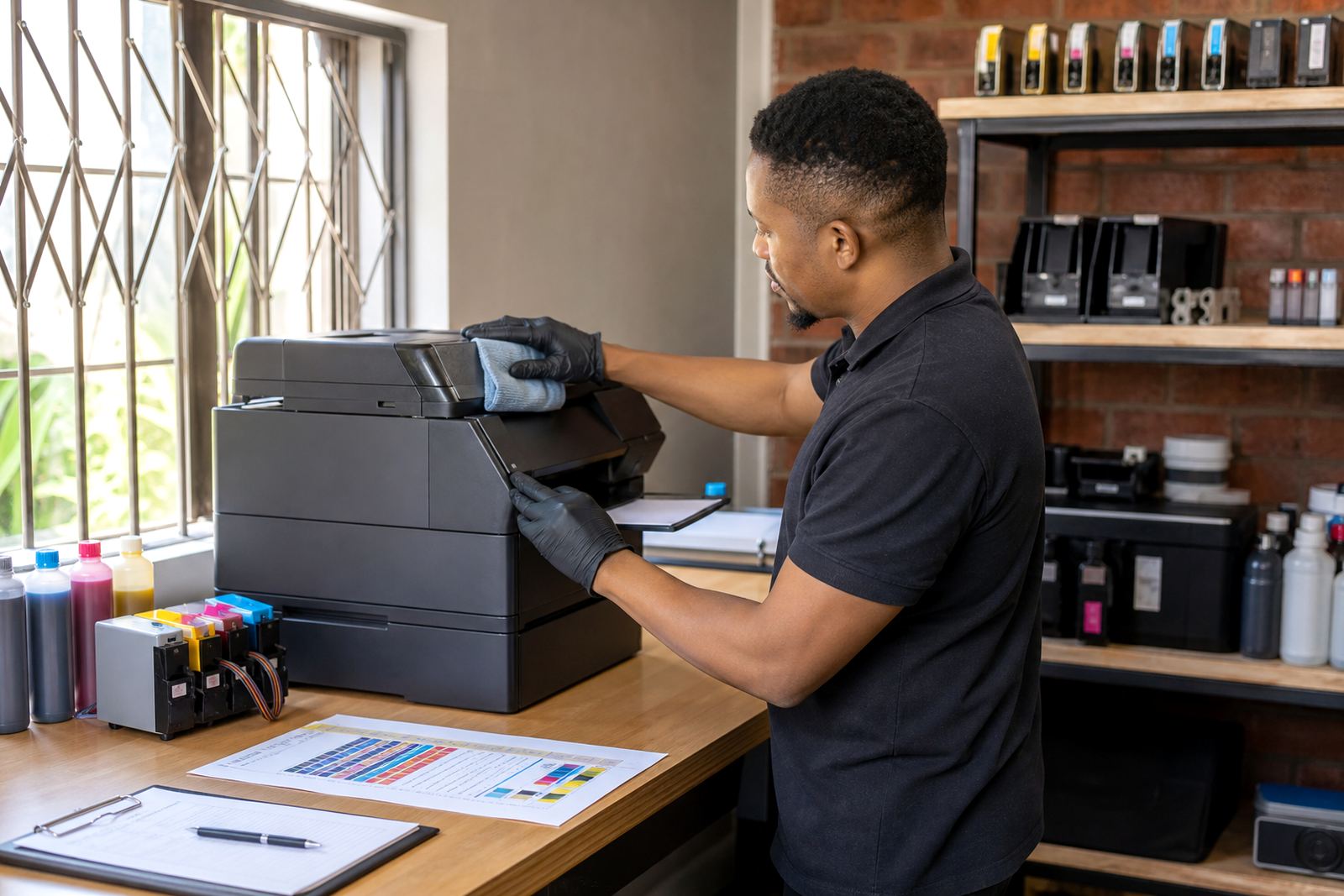
Before a holiday break, finish any urgent colour work, labels, proofs or wide-format runs while the machine is still in regular use. Do a nozzle check and print a small test page so you can spot faint channels, missing lines or colour drift while there is still time to correct it. If a machine is already showing blocked nozzles, leaving it untouched for two weeks can make the problem harder to shift after the break.
For offices in Westville or a print room in Durban north, that last check matters more in warm, humid weather. Ink sits differently in the cartridge and in the head when the machine is left idle, and that is when drying starts to show itself.
- Print a nozzle check and keep the result with the machine
- Note any banding, faded colours or missing channels
- Use the same paper type you usually run for final checks
- Leave time to clean heads lightly if the test is uneven
Store cartridges and tanks in the right posture
Refurbished cartridges and refill systems need proper storage when they are not printing for a while. Keep cartridges upright where possible and avoid leaving them in direct sun, near a window or beside a hot server cupboard. If a cartridge has been removed for any reason, seal it well so the nozzles do not dry out. For bulk ink systems, make sure the ink levels are stable and the lines are not kinked, then place the printer where it will not be bumped during office cleaning or move around.
On a wide-format table in Cape Town or a small design studio in Pietermaritzburg, the practical issue is usually not the holiday itself, it is the machine sitting untouched in the wrong position. A little movement, heat or dust can turn into a restart problem later.
- Keep cartridges sealed and upright
- Do not leave tanks where sunlight can warm them
- Check that tubes sit flat and are not twisted
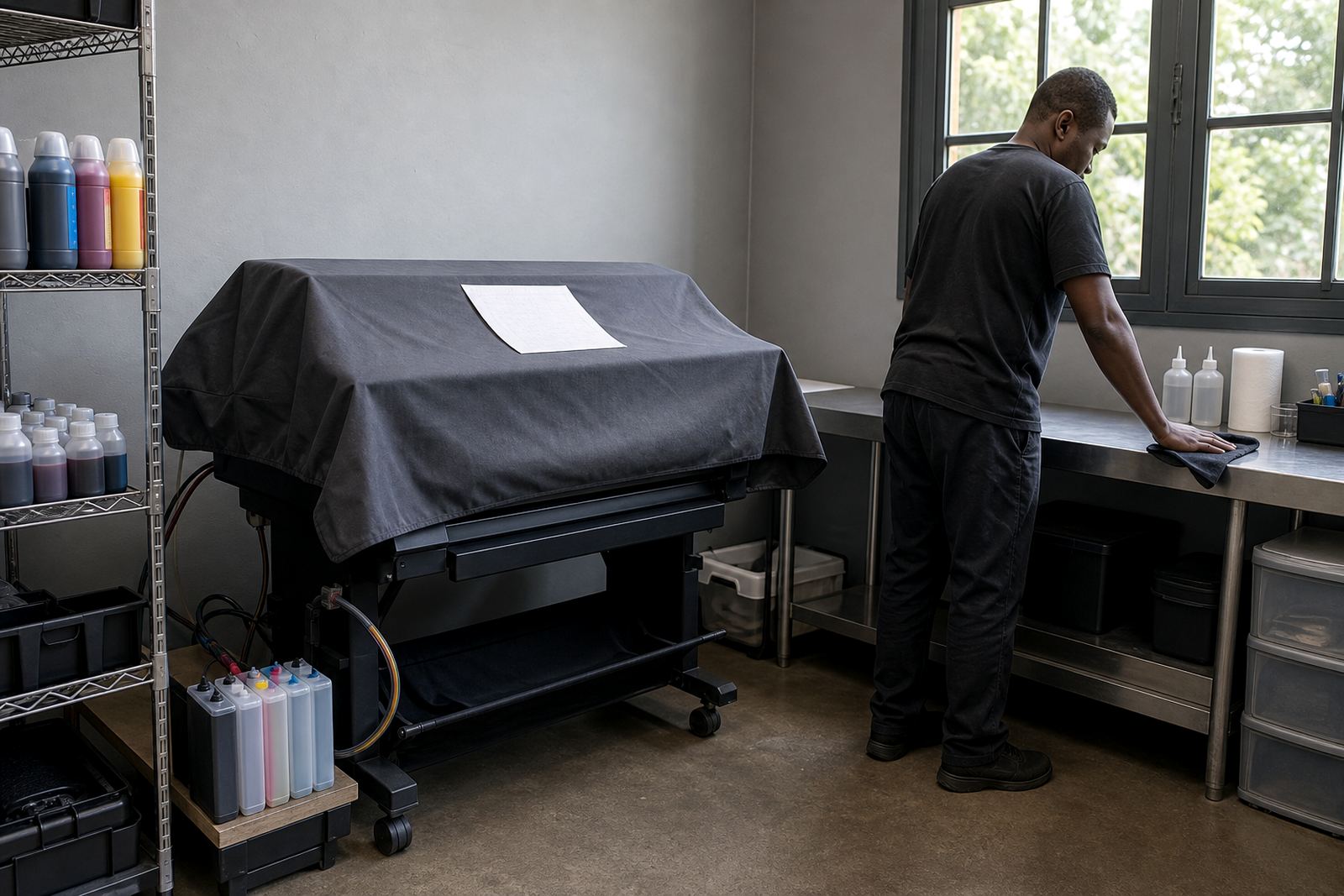
- Close the printer cover to cut dust entry
Choose the right ink type before you fill or top up
Not every ink behaves the same way. Dye ink is often used for sharper indoor colour and smooth blends, while pigment ink is valued for better resistance on many office and proofing jobs. Mixing the wrong type in the wrong place can affect colour tone, drying behaviour and nozzle health. If you run a bulk ink setup, use the ink type that suits the machine and the paper you use most often.
For studios handling layout proofs in Johannesburg or a small team printing invoices in Pretoria, this choice affects how the printer restarts after a break. A mismatch may not show immediately, but it can leave staining, weak blacks or uneven magenta once the machine gets busy again.
- Match ink type to the machine and the work you print
- Keep dye and pigment inks separate
- Label refill bottles clearly
- Do not top up with an unknown leftover bottle
Treat empty cartridges as useful material, not waste
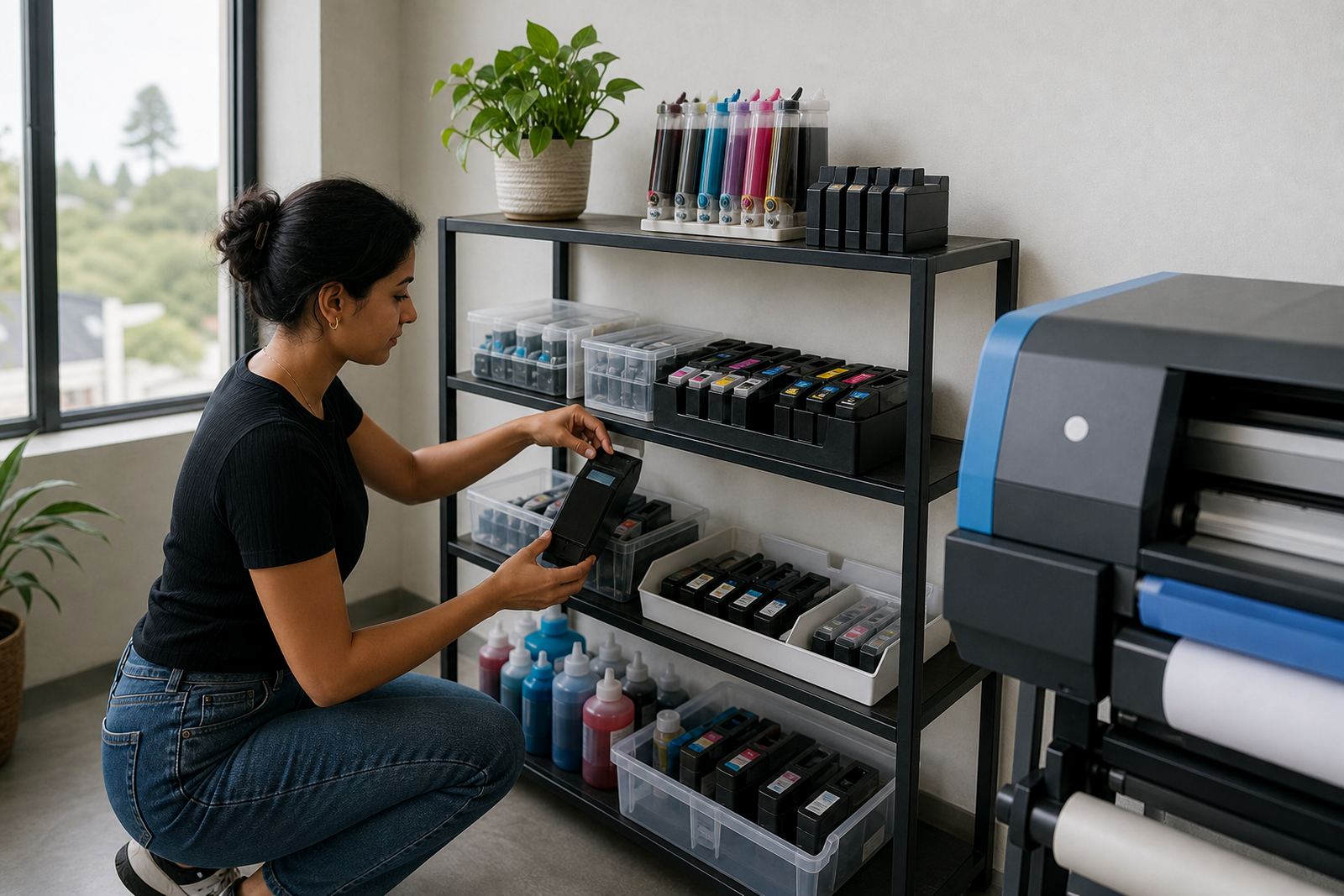
Empty cartridges should not just be thrown into a bin beside the counter or packing table. Many can be collected for recycling or return programmes, and that helps keep plastic and residual ink out of general waste. It also makes stock control easier when January arrives and the office is full again. Sorting the empties before shutdown is a small task, but it clears the workspace and keeps the refill bench easier to manage.
In Ballito, Hillcrest or around central Durban, we often see emptied cartridges packed loose in drawers, then forgotten. By the time printing resumes, nobody remembers which ones were serviceable and which ones were past recovery.
- Separate empties from working stock
- Keep used cartridges in a clean box or tray
- Do not mix leaking units with dry empties
- Record which sizes and models were used most often
Leave the machine ready for a cleaner restart
Before locking up, run the printer through a sensible shutdown routine. That may include parking the carriage correctly, leaving ink caps in place where relevant, and making sure no cleaning cycle is left half-finished. If the printer uses chip resetters or refill accessories, store those with the matching stock so nobody wastes time hunting for parts after the break. Keep the paper path free of loose sheets and dust so the first restart does not pull debris into the rollers.
A print room in Westville can go quiet over the holidays, but it should not be left in a messy state. A clean finish makes the first workday back less awkward, especially when the team is juggling courier deliveries and fresh jobs at the same time.
- Park the carriage properly if the machine allows it
- Remove stray paper and label stock from the tray area
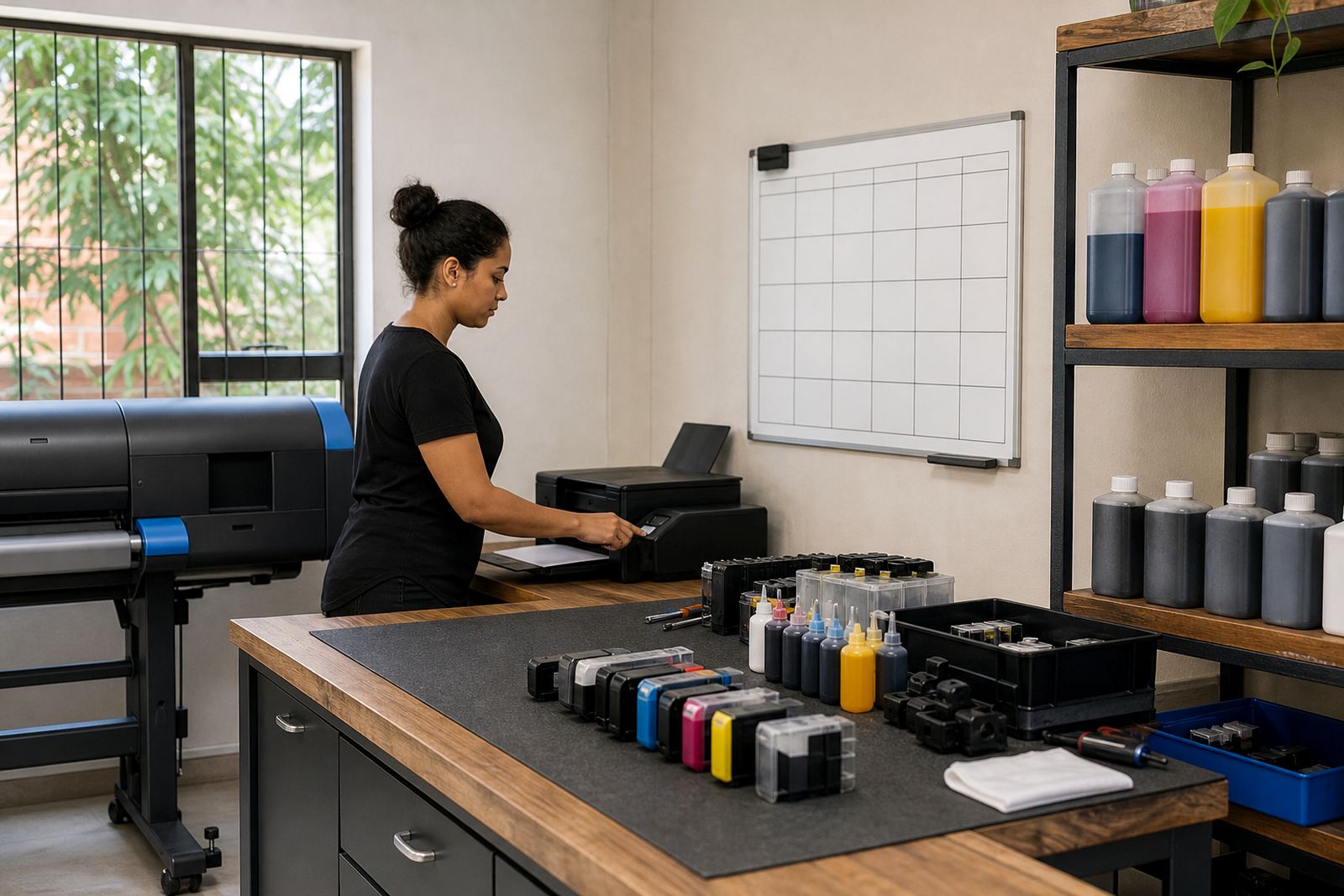
- Keep reset tools and refill items together
- Power down only after the printer is in a settled state
Plan the first test before the doors open again
When work starts up again, do not rush straight into a full print run. Begin with a nozzle check, then a small colour test and a plain black page. If there is streaking or a missing channel, deal with it before sending out client work. For offices and studios in Durban, Pietermaritzburg or Cape Town, that first test is often where the holiday downtime shows its effect, especially if the printer sat unused through heat and humidity.
Good restart planning is about having the right items on hand too. Keep spare cartridges, refill kits, cleaning cloths and the relevant paperwork together so the team can get back into a normal print routine without guesswork. It is a simple habit, but it saves a lot of frustration when the first order arrives and the machine is not yet settled.
- Start with a nozzle check before any client work
- Print a plain black page and a colour sample
- Keep spare ink and cleaning items together
- Watch for banding, weak blocks and colour shift