The sheet is part of the ink system
Most print problems blamed on cartridges start with the paper. A coated sheet holds ink near the surface, so text stays sharp and colour sits where it should. A cheaper copier sheet drinks the ink deeper into the fibres and the image can spread a little, especially on fine lines, logos and small type.
That matters in an office where invoices, tenders and presentation pages go out the door in a hurry. It matters just as much in a design studio, where a proof on the wrong stock can make a strong colour look flat. Even a good refurbished cartridge or a tidy bulk ink setup cannot force poor paper to behave like coated stock.
Paper weight, finish and absorbency all change the result. Glossy and satin papers often hold colour on top, while matte papers can soften edges but suit certain artwork and black text very well. In Durban the coastal humidity can also change how paper feels in the tray, so a sealed ream and a clean storage area help more than people think.
Drying time starts with absorbency
If ink sits on the surface for too long, pages can mark, smear or offset when stacked. If the sheet absorbs too quickly, the colour can sink in and lose punch. The right balance depends on the job, the ink type and the paper finish.
Refilled dye ink often gives bright colour on coated paper, while pigment ink is usually a better match for sharper text and documents that need more resistance to moisture and handling. That does not mean one is always better. It means the paper has to suit the ink, and the ink has to suit the use.
- Use coated paper for images, brochures and colour sheets that need clean detail.
- Use a decent office stock for internal documents, drafts and everyday black text.
- Keep glossy stock for the jobs that need stronger colour pop and smoother gradients.
- Let freshly printed sheets rest before stacking them too tightly.
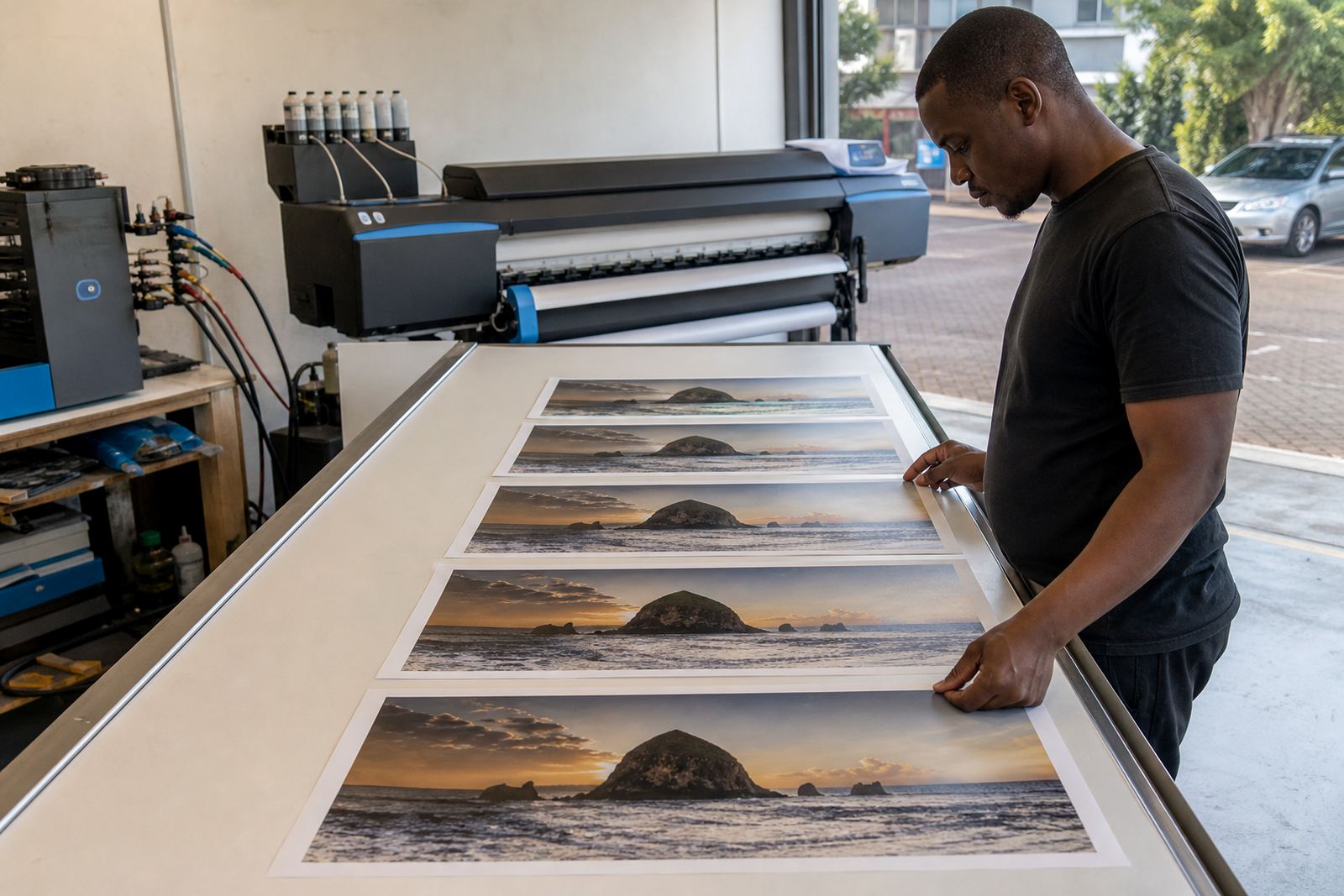
In a wide-format print shop, drying matters even more on longer runs. A banner panel or poster that leaves the machine looking fine can still need a little air time before trimming, laminating or packing.
Sharpness depends on fibres and coating
Sharpness is not only a printhead issue. Paper fibres can blur thin lines if the sheet is too open or too rough for the ink load. A more controlled coated surface usually gives a cleaner edge, while porous paper can leave letters looking slightly ragged at the corners.
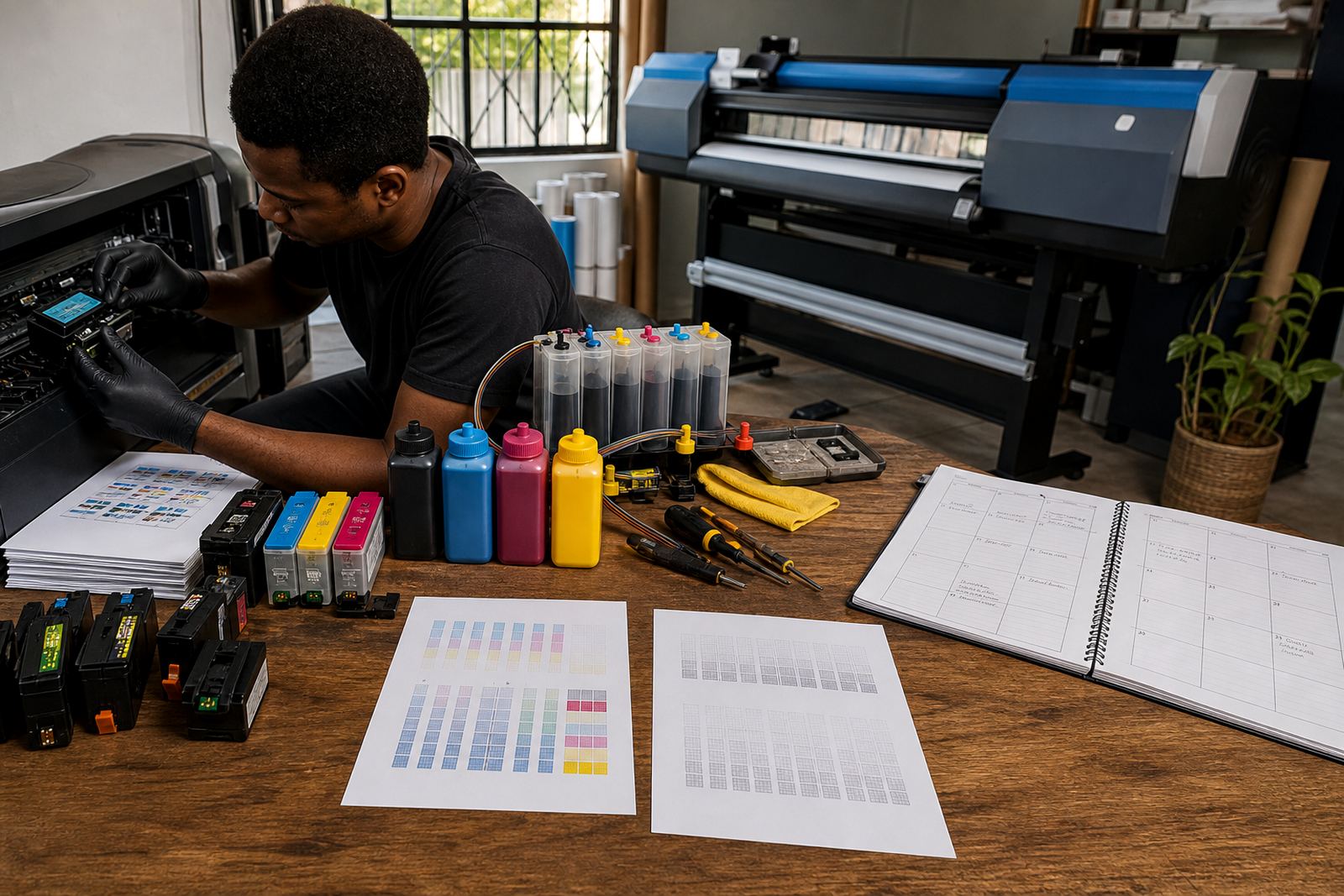
That is why nozzle check support and printhead care sit alongside paper advice. A clogged nozzle can make a good sheet look poor, but so can an over-absorbent stock. If a printer is healthy and the paper still looks soft, the paper may be the real problem.
For studios handling proofs or layout samples, it helps to keep a short note of which paper works with which device. One machine may handle a lighter satin stock nicely, while another gives better black text on a slightly heavier matte sheet. Small differences in make and feed path can show up in the finished page.
- Fine line work needs paper that keeps ink close to the surface.
- Small type reads better on stock that does not feather too much.
- Heavy colour blocks need a sheet that can carry ink without soaking too deep.
- Plain office paper is best for speed, not image fidelity.
Colour shifts when the paper changes
Paper does more than hold the ink. It changes how the eye reads the colour. A bright white sheet can make blues look cleaner and reds feel more vivid. A cream or warmer paper can soften contrast and give a different feel even when the file and cartridge stay the same.
For design work, that means proofing on the real final stock whenever possible. A flyer approved on one paper may look different after a switch to another sheet from the same tray, because the coating, brightness and texture all change the way light bounces back.
Bulk ink users need to watch this closely because ink choices matter too. Dye ink usually gives lively colour on coated sheets, while pigment ink can look calmer but more controlled on office paper and certain presentation stocks. It helps to test one page before a full run, especially when the job has brand colours that must stay steady across a set of prints.
A Westville job can turn on a paper swap
A small print studio in Westville may run a simple mix of invoices, mock-ups and client samples in the morning, then a batch of larger colour prints after lunch. If the office stock is used for everything, the sample pages can dry slowly and the colour may look a bit dull. Switching to a coated sheet for the presentation pages changes the result without touching the printer settings much.
The same kind of shift happens in Johannesburg and Cape Town when couriered stock arrives and the team uses whatever paper is closest to hand. Once the paper changes, the print outcome changes. That is why stock planning helps, especially for teams that rely on refurbished cartridges or refill systems and need to keep waste and running costs in check.
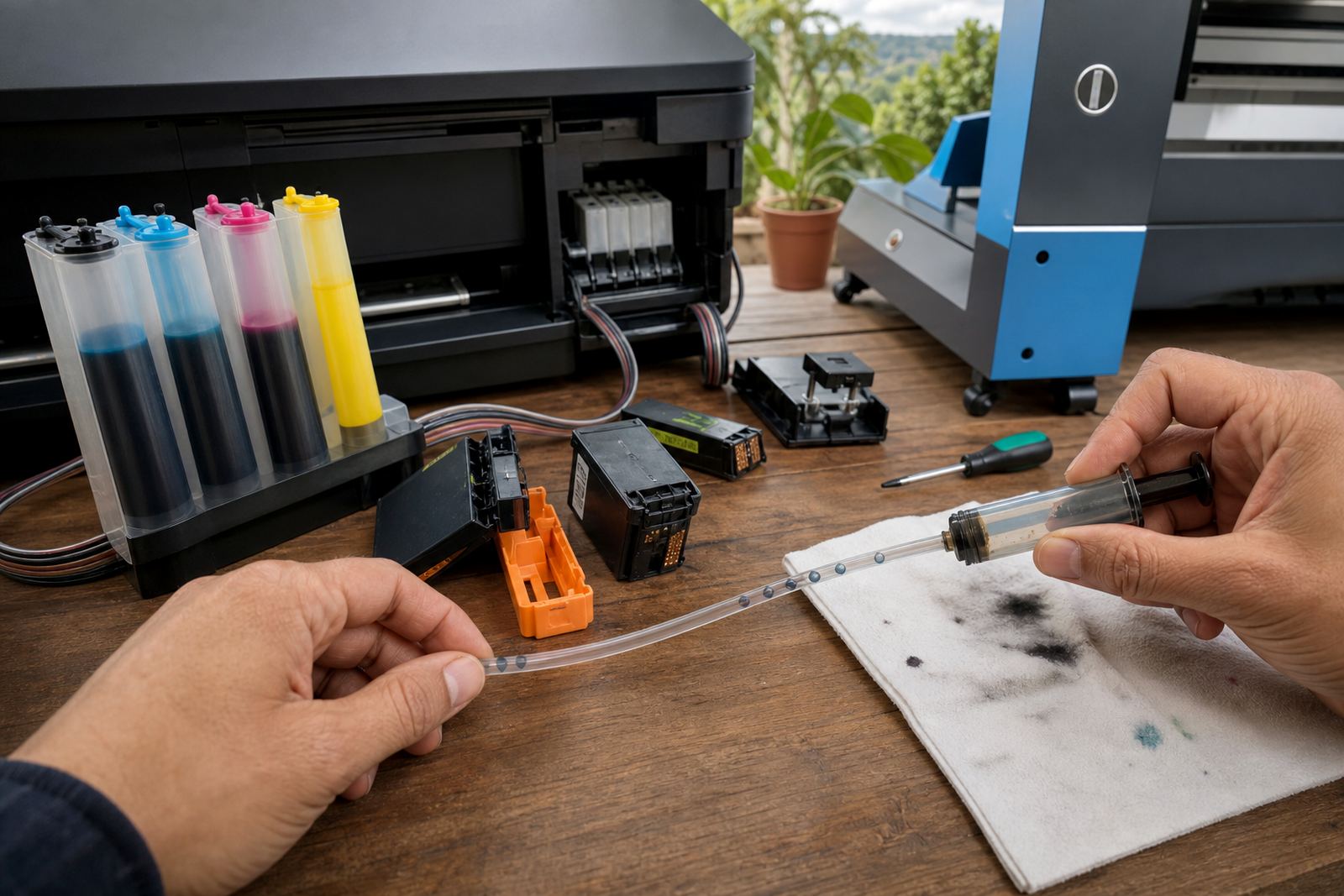
For long-term use, it also helps to keep empty cartridges and refill materials in a clean place. Dust and dried residue on the paper path can affect print quality too, especially when humidity has been high and the office has been busy.
A short paper routine that saves trouble
A few habits make paper and ink work better together. None of them are complicated, but they prevent a lot of patchy colour and wasted sheets.
- Store paper flat in a dry room and keep reams sealed until needed.
- Match coated stock with colour work that needs sharper edges.
- Use the right ink type for the job, not just the cheapest refill.
- Run a nozzle check before a long batch of prints.
- Keep an eye on paper dust in trays and feed rollers.
- Separate everyday office stock from presentation paper.
Where a chip resetter or refill kit is part of the setup, the paper should still be treated as part of the print workflow. Good ink on poor paper still gives poor output. Good paper with weak maintenance can also disappoint. The best results sit in the middle, where the paper, ink and printer settings all suit each other.
That is the practical side of paper and ink: not theory, just the small choices that decide whether a page looks ready for a client or looks like a draft.