What the printhead is doing inside the machine
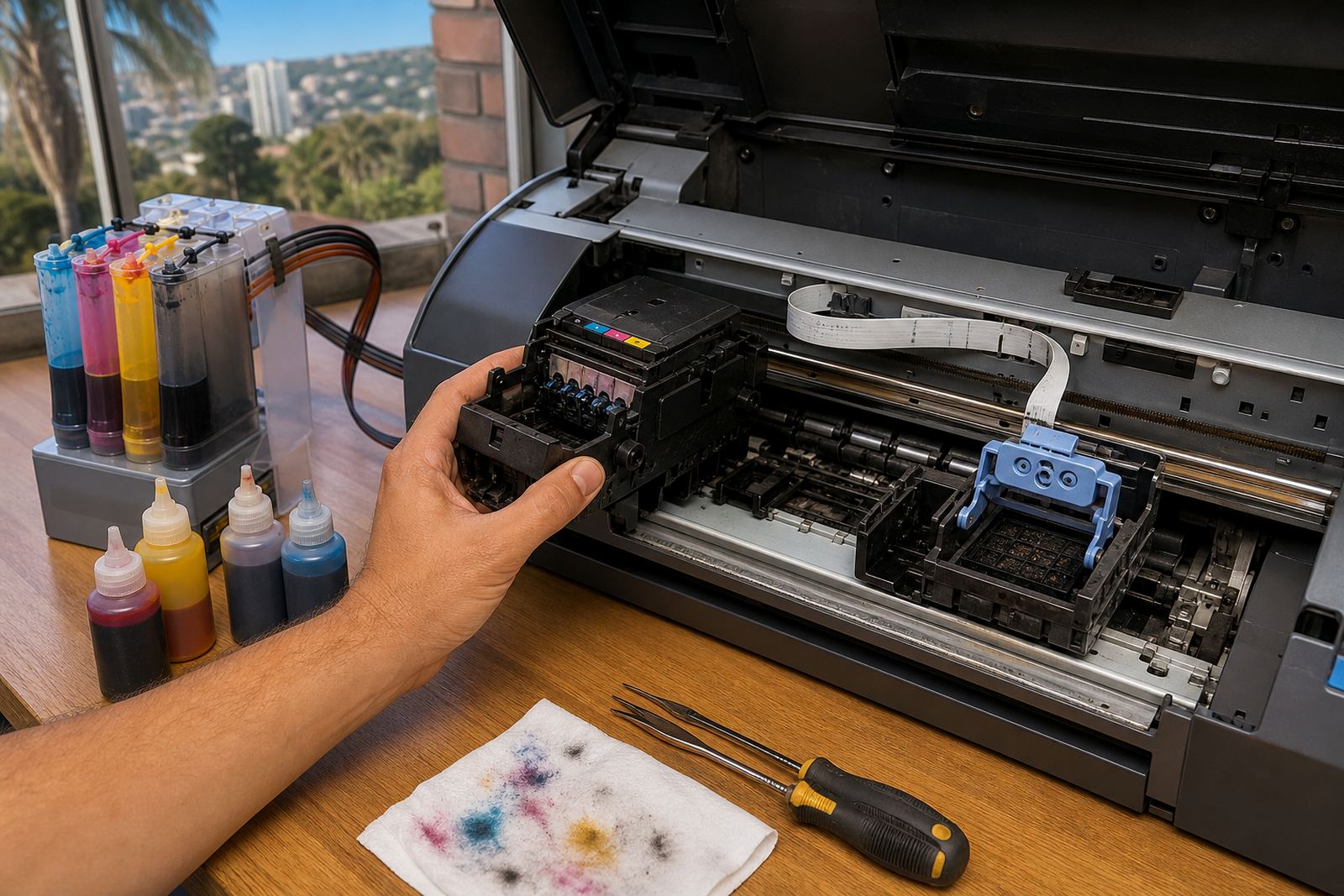
The printhead is the part that turns ink into tiny drops and places them where they need to land. In a cartridge printer the head may sit in the cartridge or in the machine itself, while larger systems often rely on a fixed head that feeds from tanks or cartridges. If the ink path is clean and the ink matches the machine, the result is steadier colour and fewer interruptions.
When people speak about printhead care, they are usually talking about flow. Ink must move evenly, without air bubbles, dried residue or mixed chemistries that can block nozzles. A head that is fed correctly can stay usable for a long time, but one hard clog can turn a normal run into a costly headache.
Why ink choice changes the way the head behaves
Dye and pigment inks behave differently, and that difference matters at the nozzle. Dye ink is often used where bright colour and smooth blends are needed, while pigment ink is chosen when sharper edges, water resistance or stronger outdoor handling are useful. The wrong type can change drying behaviour, density and how the head flushes after idle periods.
- Use the ink type meant for the machine and the work.
- Keep pigment inks stirred and sealed properly, not shaken hard.
- Avoid mixing leftovers from different cartridges or bottles.
- Store open bottles away from heat, dust and direct sun.
In Durban’s humid weather, open containers and loose caps can cause trouble faster than many people expect. Moisture, dust and long idle periods all make it easier for residue to build up in the path from tank to nozzle.
The signs that a head needs attention
A printhead rarely fails without warning. More often, the first sign is a faded band, a broken line in a test pattern, or colour that shifts from one page to the next. On wide-format equipment, a missing channel can show up as streaks across a poster or uneven solid blocks.
- Gaps in nozzle checks
- Banding across text or images
- One colour printing lighter than the others
- Repeated cleaning cycles without steady improvement
- Ink pooling around the cartridge seat or tubing path
Some faults are simple, like a blocked nozzle or trapped air. Others point to a cartridge that is not seating properly, a chip that needs resetting in general terms, or a refill system that needs a careful check for leaks and air ingress.
Refurbished cartridges and refill systems in real use
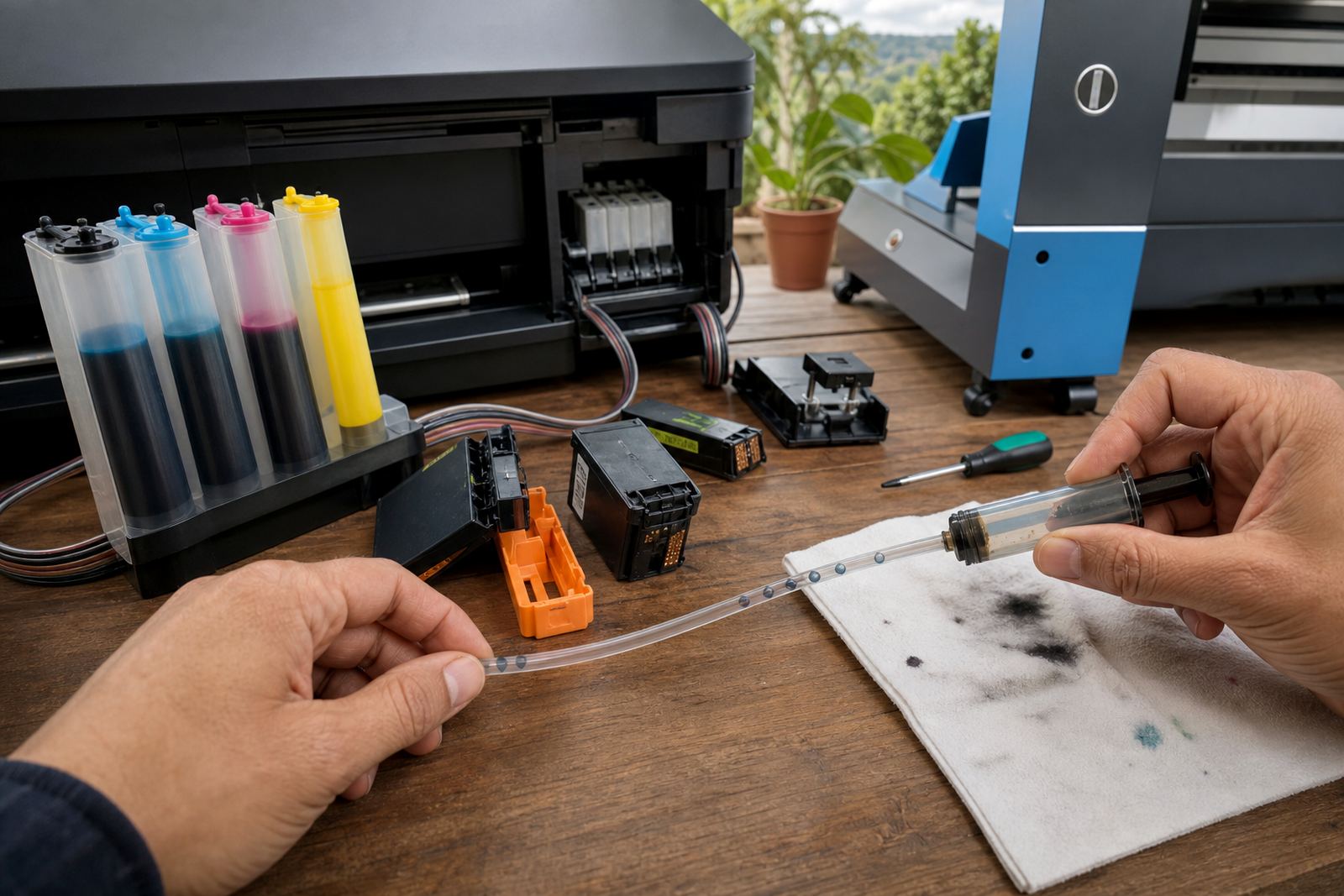
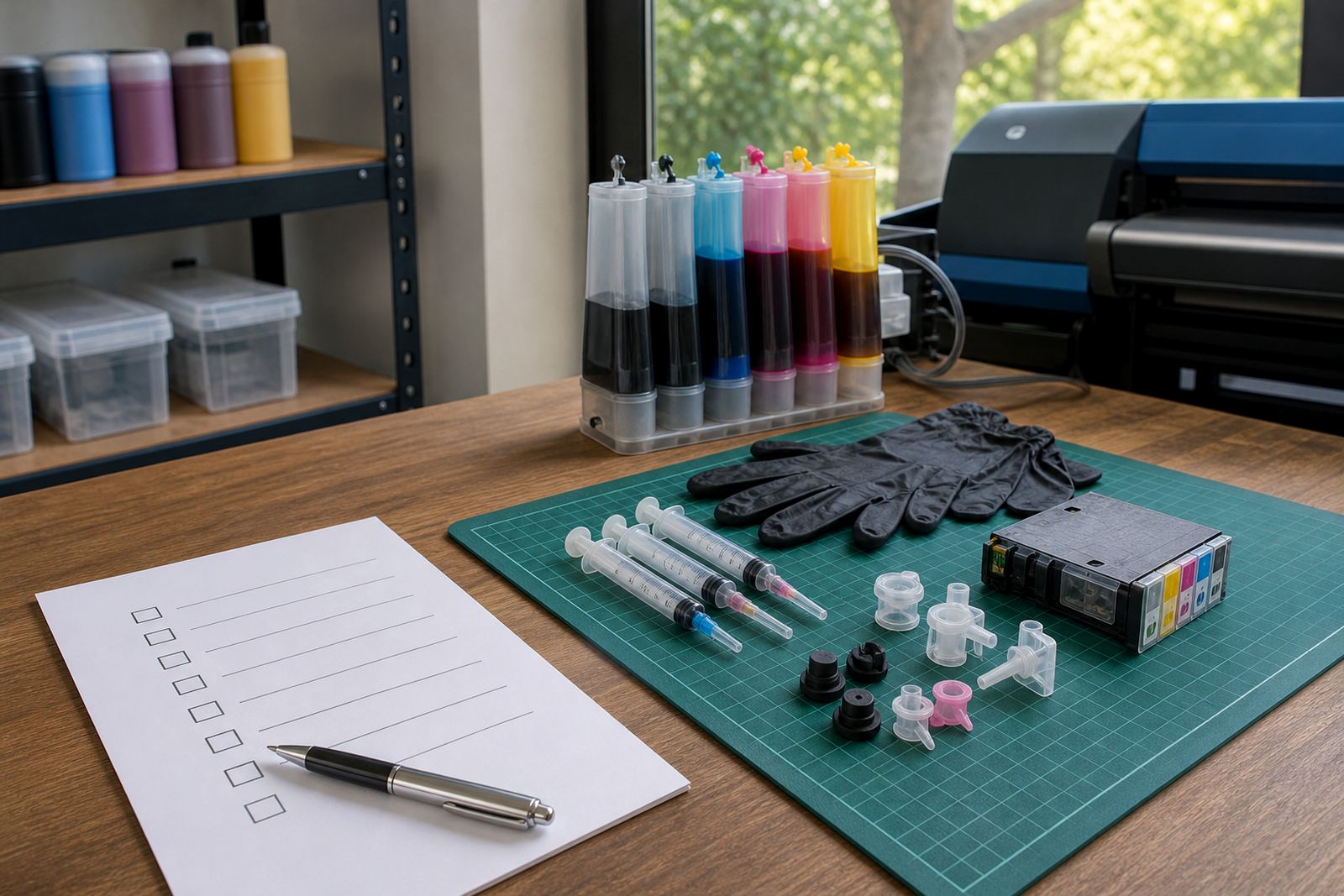
Refurbished cartridges can be a sound choice when they are cleaned, tested and filled correctly. They help reduce waste because the shell is used again instead of being thrown out after one cycle. Bulk ink systems and refill kits take that further by giving a printer a steady supply from external bottles or reservoirs, which can suit offices that print in volume.
That setup needs sensible handling. The refill points must close properly, tubes should not kink, and the machine needs the right priming and alignment steps after servicing. If the printer sits unused for too long, the ink can dry at the nozzle plate and the first test page may need a few careful checks before it is ready.
A Westville office job that shows the pattern
A small accounts team in Westville might print invoices all week, then leave the machine idle over a long weekend. When they return, the first pages can show pale magenta or a missing black line. In that case, the issue is not always the cartridge itself. It may be a nozzle that dried slightly, air in the line, or a refill chamber that was filled too high.
On a careful check, the team would look at the test pattern first, then review the cartridge fit, ink level and whether the machine has been sitting in a warm room near a window. The fix may be as small as a proper nozzle clean or as involved as a refill reset and leak check. Small steps matter, because a rushed top-up can leave a head starved or flooded.
- Check the test page before changing parts.
- Confirm the cartridge is seated squarely.
- Look for wet ink around the seal points.
- Match the ink type to the print job and machine.
Practical habits that protect the head
Good printhead care is mostly about routine. Print often enough that ink keeps moving, seal bottles tightly after use, and avoid leaving cartridges open while the printer is switched off. Keep the machine on a stable surface, because vibration and rough handling can disturb the ink path and the contacts.
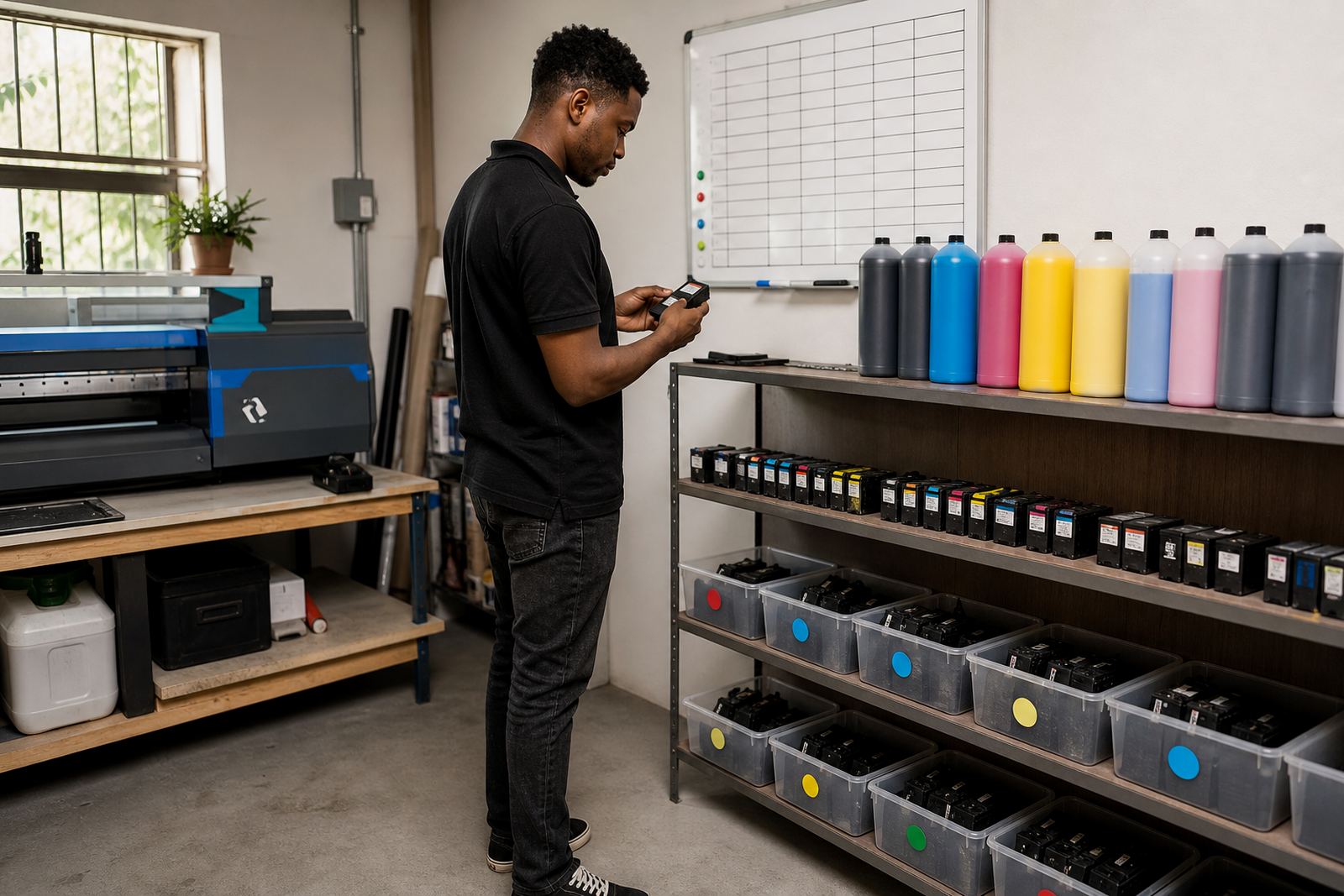
For larger studios and print shops, stock planning helps too. If a black cartridge, refill bottle or chip resetter is left until the last minute, staff tend to improvise and that is when mistakes creep in. Empty cartridges should be sorted for return or recycling where possible, because there is value in keeping usable shells in circulation rather than sending every one to landfill.
Training helps operators spot small changes before they become large ones. A clean nozzle check, an even fill level and the right ink choice will not solve every fault, but they do reduce avoidable wear. That is usually the difference between routine care and a long afternoon of chasing missing lines.