Start with the parts that dry out first
When a printer has been sitting for weeks or months, the first thing to suspect is ink that has thickened in the nozzles or settled in the cartridge. That is common in Durban offices near the coast, and the damp air does not stop pigment ink from drying at the nozzle plate. If the machine uses a refill system, the ink path can also trap small air pockets after long idle periods.
Before any heavy cleaning, look at the basics. Check whether the cartridge still has usable ink, whether the vents are open, and whether the printer has been stored upright. A unit that was left on its side in a storeroom can leak or pull air into the line. If the printer was idle for a long stretch, it is worth confirming that the cartridge contacts are clean and that the chip is reading properly.
For wide-format units and office printers alike, the first print should never be a full-colour job. Start with a nozzle check or a small test page. That tells you more than a long print run ever will.
Read the test pattern before you blame the machine
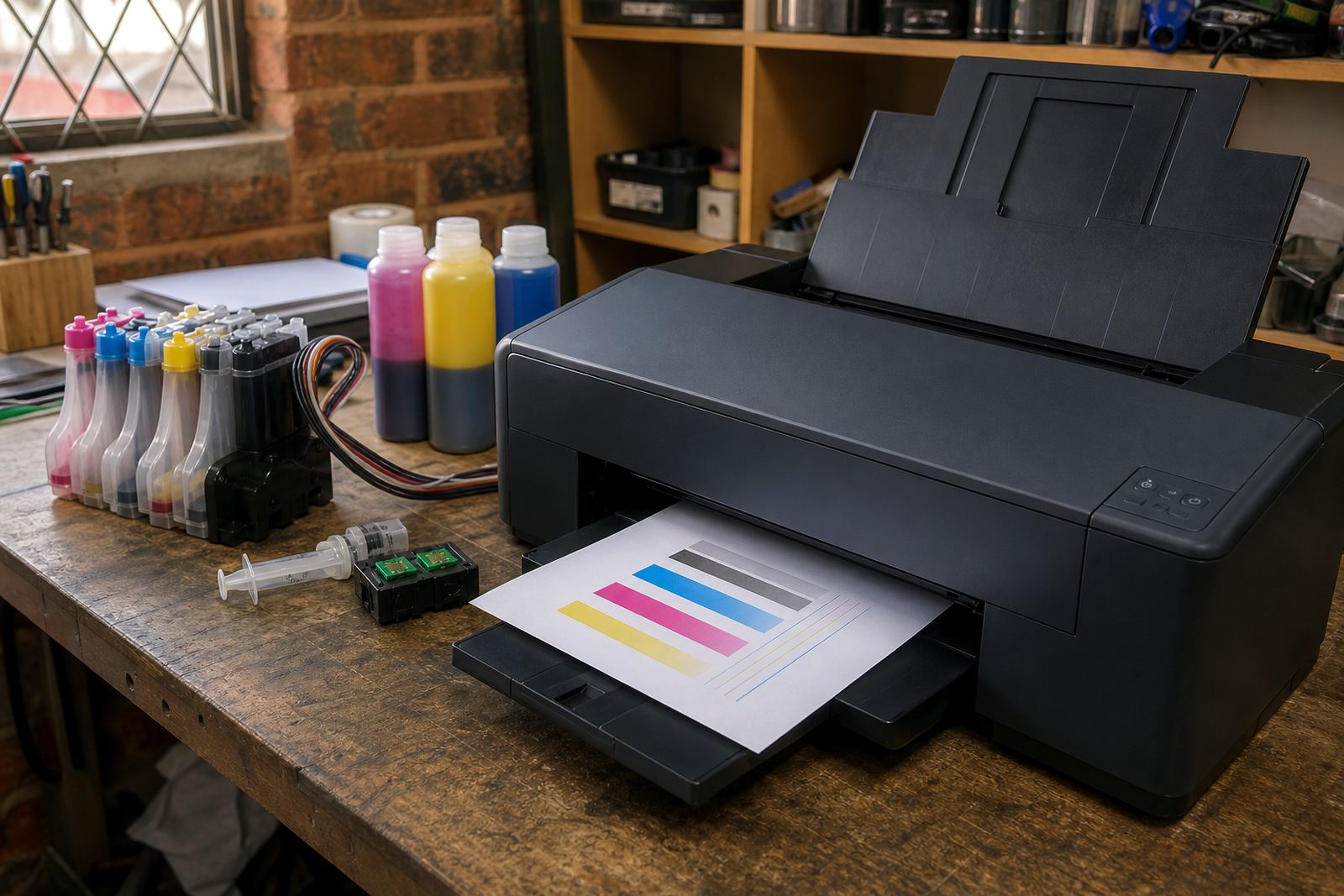
A nozzle check is usually the cleanest way to see what has happened during the idle period. Missing lines, broken blocks or faint bands point to blocked nozzles, air in the ink path or a cartridge that is not feeding evenly. If one colour is weak, do not assume the whole printer has failed. Often it is only one channel that needs attention.
Look for these signs first:
- Broken lines in one colour only, which often means a blocked nozzle
- Faded patches, which can mean low ink or poor flow
- Slanted or doubled print, which may point to head alignment issues
- Ink smears near the paper edge, which can happen after a leak or overfilled cartridge
- Repeated error lights, which may relate to chip contact or a reset issue
If the test page improves after one cleaning cycle, you are usually on the right track. If it gets worse, stop there and let the printer rest before trying again. Too many cleaning cycles waste ink and can overload the waste system.
Refill systems need a different kind of attention
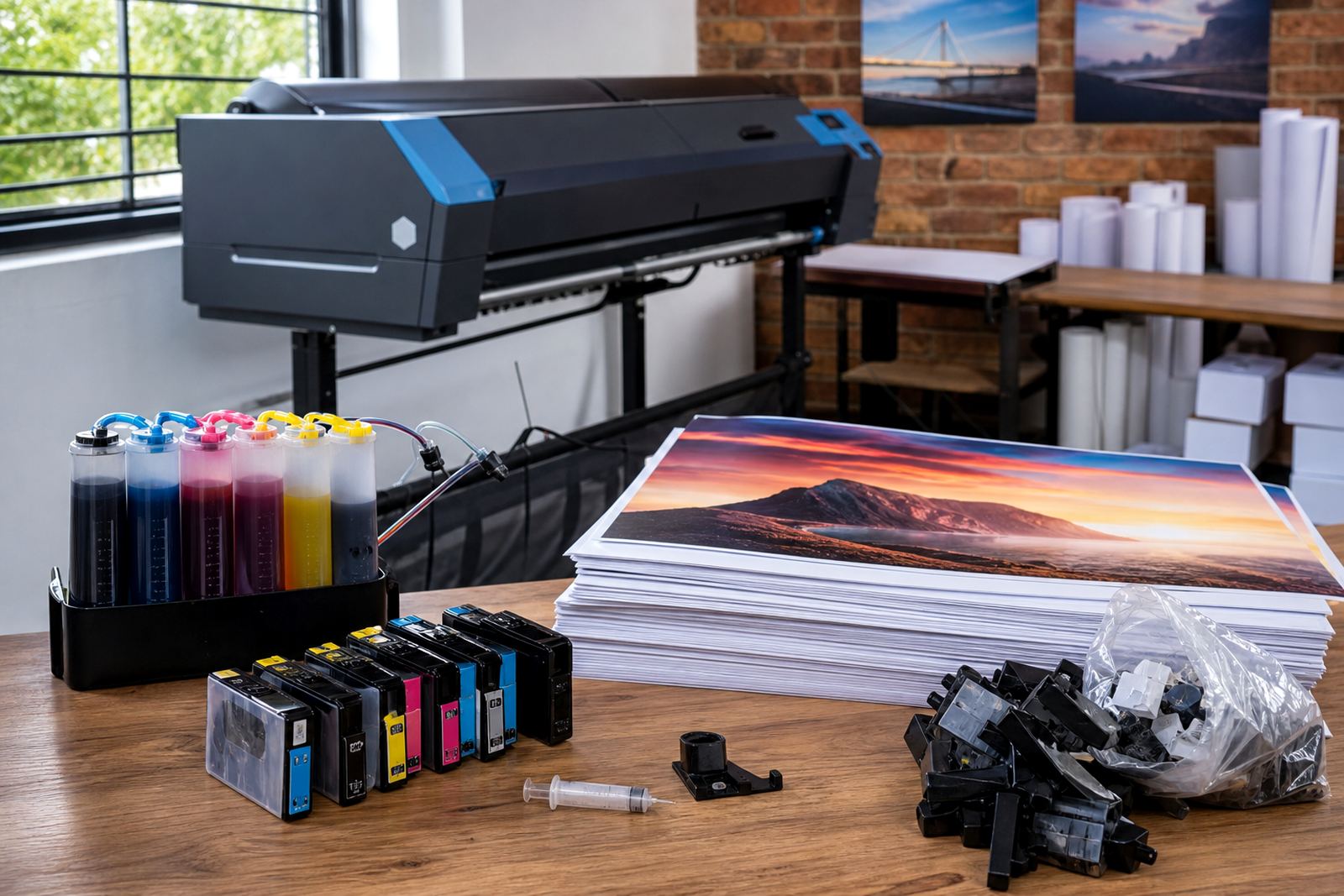
Bulk ink refill systems, continuous ink supply systems and refill kits all behave a little differently after a quiet spell. The bottles or tanks may still look full, but ink can settle, lines can dry at the tips and air can move into places that should stay sealed. That is why a quick visual check matters before the first print.
With a refill setup, check the ink level, the tubing and the cartridge or tank seals. Make sure the line is not kinked and that the ink is sitting in the right place after storage. For dye ink, the flow is often smoother, which makes it useful for office text and everyday colour work. Pigment ink is tougher on paper and handles more demanding output, but it can leave more residue if the printer has been idle for too long.
If the setup has been disconnected for transport or cleaning, prime it properly before use. A line full of air will not feed well, and a printer that tries to pull ink through a dry path can end up with a mess near the carriage or on the rollers.
Give the printhead a careful restart, not a hard push
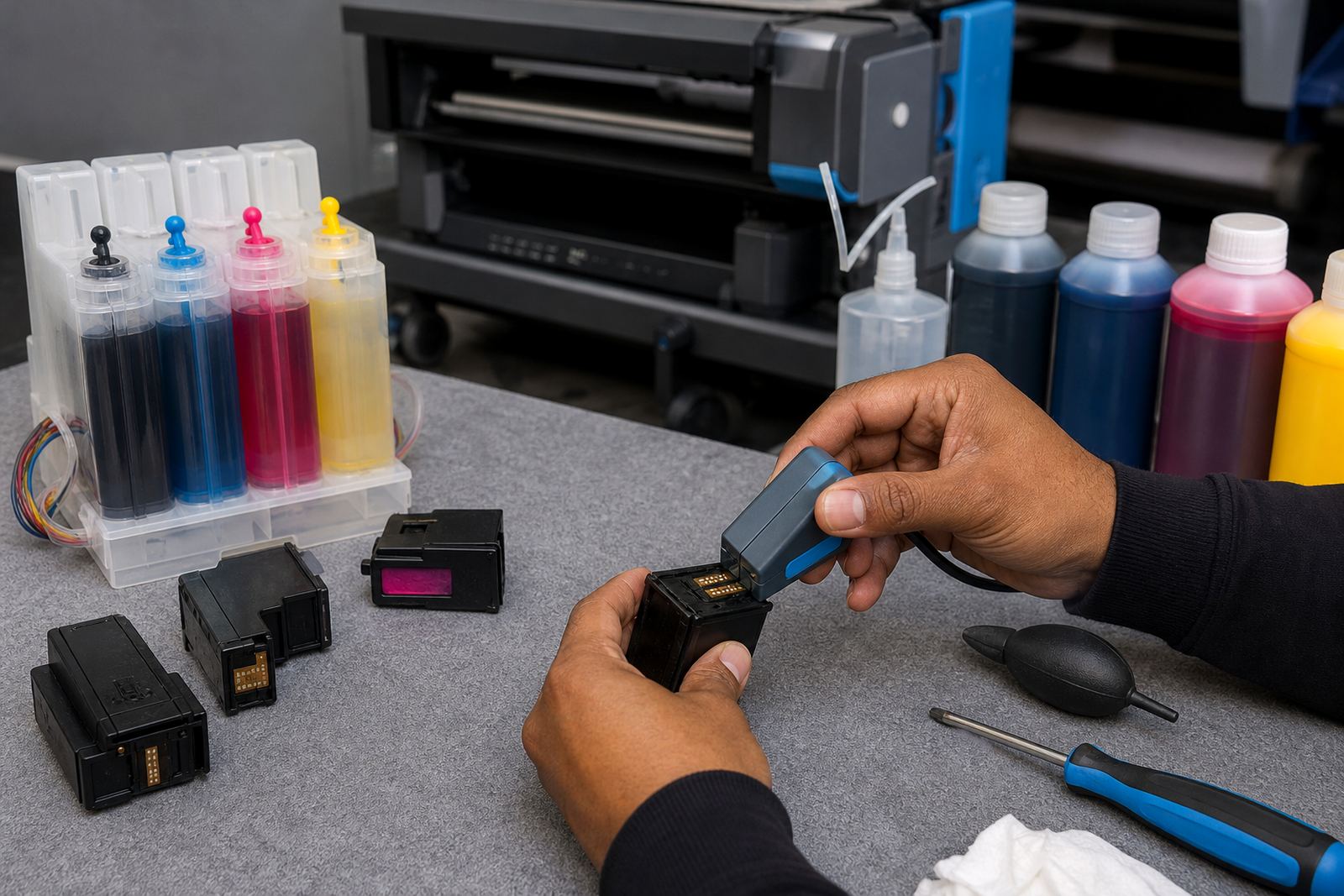
Printhead care after idle periods is about patience. A gentle clean is better than forcing repeated cycles. If the machine has a removable cartridge with integrated nozzles, inspect the cartridge body and contacts. If it uses a separate printhead, check for dried ink around the nozzles and any residue at the service station.
A technician will often begin with a simple sequence: test page, one cleaning cycle, another test page, then a nozzle check again. If a line improves but is still thin, a second light clean can help. If the output remains patchy, more cleaning may not solve it and can drain ink fast.
Common causes after a long break include dried pigment at the nozzle face, a cartridge that has lost prime, or a printhead that needs careful manual recovery. In a Westville design studio, we saw a machine sit unused through school holidays and return with only magenta missing. The fix was not a full rebuild, just a clean chip contact, a cautious refill check and a proper nozzle test before the next job.
Small checks that stop a bigger mess
Once the first test page looks better, do not rush straight into production. A printer that has stood idle needs a short run-in period. Feed a few sheets, watch the first pages closely and check for streaks, banding or loose colour. This is also the point where leak checking matters, especially on refill systems that were moved or stored.
- Check the paper path for dried droplets or ink dust
- Look under the carriage area for wet marks
- Inspect the feed rollers for ink contamination
- Confirm that cartridge clips and seals are sitting properly
- Print one more sample before a full batch run
For offices in Johannesburg or Pretoria, a printer can sit in a spare room for months and still look untouched. The first sign of trouble is often a simple colour shift on a letterhead or invoice. Catching that early saves paper, ink and a frustrated operator at the end of the day.
When recycling empties and swapping stock helps
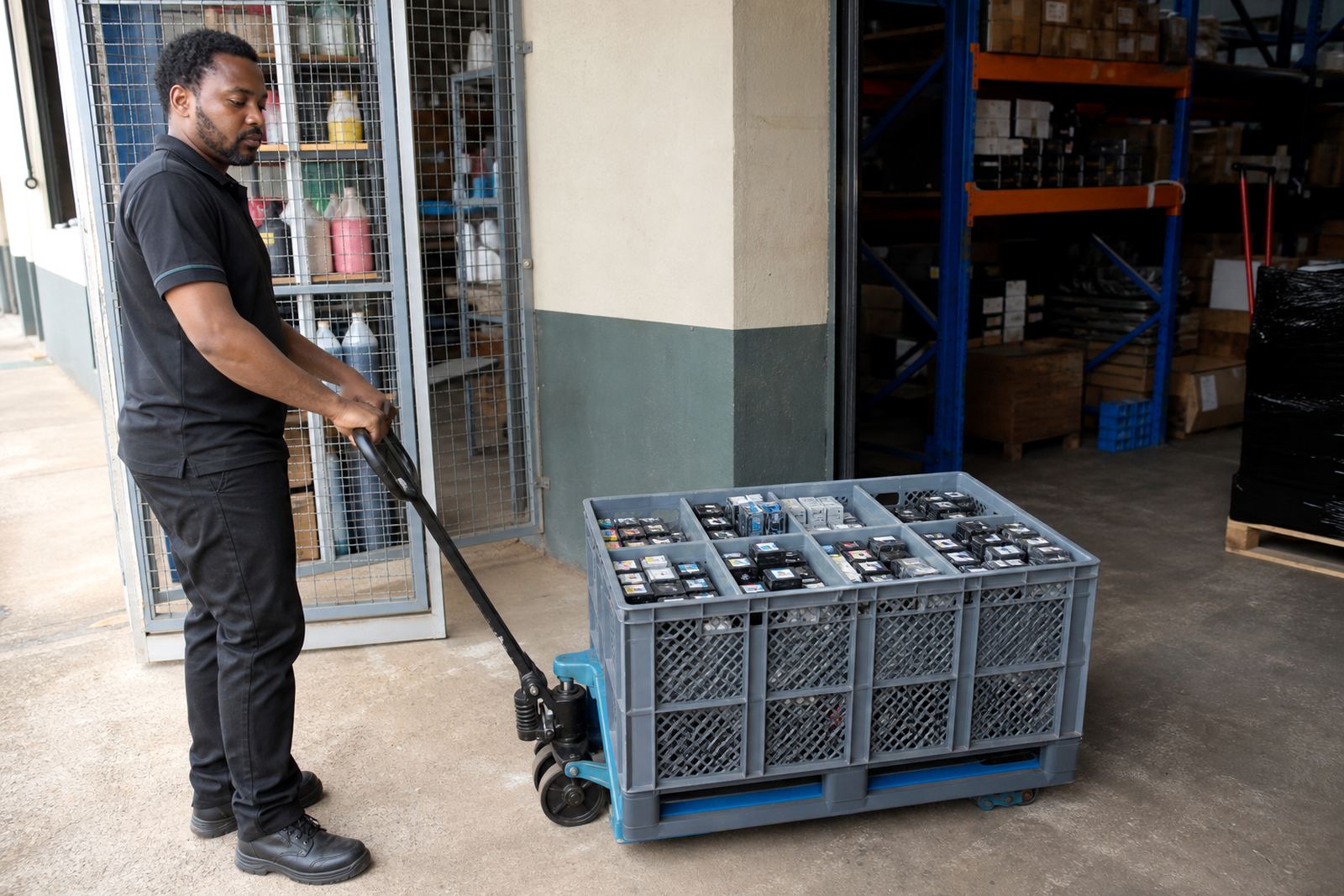
Idle periods are a good time to sort empty cartridges and plan the next refill order. Do not leave empties mixed with working stock. Keep used items aside for return or recycling, and keep a clear note of which cartridges were cleaned, refilled or retired. That makes the next service much easier.
Chip reset help can also matter after a long pause. Some cartridges report low ink even when they have been topped up, and a resetter or chip check can restore proper reading on compatible units. That does not repair a blocked nozzle, but it does stop false low-ink alerts from interrupting the print run.
Stock planning is worth doing before a rush starts. A studio in Cape Town might have one printer for proofing and another for bulk output. If both sit idle over a quiet period, the restart process should include a check on the cartridges that are stored on the shelf as well as the ones in the machine.
A Durban-style restart that keeps the next job moving
At our Westville, Durban base, the usual pattern after idle periods is straightforward: inspect, test, clean lightly, then print small samples before any full run. That suits offices, artists and wide-format print shops that need practical answers rather than guesswork. A printer that has been still for a long time can often be recovered without drama, but only if the first checks are done properly.
For local teams near Hillcrest or Ballito, humidity can change how ink behaves in storage, especially with cartridges left in a warm cupboard. For clients in Pietermaritzburg, Johannesburg, Pretoria and Cape Town, courier delivery and remote troubleshooting often fit better than hauling the whole machine across town. Either way, the same principle holds: check the ink path, check the nozzles, then build back up from a sample page.
A quiet printer is not usually the broken one. It is often the one that needs a careful restart before it is asked to print at pace.