Start with one clear person for printer tasks
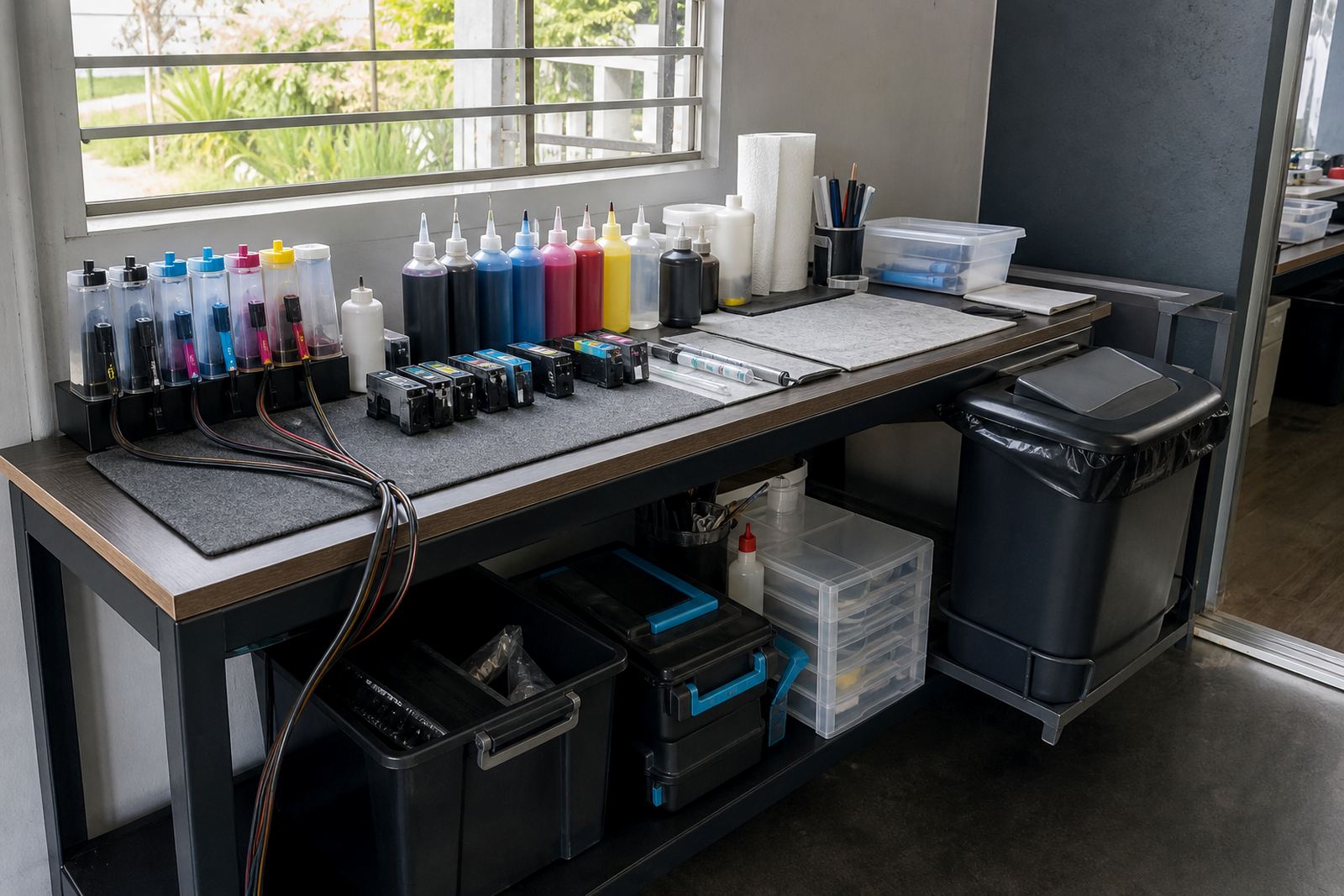
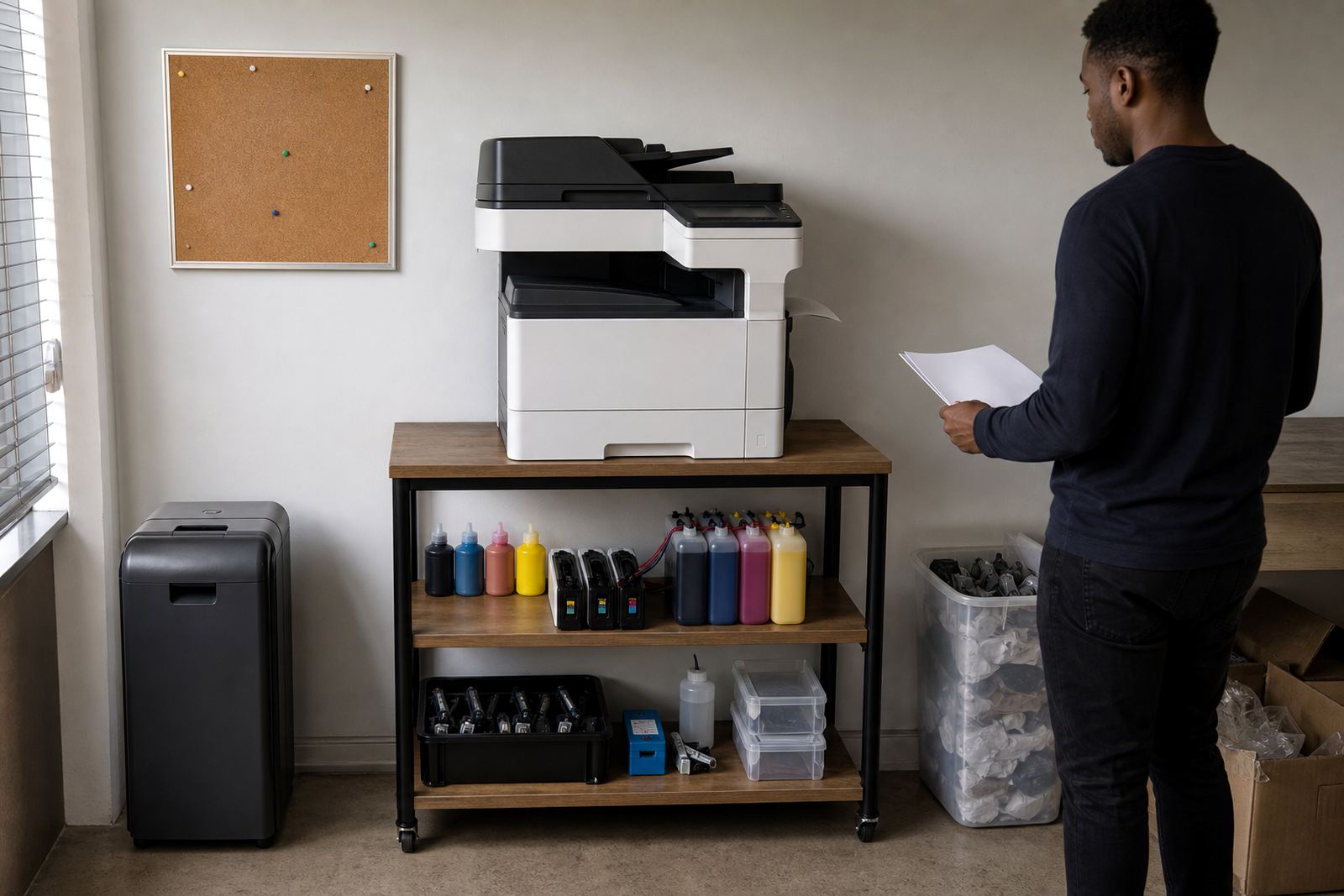
Shared use goes smoother when one person keeps the routine steady. That does not mean they do every print job, it means they control refills, cartridge swaps, empty returns and the basic checks that keep the unit steady between busy periods. In Westville offices and Durban studios, the printer usually sits near reception or a workbench, so it gets touched by everyone and no one at the same time.
Give staff one short set of rules: do not shake cartridges hard, do not pull one out unless it is needed, and do not fit a refill or reset chip when hands are wet or dusty. A cartridge that has been left open on a cluttered table picks up grit quickly, and that grit can end up in the nozzle path.
- One named person keeps spare ink, reset tools and empty cartridges together
- No one tops up a cartridge at a random workstation
- Used ink bottles and empty cartridges go back into the return box, not the bin
Keep dye and pigment jobs in their own lane
Shared printers often handle mixed work, from office letters to design proofs and short run colour sheets. That is where ink type matters. Dye ink usually suits bright colour and everyday office output, while pigment ink is better for sharper text, better water resistance and longer life on certain papers. Mixing the wrong ink type in a refill-supported printer can change colour balance and clogging behaviour, and that creates trouble for the next person who prints.
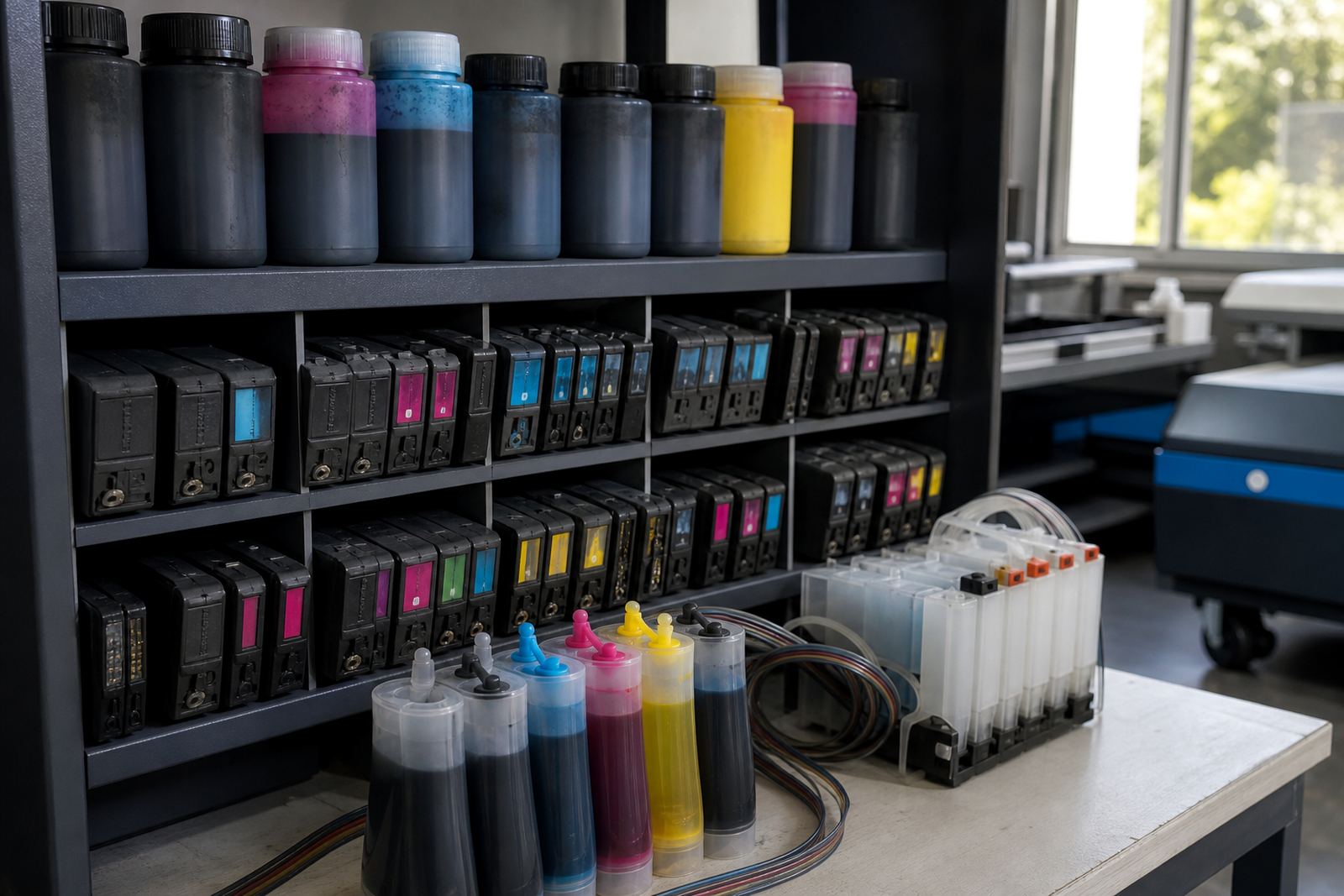
If your team uses a continuous ink supply system or refill kit, label the bottles and tanks clearly. Keep black separate from colour set refills, and do not decant leftovers into a mystery container. A common mistake in busy spaces is topping up from the nearest bottle without checking the type. That saves a minute but causes longer cleaning cycles later.
- Label each bottle with ink type and colour
- Store open bottles upright with caps tight
- Keep one paper sample near the printer for quick colour checks
Printhead care is a shared habit, not a rescue job
When several staff share a printer, nozzle checks should be part of the routine not a panic fix. If a line drops out on a test page, the next person may think the machine has failed, when the issue is only a blocked nozzle or air in a line. That is common after long gaps between prints or after someone has run a cartridge nearly empty.
Train the team to print a small test page before a large job, especially after a quiet morning or a weekend. If colour is missing, the unit should not be used for the final artwork until the pattern is checked. For offices in Pietermaritzburg or Johannesburg where several people use the same device, a five minute check can prevent wasted paper and a stained roller path. Keep cleaning materials close, but do not overclean. Too many cleaning cycles can waste ink and flood the head.
Leaks and spills need a calm routine
Leak checking sounds basic, yet it is often skipped when the printer is shared by a whole team. A loose seal, a cracked cartridge shell or an overfilled refill chamber can leave ink on the tray and inside the cover. The first person to notice it should stop the job, switch off the unit if needed and call the nominated printer lead before more sheets pass through.
Use a small cloth, nitrile gloves and a tray liner near the printer. That makes cleanup neater and keeps ink off the floor in studios with tiled surfaces or laminate counters. Never push a leaking cartridge back into the machine to see if it will settle. Once ink has spread into the bay, the next print may smear across the page and the rollers can carry colour from one run into the next.
- Check the cartridge body and seals after any refill
- Keep absorbent cloths near the machine, not in a drawer across the room
- Report smears, pooling ink or a new smell straight away to the printer lead
Colour balance matters when more than one person prints
A shared printer can drift out of balance when different users send different files through it. One person may print photos, another may print invoices and someone else may run wide-format layouts. If the team is not watching the output, colour shifts are blamed on the file when the real issue is dried nozzles, low ink in one tank or the wrong paper setting.
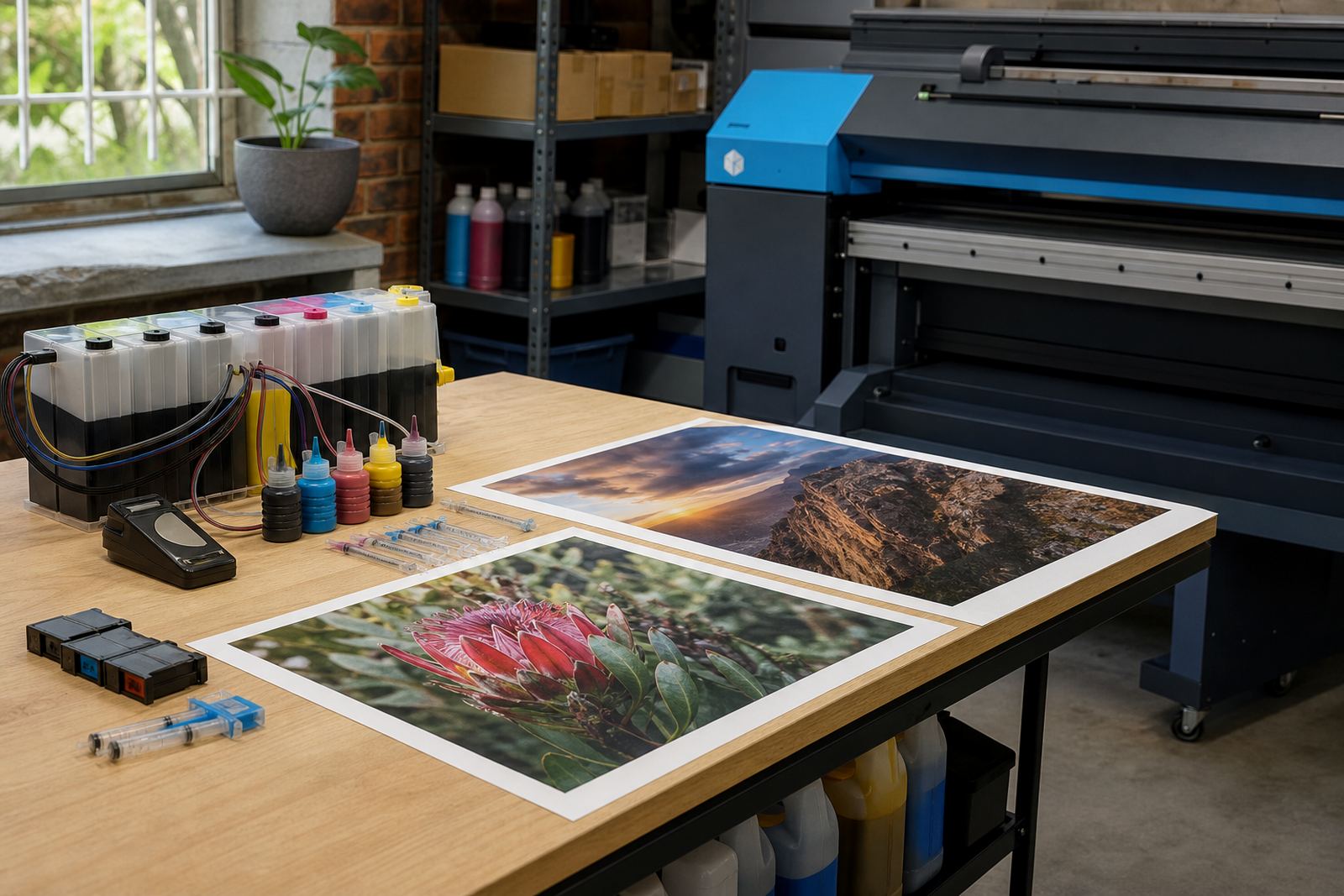
Keep one sample sheet on the wall or near the printer that shows the colour standard for the office. That gives everyone the same reference for skin tones, logos and deep blacks. For wide-format shops around Durban and Cape Town, colour drift can cost time on reprints if the machine is left idle over a wet weekend or a public holiday. A quick nozzle check and a small test strip can tell you whether the printer is ready for a full run.
Empty cartridges should move out, not pile up
Empty cartridges and spent bottles are part of the work, so they need a fixed path. If they sit in a shared tray for weeks, people start guessing which ones can be refilled and which ones must be sent back or recycled. That is where mistakes happen, especially in busier offices where one person handles dispatch and another handles the printer.
Set one return box for empties and one shelf for ready-to-use refills. Keep the lids on empties where possible and store them away from direct sun. In coastal areas like Ballito, humidity can affect labels and seals if stock is left open on a windowsill. A tidy return loop saves space and keeps the refill area from turning into a mix of dust, paper clips and half-used bottles.
- Use one box for empty returns only
- Keep unopened stock away from heat and sunlight
- Do not mix used items with fresh cartridges on the same shelf
A Westville routine that works across branches
In a Westville office with staff moving between Durban, Hillcrest and Pretoria, the printer rule book should be short enough to remember. The same steps apply whether the machine is used by a design studio, an accounts team or a wide-format print room. Check the ink type, run a nozzle check, keep refills labelled and move empties into the return box. That is the kind of routine that keeps shared printing predictable.
When teams need help with cartridge refill advice, CISS setup help, chip reset support, leak checking or operator training, it helps to keep the questions practical and tied to the exact machine in use. Our contact form is the easiest way to send the details, and the team in Westville can work through the setup, the print pattern and the stock plan with you.