Where the dark line starts to fade
A grey black print usually begins with small signs. Text looks soft at the edges, block fills show faint banding, or a logo that used to carry a deep edge now prints with a flat charcoal look. In an office in Westville or a studio in Durban, this often shows up first on draft paperwork, then on client prints where the difference becomes obvious.
The cause is not always one thing. A recently refilled cartridge may be holding air, the wrong black ink may be in the tank, or the printhead may not be pulling ink evenly. On some machines the issue starts after a cartridge change because the new unit was not seated fully, or the chip on the cartridge is not reading the level correctly and the printer is underfeeding the head.
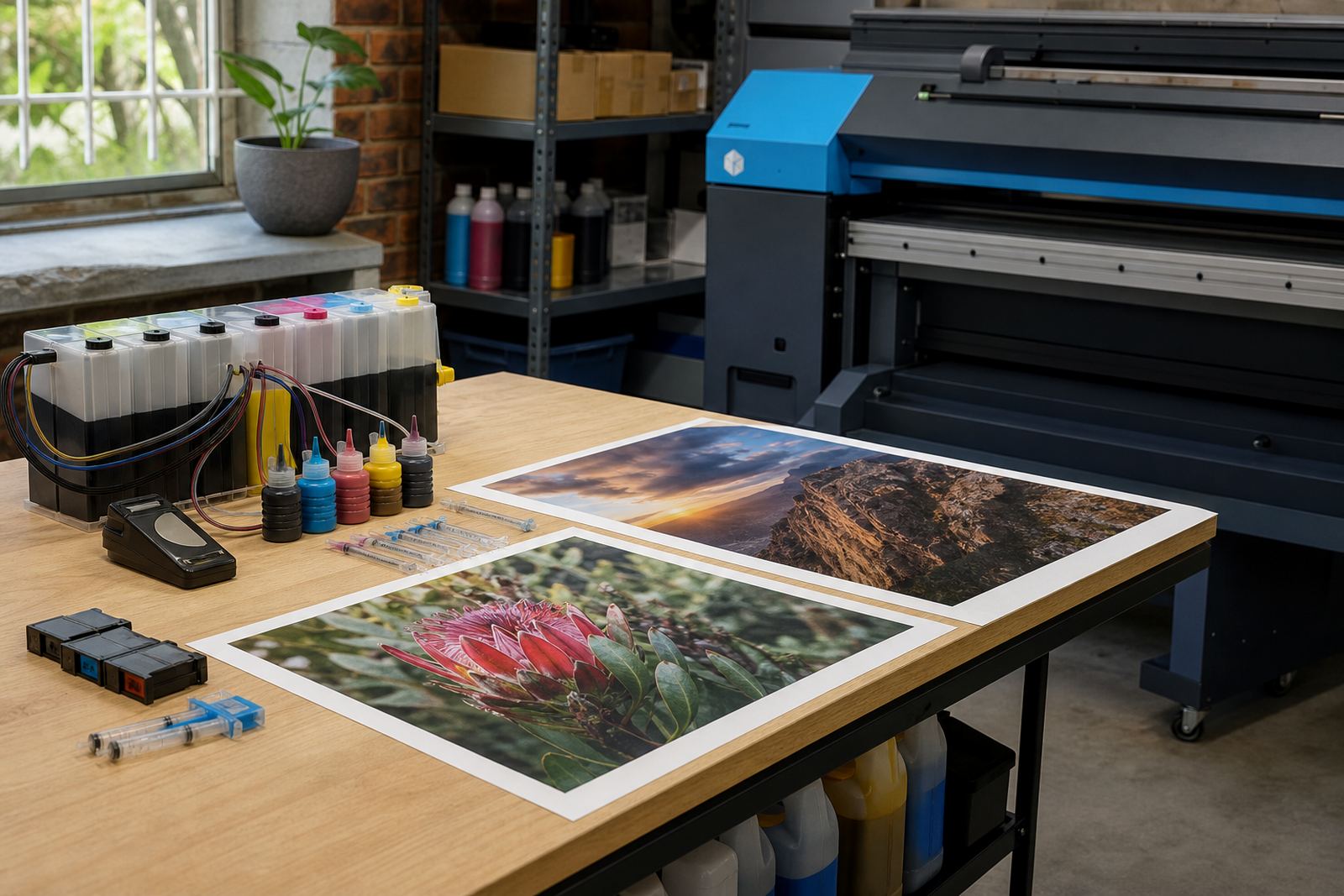
Black also changes with paper. Coated stock, bond paper and office copy paper all take ink differently. A dye black can look rich on one paper and weaker on another, while pigment black stays firmer on plain office paper but can need a cleaner nozzle path to hold its depth.
Ink that looks black in the bottle may not print that way
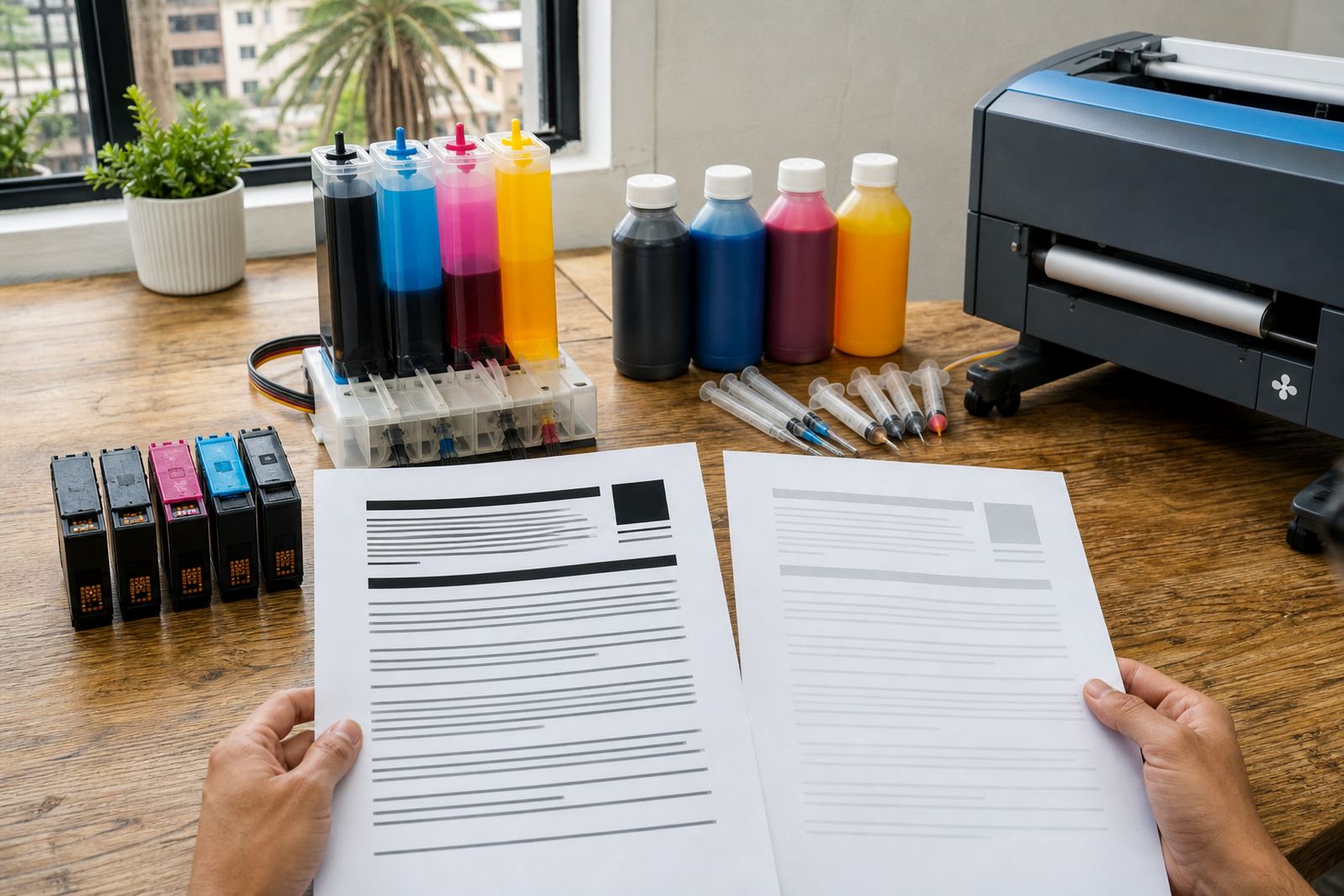
One common reason for weak black output is ink type. Dye and pigment black behave differently, and the wrong choice can make a print look pale even when the cartridge is full. Dye usually gives a smoother fill and can suit colour documents, while pigment often gives a stronger black on plain paper and resists smudging better once dry.
Mixing ink types is a problem as well. A refill that combines the wrong black ink with leftover residue from a previous fill can change the shade and thickness of the output. In wide-format work, that mismatch can show up as a grey patch in a banner headline or a dull look in fine text. It may also leave residue in the cartridge sponge or tank, which slows the flow into the head.
- Check whether the printer expects dye or pigment black.
- Do not mix old residue with a different ink family.
- Use the correct black for the paper you print on most often.
- Watch for darker prints on coated stock and weaker prints on plain paper.
When a refill is done with the right ink and the output is still weak, the next step is usually to look at flow, not colour alone.
Air gaps, blocked nozzles and a tired printhead
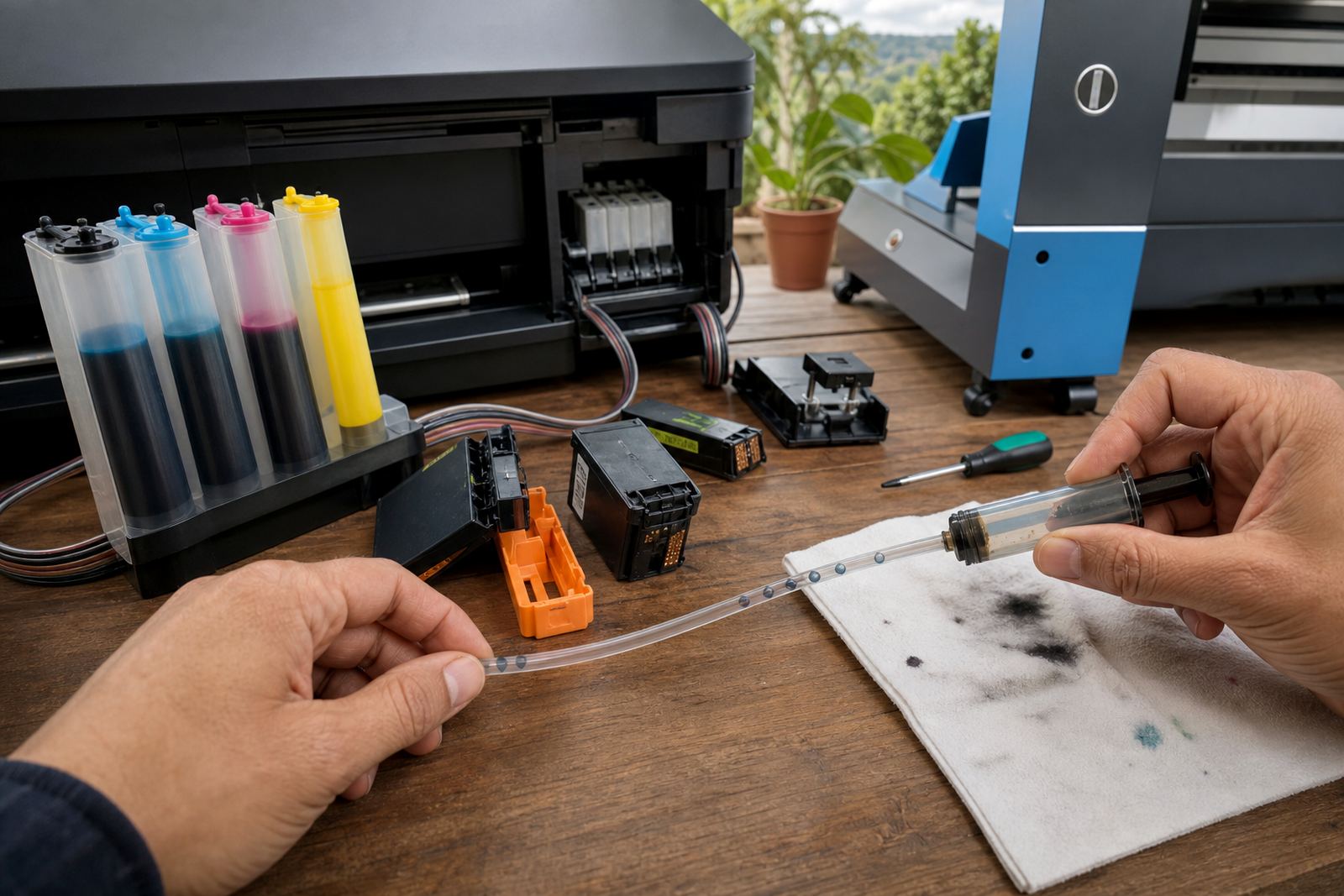
Air in the ink path can make black print grey very quickly. A cartridge that was refilled too fast, capped badly or moved around in transit may carry bubbles into the system. The printer then pulls air instead of ink, and the first signs are missing lines, light bands and black areas that print as misty grey.
Blocked nozzles are just as common. If the machine has been idle for a stretch, dried ink can sit in the head and reduce output. That happens in offices as much as in studios, especially where a printer is used only now and then. A nozzle check gives a clear clue. If one row is missing or broken, the head is not laying down a full black pattern.
- Run a nozzle check before changing more parts.
- Look for broken lines, gaps or uneven dark bars.
- Keep the printer powered as the maker recommends for maintenance cycles.
- Do not force repeated deep cleaning without checking the ink supply first.
Printhead care matters because a head that works too hard to pull ink can overheat or wear unevenly. That does not only affect black. It can throw the whole colour balance out and leave the print looking weak even when other colours seem fine.
Cartridge chips and resets can confuse the reading
Some printers rely on chips or electronic counters to track cartridge status. If the chip does not register properly after a refill, the printer may think the cartridge is empty or partly empty and reduce output. In other cases the machine may accept the cartridge but still not read the level accurately, which leaves the user guessing while the print quality drops.
Chip reset tools are useful in general terms, but they must match the cartridge type and the printer family. A reset that works on one setup may not suit another. If a cartridge has been refilled more than once, the chip contact points can also be dirty or worn, which gives unstable readings and poor black density.
- Check the chip contacts for dust, dried ink and worn edges.
- Make sure the cartridge clicks into place fully.
- Do not rely only on the screen reading if the print looks weak.
- Re-test after a proper reset and a small print run.
When the cartridge is physically sound but the printer still reports odd levels, the problem may be the contact path rather than the ink itself. That is a useful point to test before replacing parts that still have life left in them.
CISS and refill systems need steady handling
Bulk ink refill systems, including continuous ink supply systems, can save waste and cost, but they need neat handling. A tube with a kink, a bottle set too high or low, or a badly sealed connector can change how black reaches the head. The result is often not a full stop, just a softer black that seems to appear and disappear across the page.
In a print shop in Johannesburg or Pretoria, a CISS setup often runs for long periods and gets blamed for poor black when the real issue is pressure, routing or a loose cap. In a small design studio, the same system may work well for months and then start pulling air after a move across the room. A careful check of the tank height, feed tubes and seals usually tells the story.
Leak checking matters too. Even a small seep can affect supply and leave faint black output. If the workspace is near the coast, humidity and dust can both interfere with seals and contacts, so a clean, dry setup helps keep the ink path steady.
A Westville case that looked like bad ink but was not
A local office in Westville brought in a printer after a cartridge change left reports printing in a light grey instead of black. The cartridge had been refilled correctly, but the printer sat unused for several days and the nozzles had started to close up. The chip read normally, so the problem looked like an ink fault at first glance.
After a nozzle check, the missing lines were plain to see. A careful cleaning cycle, a fresh print test and a check on the paper type brought the black text to normal depth. The office had been using a lighter copier stock that showed the weakness more clearly than their usual paper. Nothing dramatic was wrong, just a few small faults lining up at once.
That is common work. Black output usually goes grey because of a chain of small issues rather than a single failure. When those small issues are sorted in the right order, the printer often settles without needless part changes.
- Check ink type first.
- Test for air or blocked nozzles.
- Inspect chips and cartridge seating.
- Review paper and print settings.
Keeping black strong after the next refill
Strong black output is easier to keep when the printer is treated as a system. Use the correct black for the machine, keep refill work tidy, store cartridges upright, and do a nozzle check before the job becomes urgent. For offices, studios and wide-format print rooms, a small routine saves a lot of second guessing later.
Empty return programmes also help keep the work clean. Returned empties can be sorted, checked and reused where suitable, which cuts waste and keeps serviceable cartridges in circulation for longer. Refill advice, operator training and stock planning are useful when several printers share the same space and the same team needs consistent results.
If your black prints are looking grey after a refill or cartridge change, the cause is usually practical rather than mysterious. Ink type, flow, chips, nozzles and paper all play a part, and each one can be tested in a sensible order.