The print room brief from Berea
The client was a medical administration office in Berea, Durban, handling appointment paperwork, referral letters, claim forms and internal records every day. Their team needed a tighter print routine, because mixed cartridge types and uneven stock levels were causing unnecessary interruptions at the copier and at the benchtop printers.
The main request was plain enough, but the working conditions were not. Black output had to stay consistent on plain office paper, older machines still had to be supported, and the office wanted a safer way to keep spares without filling cupboards with unnecessary hardware. They also wanted a path for recycling empties and keeping useful cartridges in circulation where possible.
- Location: Berea, Durban
- Client type: medical administration office
- Main output: black-and-white admin printing
- Core need: backup stock and lower waste
Stock rules that fit a medical office
We set up the supply plan around standard black printing first, then added a small amount of colour support for forms and notices where needed. The office wanted fewer last minute calls to replace cartridges, so we mapped the printers in use, grouped them by cartridge type and separated high use machines from light use machines.
The brief also covered practical ink choices. For everyday documents, the team needed reliable black output with clean text edges. Where colour was used for charts or notices, we discussed the difference between dye based inks and pigment inks, and when each one made more sense for paper handling, smudge resistance and longer term filing.
- Standardised black output across the main admin printers
- Separated colour use from everyday filing prints
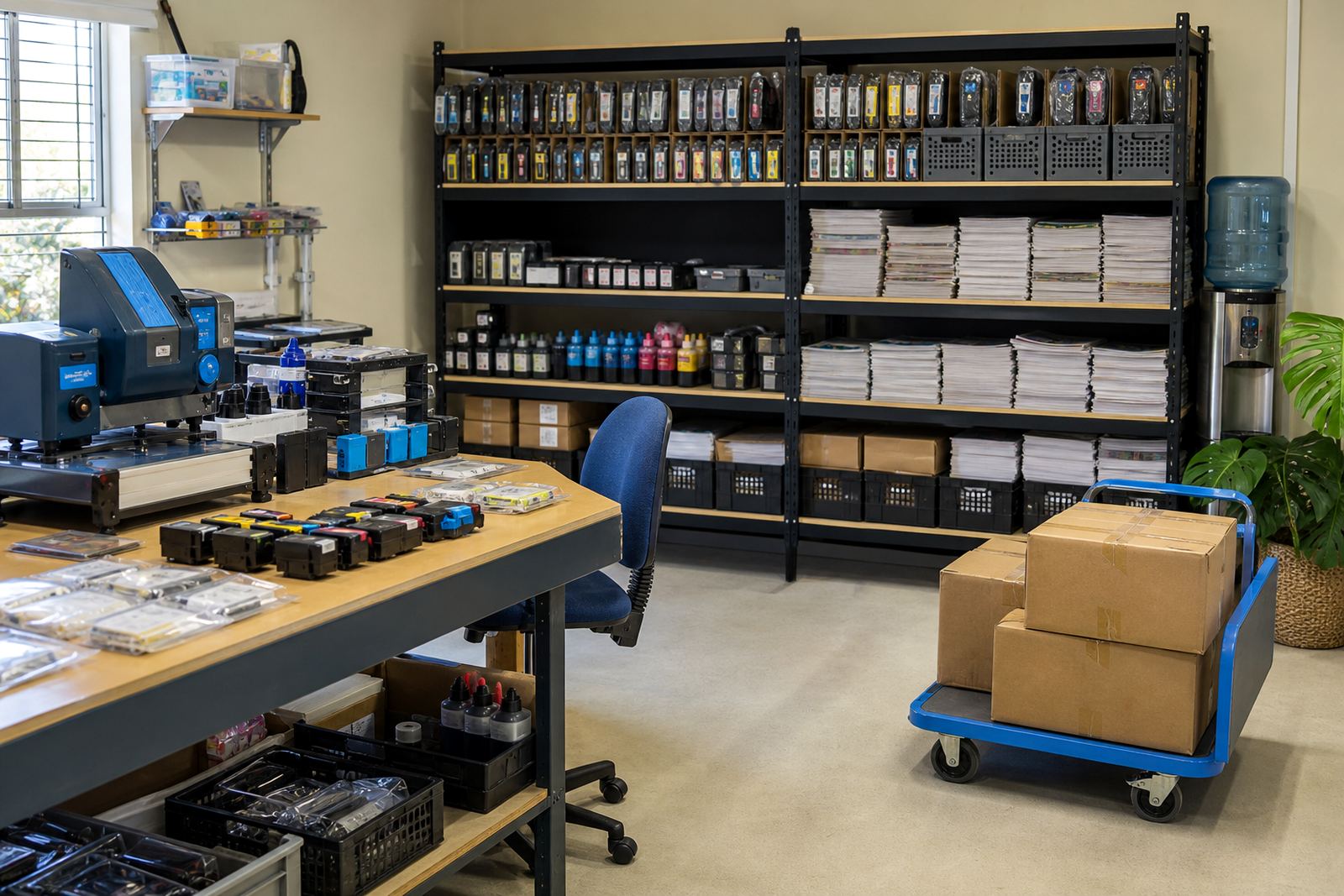
- Kept backup stock for the busiest machines
- Matched ink type to paper and document use
We also worked through how empties would be returned and assessed, so the office could keep a clear stock loop instead of letting used cartridges pile up in drawers.
What was supplied and set in motion
The delivery included refurbished cartridges for the office printers, refill support for selected units, and guidance on keeping a cleaner cartridge cycle. Where the office wanted lower running costs on regular printing, we recommended bulk ink refill systems for suitable machines and explained how continuous ink supply systems can help when pages are produced every day in steady volumes.
For the team, the useful part was not just the kit. They needed simple handling notes, printhead care guidance, and support for nozzle checks so blocked lines could be spotted before the work queue grew. We also covered chip reset help in general terms where a printer model needed it, together with leak checking and colour balance help for the colour side of the setup.
- Refurbished cartridges for black office printing
- Bulk ink refill systems for selected printers
- Printhead care and nozzle check support
- Chip reset help where compatible models required it
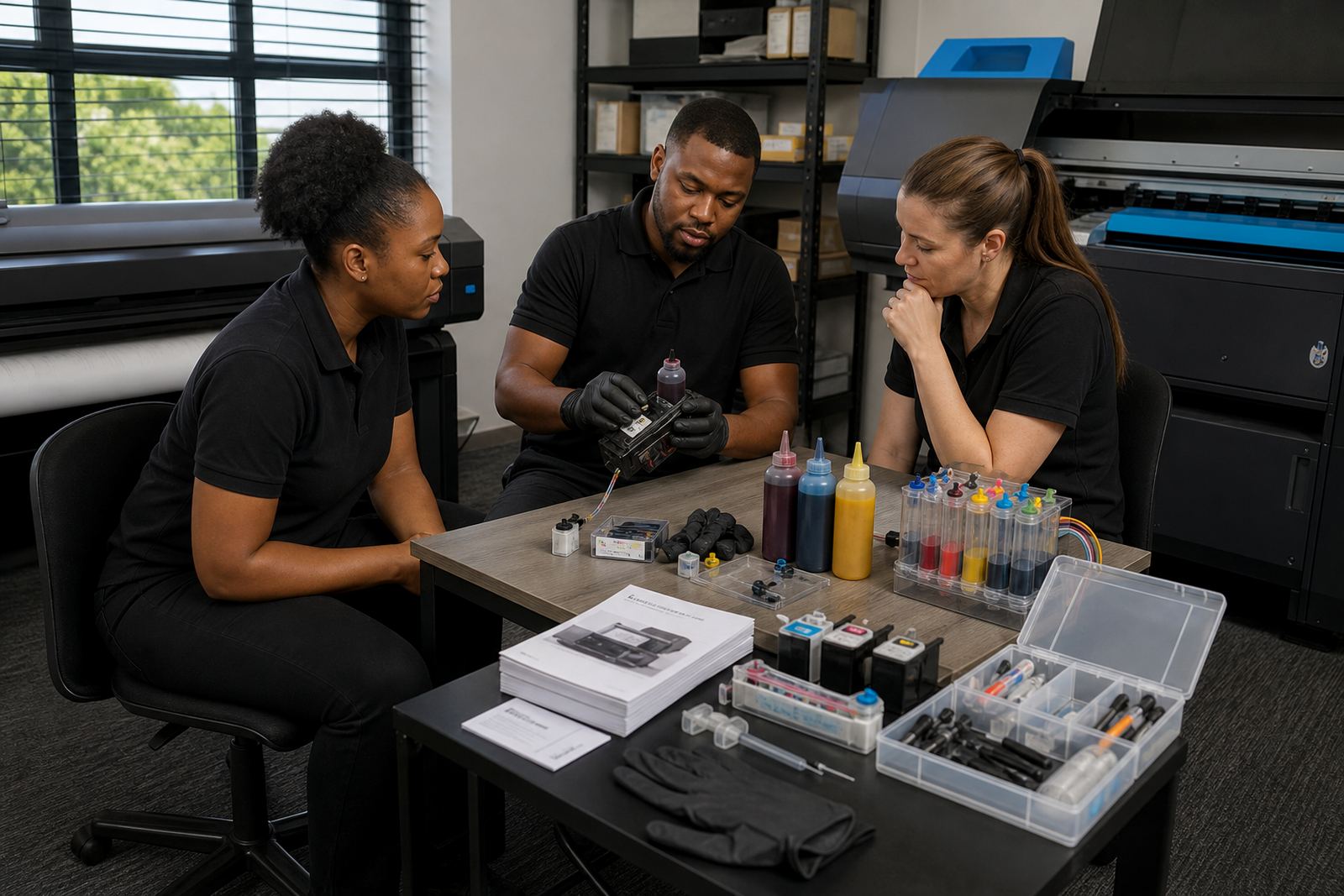
The office also asked about operator training. We kept that practical, with notes on handling cartridges, checking fill levels, sealing empties for return and spotting the first signs of streaking or fading before a batch of forms was affected.
Three weeks of sorting the working line
The project ran over three weeks. The first week was spent on the printer list, ink use patterns and stock counts. In the second week, the team received the first set of refurbished cartridges and refill support materials, then checked the main printers under normal office use. The third week was used to settle the backup quantities, label the stock points and tighten the empty return routine.
That staged approach helped because the office could keep working while the print setup was being improved. It also showed where the real pressure sat, which was not always the machine with the highest page count. Some printers were used for legal or clinical admin pages that had to look clean every time, so those units got the most careful attention.
- Week 1: printer audit and stock mapping
- Week 2: cartridge supply and refill setup
- Week 3: backup stock and return routine
The result was a cleaner daily print pattern, fewer mixed cartridges in circulation and a much clearer split between active stock and empty units waiting for return.
Results that mattered to the admin team
The biggest gain was consistency. Black documents printed more evenly, so forms and letters looked more uniform across the office. The team no longer had to chase odd cartridge matches for each printer, and they had a sensible backup stock level for the machines that matter most.
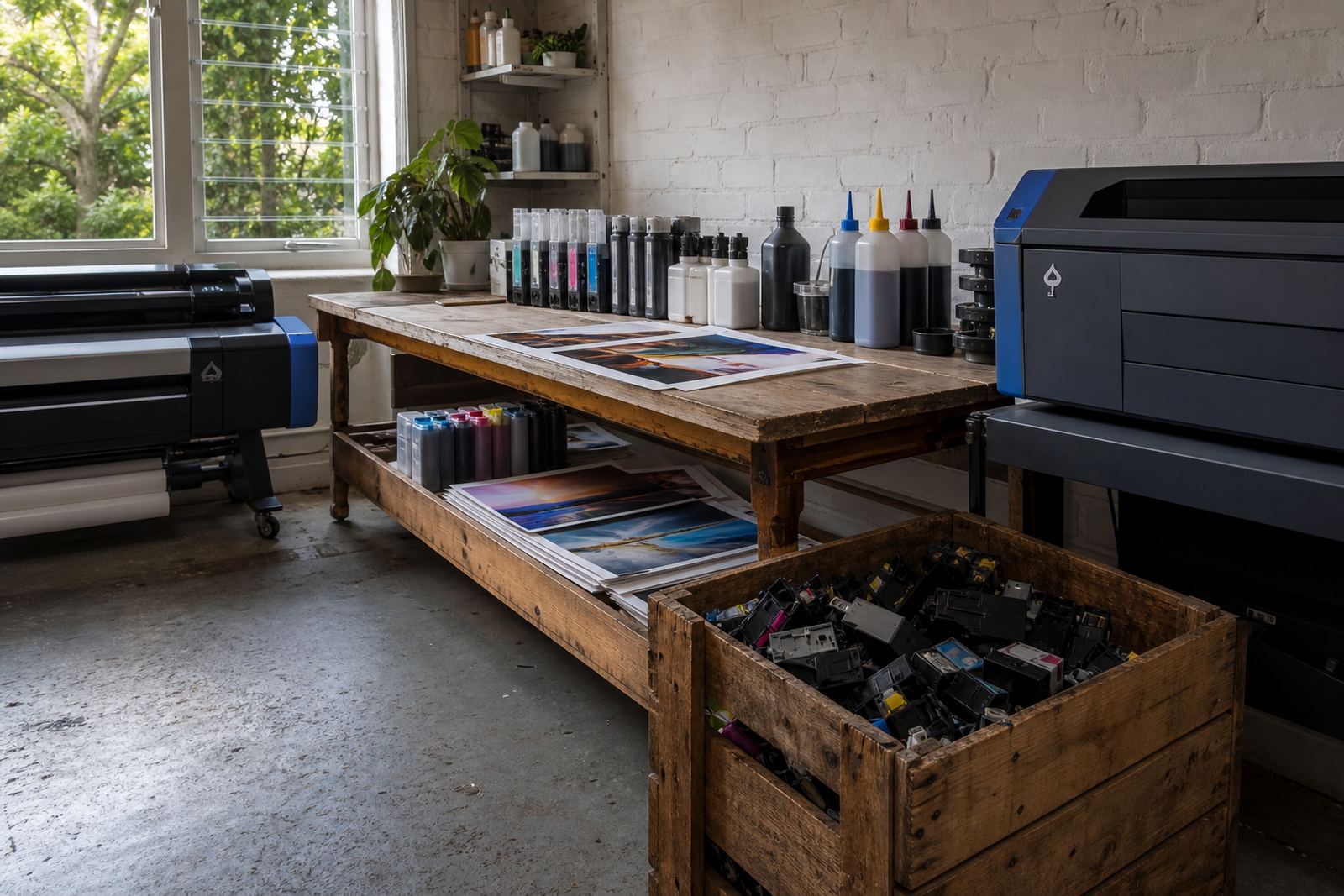
Waste also came down because used cartridges were being handled as part of a return process rather than treated as dead stock. That made the cupboard space easier to manage, and it reduced the clutter that usually builds up when several staff members keep their own spare items.
- Cleaner black text on routine admin pages
- Better stock control across multiple printers
- Less waste from discarded empty cartridges
- Clearer handling of refills and replacements
The office still keeps some colour capability for notices and internal communication, but the print plan now favours dependable black output for the daily workload. That keeps the system practical, and it fits a medical admin space where legibility matters more than flashy output.
What we would repeat on a similar job
On a similar office project, we would start with the printer map and the page mix before touching the stock levels. That gives a clearer picture of which machines need refurbished cartridges, which ones suit refill systems and where a spare unit is worth keeping close.
We would also keep the training short and specific. Staff usually need help with nozzle checks, safe cartridge handling, empty returns and basic printhead care, not a long manual that nobody reads. For a medical admin office, tidy stock habits matter, because the work flow is repeated all week and the paper trail cannot wait on a missing cartridge.
- Start with printer usage and document types
- Match stock levels to the busiest machines
- Keep return handling simple and visible
Berea Medical Admin showed that a modest print system can still be well controlled when the cartridge mix is clear, the refill advice is practical and the backup stock is planned instead of guessed.
Key facts
| Project type | Medical administration print support |
|---|---|
| Area | Berea, Durban |
| Timeline | 3 weeks |
| Main supply | Refurbished black cartridges and refill support |
| Stock model | Backup cartridge plan plus empty return handling |
| Support included | Printhead care, nozzle checks, chip reset help and operator training |