A busy office block with mixed printing habits
The client was a multi-user office in Durban with staff sharing several benchtop printers across administration, finance and client-facing work. Printing volumes moved up and down through the month, so the team was often caught between low cartridge levels, mixed ink types and rushed replacements that did not suit the machine or the job. The brief was practical: keep output moving, reduce waste and make stock control less frantic.
We first mapped the printers in use, noted which units handled text pages and which ones dealt with colour graphics, then checked how often each device ran dry. That gave us a clearer picture of cartridge consumption, the kinds of documents being produced and where colour balance issues were showing up. The office did not need a fancy reset, just a proper system that fit a working Durban floor.
- Multi-user office with shared benchtop printers
- Mixed text, colour and scan-and-print work
- Refill use had become uneven across departments
- Stock control needed to match monthly usage
What the brief asked us to fix
The strongest issue was inconsistency. One printer would run smoothly and the next would show streaks, low-yield output or a cartridge chip warning that stopped the team mid-task. The office also wanted a lower-cost route that did not mean losing print quality on letters, invoices and colour presentations. They were interested in refurbished cartridges, but only if the supply side stayed organised and the risk of leaks or blocked nozzles stayed low.
We set the work around three points. First, guide the team on the right ink type for the printers in use. Second, add a proper refill and stock plan so empties could be tracked and returned. Third, reduce avoidable damage through printhead care, nozzle checks and chip reset help where the equipment allowed it.
- Lower consumable cost without changing the printer fleet
- Fewer emergency buys during busy office weeks
- Clear handling for empties and reused cartridges
- Better day to day guidance for staff handling print jobs
Refurbished cartridges, refill systems and support in practice
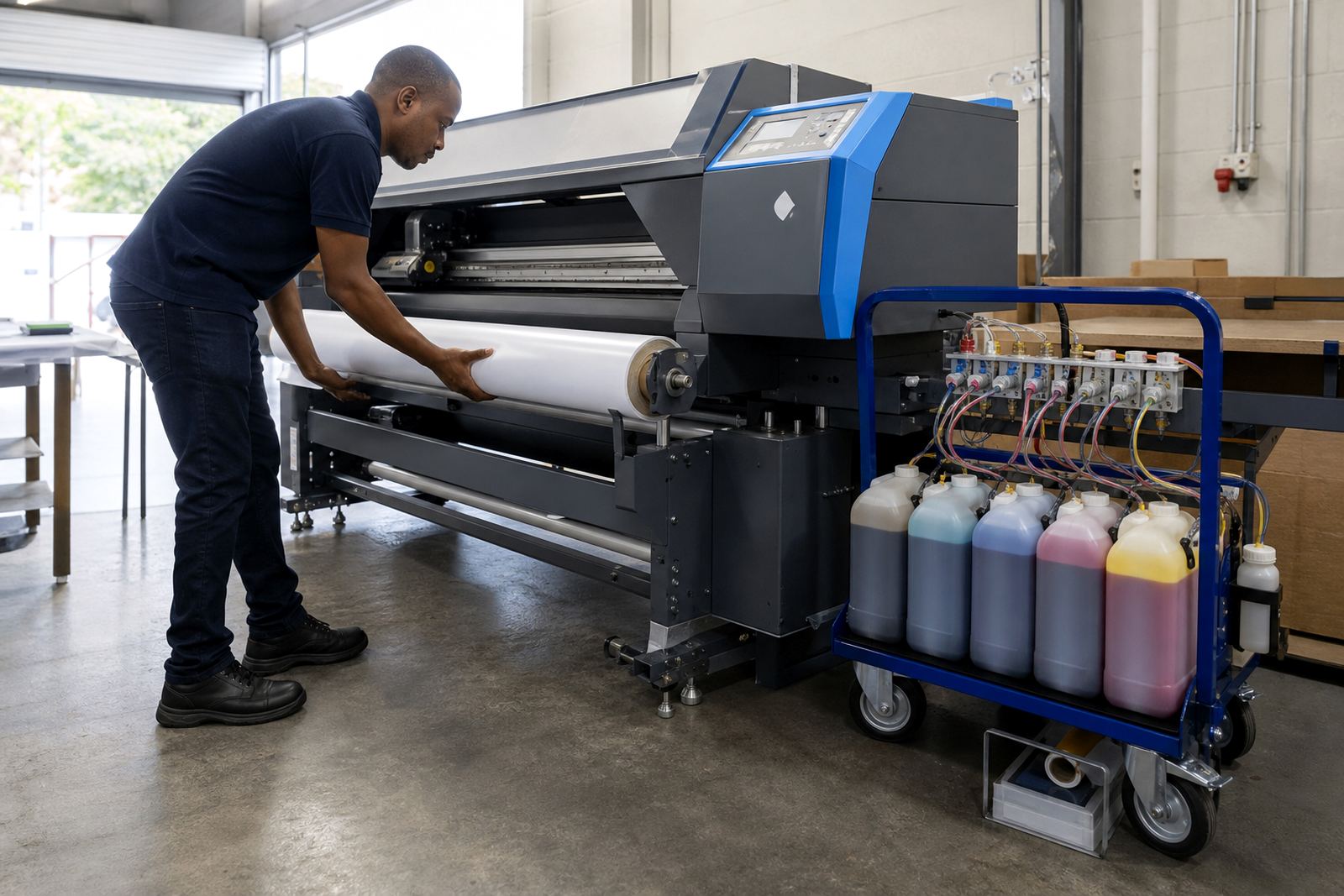
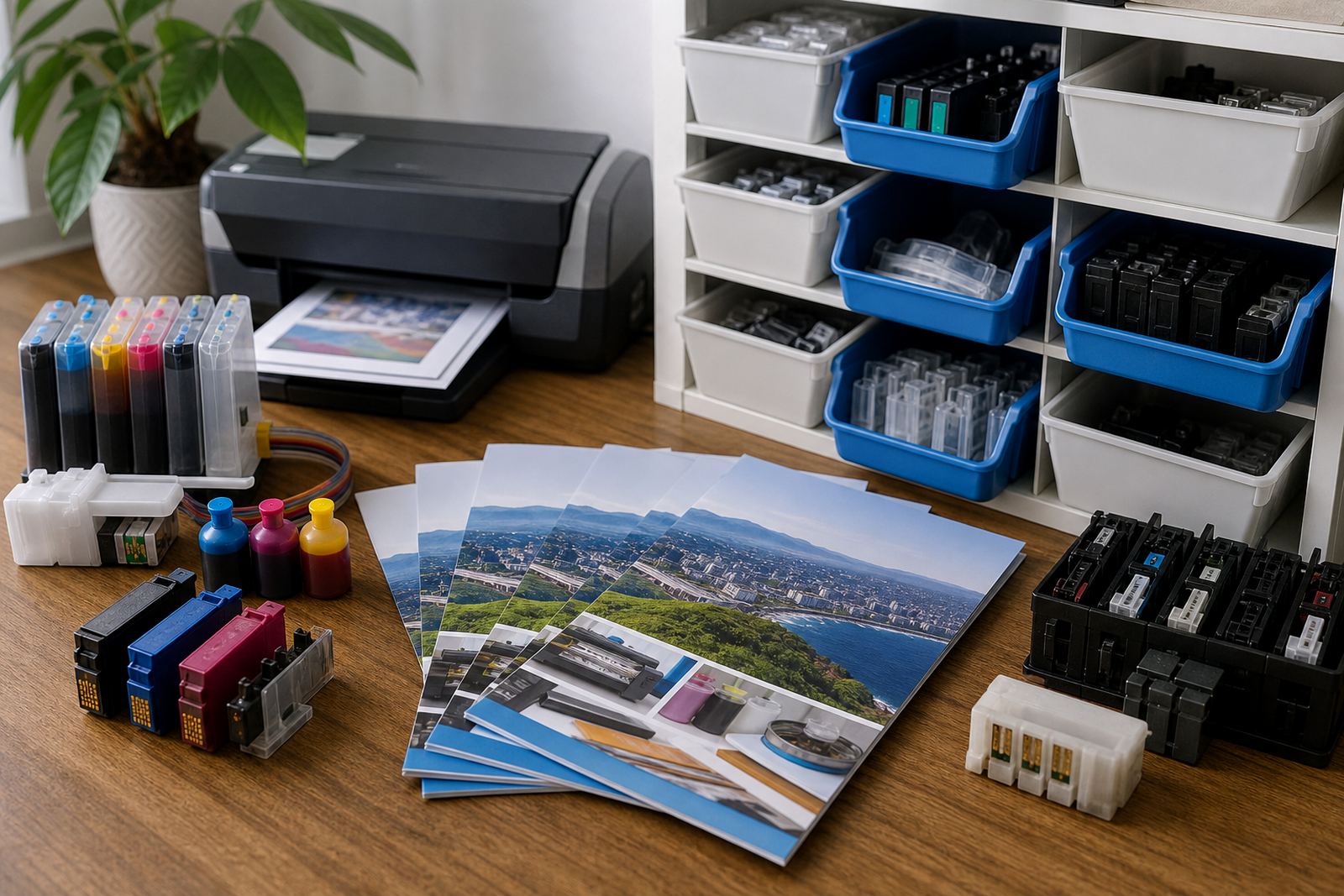
We supplied refurbished cartridges suited to the office printers in use and arranged a refill route for the units that could be managed that way. For high-use machines, we set up bulk ink refill systems where appropriate, which gave the team a steadier flow of ink and less packaging to dispose of. Dye-based ink was kept separate from pigment ink use, because the office had both plain text printing and colour work that needed different handling.
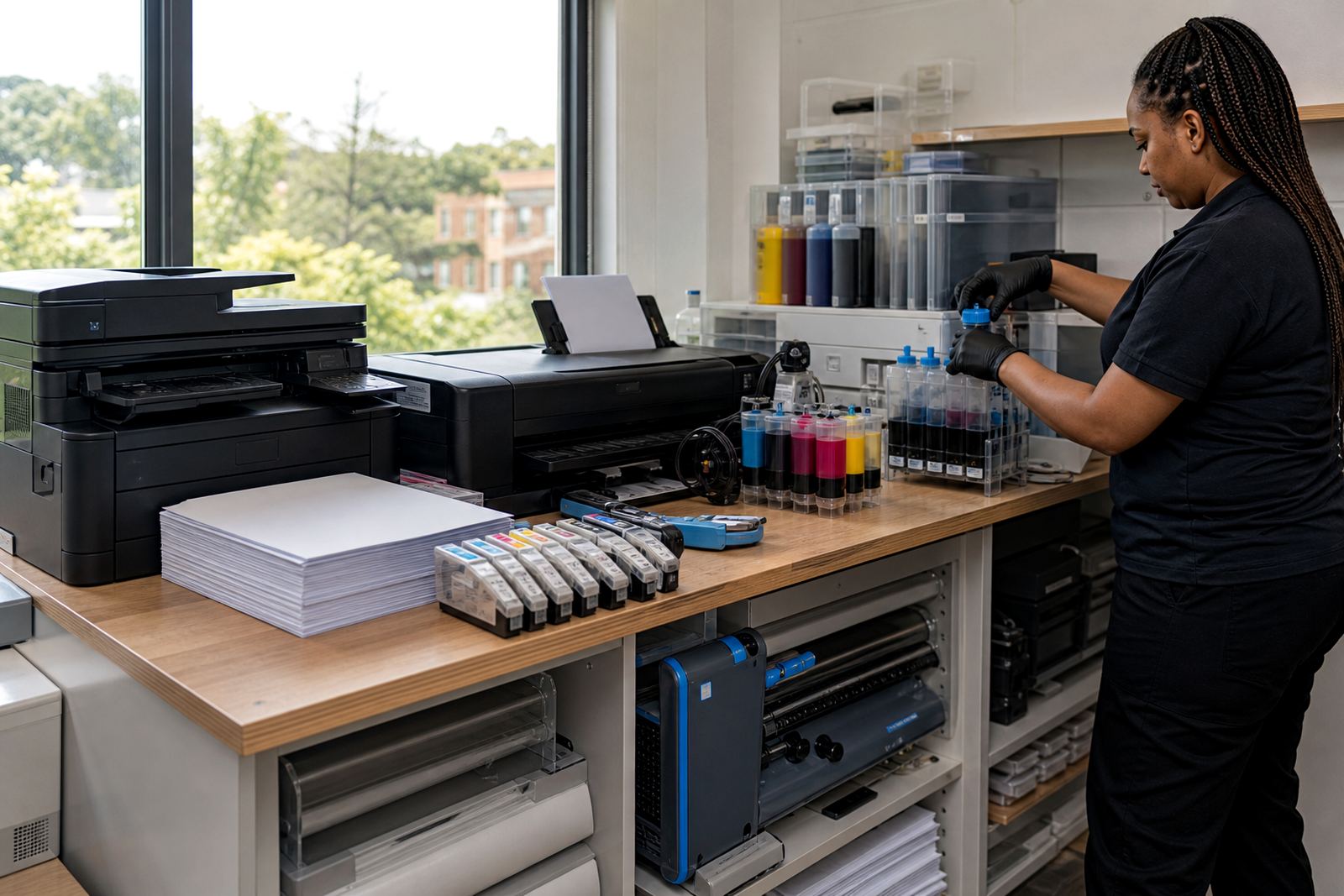
Our work also covered the practical side that often gets skipped. We showed the team how to check nozzle patterns, when to pause and clean rather than force a print run, and how to spot early signs of air in the lines or a weak seal at the cartridge. Chip reset help was handled in general terms for the devices that used chips, while leak checking and colour balance checks were built into the handover. Empty cartridge returns were organised so used units were not left lying around in drawers or next to the printer trays.
- Refurbished cartridges matched to the printers on site
- Bulk ink refill systems for higher-volume machines
- Dye and pigment ink separated by use case
- Printhead care and nozzle check support included
- Empty return handling added to the stock routine
The site routine over three weeks
Week one focused on assessment and stock mapping. We recorded each printer, the cartridge types in use and the amount of spare stock already on hand. In week two, the refurbished cartridges and refill materials were delivered and the office team was shown how to store them upright, keep lids sealed and label opened items properly. Week three was about settling the routine, checking print quality and tightening the reorder pattern so the office did not drift back into guesswork.
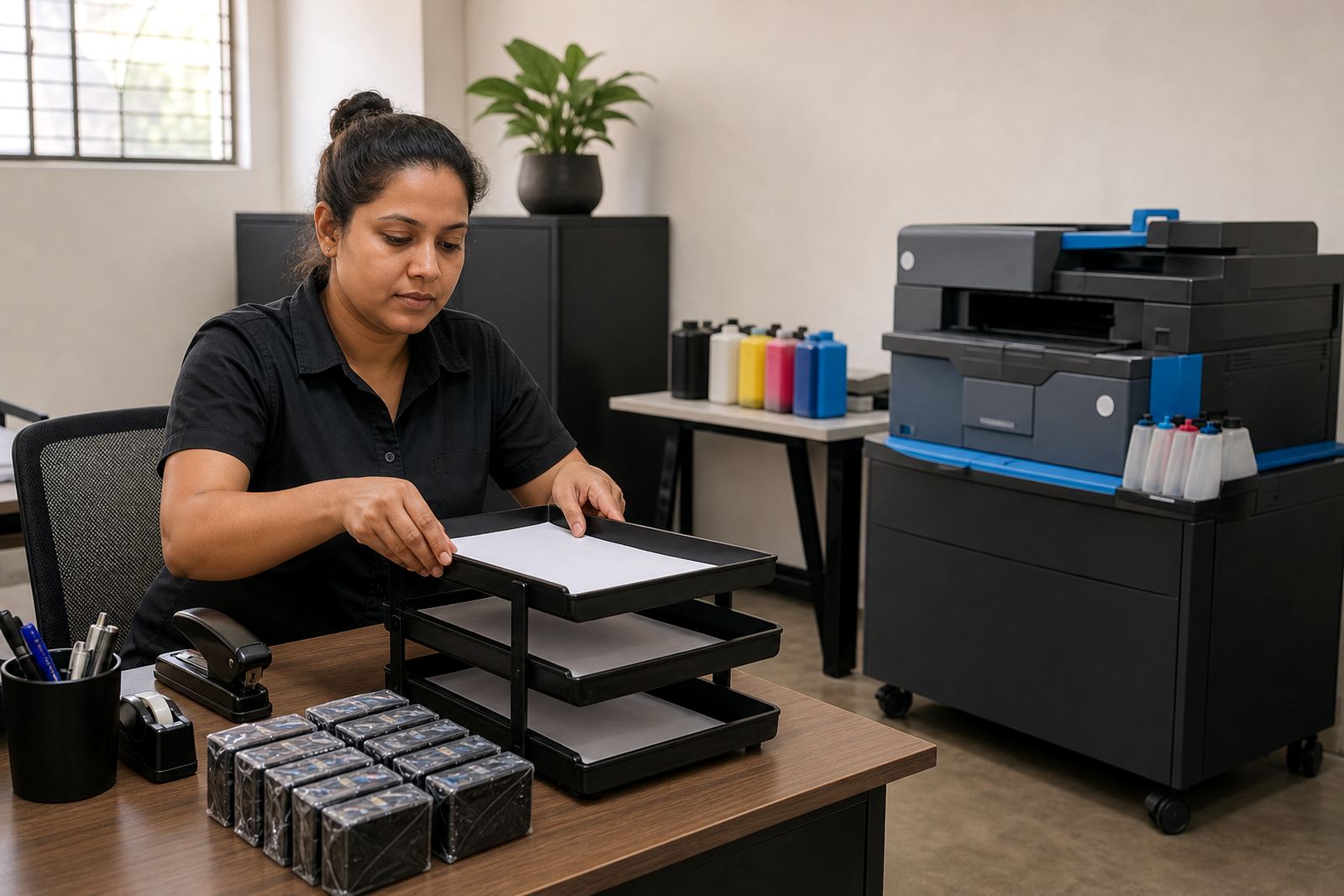
The team wanted the process to stay simple enough for different people to follow, not just one person in accounts. We set out a clear handling path for incoming stock, used stock and empties, then tied that to the actual print rooms and workstations. That made it easier to keep tabs on what was usable, what needed refilling and what should be returned for recovery or replacement.
- Week 1: printer map and usage review
- Week 2: delivery and handling process setup
- Week 3: print checks and stock routine fine-tuning
What changed after the switch
The most visible change was control. Staff no longer had to scramble for random cartridge replacements when a printer began fading mid-job. Output became steadier across the office, and the team had a better sense of which machines consumed more ink and which ones needed closer attention. There was also less waste from mixed-up cartridges and fewer used units left unmanaged.
For a Durban office, humidity can affect storage and handling if cartridges sit open for too long. The new routine made storage neater and reduced the chances of ink drying or settling unevenly. The staff also became more confident about using the right ink for the right printer, which helped keep colour work and everyday office pages looking more consistent.
- More predictable stock levels across shared printers
- Cleaner handling of empties and reused units
- Less waste from incorrect ink matching
- Better consistency on text and colour output
What we would repeat on a similar office
We would start the same way again, with a proper printer map and an honest look at how the office prints during the month. That keeps the supply plan tied to real use instead of assumptions. We would also keep the training short and practical so that more than one person knows how to check nozzles, read a warning chip and handle a refill without making a mess.
The other part worth repeating is the empty return loop. Once empties are tracked properly, the office keeps more order in the supply cupboard and fewer cartridges are left sitting unused. For a busy office block, that small change saves time and keeps the print setup easier to manage day after day.
- Map printers before changing the supply routine
- Keep ink type notes beside each machine
- Train more than one staff member on checks
- Track empties instead of leaving them to pile up
Key facts
| Project | Durban Office Park |
|---|---|
| Location | Westville, Durban |
| Client type | Multi-user office |
| Work completed | Refurbished cartridges, bulk ink guidance and stock control |
| Timeline | 3 weeks |
| Support areas | Cartridge Refill Advice, CISS Setup Help, Printhead Care, Nozzle Check Support, Chip Reset Help, Empty Return Programme |