What remote support covers on a real printer
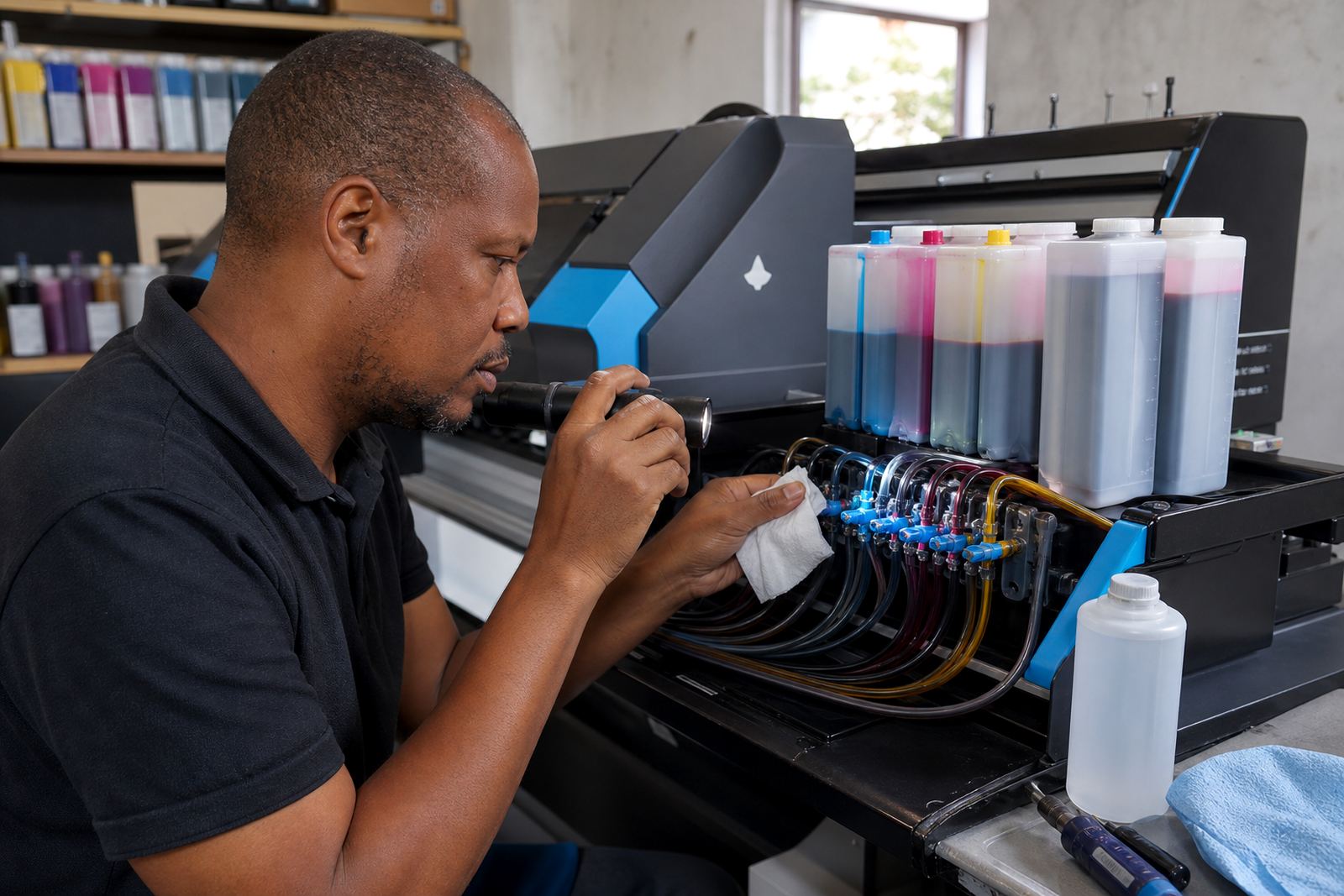
Remote troubleshooting is for the jobs that do not need an on-site visit. That usually means streaks after a refill, blocked nozzles, air in ink lines, a printer not recognising a cartridge chip, poor colour balance, damp storage issues and setup snags on a continuous ink supply system. We also help when a wide-format printer is laying down banding, missing one colour or acting up after the machine has stood unused for a while.
The support is practical and specific. We look at the printer model, the ink type already in use, the age of the cartridges or refill set and the way the machine has been handled in the last few jobs. If the issue points to a clogged head, wrong ink choice, a loose hose or a chip contact problem, we work from there. If a cleaner route is needed, we will say so. A good fix starts with the right symptom, not a guess.
- Cartridge recognition and chip faults
- Clogging, banding and missing nozzles
- Ink mismatch between dye and pigment systems
- Leaks, air gaps and priming problems
How the fault is narrowed down step by step
We start with the printer type and the supply setup, then move through the symptoms in a proper order. A benchtop office printer does not behave the same way as a wide-format machine, and a CISS system needs different checks from a standard refurbished cartridge set. The first task is to separate printhead trouble from supply trouble, because the wrong fix can waste ink and make the output worse.
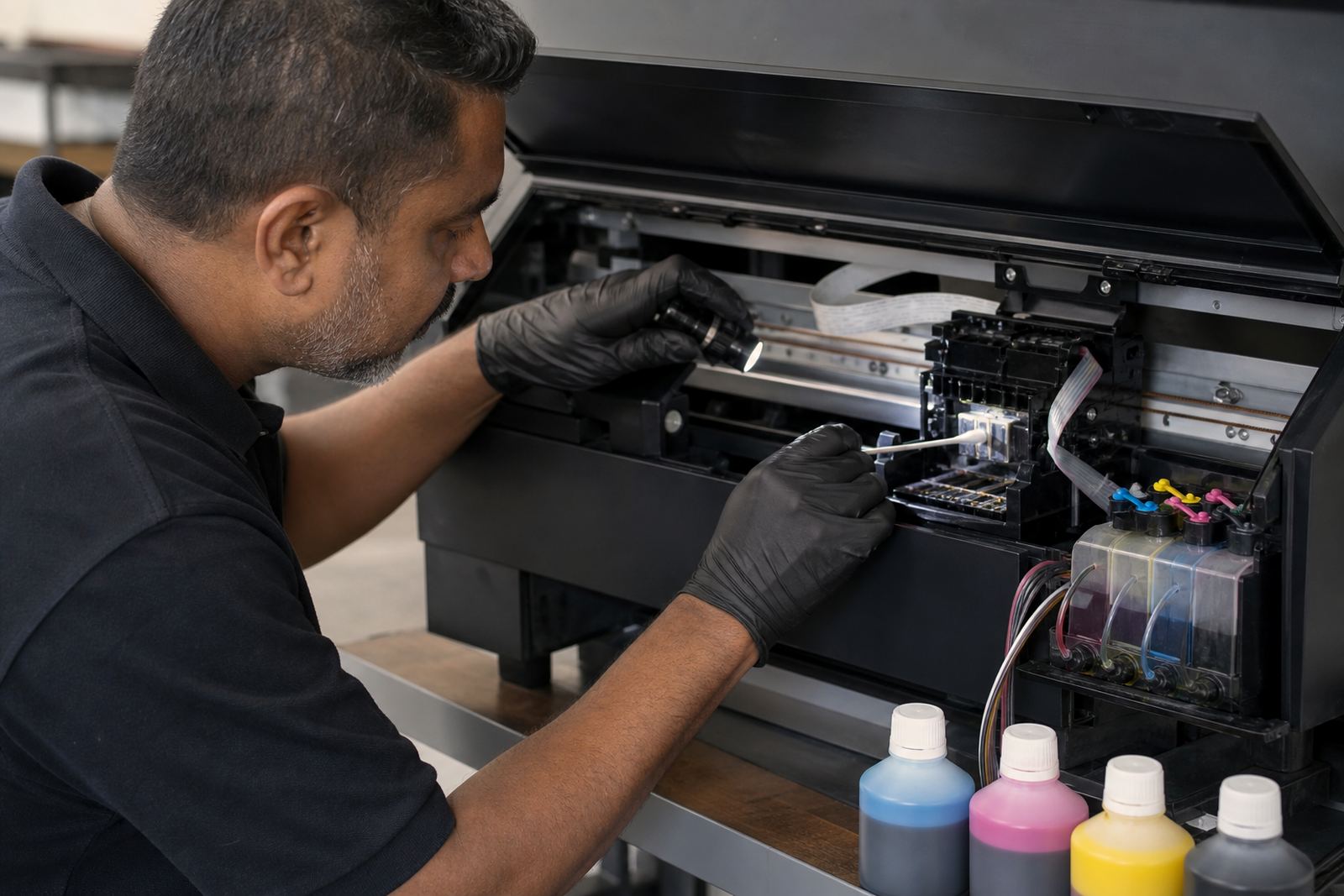
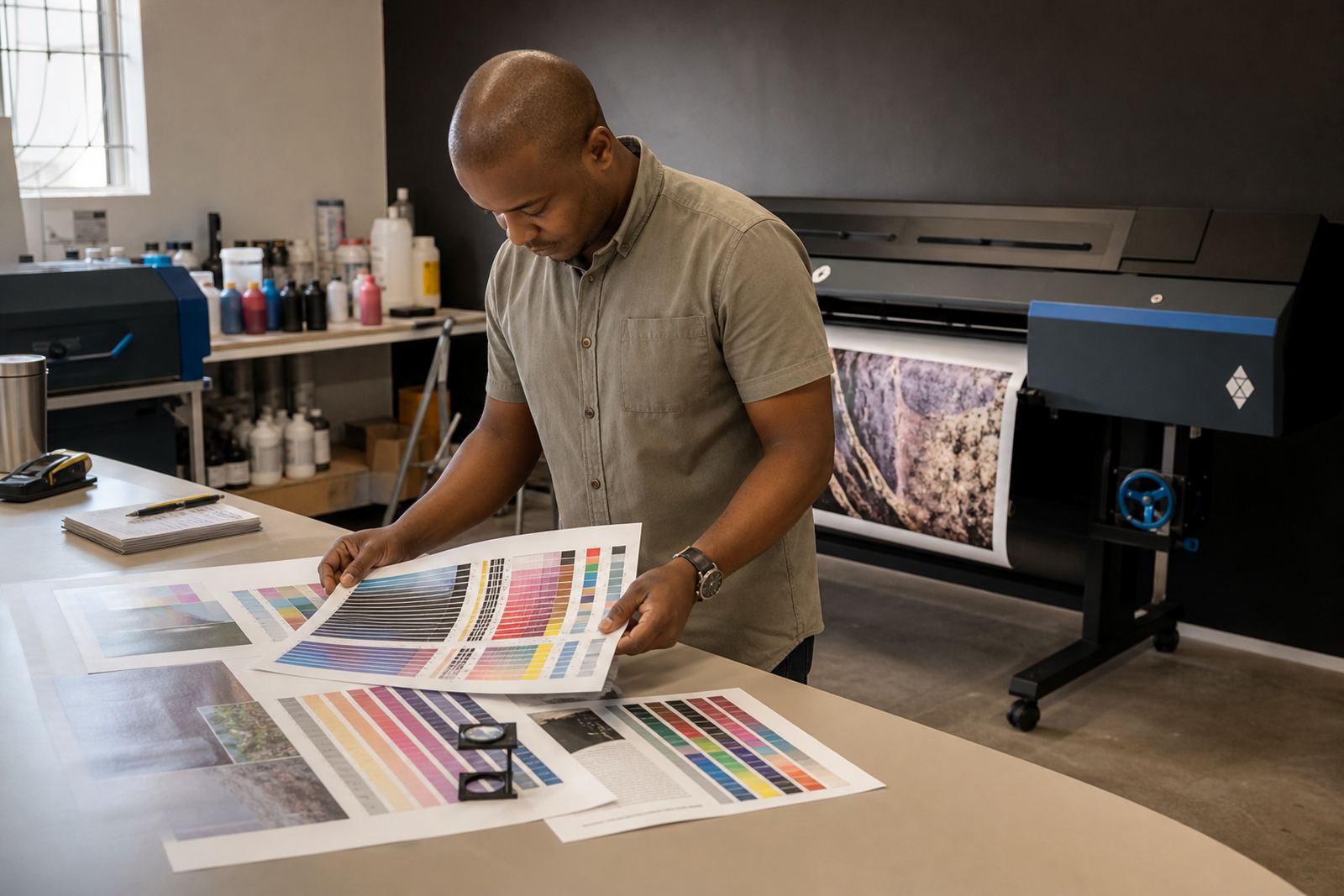
During the call or message exchange, we may ask for a nozzle check, a photo of the print sample, the ink bottles in use and the last refill or cartridge change. If a chip resetter is part of the setup, we check whether the cartridge has been seated properly and whether the contacts are clean. When the issue is colour drift, we look at ink type, paper choice and whether the machine has been left idle in a warm office or a coastal room with humidity. That kind of detail matters in Durban and along the coast.
- Nozzle check patterns for blocked lines
- Photos of banding, smears or faded blocks
- Ink type used in the current load
- Recent refill, reset or cartridge swap
What we can guide over phone or message
Some problems are sorted by talking through the right sequence. We can guide a clean cartridge reseat, a priming step, a head clean cycle, a line purge on a refill system, or the correct way to handle a new bottle set. If the machine needs a restart after a chip reset, or the cartridge needs a little adjustment in the holder, we will talk you through it plainly.
We also give guidance on ink type selection. Dye ink behaves differently from pigment ink. Dye tends to suit bright colour work and smoother blends, while pigment is often used where sharper text and better resistance are needed. Put the wrong type in the wrong place and the printer can show dull colour, clogged nozzles or inconsistent flow. For artists, design studios and print shops, that distinction saves a lot of cleaning and wasted stock.
- Cartridge reseating and contact cleaning
- Priming a refill system without flooding the lines
- Choosing dye or pigment for the job
- Recovering a printer after idle time
Service flow from first check to clear output
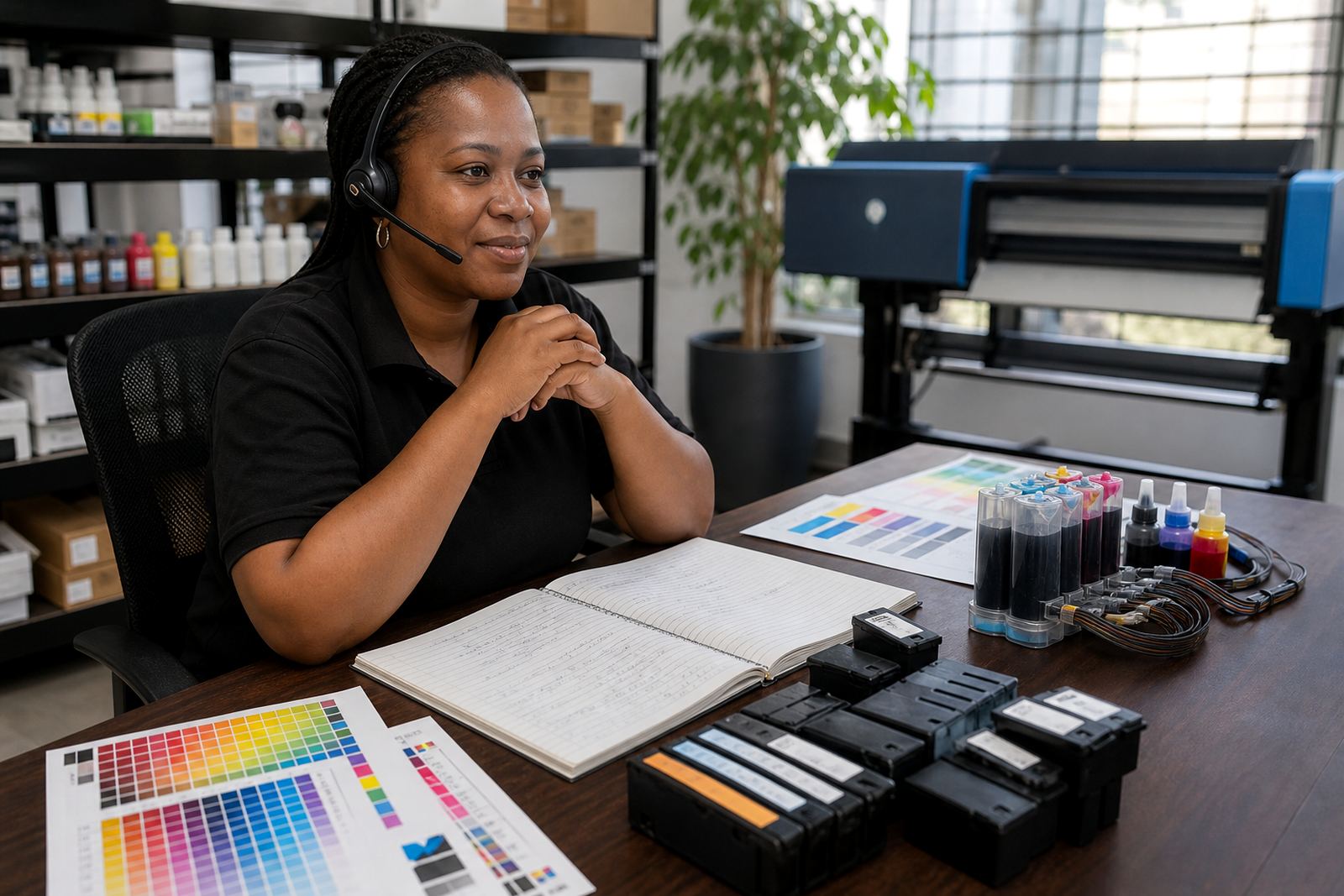
The process is straightforward. You send the fault details through our contact form, or share them by message if the job is already underway. We then ask for the parts that matter: printer model, ink setup, symptoms and a sample of the print issue where possible. From there we give the next checks in order, not a long list that leaves the operator guessing.
On more involved calls, we may ask for one change at a time so the result can be judged properly. That could mean a nozzle check after cleaning, then a small purge, then a test page. It sounds slow but it prevents fresh ink from being wasted on top of a problem that was already there. If the fault is linked to the way the cartridge or refill kit was installed, we explain the fix in plain steps the staff can repeat without confusion.
- Step 1: identify the printer and ink setup
- Step 2: inspect the symptom and test pattern
- Step 3: apply the next fix in sequence
- Step 4: confirm the print result before moving on
Pricing approach for remote fault support
Our pricing is based on the kind of support required, not on guesswork. A quick check for a cartridge not being recognised is different from a longer session on a wide-format system with repeated nozzle loss. Where the issue is tied to a refill method, chip reset, or incorrect ink type, we quote against the time and detail involved. That keeps the charge tied to the work that is actually needed.
When a job may need parts, such as a replacement cartridge, a resetter, cleaning fluid or a new refill kit, we separate labour guidance from supply costs. Offices, studios and print rooms often prefer that split because it makes stock control easier. If the current setup is not worth rescuing, we say so plainly and can move the conversation to the next practical option.
- Labour guidance and supply items are separated
- Faults are priced by complexity and time
- Longer printhead recovery work is handled differently from a simple reset
- Replacement parts are quoted separately where needed
Aftercare for the days after the fix
After the fault is sorted, we help with the next few checks so the same issue does not creep straight back in. That may include a clean print test, a note on how often the machine should be used, and advice on storage for spare ink in Westville, Durban heat or in a dusty office room inland. For wide-format users, we also look at how long the machine sits between jobs, because idle periods can dry heads and pull air into lines.
We can also help with empty cartridge return planning, refill stock planning and operator training for staff who handle the printer every week. A simple routine around clean hands, capped bottles and correct seating goes a long way. If the printer is shared by several people, we suggest one person keeps the refill notes so the next fill follows the same method and the colours stay steady.
- Post-fix print tests and visual checks
- Advice on safe storage for spare ink
- Notes for staff handling repeat refills
- Empty return guidance for used cartridges
Key facts
| Service area | Westville, Durban and courier support across South Africa |
|---|---|
| Support type | Phone and message troubleshooting |
| Common systems | Refurbished cartridges, refill kits and CISS setups |
| Printer types | Office printers, design studio units and wide-format machines |
| Ink guidance | Dye and pigment selection, colour balance and nozzle care |
| Follow-up options | Operator training, stock planning and empty return guidance |